Mac Tools Smart Tools
Stanley Black & Decker, Inc.
4.6 ★
62 ratings
Free
With this tool management app, you can control and calibrate your Smart Torque wrench, set target torque values, and generate reports. Includes support for multiple measurement units, torque sequence creation, and activity history tracking.
AppRecs review analysis
AppRecs rating 4.6. Trustworthiness 74 out of 100. Review manipulation risk 24 out of 100. Based on a review sample analyzed.
★★★★☆
4.6
AppRecs Rating
Ratings breakdown
5 star
84%
4 star
6%
3 star
5%
2 star
0%
1 star
5%
What to know
✓
Low review manipulation risk
24% review manipulation risk
✓
Credible reviews
74% trustworthiness score from analyzed reviews
✓
High user satisfaction
84% of sampled ratings are 5 stars
About Mac Tools Smart Tools
With the Mac Tools App, take control of your Smart Torque wrench and set quickly target torque, help reduce errors, and record measurement for audit. Set values, recall favorites, and generate reports.
Supports multi units N.m, kg.cm, lbf.ft and lbf.in as well as angle measurement.
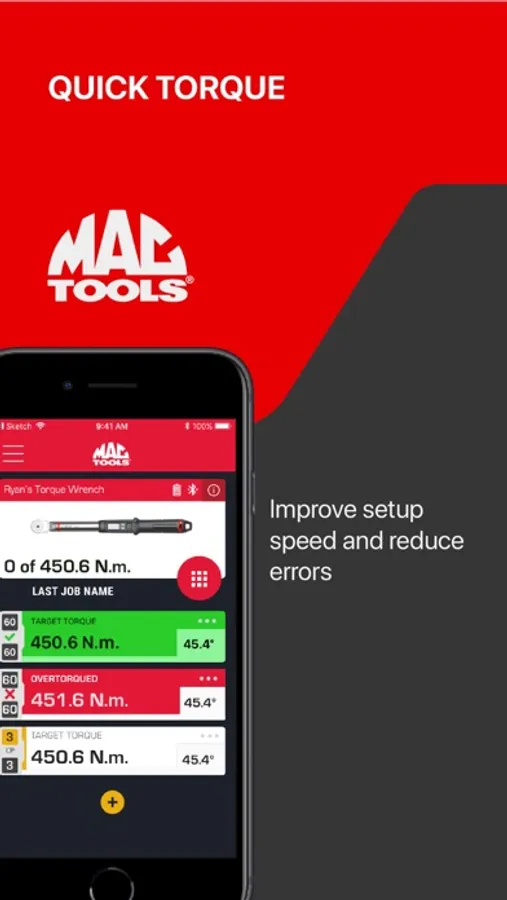
Quick Torque:
- Easily set target torque as absolute values
- Removing the need to read mechanical scales
- Improve setup speed and reduce errors.
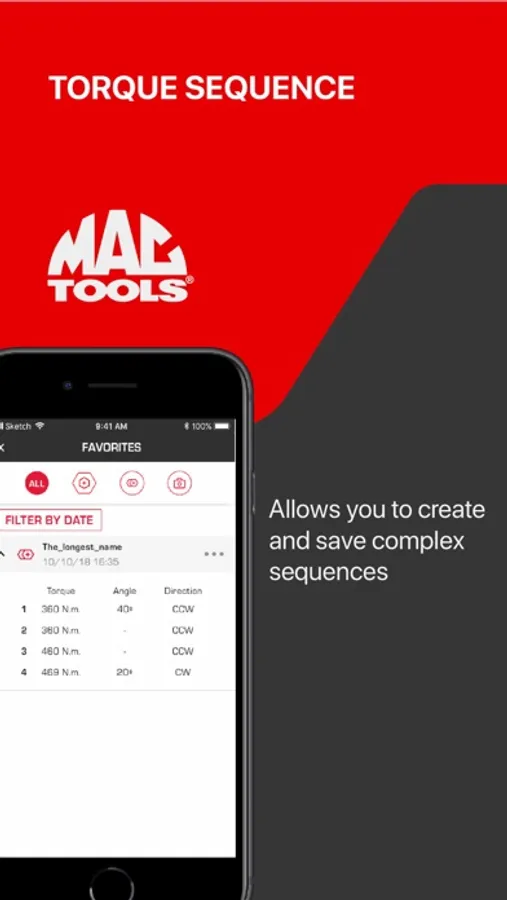
Torque Sequence
- Allows you to create and save complex sequences,
- Single-pass sequences allows you to tighten each bolt to max specs in one go.
- Multiple-pass sequences allows you to tighten each bolt in a multi-stage
- The wrench will auto advance during the task once you have reached your target, saving time.
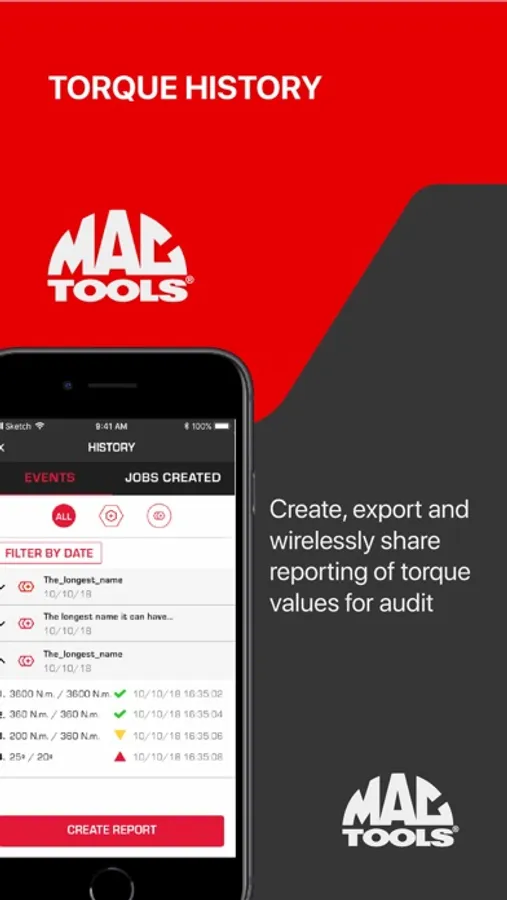
Torque History
- Create, export, and wirelessly share reporting of torque values for audit.
- View completed Torque Activities
- View Achieved Torque Target: Overtorque, Undertorque, or Within Range
- View Achieved Angle: Exceeded or Within Range
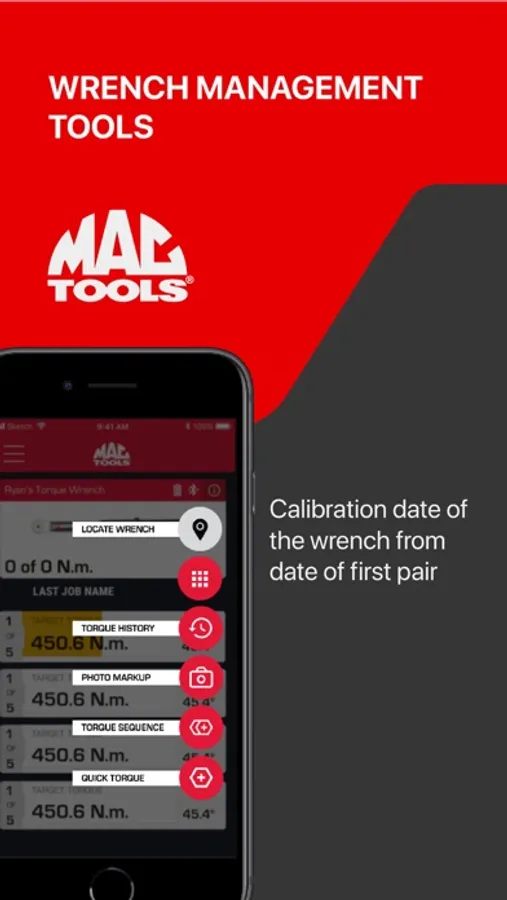
Wrench Management Tools
- Click count towards calibration as determined by standards
- Calibration date for the wrench from date of first pair
Mac Tools Smart Tools Screenshots
Tap to Rate:
Reviews for Mac Tools Smart Tools
Sioma
Task Mobile RIP
I bought the Mac Tools task mobile OBD II scanner long time ago and the App is no longer supported. Why would you trust a brand if they just killed the App that people paid money for sometime ago and cannot use it anymore because the DEV got lazy and decided to stop supporting the product ?!
blinx479
Yes
I love my twxs100bt but my app keeps crashing any time I use it the app will crash and I have to redo everything