
AppRecs review analysis
AppRecs rating 3.5. Trustworthiness 78 out of 100. Review manipulation risk 17 out of 100. Based on a review sample analyzed.
★★★☆☆
3.5
AppRecs Rating
Ratings breakdown
5 star
50%
4 star
0%
3 star
50%
2 star
0%
1 star
0%
What to know
✓
Low review manipulation risk
17% review manipulation risk
✓
Credible reviews
78% trustworthiness score from analyzed reviews
About yaMPC
FREE Features:
- Able to register multiple MPD Servers and switch them to control.
- Scan button auto-detects MPD 0.20 or later versions (need to enable Zeroconf), Volumio or MoOde
- Easy Cover-Arts settings for MPD 0.21 or later versions, Volumio or MoOde.
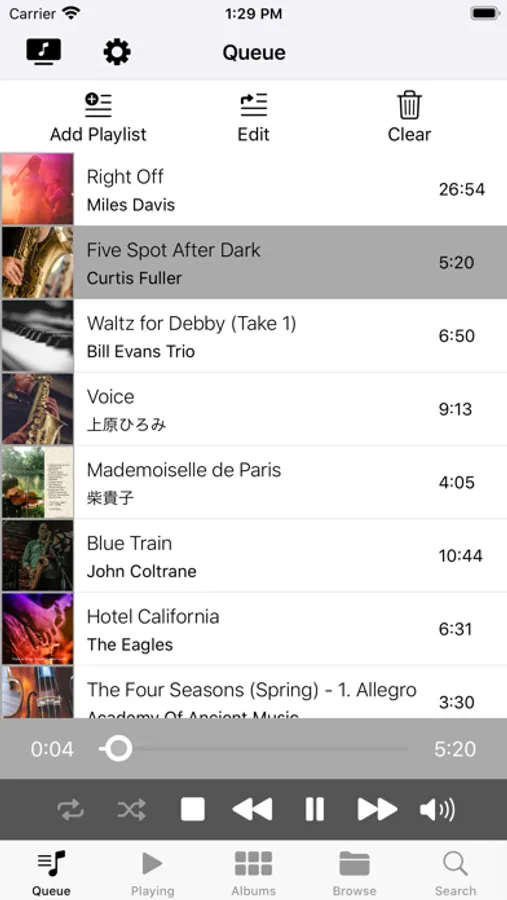
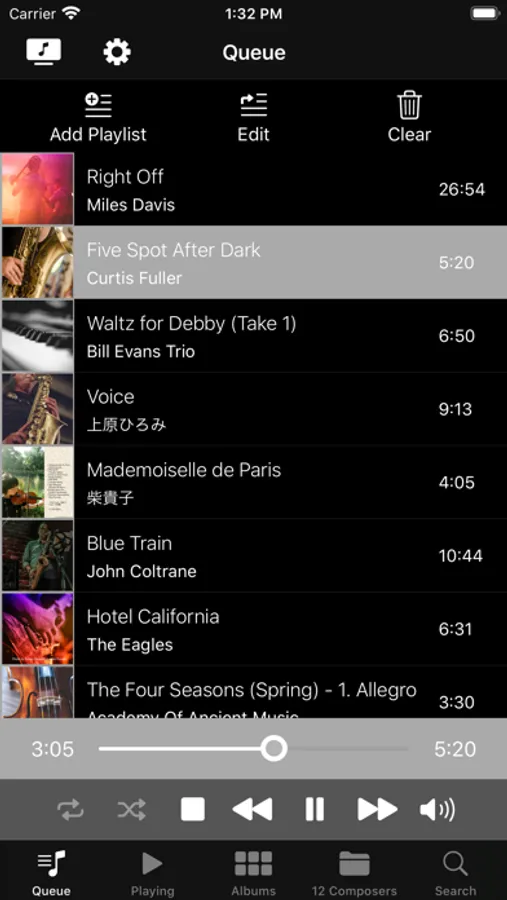
- Queue scene: lists songs in the Queue (or the Current Playlist), plays a song by tapping. Allows you to edit and clear queue.
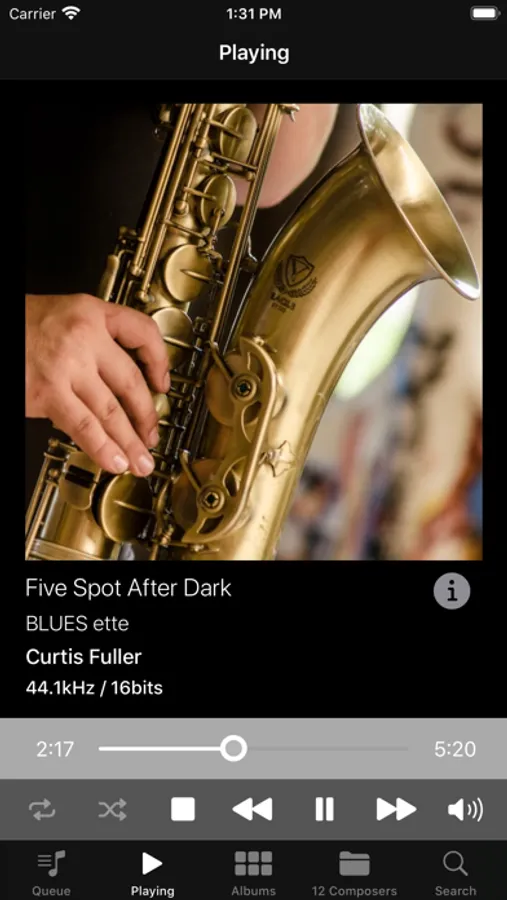
- Queue and Play scenes: You can play songs and pause, play next song, previous song, play randomly or repeatedly. Fast forward and rewind with buttons or slide bar. Controlling volume.
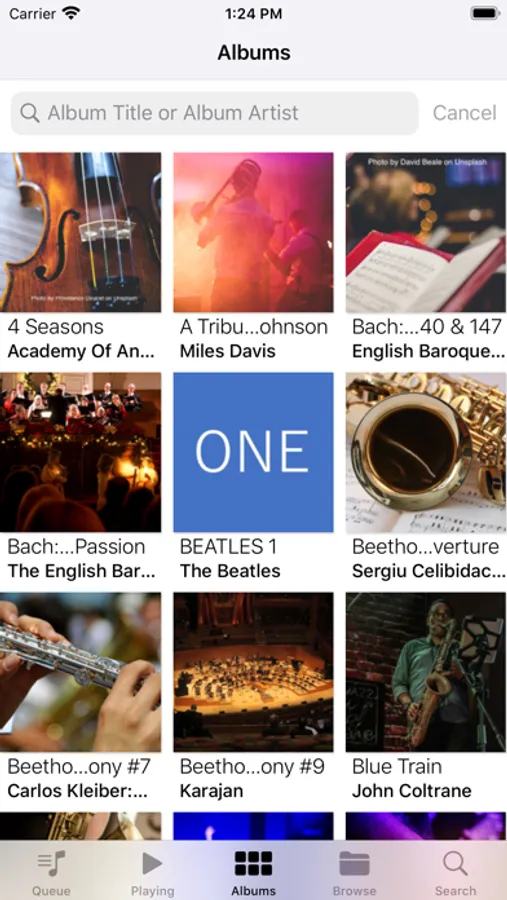
- Albums scene: lists albums with cover-arts, album titles and album artists. Filter albums by album title and/or album artists.
- Albums songs sub-scene: lists songs in the tapped album. Add a song to Queue and/or play the song.
Features require In-App Purchase:
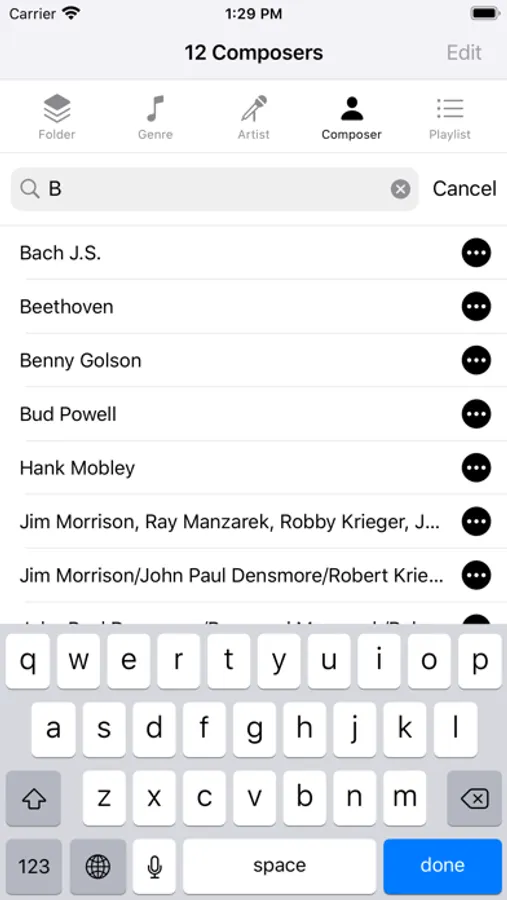
- Browse scene: lists Genres, Artists, Composers, Playlist or Folder contents. Filter them by any text. You can display albums and songs by tapping an item in the list.
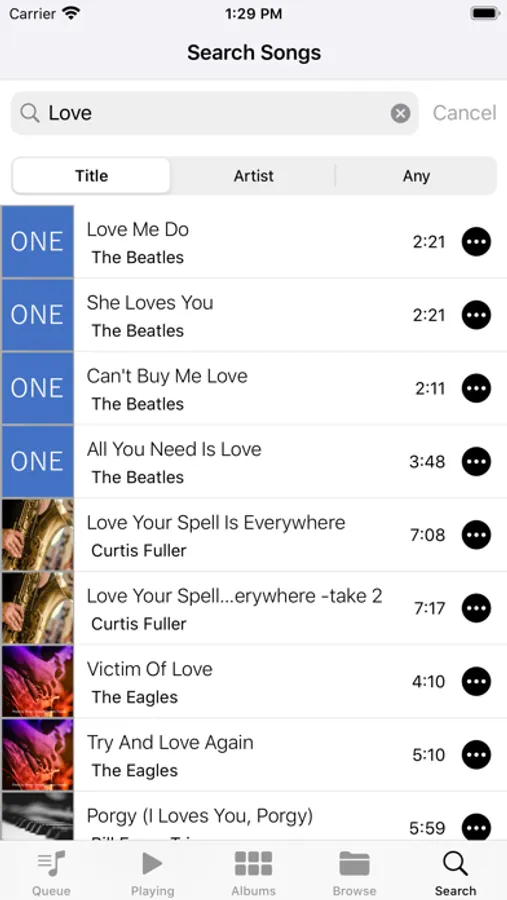
- Search scene: You can search songs by title, artist or any tag. Play a song by tapping it.
yaMPC Screenshots

Tap to Rate:
Reviews for yaMPC
44D3A7HQ
Janky, poorly designed
All networking operations appear to happen on the UI thread, which causes the app to freeze if it is in the middle of something. No indication that the app hasn't crashed. It often stays this way until some timeout has reached, which can be as long as 30 seconds (!!!). It will sometimes give you cryptic dialogs like "when there is a check mark, press <Queue" which makes me feel like I'm answering a riddle to cross a bridge or something. The app does at least function, though. But there aren't any better MPD clients on the app store.
Tuxmm
Works great
Works as advertised. User needs to have basic understanding of how MPD works. Thank you to the developer for making this app!