AppRecs review analysis
AppRecs rating 2.8. Trustworthiness 80 out of 100. Review manipulation risk 18 out of 100. Based on a review sample analyzed.
★★☆☆☆
2.8
AppRecs Rating
Ratings breakdown
5 star
33%
4 star
33%
3 star
0%
2 star
0%
1 star
33%
What to know
✓
Low review manipulation risk
18% review manipulation risk
✓
Credible reviews
80% trustworthiness score from analyzed reviews
⚠
Mixed user feedback
Average 2.8★ rating suggests room for improvement
About QShare
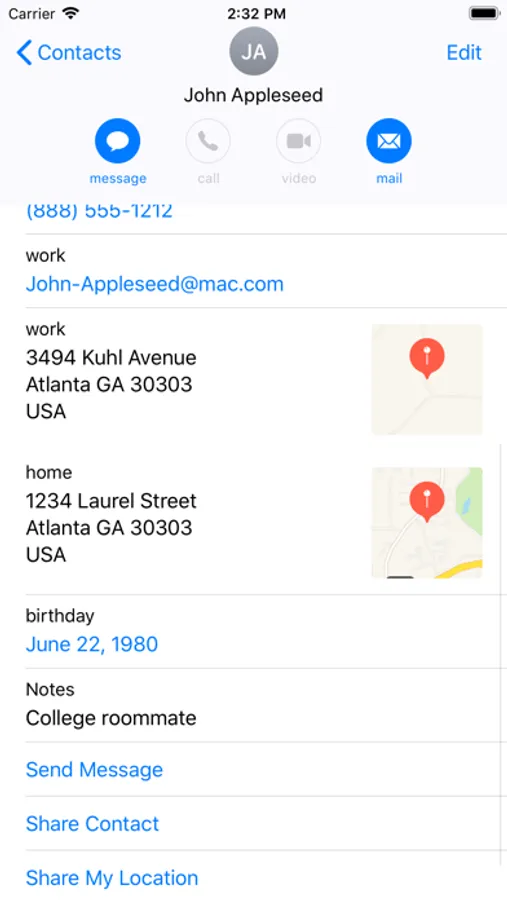
Easily share your contacts with people around you.
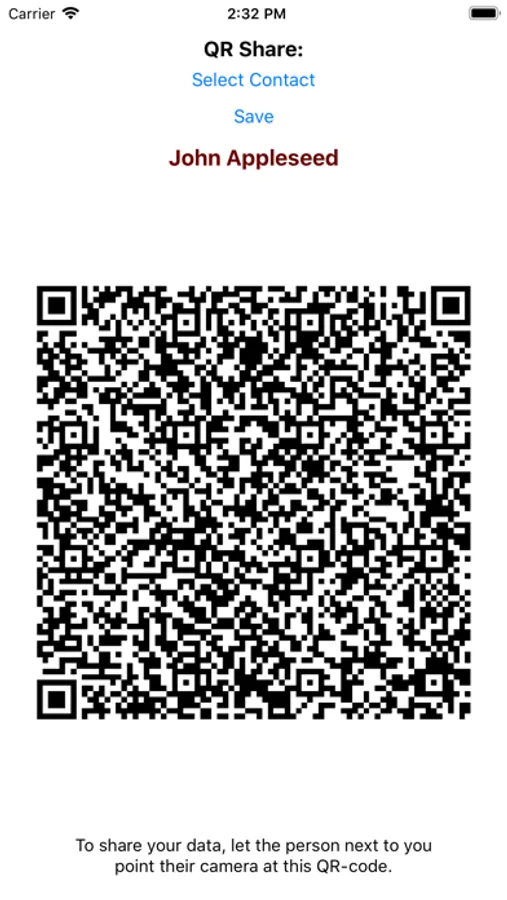
Just let them point their camera at your phone, they don't need to install anything**.
+ Share your own profile
+ Share your contacts
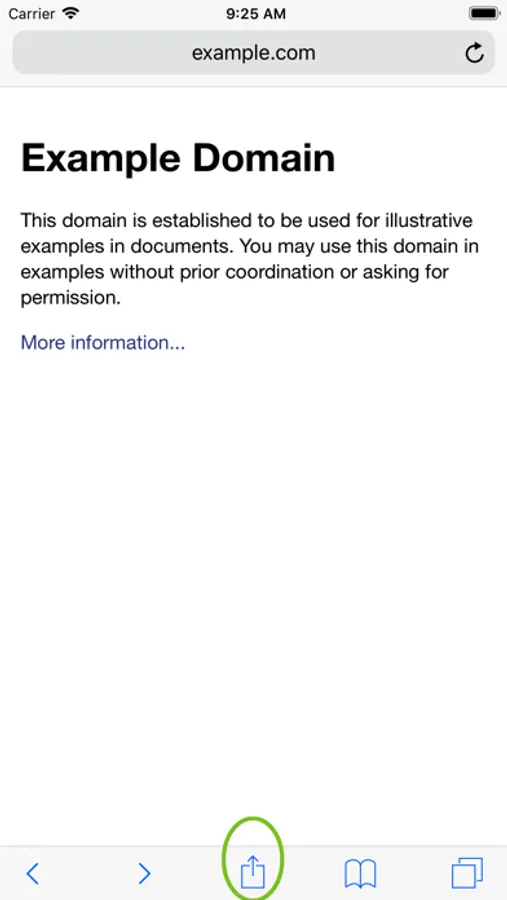
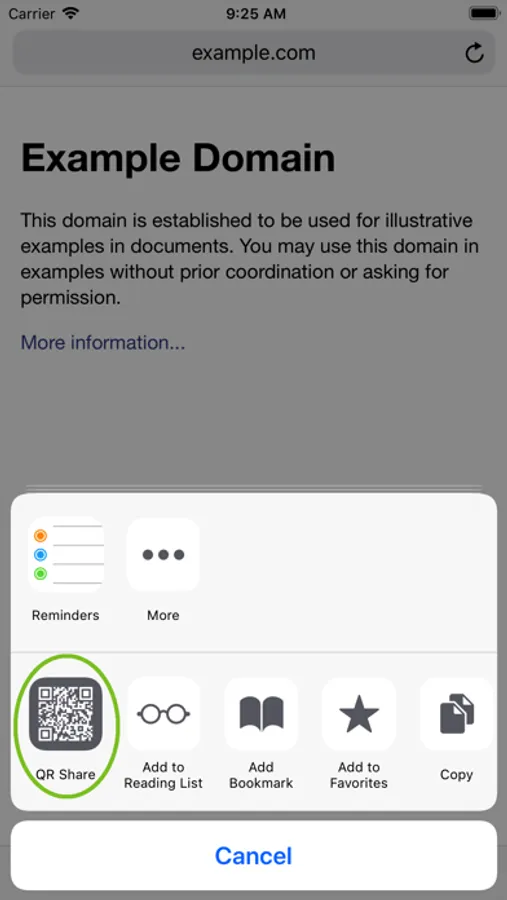
+ Share links of your browser
+ Share an email address
+ Share a selected phone number
+ Share the content of your clipboard
+ Share any text
+ Share locations
+ Share your apps
+ Share any URL
+ Share notes
+ Share anything that conforms to URIs or text
The above feature-list works between any devices**, no internet connection required, no bluetooth required, no wifi required.
Did you ever meet some friend, stranger, or coworker and wanted to quickly give them your contact information, or share a webpage? Now it is just two taps away, even if you are not connected to them in any social network.
In upcoming versions you will be able to:
* Share your documents
* Share your events
* Share your files
* Share your music
* Share your movies
* Share your photos
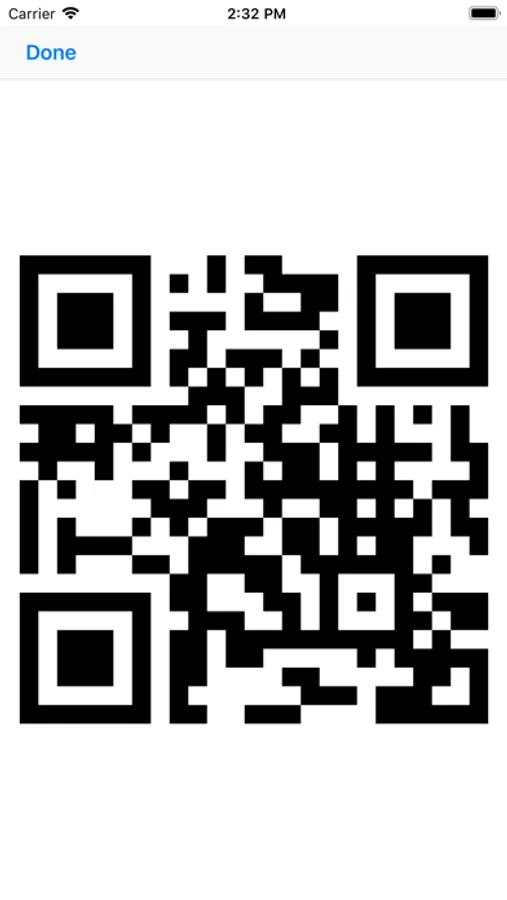
… all by showing the person near you the generated QR-Code to the resource.
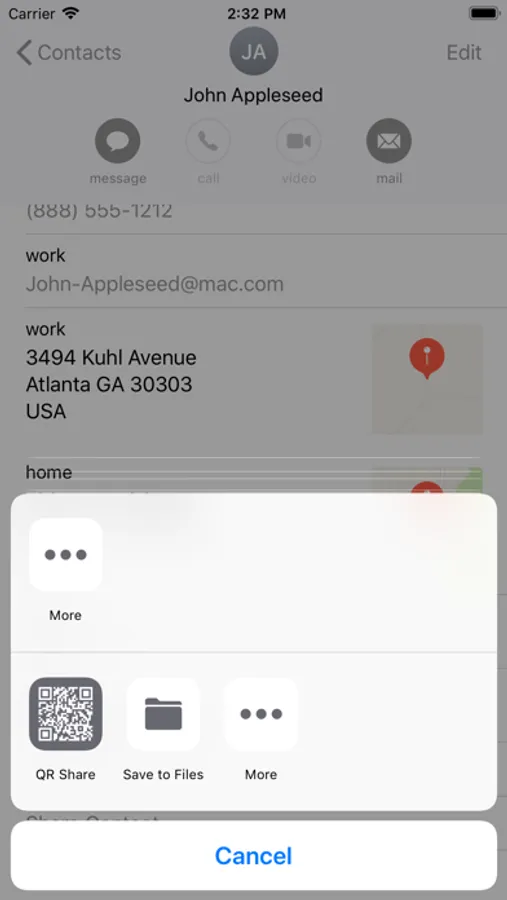
App extension works in many contexts: Whenever an app allows you to share things, QShare will likely offer an option to share.
** The app creates so called QR-Codes on the fly, modern phones can read them just by opening the builtin camera. Older phones might need a special QR-code reader app, iOS 12 comes with this functionality out of the box.
Just let them point their camera at your phone, they don't need to install anything**.
+ Share your own profile
+ Share your contacts
+ Share links of your browser
+ Share an email address
+ Share a selected phone number
+ Share the content of your clipboard
+ Share any text
+ Share locations
+ Share your apps
+ Share any URL
+ Share notes
+ Share anything that conforms to URIs or text
The above feature-list works between any devices**, no internet connection required, no bluetooth required, no wifi required.
Did you ever meet some friend, stranger, or coworker and wanted to quickly give them your contact information, or share a webpage? Now it is just two taps away, even if you are not connected to them in any social network.
In upcoming versions you will be able to:
* Share your documents
* Share your events
* Share your files
* Share your music
* Share your movies
* Share your photos
… all by showing the person near you the generated QR-Code to the resource.
App extension works in many contexts: Whenever an app allows you to share things, QShare will likely offer an option to share.
** The app creates so called QR-Codes on the fly, modern phones can read them just by opening the builtin camera. Older phones might need a special QR-code reader app, iOS 12 comes with this functionality out of the box.
QShare Screenshots
Tap to Rate:
Reviews for QShare
Nikolay Kepenerov
The QR share functionality in iPhone X
I am using iPhone X and iOS 14+. When I try Qshare app with phone from contacts is working. But when going to contact ant try to share with Qshare not working.
IQ Bot
Impress your contacts
It is so easy to use. You make your contacts to drop their jaws