AppRecs review analysis
AppRecs rating 3.7. Trustworthiness 0 out of 100. Review manipulation risk 0 out of 100. Based on a review sample analyzed.
★★★☆☆
3.7
AppRecs Rating
Ratings breakdown
5 star
67%
4 star
0%
3 star
0%
2 star
0%
1 star
33%
What to know
✓
Good user ratings
67% positive sampled reviews
About Video 2 WebM Cross Converter
WebM file is the standard format for HTML 5 video.
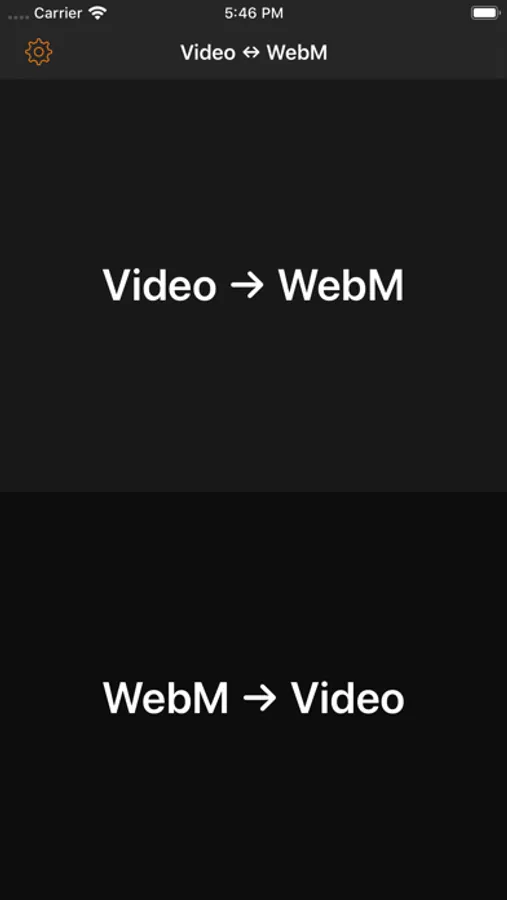
[Video 2 WebM] enables you to convert any video in your iPhone to WebM format.
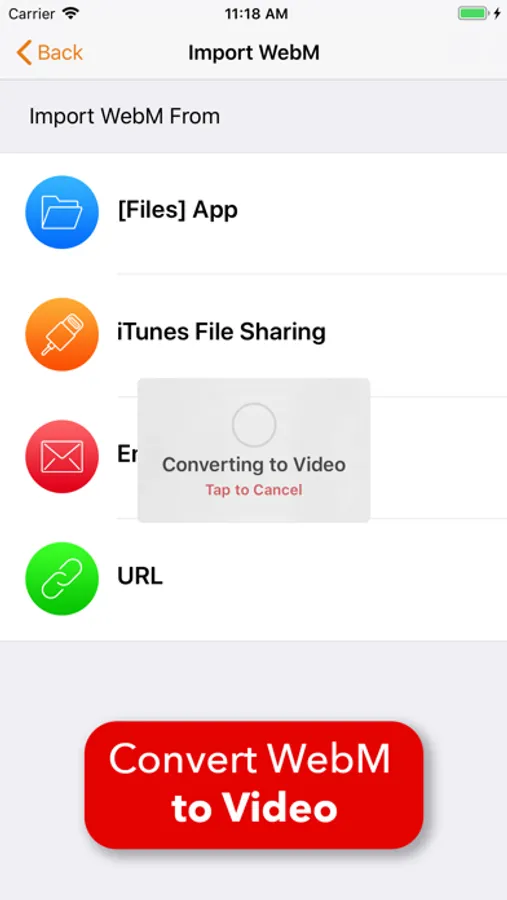
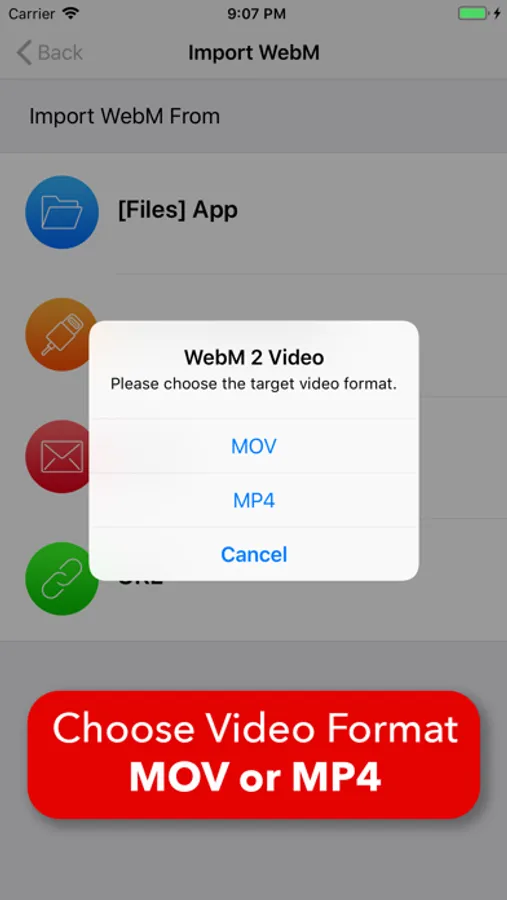
You can also import WebM file from anywhere you want and convert it to MOV or MP4 video format.
It provides the most professional WebM conversion options. You can create WebM file which meets your requirement easily.
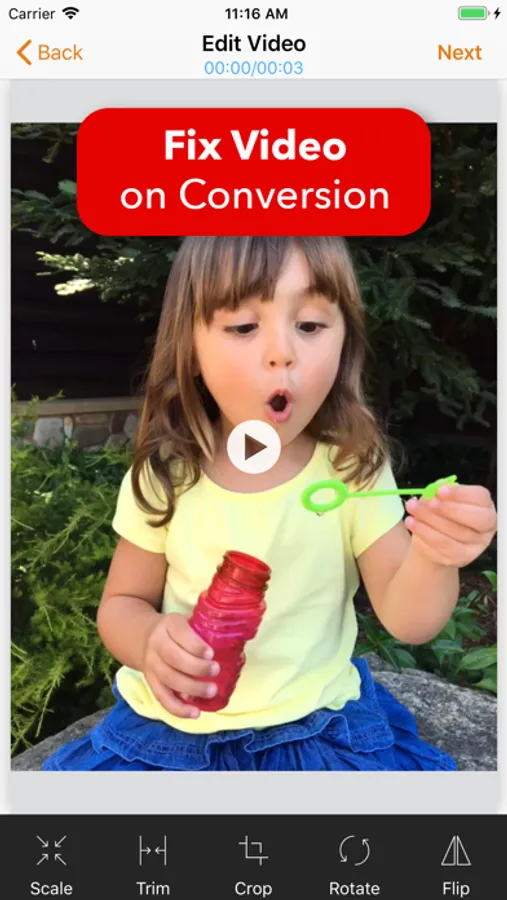
It also provides powerful video editing tools like trim, crop, resize, rotation and flip.
[Video 2 WebM]
• Convert any video format(like mov, mp4) to WebM format.
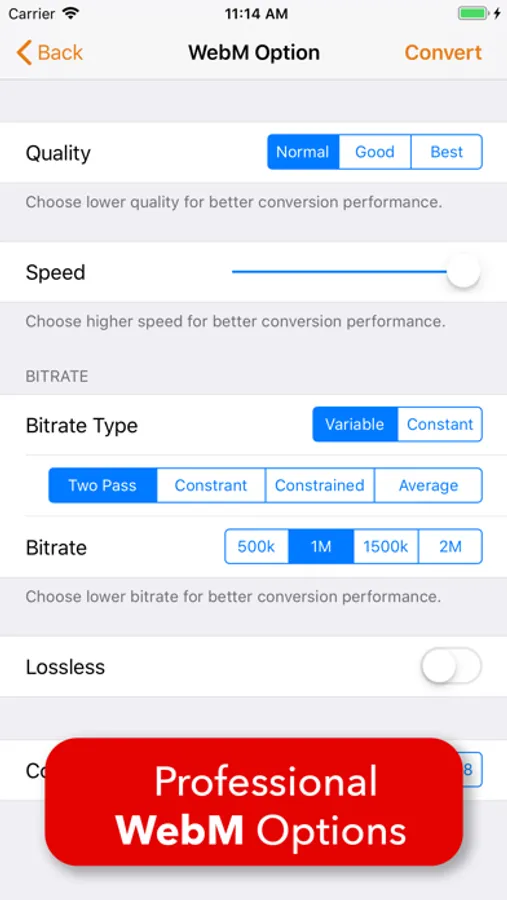
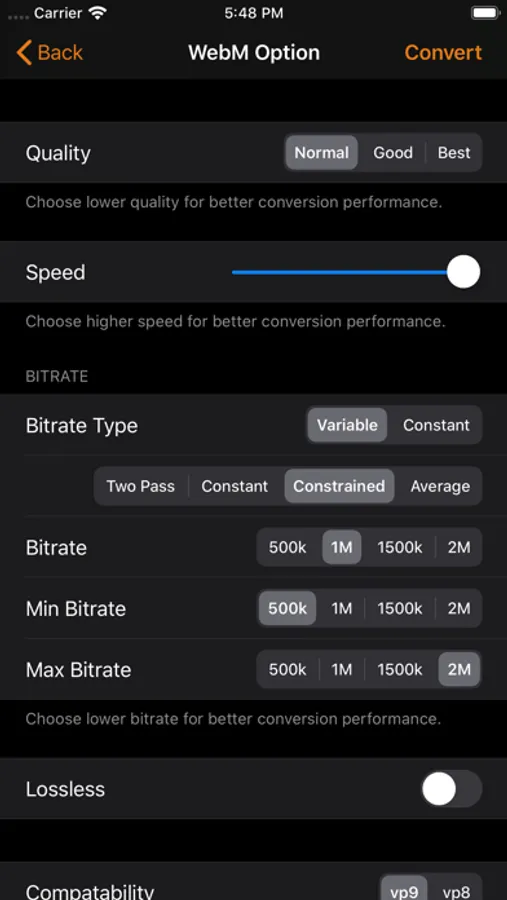
• Professional WebM options
- WebM quality
- WebM conversion speed
- Two pass variable bitrate
- Constant quality variable bitrate
- Constraint quality variable bitrate
- Average quality variable bitrate
- Constant bitrate
- Lossless
- Compatability : vp9 vs. vp8
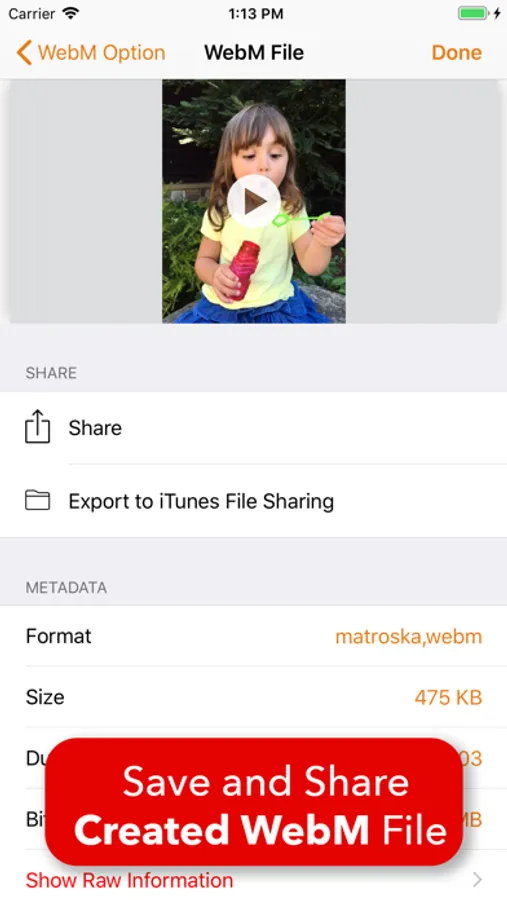
• Share the converted WebM file.
• Powerful video editor.
[WebM 2 Video]
• Convert WebM format to video format(mov or mp4).
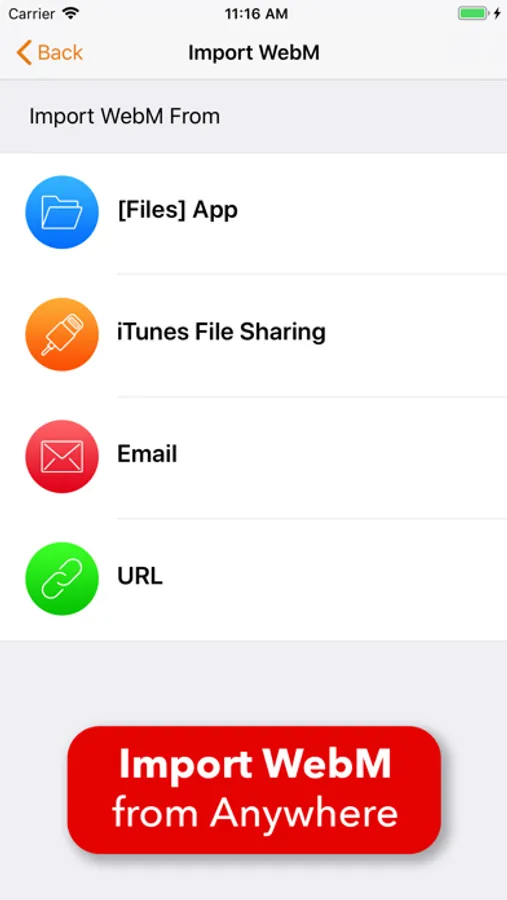
• Import WebM file from anywhere you want
- Import from [Files] app
- Import from iTunes file sharing
- Import from email attachment
- Download from url
• Powerful video editor.
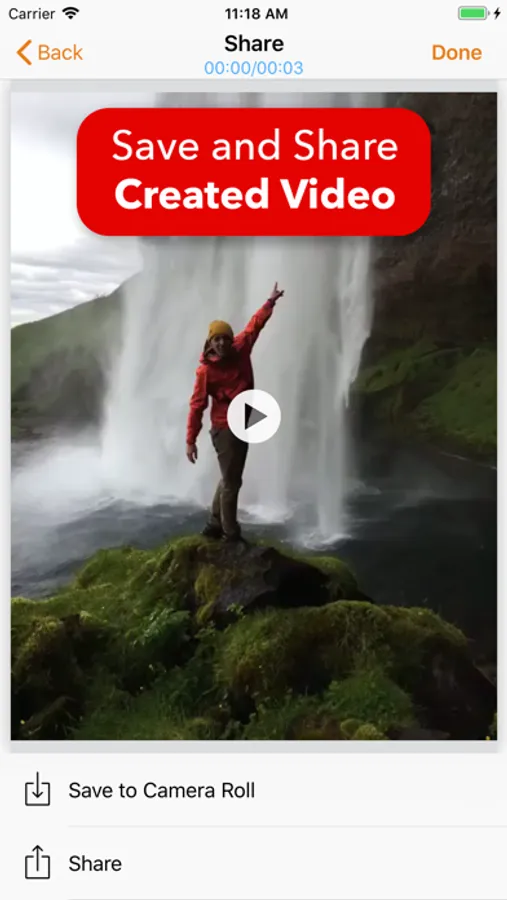
• Save the converted video to Camera Roll.
• Share the converted video.
[Video 2 WebM] enables you to convert any video in your iPhone to WebM format.
You can also import WebM file from anywhere you want and convert it to MOV or MP4 video format.
It provides the most professional WebM conversion options. You can create WebM file which meets your requirement easily.
It also provides powerful video editing tools like trim, crop, resize, rotation and flip.
[Video 2 WebM]
• Convert any video format(like mov, mp4) to WebM format.
• Professional WebM options
- WebM quality
- WebM conversion speed
- Two pass variable bitrate
- Constant quality variable bitrate
- Constraint quality variable bitrate
- Average quality variable bitrate
- Constant bitrate
- Lossless
- Compatability : vp9 vs. vp8
• Share the converted WebM file.
• Powerful video editor.
[WebM 2 Video]
• Convert WebM format to video format(mov or mp4).
• Import WebM file from anywhere you want
- Import from [Files] app
- Import from iTunes file sharing
- Import from email attachment
- Download from url
• Powerful video editor.
• Save the converted video to Camera Roll.
• Share the converted video.
Video 2 WebM Cross Converter Screenshots
Tap to Rate:
Reviews for Video 2 WebM Cross Converter
Turkyrrfvh
Horrible
Crashes right before it converts or it just restarts the conversation once it’s completed
Monsterberger
No good on iPad Pro
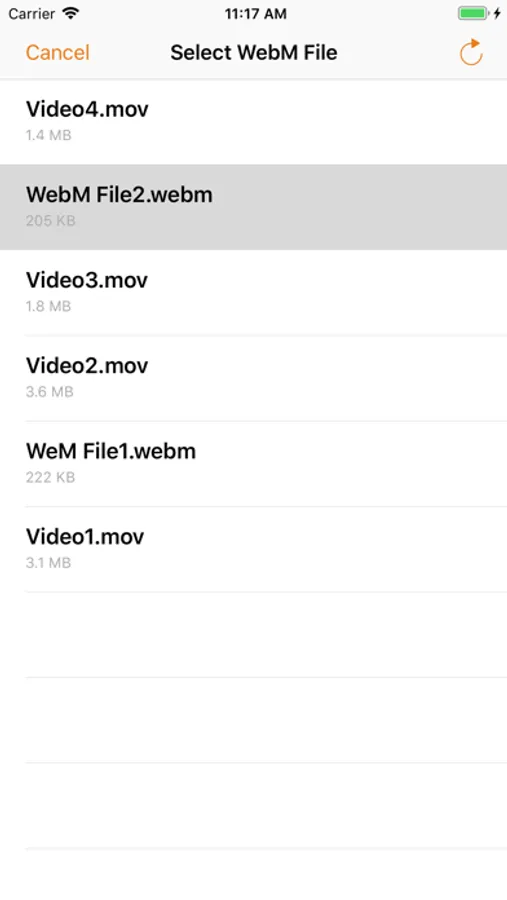
Absolutely no results in converting .webm files from the”Files” app. You select the file, and the app makes no progress. Not even a progress bar.