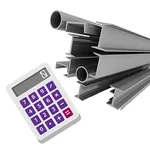
With this metal weight calculator app, you can determine the mass, length, and price of various metal shapes by inputting dimensions and selecting metal types. Includes multiple shape options, unit conversions, and price calculations.
AppRecs review analysis
AppRecs rating 4.1. Trustworthiness 75 out of 100. Review manipulation risk 25 out of 100. Based on a review sample analyzed.
★★★★☆
4.1
AppRecs Rating
Ratings breakdown
5 star
68%
4 star
9%
3 star
4%
2 star
4%
1 star
15%
What to know
✓
Low review manipulation risk
25% review manipulation risk
✓
Credible reviews
75% trustworthiness score from analyzed reviews
✓
High user satisfaction
77% of sampled ratings are 4+ stars (4.1★ average)
About Weight calculator for metals
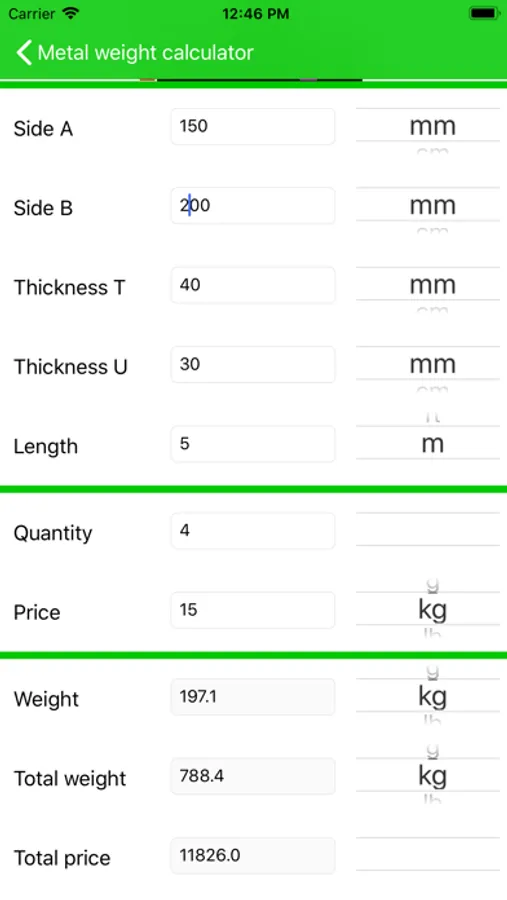
The app can also calculate the total weight if you enter the quantity and it can also calculate the total price if you also enter the price per unit of weight.
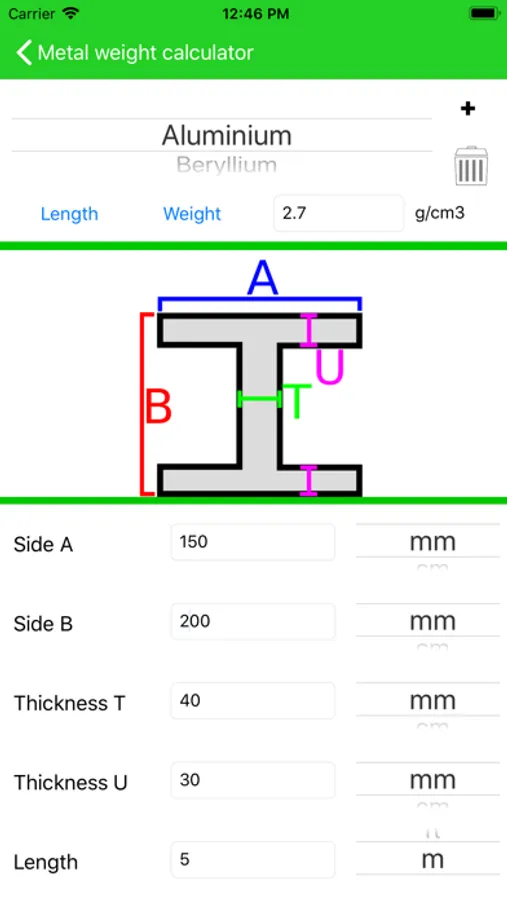
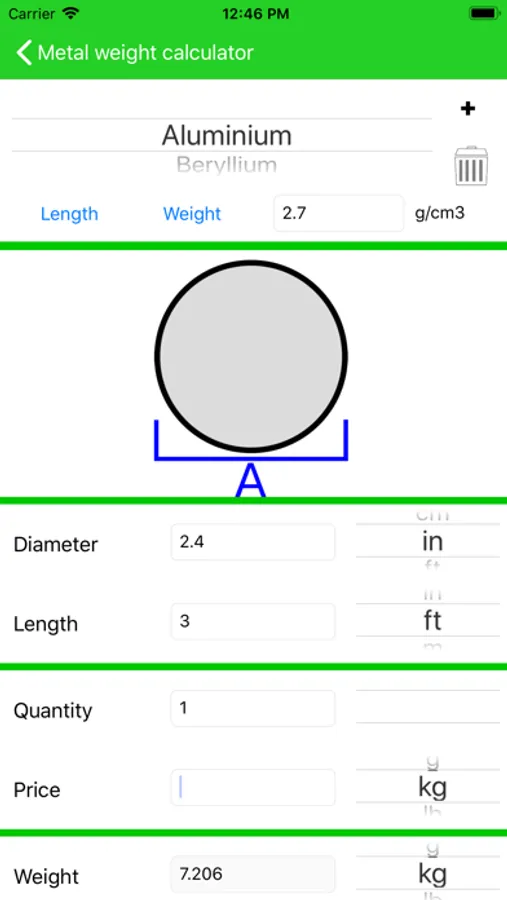
You can choose between millimeter, centimeter, meter, inch or feet for lengths and you can choose between gram, kilogram and imperial pounds for weight. Each shape has a clear diagram that shows the lengths you have to enter.
You can choose between the length or the weight mode. The length mode calculates the weight and requires you to know all lengths of the shape. The weight mode lets you calculate the length of the shape by entering all other lengths and the weight.
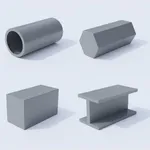
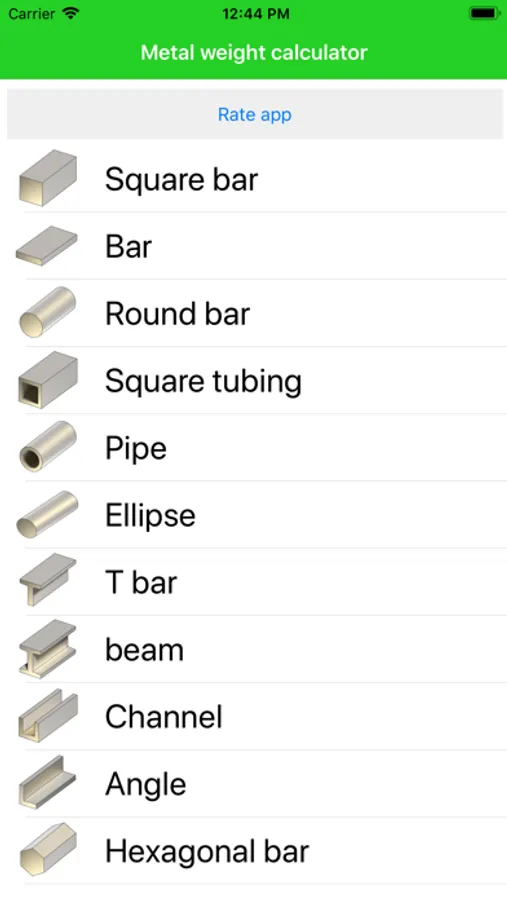
The following shapes are available in the free version: square bar, bar, round bar, square tubing, pipe, ellipse, T bar, beam, channel, angle, hexagonal bar and sheet.
You can upgrade to the pro version to remove the ads and get the following shapes: half circle, half ellipse, triangle, mesh, S bar, U bar, Z bar, V bar, F bar, E bar.
Weight calculator for metals Screenshots
Tap to Rate:
Reviews for Weight calculator for metals
Tariq 1971
Productivity
It’s an excellent app , very much user friendly and has great features that make calculations easy
Yarrr1122334567
One star is too much
Wish I could give it less Tina one star. This app is very ill designed. It’s been bad for years and just gets worse. You cannot set, in/mm/cm etc or feet or any of it. The units of measure just stop in arbitrary places. then you can’t scroll down far enough to get to the bottom couple rows of data because the keyboard won’t go away, or the screen won’t scroll up. It just keeps getting worse and worse and worse.