About Hours - Time tracking
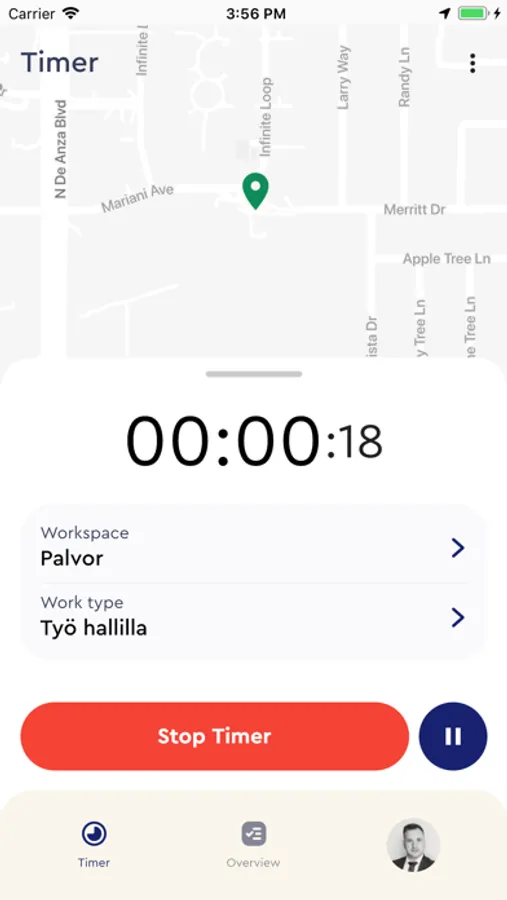
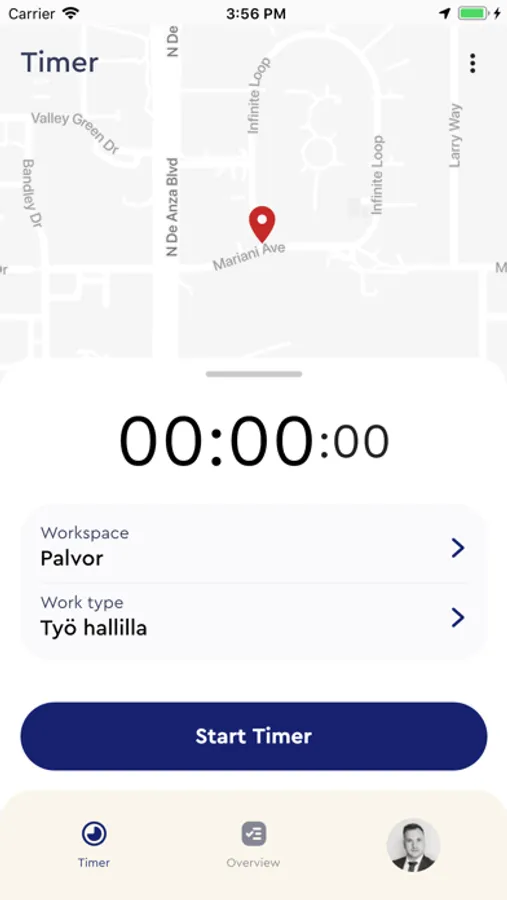
Start and End Work Easily
- Start and end your work with just one touch.
Select Work Type and Workspace
- Choose the appropriate work type and designated workspace (location or project).
Comments and Photos
- Add comments or photos to your work entries for additional context.
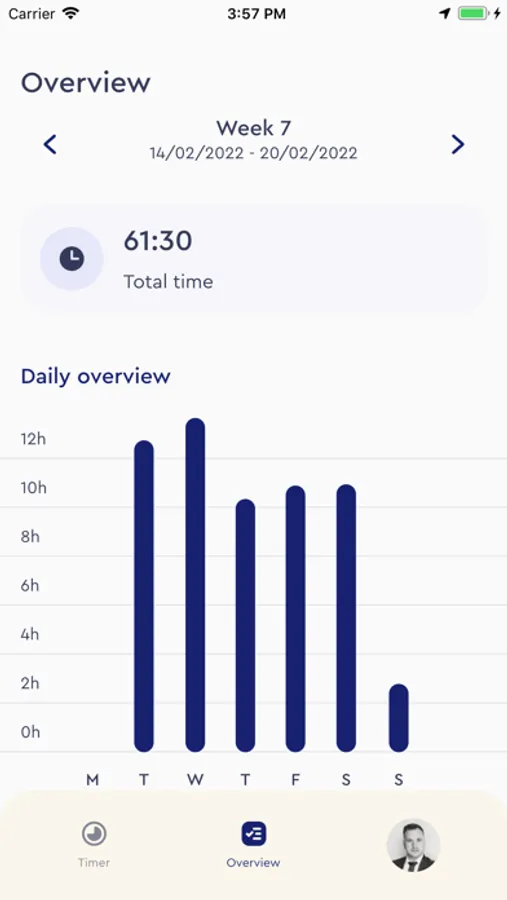
Hours Summaries
- Employees can view summaries of their work hours.
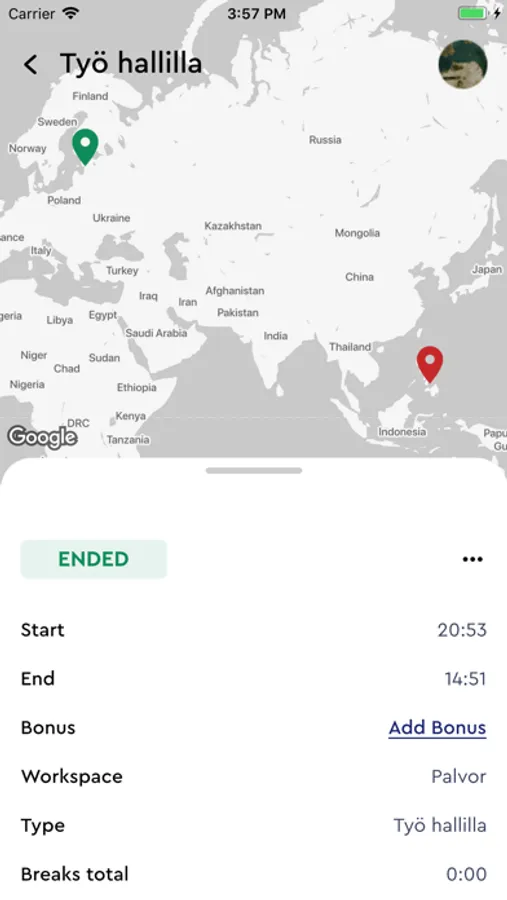
Team Management
- Supervisors can monitor team hours, see who started where, view comments and photos, add bonuses, and approve work entries.
Automatic and Semi-Automatic Time Tracking
- The phone automatically starts and stops work when you enter or leave a designated workspace.
Our app supports 11 languages, ensuring a seamless experience for international teams.
Hours - Time. Simplified.
Download now and start managing your time more efficiently!
- Start and end your work with just one touch.
Select Work Type and Workspace
- Choose the appropriate work type and designated workspace (location or project).
Comments and Photos
- Add comments or photos to your work entries for additional context.
Hours Summaries
- Employees can view summaries of their work hours.
Team Management
- Supervisors can monitor team hours, see who started where, view comments and photos, add bonuses, and approve work entries.
Automatic and Semi-Automatic Time Tracking
- The phone automatically starts and stops work when you enter or leave a designated workspace.
Our app supports 11 languages, ensuring a seamless experience for international teams.
Hours - Time. Simplified.
Download now and start managing your time more efficiently!
Hours - Time tracking Screenshots


Tap to Rate: