AppRecs review analysis
AppRecs rating 3.2. Trustworthiness 62 out of 100. Review manipulation risk 25 out of 100. Based on a review sample analyzed.
★★★☆☆
3.2
AppRecs Rating
Ratings breakdown
5 star
36%
4 star
18%
3 star
7%
2 star
16%
1 star
24%
What to know
✓
Low review manipulation risk
25% review manipulation risk
About Dakota Digital
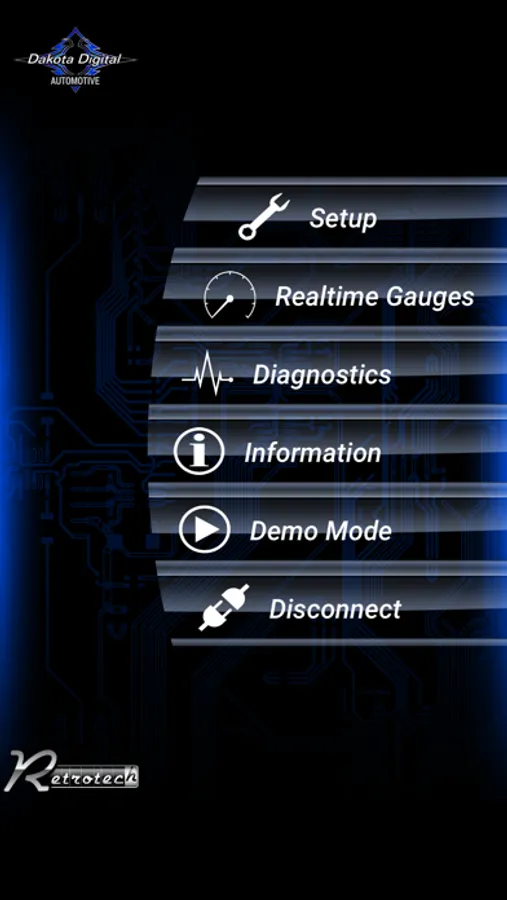
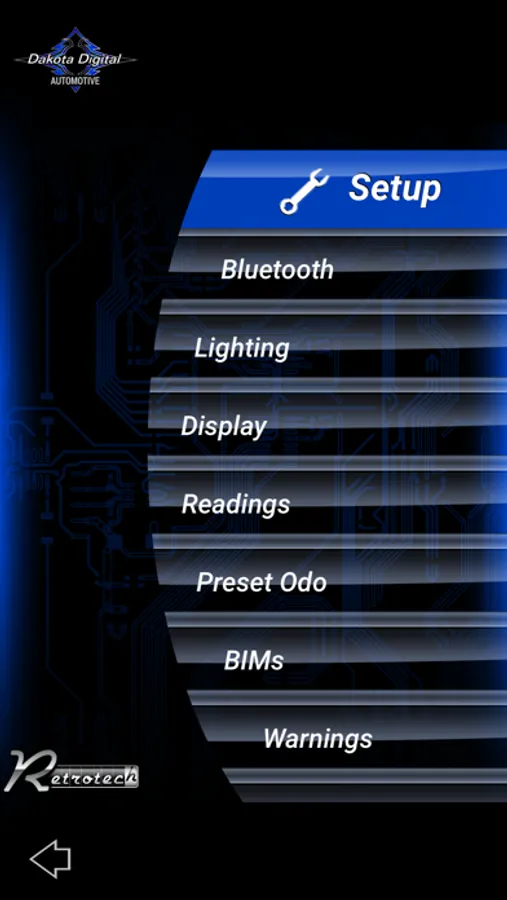
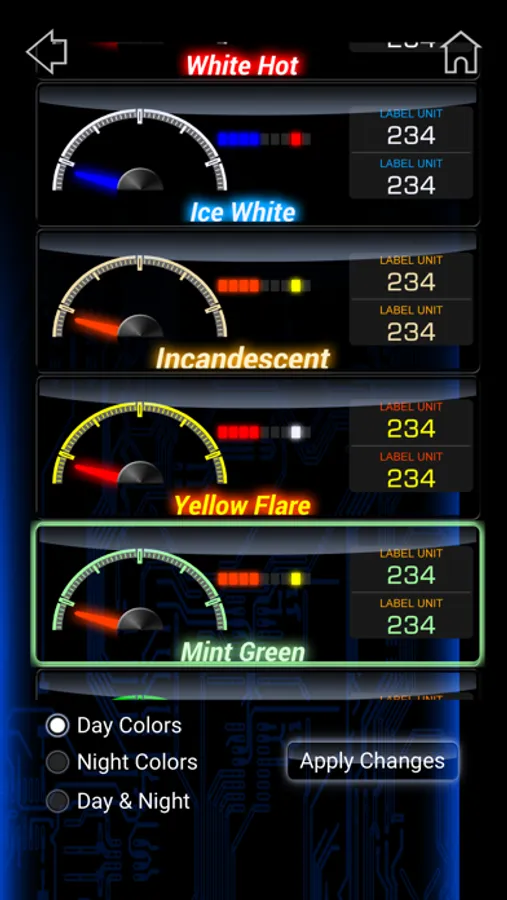
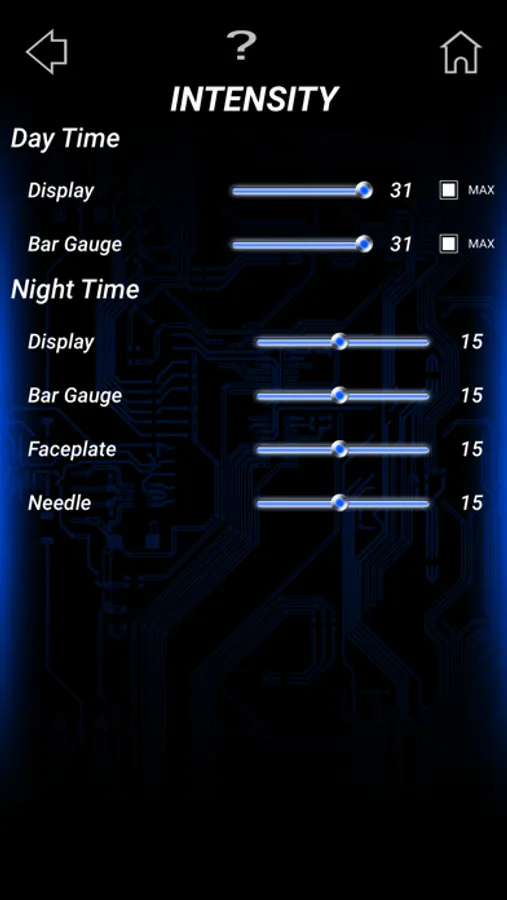
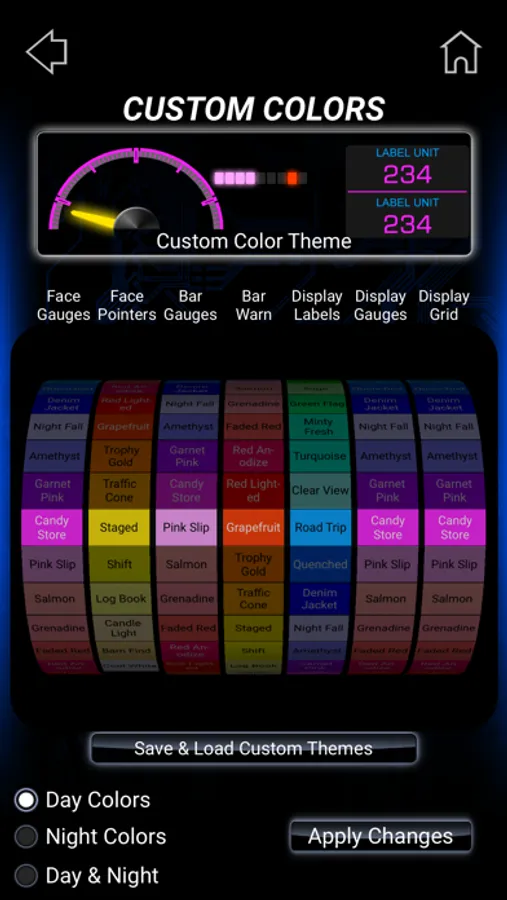
~Choose from a variety of backlight, needle, display, theme, and scheme colors.
~Set up and calibrate gauges with customizable warning points.
~Easily calibrate your speedometer using your device's GPS.
~Access real-time sensor data for diagnostics.
~Arrange gauge layouts in programmable group screens.
~View real-time gauge readings as a simulated secondary display.
~Set up and name your BIM Module.
~Customize odometer presets and access Demo Mode.
(For use with Dakota Digital HDX, RTX, and Grafix Systems only)
Motorcycle System Features: Wirelessly control all functions of your Dakota Digital MLX Instrument system with this app.
~Customize the backlight, bar graph, and label colors and themes.
~Create custom color palettes.
~Set up and calibrate gauges with customizable warning points.
~Access real-time sensor data for diagnostics.
~Customize screen reading configurations.
~View real-time gauge readings.
~Set up your MBM Module and customize odometer presets.
~For use with Dakota Digital MLX Systems only.
Accessory Features: Install and set up your Dakota Digital accessories effortlessly with this app.
~When using the SGI-100BT:
~Calibrate speedometer and/or tachometer input and output.
~Configure diesel-sourced tachometer signals.
~View calibration values for enhanced diagnostics.
When using the PAC-2800BT:
~Select single or dual fan settings.
~Configure temperature On/Off points.
~Disable the high-speed fan.
~Program fan delay-off.
~Configure sensor input type and custom sensor calibration.
~Verify setup values onscreen.
When using the ECD-200BT:
~Display real-time GPS speed for speedometer cable calibration.
~Configure alternative 1-mile auto-calibration.
~Adjust the speedometer percentage for fine-tuning.
~Choose a speedometer input source between the dedicated sensor and OBD II.
~Access diagnostics for troubleshooting.
When using the BIM-RGB:
~Customize LED output colors and themes.
~Calibrate LED colors.
~Enable music mode.
~Set up optional switch inputs.
~Sync BIM-RGB colors with other Dakota Digital products (HDX/RTX).
When using the VCM Cruise Control :
~Setup Wizard: Simplifies the process of configuring your cruise control system.
~Speed and Tach Input Selection: Choose your preferred input type, including support for aftermarket EFI systems and custom CAN ID setup options.
~Clutch and Brake Switch Setup: Easily configure switches to suit your vehicle’s needs.
~Advanced Diagnostics: Identify and resolve potential issues with detailed system insights.
~Sensitivity Adjustments: Fine-tune responsiveness for a personalized driving experience.
~LED Taillight Selection: Seamlessly integrate your cruise control with modern lighting systems.
(Compatible with Dakota Digital VCM Cruise Control systems only.)
When using the VCM Cruise Control :
~Setup Wizard: Simplifies the process of configuring your cruise control system.
~Speed and Tach Input Selection: Choose your preferred input type, including support for aftermarket EFI systems and custom CAN ID setup options.
~Clutch and Brake Switch Setup: Easily configure switches to suit your vehicle’s needs.
~Data Logging for Diagnostics: Record system data to assist with troubleshooting.
~Advanced Diagnostics: Identify and resolve potential issues with detailed system insights.
~Sensitivity Adjustments: Fine-tune responsiveness for a personalized driving experience.
~LED Taillight Selection: Seamlessly integrate your cruise control with modern lighting systems.
(Compatible with Dakota Digital VCM Cruise Control systems only.)
Dakota Digital Screenshots
Tap to Rate:
Reviews for Dakota Digital
Paul N76
Terrible
Apparently I’m not the only one, new App is not reading my controller. My settings are gone and old App is apparently non existent. Fans won’t turn on so in my mind your software, App and controller is absolutely useless! Any talks about fixing this? Pointless to own the controller when the selling point was to have the ease of the changes at my finger tips!
Jules cuesedor
Fan controller
I used to have the older fan controller app and worked fine and now i cannot set up my dual fans with my fan controller through this app since the other one disappeared.