
In this calculator app, users can perform advanced mathematical calculations with customizable themes and interface settings. Includes 47 functions, iCloud sync, split screen, and sharing features.
AppRecs review analysis
AppRecs rating 4.5. Trustworthiness 77 out of 100. Review manipulation risk 23 out of 100. Based on a review sample analyzed.
★★★★☆
4.5
AppRecs Rating
Ratings breakdown
5 star
82%
4 star
7%
3 star
0%
2 star
2%
1 star
10%
What to know
✓
Low review manipulation risk
23% review manipulation risk
✓
Credible reviews
77% trustworthiness score from analyzed reviews
✓
High user satisfaction
89% of sampled ratings are 4+ stars (4.5★ average)
About Calctan
The app’s commitment to user-centric design is evident in its seamless integration with iOS ecosystems. With iCloud sync, your calculations and preferences are always up-to-date, whether you’re switching between devices or collaborating on the go. Features like Split Screen and Swipe Mode empower iPad users to maximize productivity, while the ability to share calculations fosters effortless communication. Calctan is more than a calculator—it’s a dynamic, adaptable tool that elevates your calculation experience with style, precision, and efficiency.
Key Features:
1. Intuitive Design: Calctan’s clean, minimalistic interface prioritizes usability, presenting essential calculator elements in a clear, distraction-free layout that ensures effortless navigation and operation.
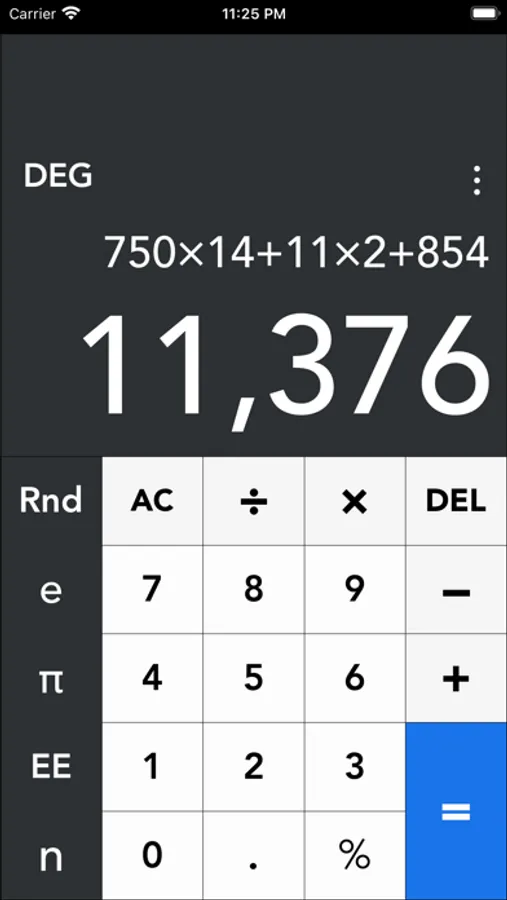
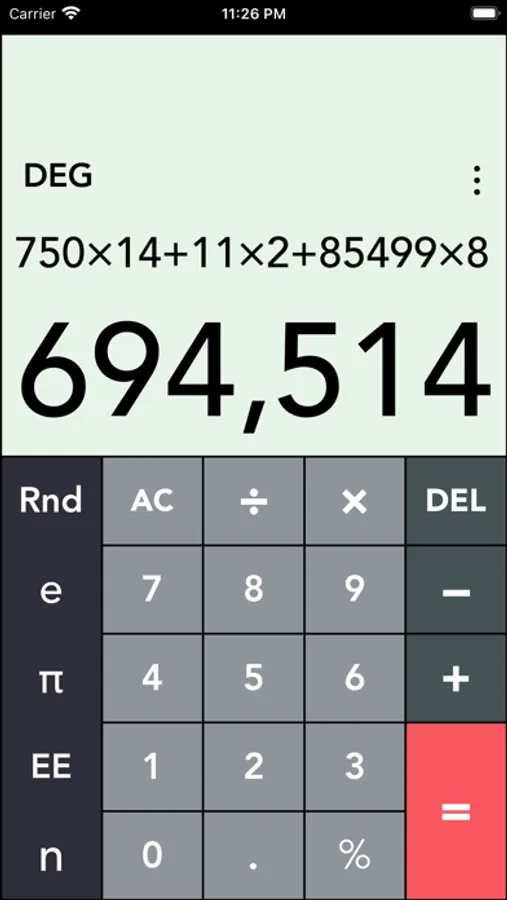
2. Personalized Interface: Choose from 100 pre-installed themes or craft a unique look with a custom color picker. Fine-tune button corner radius, spacing, and layout to optimize comfort and readability, allowing the app to reflect your personal style.
3. Advanced Math: Access 47 powerful functions, including trigonometric operations (sine, cosine, tangent, and their inverses), percentages for budgeting, exponents, logarithms (base-10, natural, base-2), and roots (square, cube). Switch between degrees and radians, compute factorials for permutations, or use absolute values and reciprocals—perfect for scientific, technical, and financial calculations.
4. Calculation History: Automatically saves and organizes your calculations, enabling you to revisit, edit, or reuse past results with ease, streamlining complex workflows.
5. iCloud Sync: Seamlessly syncs calculations and customizations across your iPhone and iPad, ensuring a consistent and cohesive experience across all your devices.
6. Multitasking Modes:
- Split Screen Mode: On iPad, use Calctan alongside another app, such as performing calculations while referencing a document or spreadsheet.
- Swipe Mode: Access a second app at the bottom of the screen while keeping Calctan active at the top, enhancing productivity for multitasking users.
7. Share Calculations: Share results effortlessly via email, text, or other apps, making collaboration and communication quick and convenient.
Additional Highlights:
• Library of basic mathematical constants
• Random color theme generator for creative inspiration
• Engaging sounds and animations for a dynamic user experience
• Adjustable decimal places, currency symbols, and thousands separators
• Dark Mode support for comfortable use in low-light environments
• Comprehensive settings menu for full control over app preferences
• Detailed user manual for easy onboarding and reference
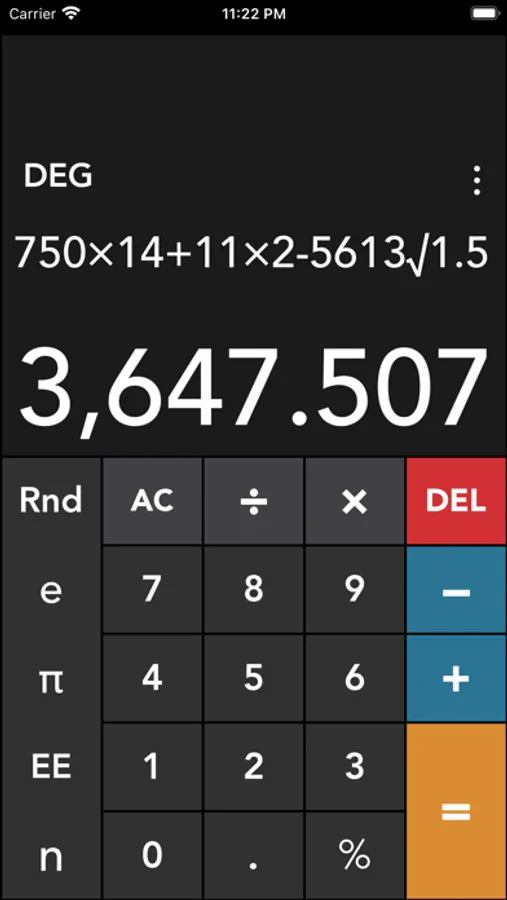
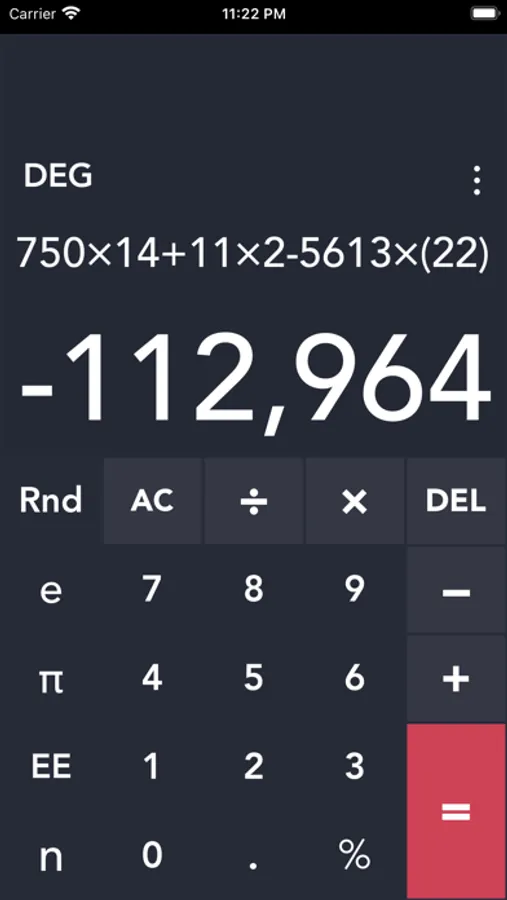
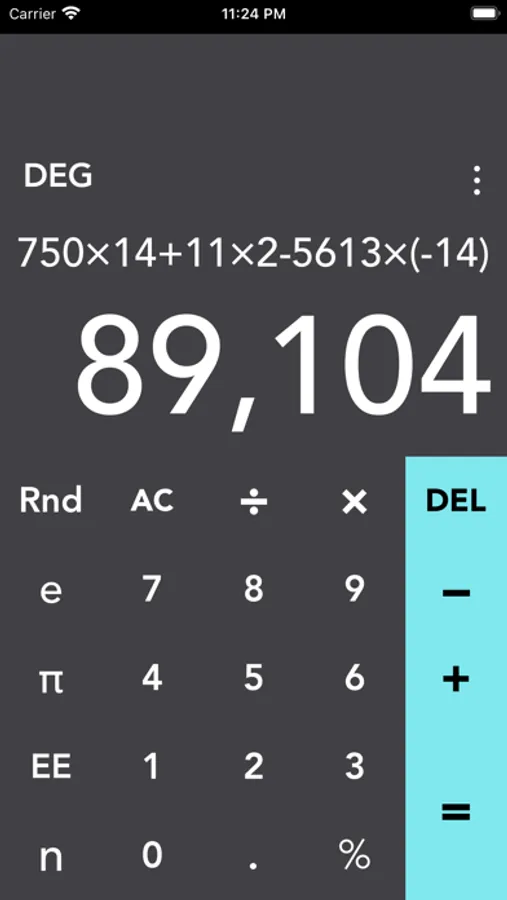
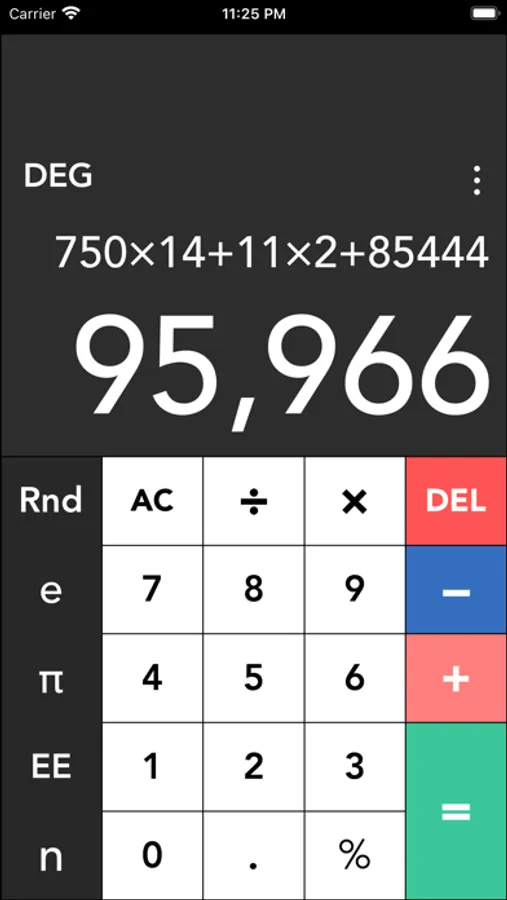
Calctan Screenshots
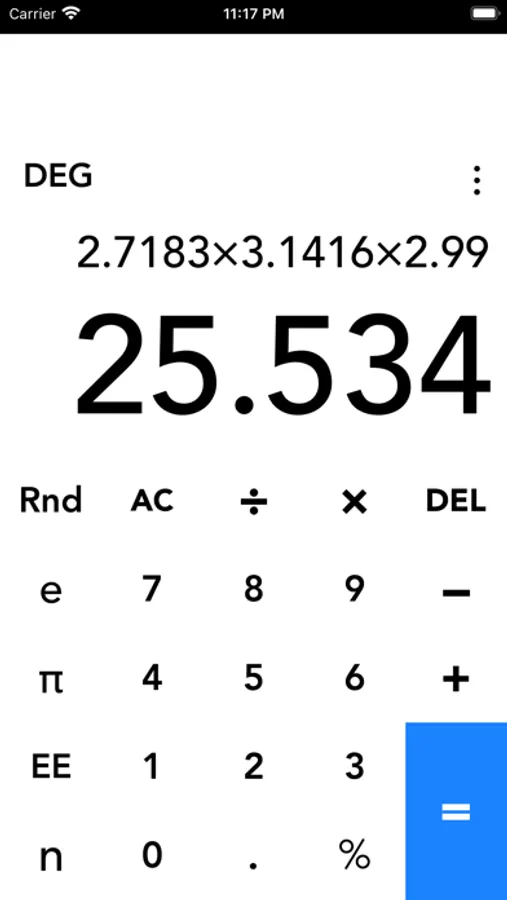
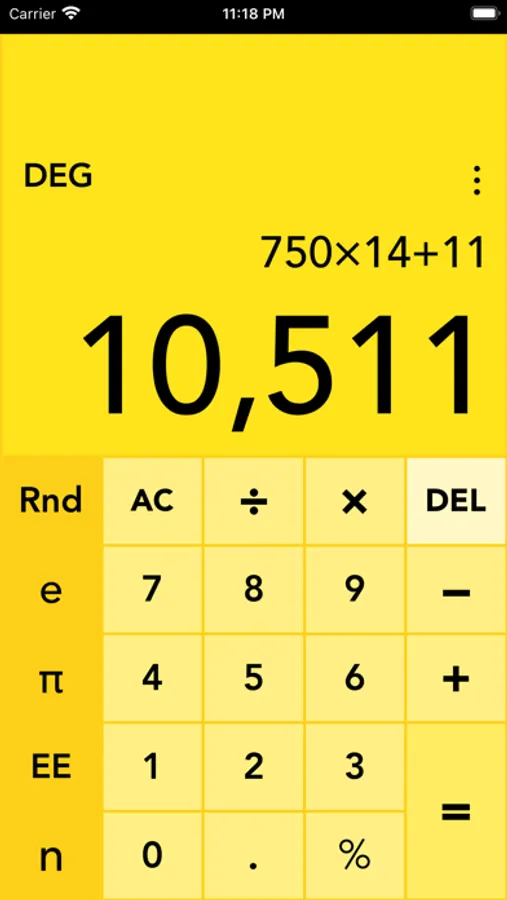
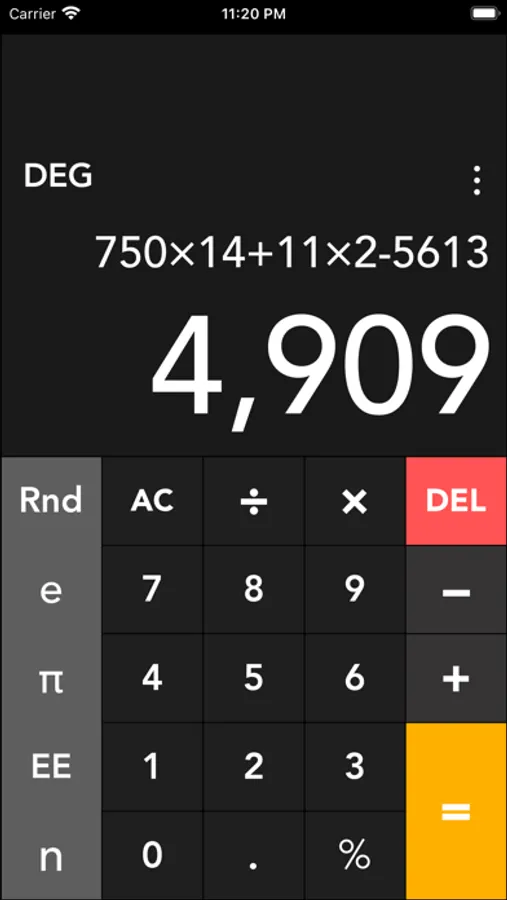
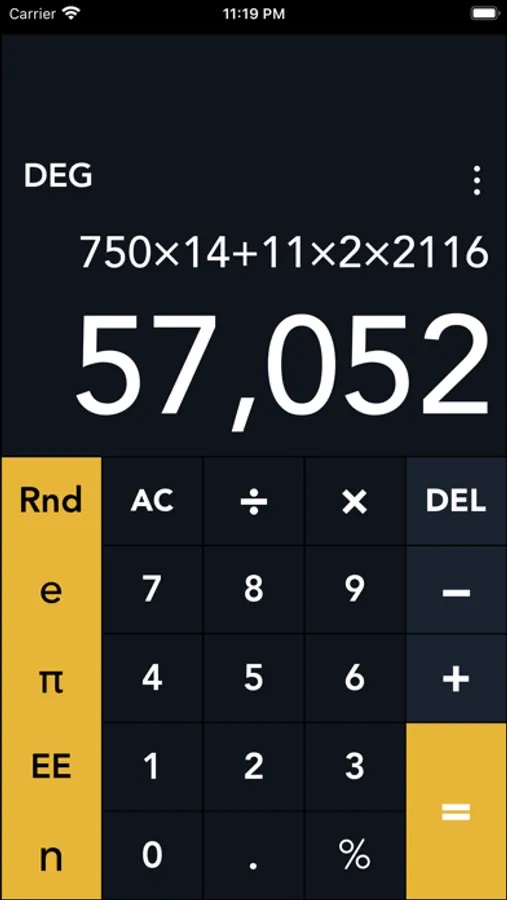
Tap to Rate:
Reviews for Calctan
Solipsister
Crashes and…
… also has adverts and apparently no pay option to avoid them. I deleted and re-installed the app 3 times, but each time it either crashed outright or simply didn’t work right. And I couldn’t find the “box” to change color / theme using hex code (even though the app creates a folder in icloud drive with 100+ color / theme choices. I gave it a good try because I liked the idea of different themes and colors. But I finally had to let it go.
Browserer
Crashes at launch
App will not open on iOS or iPadOS, force quits immediately upon launch. It has been like this for months. Deleting.