AppRecs review analysis
AppRecs rating 4.7. Trustworthiness 0 out of 100. Review manipulation risk 0 out of 100. Based on a review sample analyzed.
★★★★☆
4.7
AppRecs Rating
Ratings breakdown
5 star
100%
4 star
0%
3 star
0%
2 star
0%
1 star
0%
What to know
✓
High user satisfaction
100% of sampled ratings are 5 stars
About i-PRO Product Selector
[Outline]
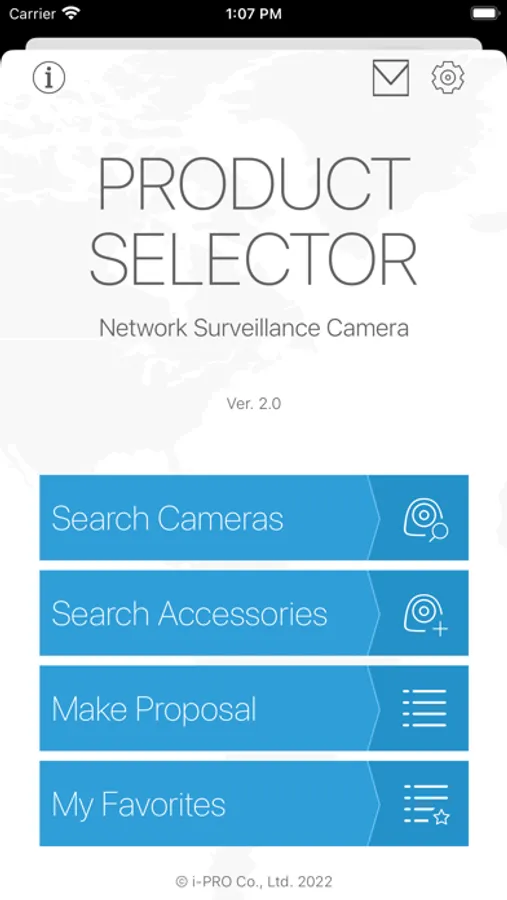
i-PRO Product Selector is narrow down the i-PRO cameras and accessories, check the product specifications, and check the list of products that can be installed. It is also a smartphone application that allows anyone to easily create proposals for network cameras.
[Features]
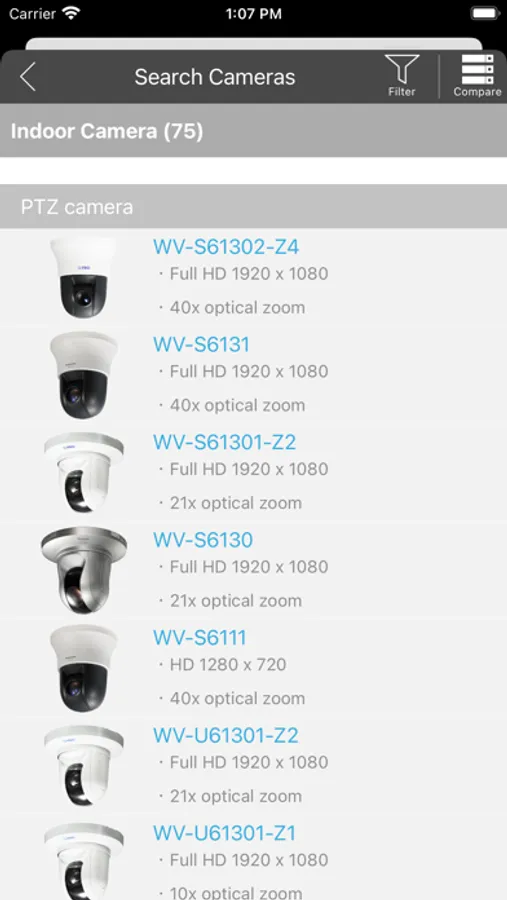
-Search Cameras
Check the list of cameras narrowed down by the filter, and display the data sheet and spec comparison of the selected camera. The display results can be sent to a PC by e-mail, etc. You can check the list of accessories that can be attached to the selected camera.
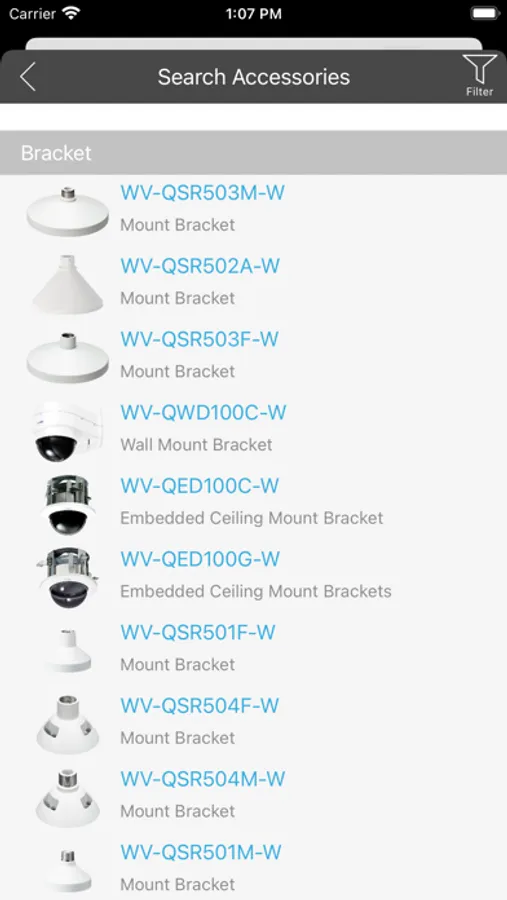
-Search Accessories
Check the list of accessories narrowed down by the filter and display the data sheet of the selected accessory. The display results can be sent to a PC by e-mail, etc. You can check the list of cameras that can be attached to the selected accessory.
-Make Proposal
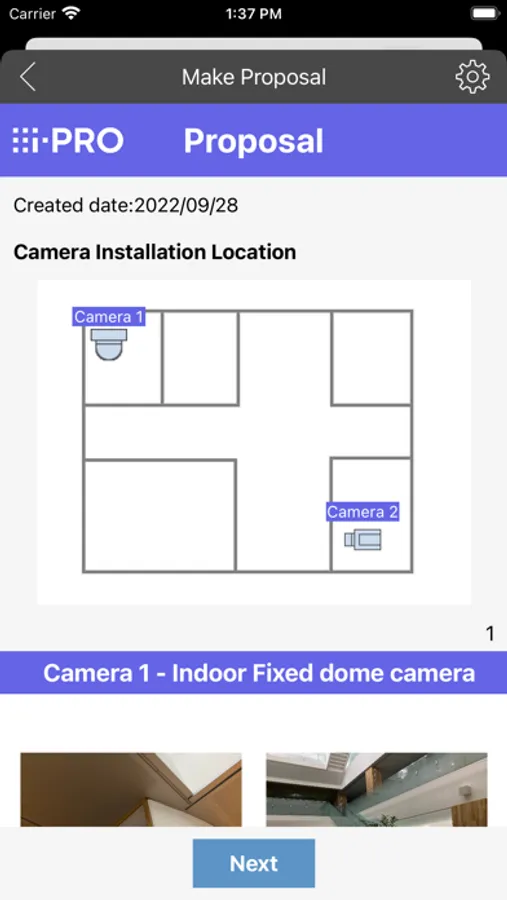
Place the icon of the camera that took the image (or selected image) of the installation location and image on the MAP, and displays the proposal preview. The display results can be sent to a PC by e-mail, etc.
-My Favorites
By checking the camera search results and adding them to your favorites, you can quickly check the data of frequently used network cameras at any time.
i-PRO Product Selector is narrow down the i-PRO cameras and accessories, check the product specifications, and check the list of products that can be installed. It is also a smartphone application that allows anyone to easily create proposals for network cameras.
[Features]
-Search Cameras
Check the list of cameras narrowed down by the filter, and display the data sheet and spec comparison of the selected camera. The display results can be sent to a PC by e-mail, etc. You can check the list of accessories that can be attached to the selected camera.
-Search Accessories
Check the list of accessories narrowed down by the filter and display the data sheet of the selected accessory. The display results can be sent to a PC by e-mail, etc. You can check the list of cameras that can be attached to the selected accessory.
-Make Proposal
Place the icon of the camera that took the image (or selected image) of the installation location and image on the MAP, and displays the proposal preview. The display results can be sent to a PC by e-mail, etc.
-My Favorites
By checking the camera search results and adding them to your favorites, you can quickly check the data of frequently used network cameras at any time.
i-PRO Product Selector Screenshots
Tap to Rate:
Reviews for i-PRO Product Selector
RRKTech
Really Convenient
Application lets you spec and build a quote, compile a proposal, and email it to the customer all during a walkthrough. Mount/accessory selector helps a lot of headaches and return issues. If you work with i-PRO I highly recommend using this app.