With this app, you can control your DSLR or mirrorless camera to start, stop, and preview time-lapse recordings. Includes camera connection setup, live preview, and image editing plugins.
AppRecs review analysis
AppRecs rating 2.5. Trustworthiness 77 out of 100. Review manipulation risk 25 out of 100. Based on a review sample analyzed.
★★☆☆☆
2.5
AppRecs Rating
Ratings breakdown
5 star
8%
4 star
17%
3 star
0%
2 star
33%
1 star
42%
What to know
✓
Low review manipulation risk
25% review manipulation risk
✓
Credible reviews
77% trustworthiness score from analyzed reviews
⚠
Mixed user feedback
Average 2.2★ rating suggests room for improvement
About Lightlapse
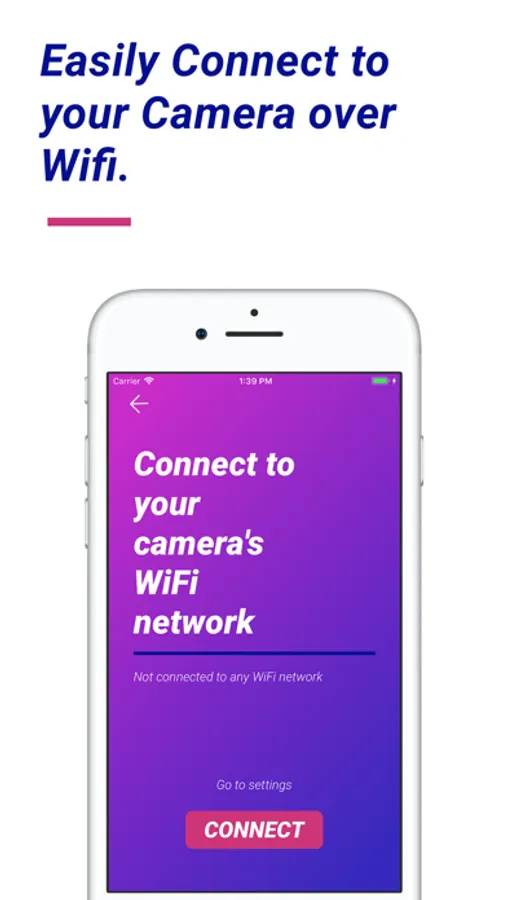
Lightlapse supports most Canon, Sony, and Nikon cameras that are Wifi enabled and connecting is extremely simple.
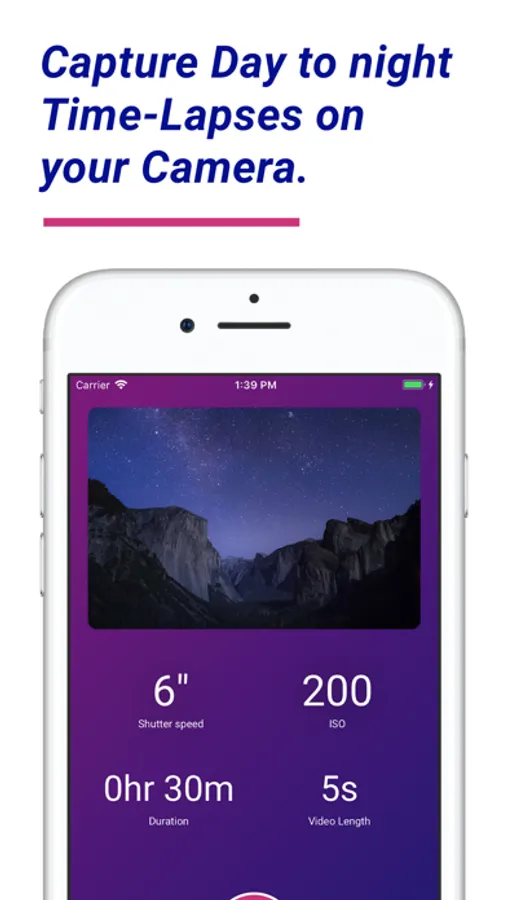
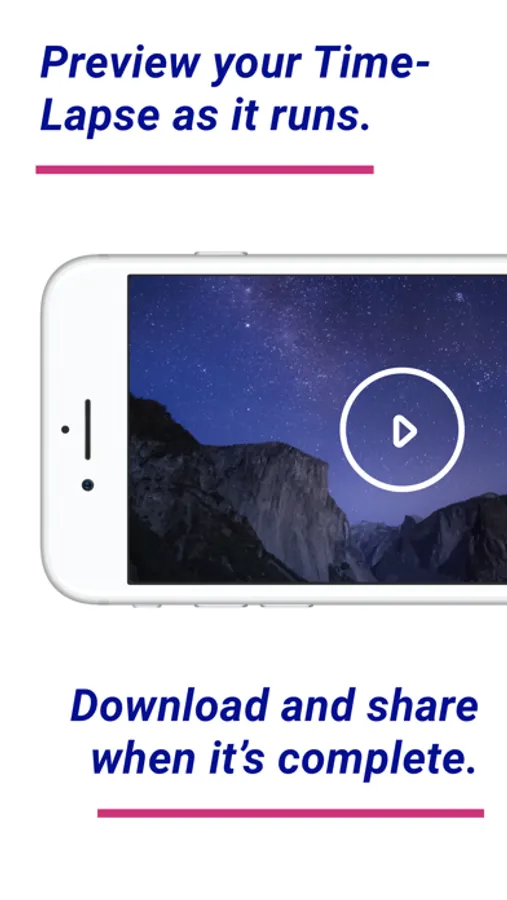
Once connected, all you have to do is expose your shot and set how long you want to run for. After you time-lapse has started you can sit back and watch a preview of it as it progresses and even share it after it’s complete.
Best of all, when you upgrade Lightlapse to remove the restrictions you gain access to our editing plugins for Lightroom and Photoshop to process your images before posting.
Lightlapse Screenshots
Tap to Rate:
Reviews for Lightlapse
Hxlvetica
Needs Significant Updates for 2021
The idea behind this app has had me really excited. So when I decided to buy a B-Cam for time-lapses, I picked up the new Sony A7C. Unfortunately Rhino has been taking people’s money without updating the app to work with modern hardware. Requesting a refund as a highly disappointed customer. Edelkrone is looking like a great choice for my next slider. If I could give zero stars I would.
Bec Munro
Does not work with Nikon Z7 ii
Info on this app needs to be more specific. Does not work properly with Nikon Z7ii. The free trial it appears it works but then went ahead and purchased full version and it doesn’t work properly. Will adjust iso automatically as light decreases but does not lower shutter speed.