
In this app, users can wirelessly share screens with Promethean ActivPanels and access training materials. Includes panel enrollment, user tutorials, and sign-in options for teachers and IT staff.
AppRecs review analysis
AppRecs rating 2.5. Trustworthiness 70 out of 100. Review manipulation risk 24 out of 100. Based on a review sample analyzed.
★★☆☆☆
2.5
AppRecs Rating
Ratings breakdown
5 star
29%
4 star
5%
3 star
8%
2 star
5%
1 star
53%
What to know
✓
Low review manipulation risk
24% review manipulation risk
⚠
Mixed user feedback
Average 2.5★ rating suggests room for improvement
⚠
High negative review ratio
58% of sampled ratings are 1–2 stars
About Promethean
Put classroom collaboration into the hands of students and teachers and panel management into the hands of school IT administrators.
The Promethean mobile app is designed for teachers and students to interact with a Promethean ActivPanel Elements and ActivPanel 9 series panel from anywhere in the classroom. Teachers also have the ability to sign in and access their profile for the ActivPanel 9 series. For IT administrators, the Promethean mobile app helps to enroll ActivPanel Elements series and ActivPanel 9 panels into their panel management to make updates easier.
Students can
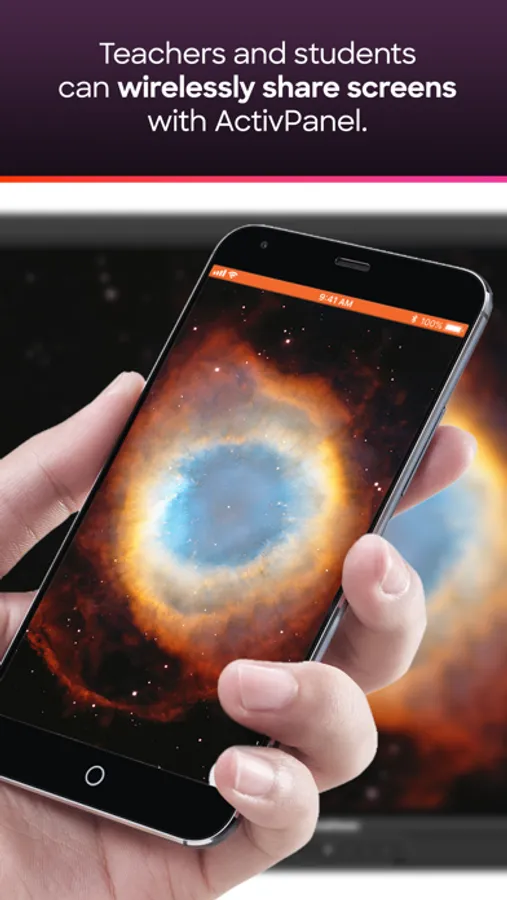
• Wirelessly share the screen from their mobile device to ActivPanels with Screen Share
• No sign-in required.
Teachers can
• Wirelessly share the screen from their mobile device to ActivPanels with Screen Share
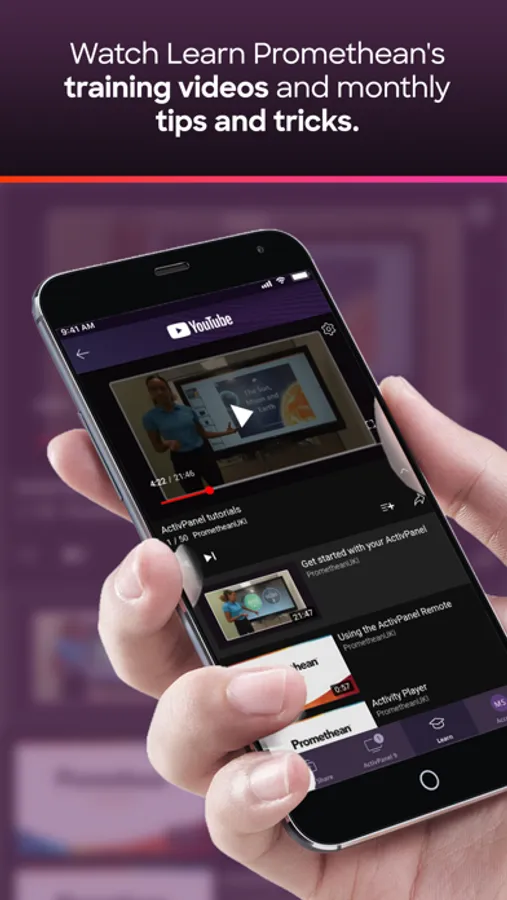
• Access Promethean user tutorials and training materials on Learn Promethean directly through the app*
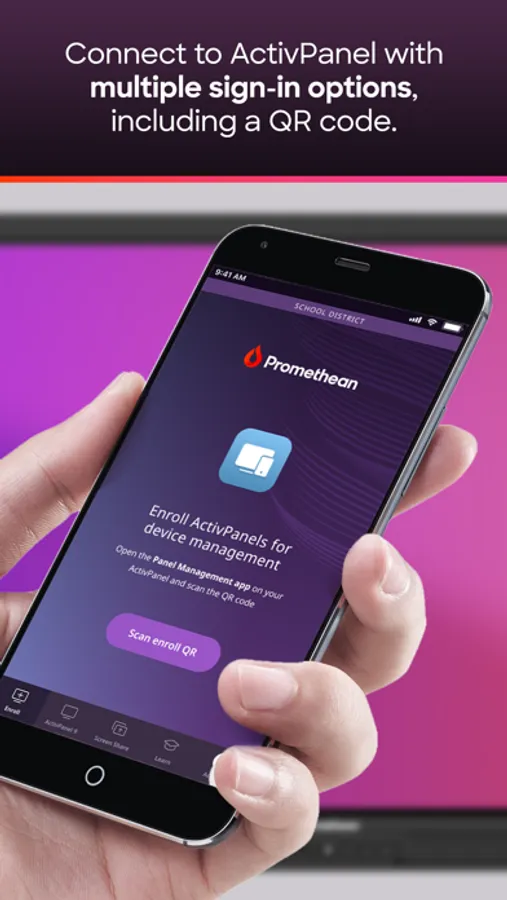
• Sign in to their Promethean account and sign in to their ActivPanel 9
IT Administrators can
• Sign in to their Promethean account
• Wirelessly share the screen from their mobile device to ActivPanels with Screen Share
• Access Promethean user tutorials and training materials on Learn Promethean directly through the app*
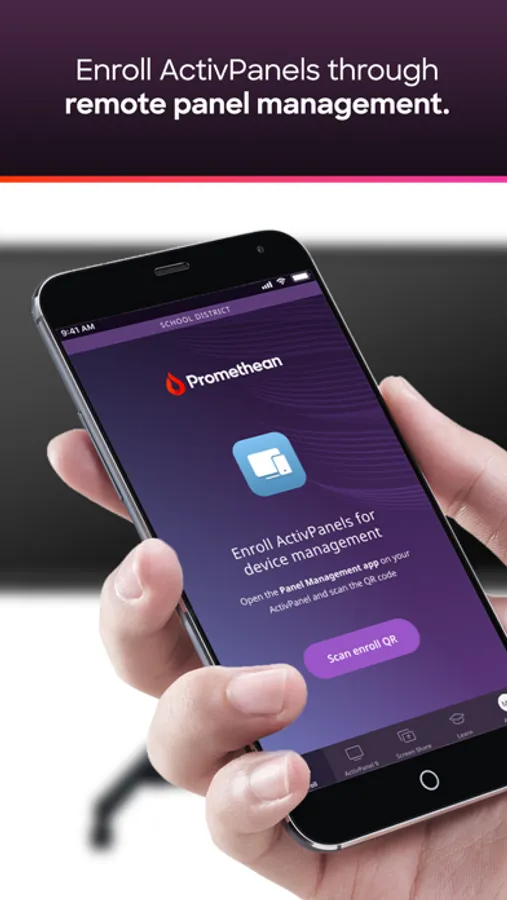
• Enroll ActivPanels into a school organization, name the panel, associate it with groups and verify that it was enrolled successfully.
NOTES:
• The Promethean app requires Promethean ActivPanel Elements (Nickel, Cobalt, Titanium) series panels with Software Release (SR) 3.2 or newer
• Panel sign in is only available for ActivPanel 9 series
• Screen Share must be enabled on ActivPanel to utilize Screen Share from the Promethean app
* Dependent upon language"
The Promethean mobile app is designed for teachers and students to interact with a Promethean ActivPanel Elements and ActivPanel 9 series panel from anywhere in the classroom. Teachers also have the ability to sign in and access their profile for the ActivPanel 9 series. For IT administrators, the Promethean mobile app helps to enroll ActivPanel Elements series and ActivPanel 9 panels into their panel management to make updates easier.
Students can
• Wirelessly share the screen from their mobile device to ActivPanels with Screen Share
• No sign-in required.
Teachers can
• Wirelessly share the screen from their mobile device to ActivPanels with Screen Share
• Access Promethean user tutorials and training materials on Learn Promethean directly through the app*
• Sign in to their Promethean account and sign in to their ActivPanel 9
IT Administrators can
• Sign in to their Promethean account
• Wirelessly share the screen from their mobile device to ActivPanels with Screen Share
• Access Promethean user tutorials and training materials on Learn Promethean directly through the app*
• Enroll ActivPanels into a school organization, name the panel, associate it with groups and verify that it was enrolled successfully.
NOTES:
• The Promethean app requires Promethean ActivPanel Elements (Nickel, Cobalt, Titanium) series panels with Software Release (SR) 3.2 or newer
• Panel sign in is only available for ActivPanel 9 series
• Screen Share must be enabled on ActivPanel to utilize Screen Share from the Promethean app
* Dependent upon language"
Promethean Screenshots
Tap to Rate:
Reviews for Promethean
No service game
Ha
It’s nice but I just feel like bringing the score down
Classy baddie
The worst app!👺
One star. It doesn’t work on iPads and I will never get rhis app again it wouldn’t even hook up to my TV. Don’t download this app.EVER. I won’t even download this app EVER EVER AGAIN Bye.👺