With this hearing aid control app, you can adjust listening programs, manage volume, and activate streaming features. Includes battery level monitoring, device connection status, and "Find my hearing aids" function.
About Philips HearLink
The Philips HearLink app is compatible with all Philips HearLink wireless hearing aids. Depending on the hearing aids and the mobile device you are using, you may or may not have access to all features the app offers.
With the Philips HearLink app you can easily and discreetly control your wireless Philips HearLink hearing aids.
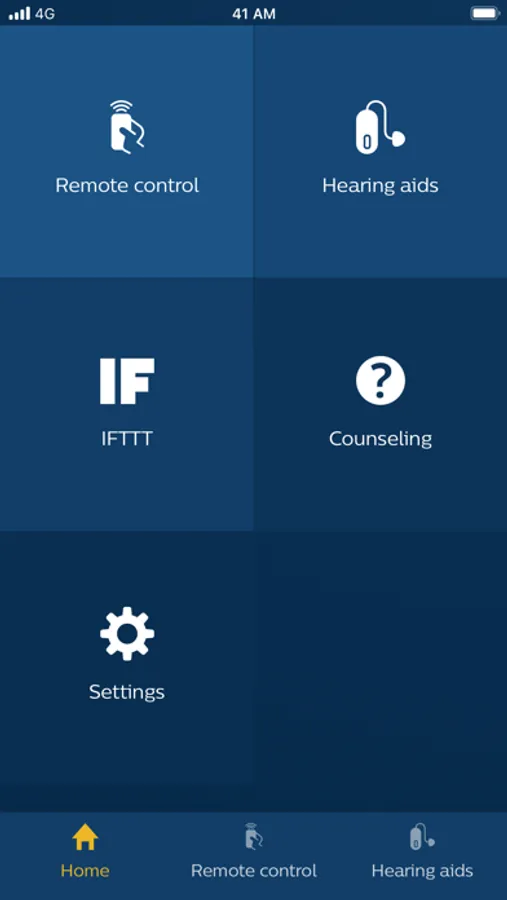
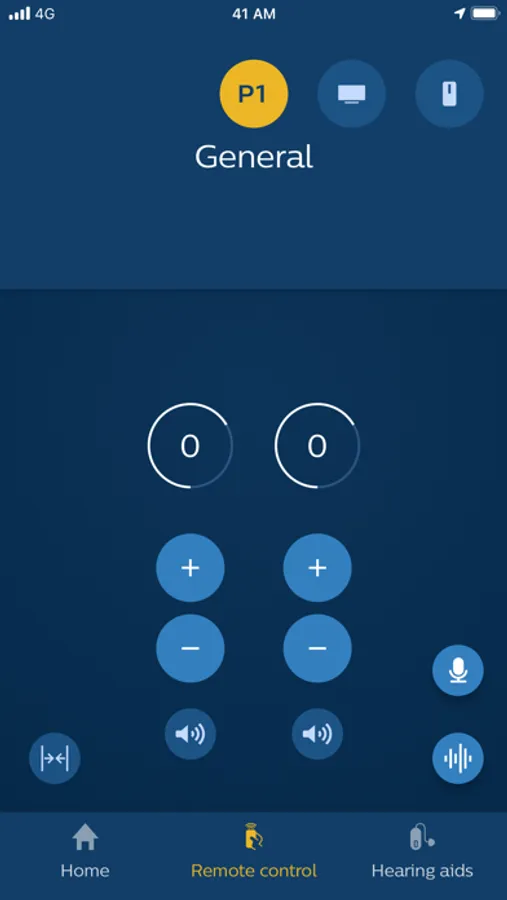
The mobile device becomes your remote control for changing listening programs, adjusting the volume, muting your hearing aids and activating streaming options. Here are some other helpful app functionalities:
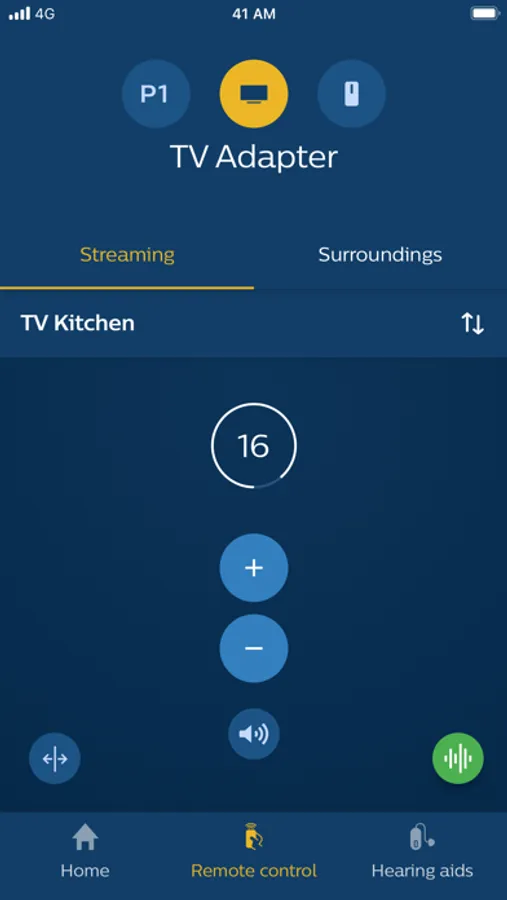
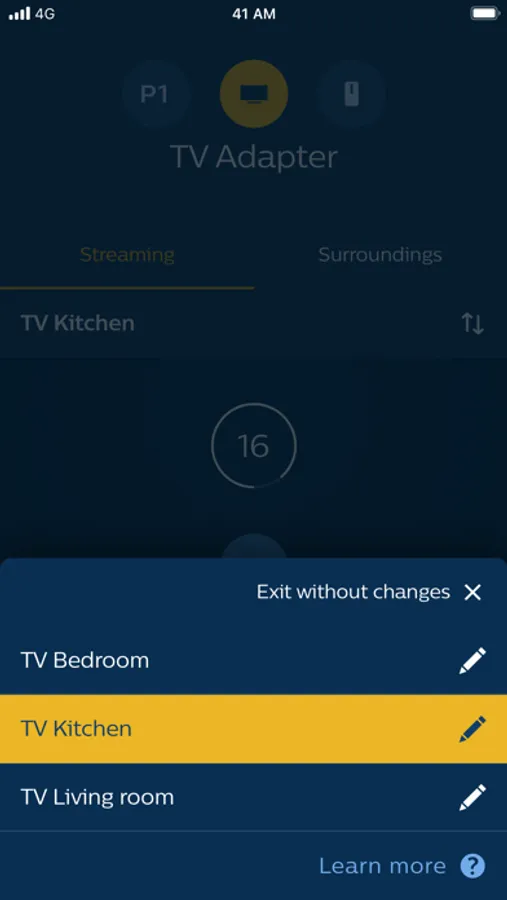
- Select from which of your TV-Adapters you want to stream the signal to your hearing aids.
- Streaming of the microphone signal of the phone to the hearing aids.
- Check your hearing aid battery level or the connection status from your mobile device to your hearing aids.
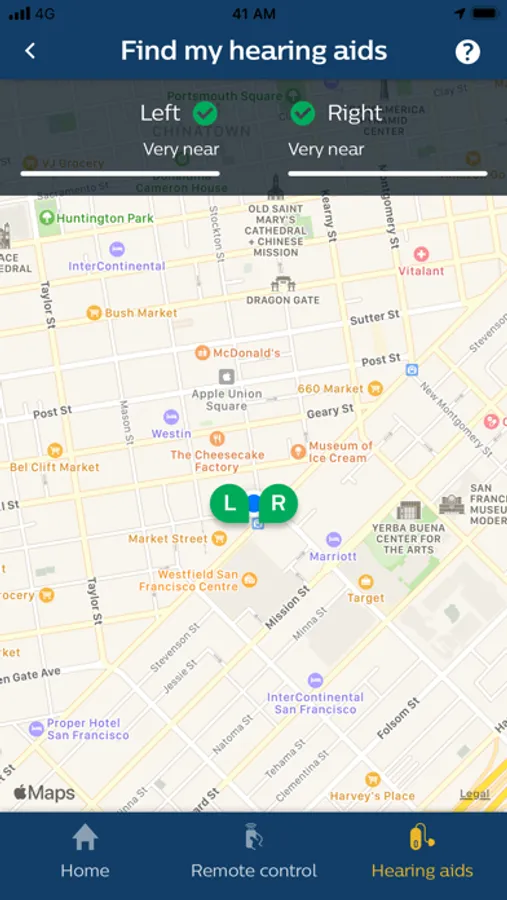
- With the "Find my hearing aids" function, you can track the location of your hearing aids.
- Connect your hearing aids to other devices and web services via IFTTT.
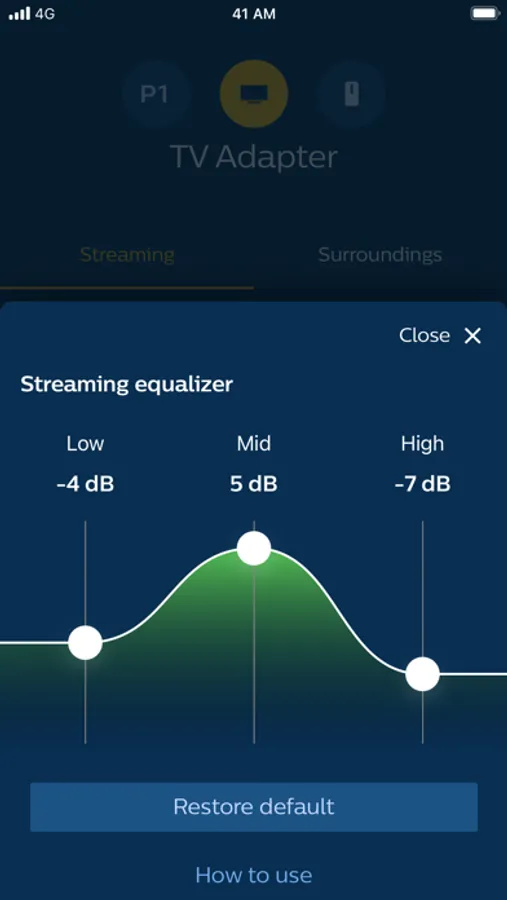
- Fine-tune the sound when watching a movie or streaming audio using the streaming equalizer, for a personalized listening experience. The streaming equalizer is available for all Philips HearLink Bluetooth hearing aids except Philips HearLink 2000 and 3000.
For more information, you can access instructions on how to use this app in the application settings.
The app is not compatible with the following Philips HearLink models: IIC, CIC, ITC.
We recommend using the latest version of iOS.
With the Philips HearLink app you can easily and discreetly control your wireless Philips HearLink hearing aids.
The mobile device becomes your remote control for changing listening programs, adjusting the volume, muting your hearing aids and activating streaming options. Here are some other helpful app functionalities:
- Select from which of your TV-Adapters you want to stream the signal to your hearing aids.
- Streaming of the microphone signal of the phone to the hearing aids.
- Check your hearing aid battery level or the connection status from your mobile device to your hearing aids.
- With the "Find my hearing aids" function, you can track the location of your hearing aids.
- Connect your hearing aids to other devices and web services via IFTTT.
- Fine-tune the sound when watching a movie or streaming audio using the streaming equalizer, for a personalized listening experience. The streaming equalizer is available for all Philips HearLink Bluetooth hearing aids except Philips HearLink 2000 and 3000.
For more information, you can access instructions on how to use this app in the application settings.
The app is not compatible with the following Philips HearLink models: IIC, CIC, ITC.
We recommend using the latest version of iOS.
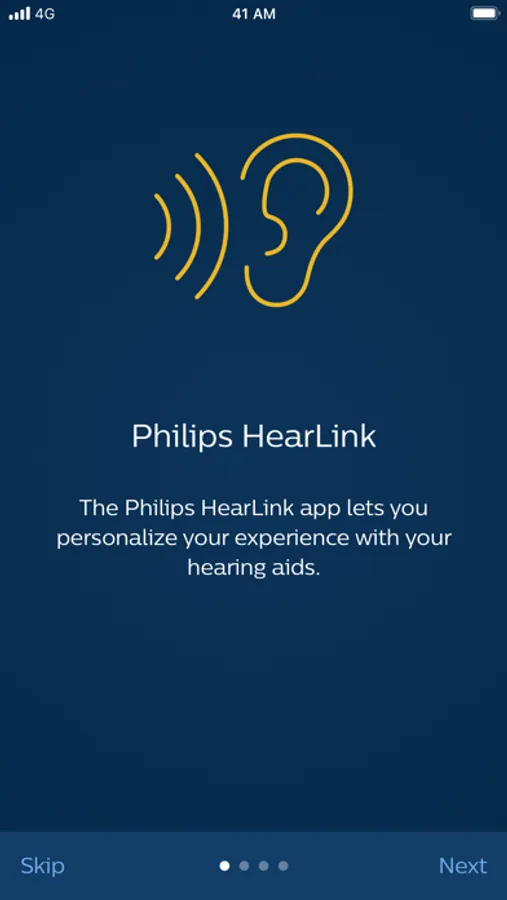
Philips HearLink Screenshots
Tap to Rate: