With this note-taking app, you can create and organize notes using various formats, voice transcription, and adjustable fonts. Includes categorized folders, speech-to-text, text-to-speech, and quick note creation.
AppRecs review analysis
AppRecs rating 4.5. Trustworthiness 71 out of 100. Review manipulation risk 21 out of 100. Based on a review sample analyzed.
★★★★☆
4.5
AppRecs Rating
Ratings breakdown
5 star
88%
4 star
8%
3 star
3%
2 star
1%
1 star
1%
What to know
✓
Low review manipulation risk
21% review manipulation risk
✓
Credible reviews
71% trustworthiness score from analyzed reviews
⚠
Pricing complaints
Many low ratings mention paywalls or pricing
About Big Note.
Key Features:
Classic Notes: Create simple, no-frills notes with a slider to dynamically adjust the font size. Perfect for clarity and readability, ensuring your text looks just right.
Quick Notes: Jot down short ideas or temporary thoughts with placeholders that disappear as you type. Shake your phone or swipe to create a new note effortlessly, keeping the flow of ideas going.
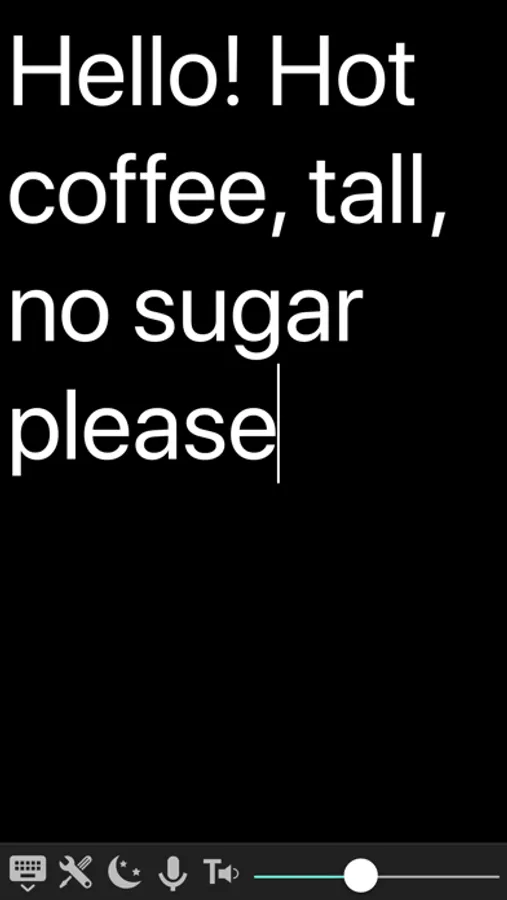
Interactive Notes: Experience real-time communication by typing while the other person speaks. Use Speech-to-Text to transcribe their voice instantly and Text-to-Speech to read your highlighted text aloud. Perfect for dynamic conversations and collaboration.
Bulleted Notes: Organize your tasks and ideas with intuitive bulleted lists. Whether you're making a shopping list, brainstorming, or creating a structured outline, bulleted notes keep everything neat and focused.
Text Size Adjustment: Customize the font size dynamically across all note types using a convenient slider, ensuring easy readability for everyone.
Speech-to-Text and Text-to-Speech: Transform speech into written text effortlessly or have the app read your notes aloud with highlighted text for clarity and accessibility.
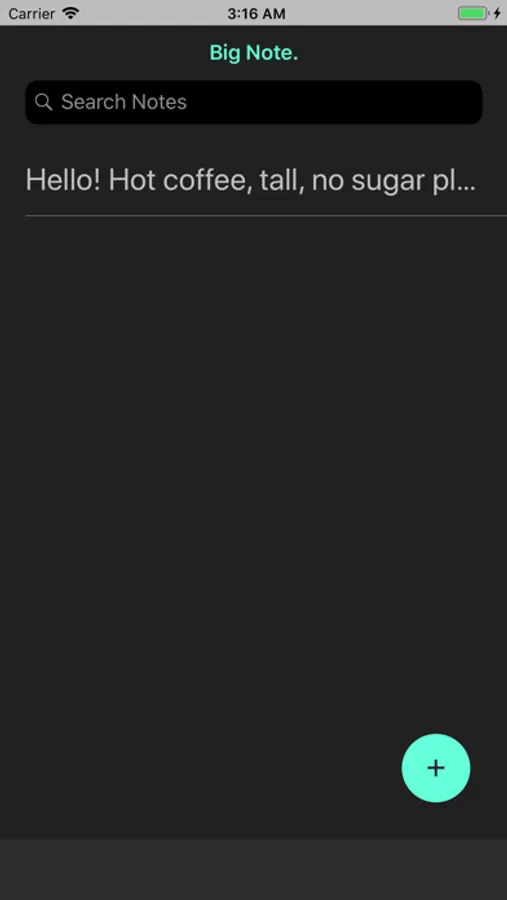
Categorized Folders: Keep your notes organized by creating folders like "Work," "Shopping List," or "Personal." Move notes between folders, rename them, or delete them as needed to stay productive and clutter-free.
Shake to Create: Quickly start a new note by shaking your phone, making note-taking faster and more convenient.
Big Note helps you stay productive, communicate with ease, and organize your thoughts better than ever. Whether you’re creating a shopping list, brainstorming, or managing conversations, this app simplifies every step of the process.
Terms of Use:
https://www.termsfeed.com/terms-conditions/10e4d8169e31378752d19d3f4ec4ee7a
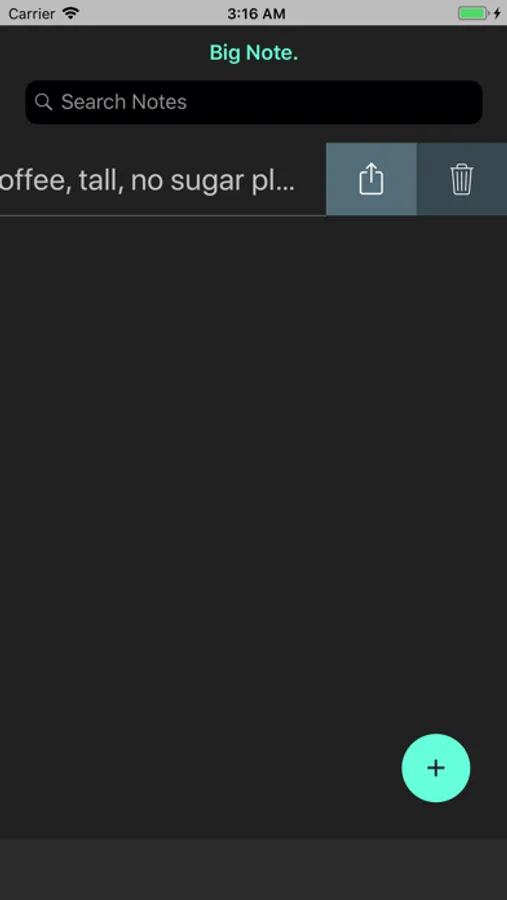
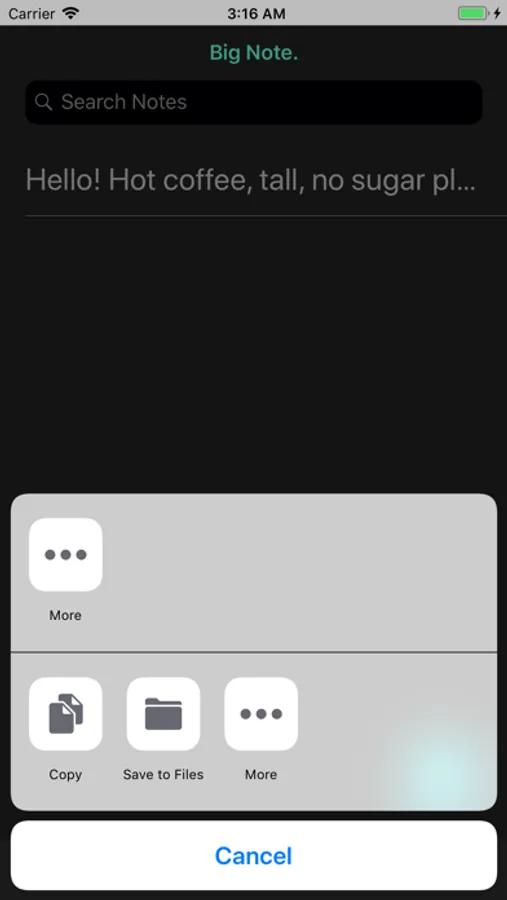
Big Note. Screenshots


Tap to Rate:
Reviews for Big Note.
Freebe Gam3r
👍🏻👍🏻
Been using Big Note a few years now The shake to clear doesn’t work on the iPad like on the iPhones You can either slide r or l to get a new screen for use or you can hold down the back button then delete everything to start with a clean screen The Developer Peter is good about helping you with things which is nice to see He replied back to me when I couldn’t get the shake to clear to work on my iPad So I’m satisfied with both the Dev & the app It is nice used on the iPad
1(2(3(4(5(
Simple and Direct
Big note is the app we’ve been looking for. Our teen son is deaf and although we can communicate through familiar gestures, ASL and he has a Cochlear Implant this app helps enhance communication between our us. Highly recommended.