In this video player, you can load, play, and translate subtitles with gesture controls. Includes support for various video formats, offline video saving, and Chromecast connectivity.
AppRecs review analysis
AppRecs rating 4.0. Trustworthiness 74 out of 100. Review manipulation risk 23 out of 100. Based on a review sample analyzed.
★★★★☆
4.0
AppRecs Rating
Ratings breakdown
5 star
63%
4 star
13%
3 star
3%
2 star
3%
1 star
17%
What to know
✓
Low review manipulation risk
23% review manipulation risk
✓
Credible reviews
74% trustworthiness score from analyzed reviews
✓
High user satisfaction
76% of sampled ratings are 4+ stars (4.0★ average)
About Liquid Player: Save Video
Liquid Player is a simple and user-friendly video player that supports all video formats. Save videos to your phone and watch them anytime, anywhere.
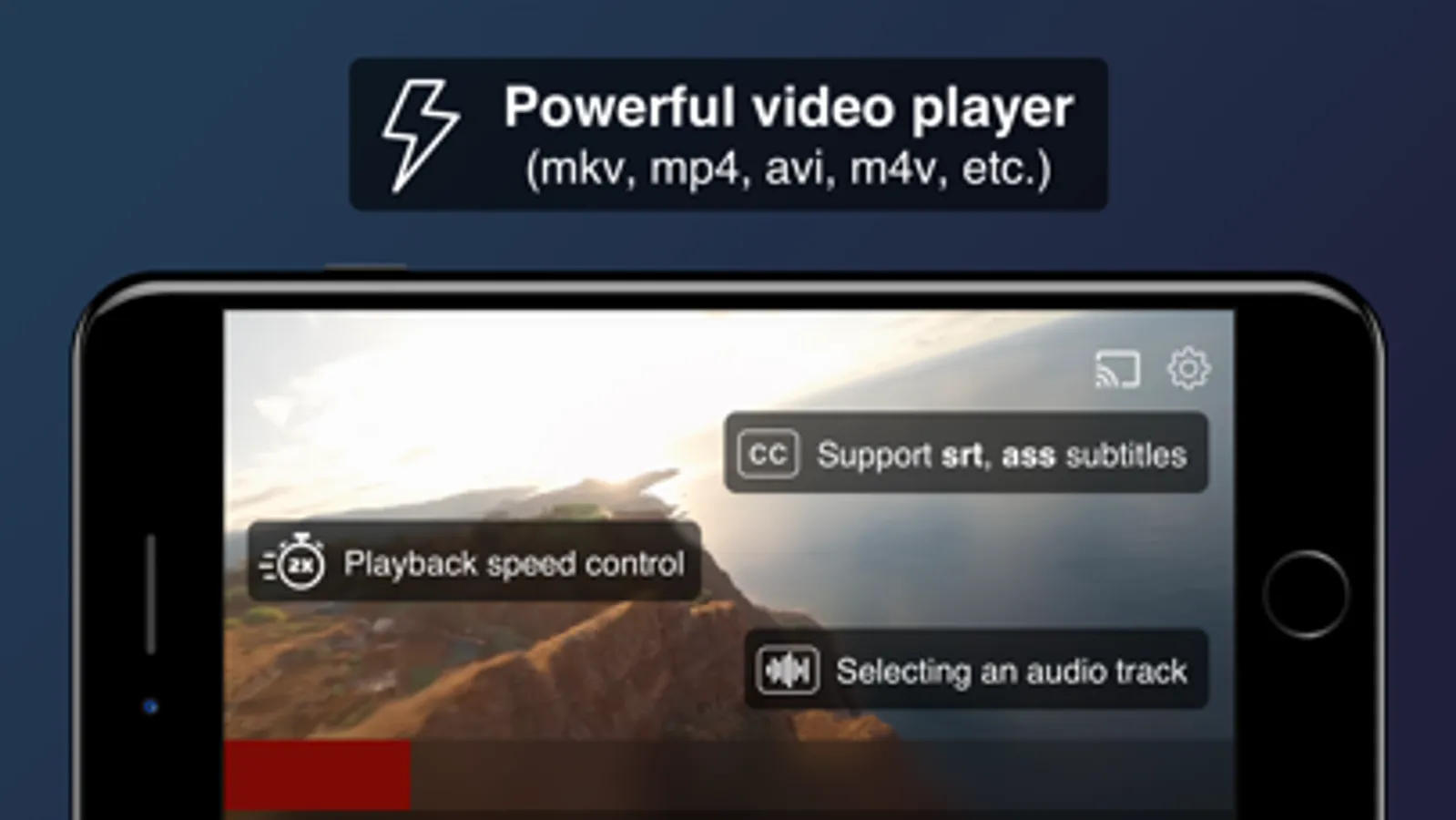
• Supports major formats: mkv, mp4, avi, wmv, flv, mpeg, and more.
• Audio track and subtitle selection.
• Watch videos from the internet (YouTube, TEDx, etc.) and search for videos via the browser.
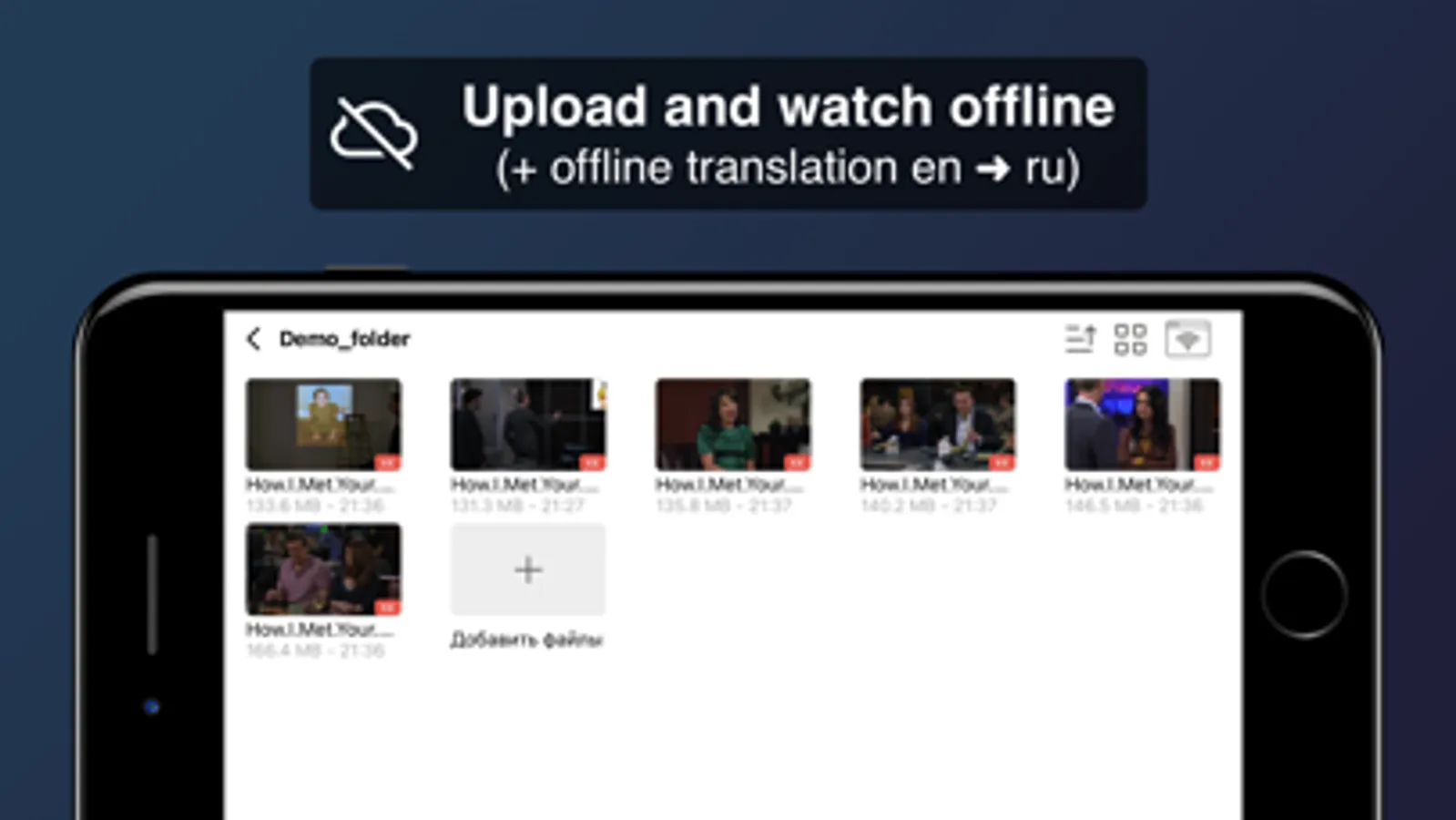
• Load videos from the internet to watch later offline.
• Ad-free.
• Enhanced privacy! Option to disable app analytics.
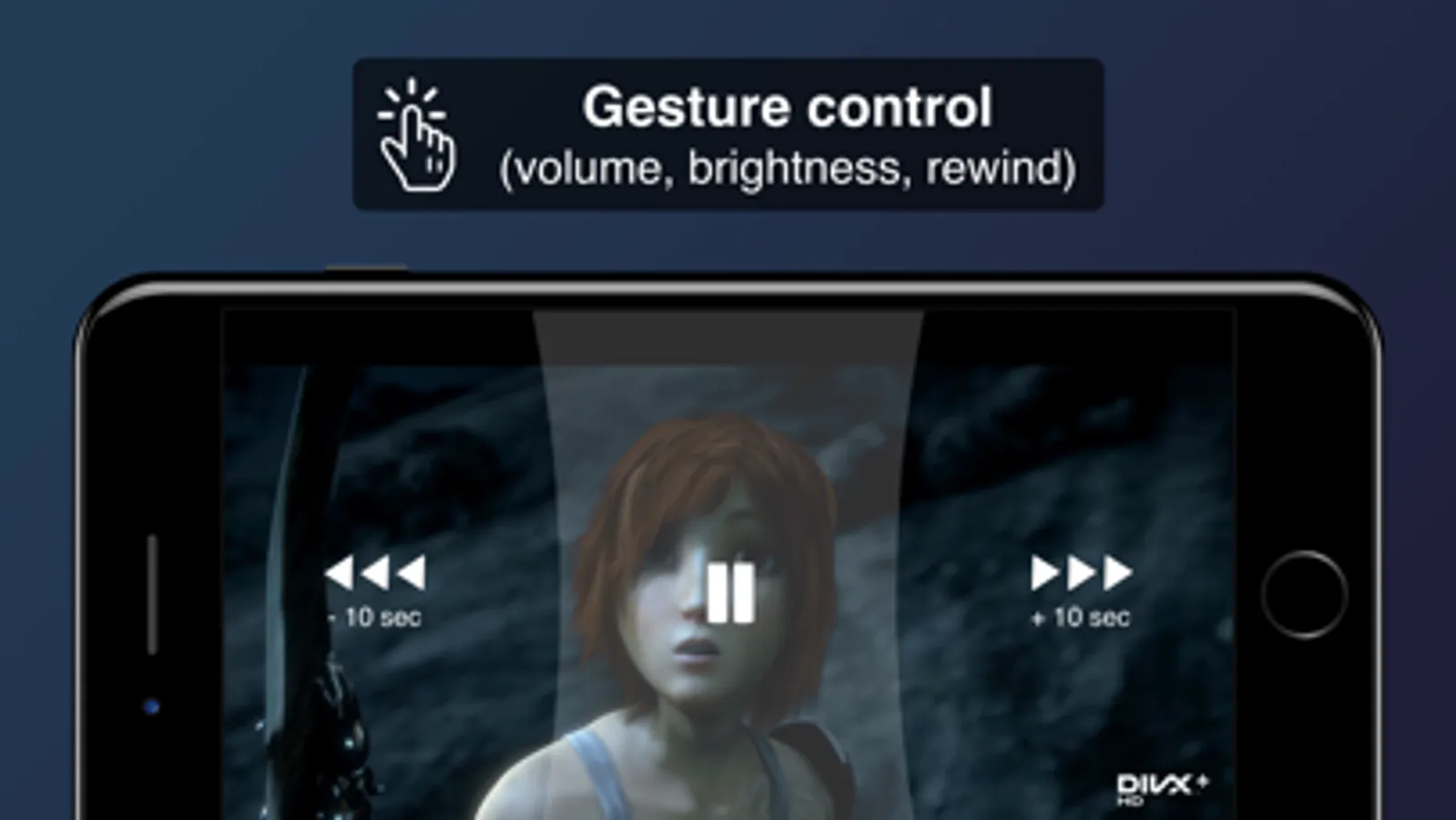
• Gesture control (rewind, brightness and volume adjustment, subtitle scrubbing).
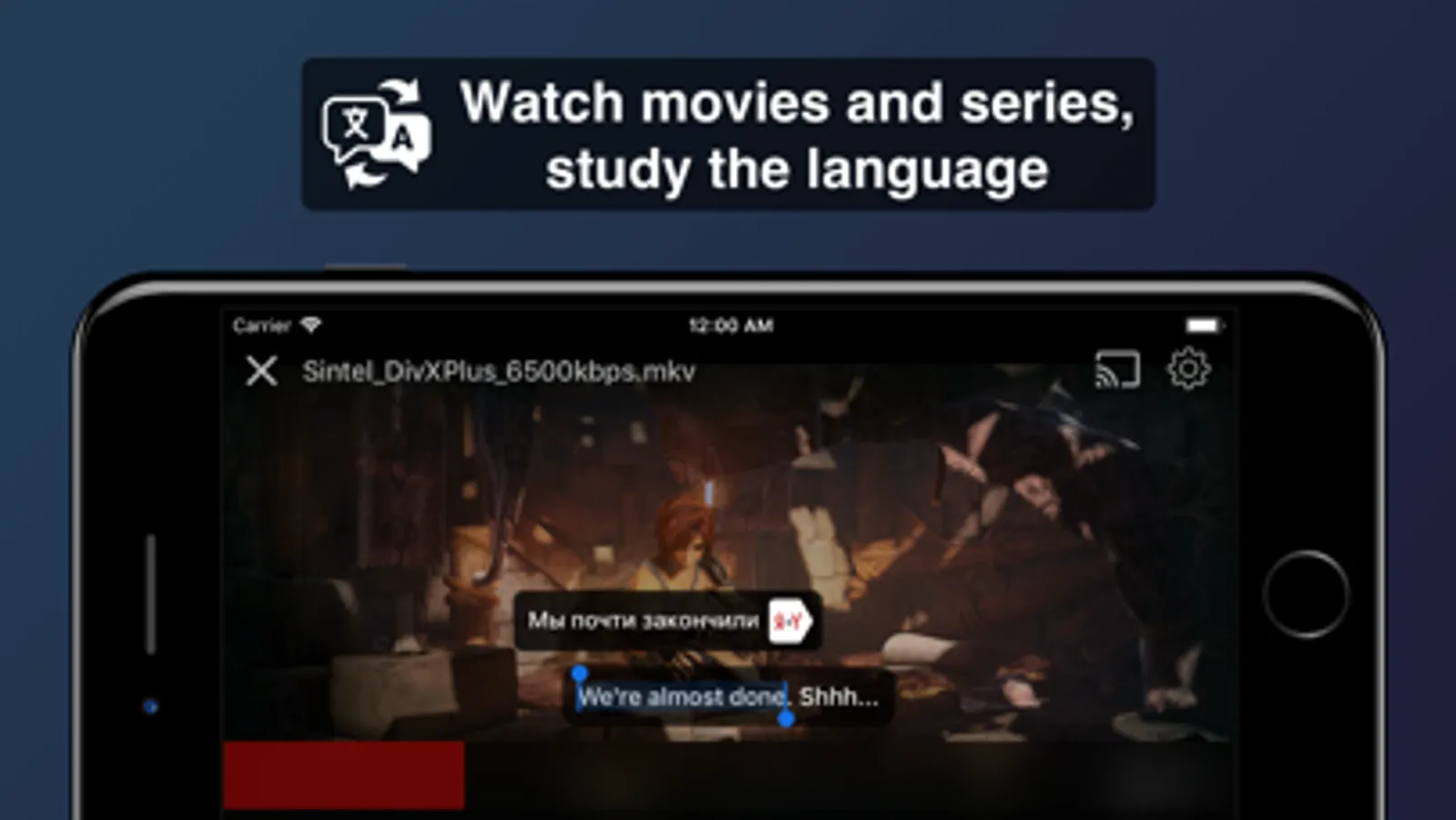
• Subtitle and text translation on tap.
• Offline translator from English to Russian.
• File transfer over WiFi from computer.
• Chromecast support.
One of the main features is the on-tap subtitle translation. This video player is ideal for those learning new languages. A great addition for those studying languages through Duolingo, Lingualeo, EWA, Skyeng, Puzzle English, Busuu, Cake, and others.
Watch online videos or cache them using the built-in browser. Works with all sites: Youtube, etc.
Privacy Policy: https://alexandrgraschenkov.github.io/LiPlayerOpen/privacy_policy.html
Terms of Use: https://alexandrgraschenkov.github.io/LiPlayerOpen/terms-and-conditions.pdf
• Supports major formats: mkv, mp4, avi, wmv, flv, mpeg, and more.
• Audio track and subtitle selection.
• Watch videos from the internet (YouTube, TEDx, etc.) and search for videos via the browser.
• Load videos from the internet to watch later offline.
• Ad-free.
• Enhanced privacy! Option to disable app analytics.
• Gesture control (rewind, brightness and volume adjustment, subtitle scrubbing).
• Subtitle and text translation on tap.
• Offline translator from English to Russian.
• File transfer over WiFi from computer.
• Chromecast support.
One of the main features is the on-tap subtitle translation. This video player is ideal for those learning new languages. A great addition for those studying languages through Duolingo, Lingualeo, EWA, Skyeng, Puzzle English, Busuu, Cake, and others.
Watch online videos or cache them using the built-in browser. Works with all sites: Youtube, etc.
Privacy Policy: https://alexandrgraschenkov.github.io/LiPlayerOpen/privacy_policy.html
Terms of Use: https://alexandrgraschenkov.github.io/LiPlayerOpen/terms-and-conditions.pdf
Liquid Player: Save Video Screenshots
Tap to Rate:
Reviews for Liquid Player: Save Video
ℰ𝓂𝒾𝓁𝒾𝒶 𝒜𝓋ℯ𝓉𝓎𝒶𝓃☽
.
как включить субтитры?
Ladanjia
The software is very good
Hi, hello, I like your software very much. It's really great, but a Tibetan ethnic minority from China, I want to ask if the software can translate Tibetan.