
In this email client, you can swipe to archive or delete emails and review previews before acting. Includes undo options, snooze feature, and an "Archive All" button.
AppRecs review analysis
AppRecs rating 4.6. Trustworthiness 78 out of 100. Review manipulation risk 25 out of 100. Based on a review sample analyzed.
★★★★☆
4.6
AppRecs Rating
Ratings breakdown
5 star
81%
4 star
8%
3 star
3%
2 star
3%
1 star
5%
What to know
✓
Low review manipulation risk
25% review manipulation risk
✓
Credible reviews
78% trustworthiness score from analyzed reviews
✓
High user satisfaction
81% of sampled ratings are 5 stars
About Email Client App
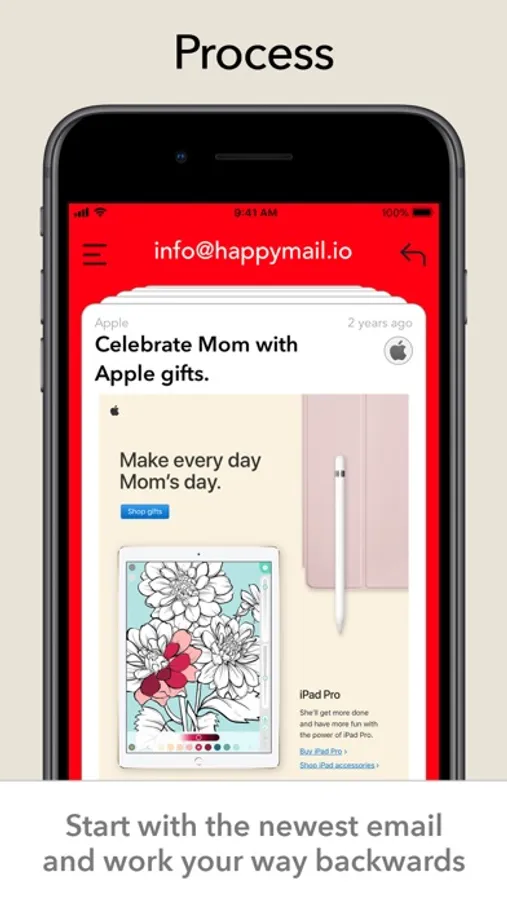
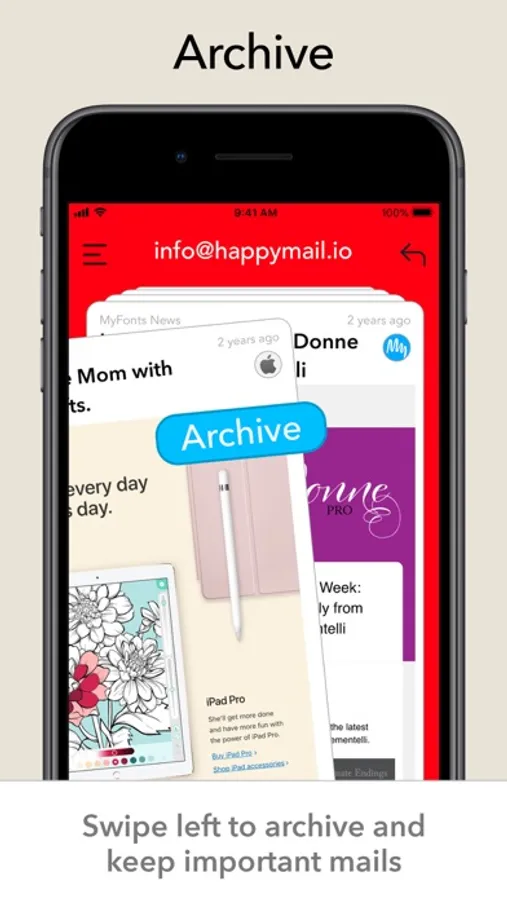
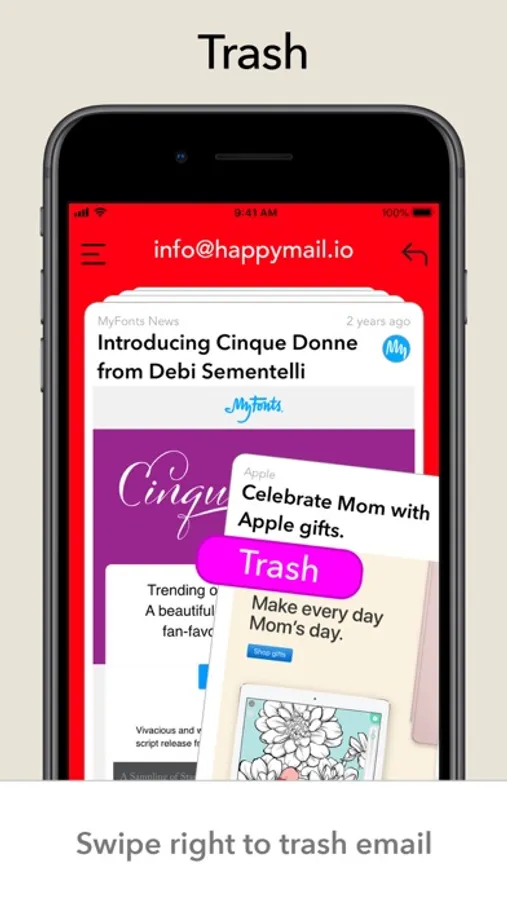
Swipe right to trash, left to archive. Happy Mail lets you process every email in your inbox from newest to oldest - with the goal of reaching inbox zero.
Need to keep it? Archive it. Don't need it? Delete it. Need more information?
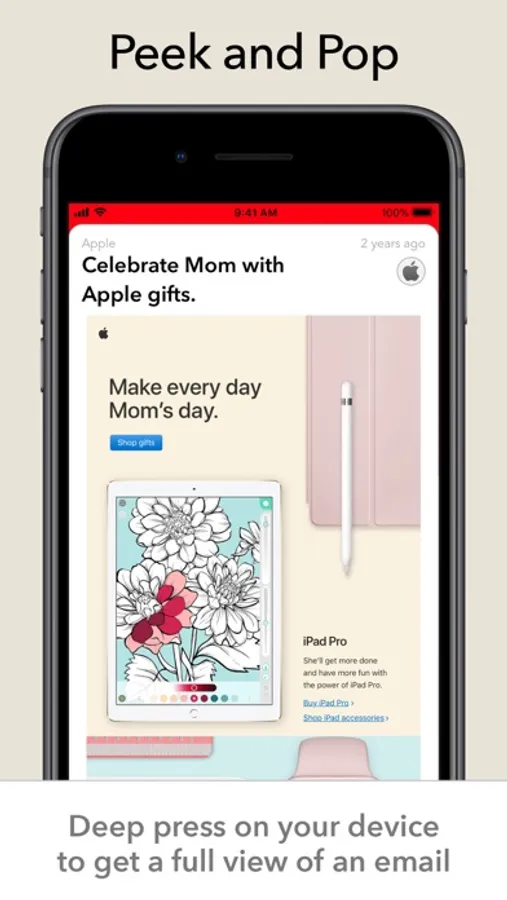
Email preview to see the whole email - and the tap the action of your choice.
Want to keep it in your inbox? Swipe down, it'll snooze for 10 minutes to let you make progress.
If you make a mistake then you can just tap the undo button and process the email again.
How many emails are sitting in your inbox right now? Wouldn't it be nice to get rid of them?
At the very least, you can use the handy "Archive All" button to save all of them, without having them in your inbox.
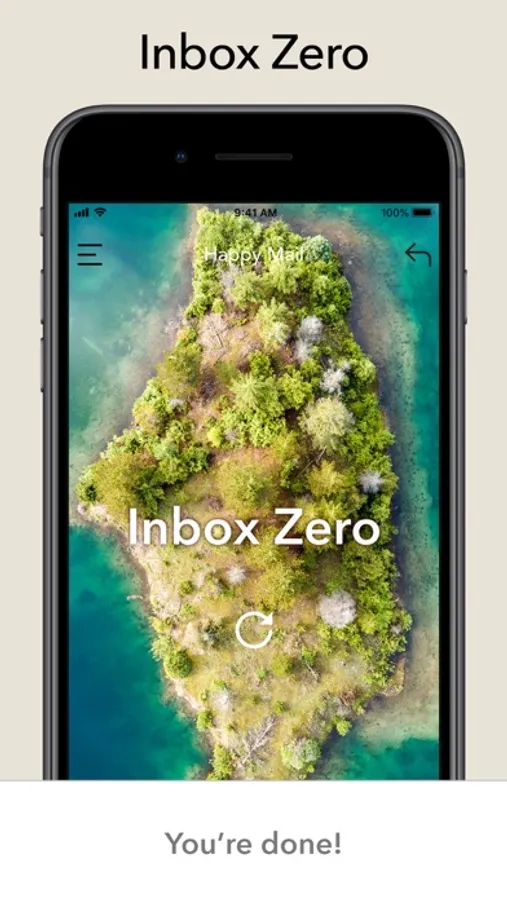
Once you reach your goal, of no email in your inbox, you can sit back and relax - safe in the knowledge that all of your email has been handled.
Privacy Policy
https://www.iubenda.com/privacy-policy/45529762
Terms
https://www.apple.com/legal/internet-services/itunes/dev/stdeula/
Need to keep it? Archive it. Don't need it? Delete it. Need more information?
Email preview to see the whole email - and the tap the action of your choice.
Want to keep it in your inbox? Swipe down, it'll snooze for 10 minutes to let you make progress.
If you make a mistake then you can just tap the undo button and process the email again.
How many emails are sitting in your inbox right now? Wouldn't it be nice to get rid of them?
At the very least, you can use the handy "Archive All" button to save all of them, without having them in your inbox.
Once you reach your goal, of no email in your inbox, you can sit back and relax - safe in the knowledge that all of your email has been handled.
Privacy Policy
https://www.iubenda.com/privacy-policy/45529762
Terms
https://www.apple.com/legal/internet-services/itunes/dev/stdeula/
Email Client App Screenshots
Tap to Rate:
Reviews for Email Client App
Sing six good s
Edwin
Can’t you guys just let me access my YouTube account in peace why do I need to pay and use my Cash app card?
Zmwevb
Zmwevb
Zmwevb