
AppRecs review analysis
AppRecs rating 2.8. Trustworthiness 65 out of 100. Review manipulation risk 19 out of 100. Based on a review sample analyzed.
★★☆☆☆
2.8
AppRecs Rating
Ratings breakdown
5 star
40%
4 star
0%
3 star
10%
2 star
0%
1 star
50%
What to know
✓
Low review manipulation risk
19% review manipulation risk
⚠
Mixed user feedback
Average 2.8★ rating suggests room for improvement
About ONE Pocket
ONE, the leading educational social network for elementary schools, is now available as a mobile app. ONE Pocket is a lighter version of your virtual learning environment that can be accessed directly from your smartphone or tablet and is designed to make communication between school and home even easier!
Teachers and parents can sign in with the same username and password they use for their educational network and get access to all of ONE's main features.
The ONE Pocket mobile app lets you:
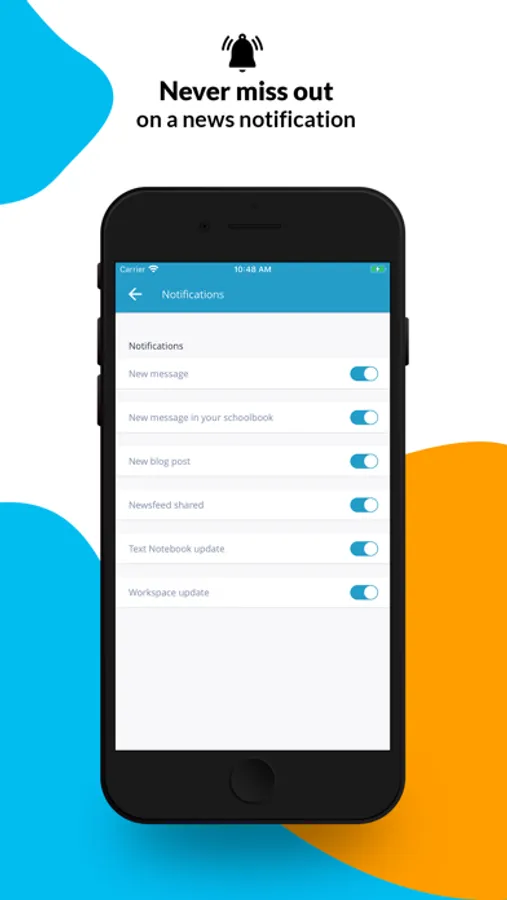
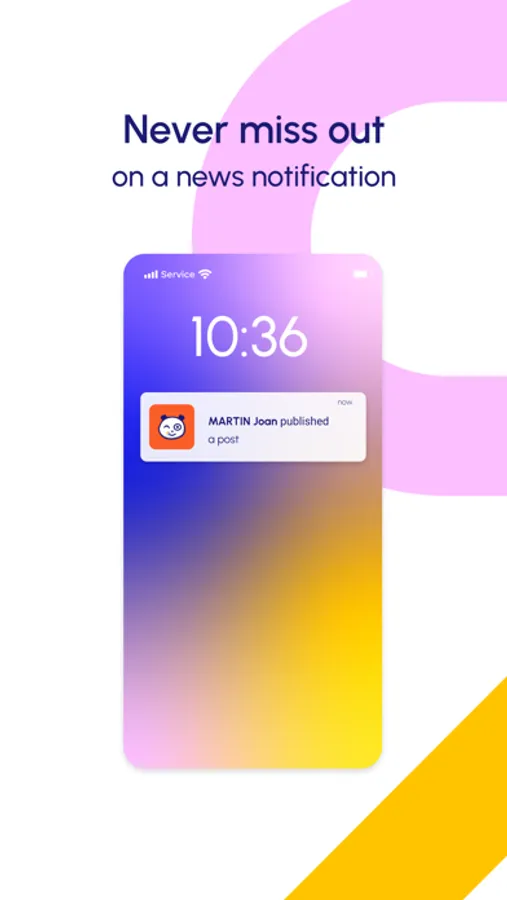
– Receive real-time notifications on your smartphone about the latest publications from your network
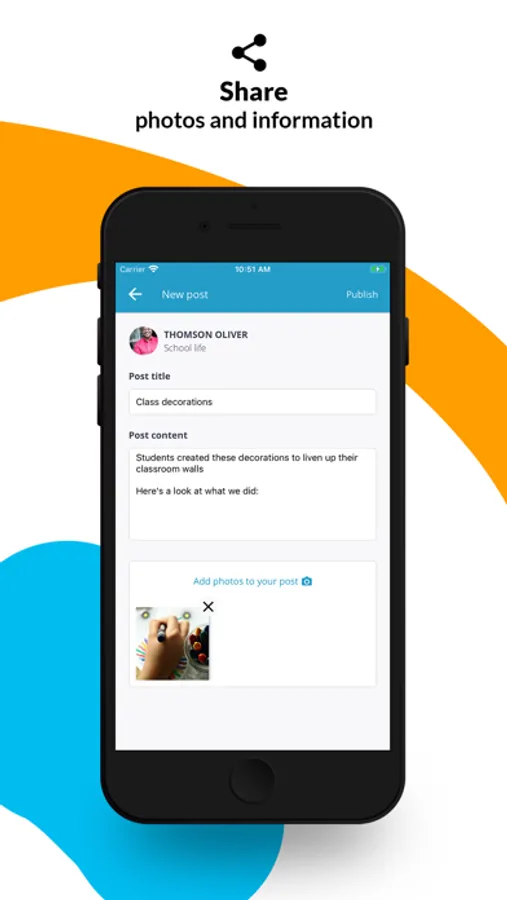
– Browse your Newsfeed so you can keep up to date with your Blog, School Journal, and News apps
– Browse an overview of the content on your Newsfeed and see content in greater detail with a simple tap on the screen
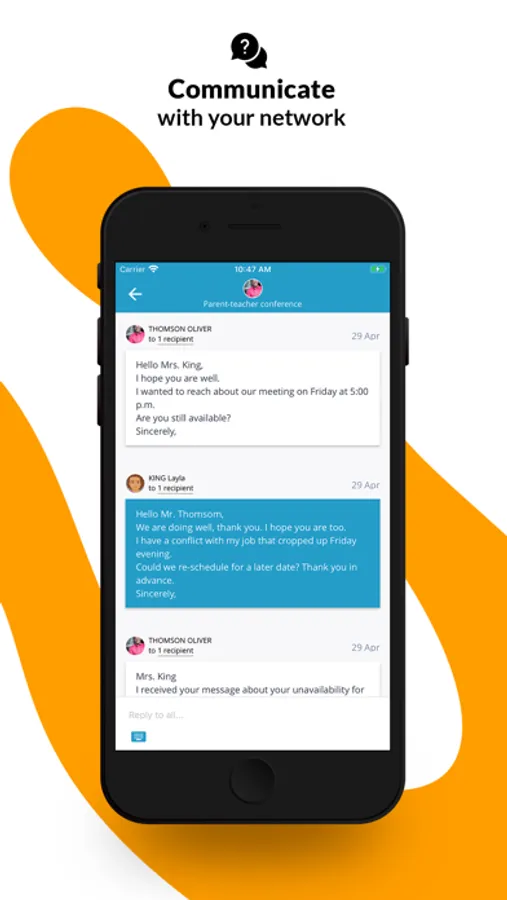
– Access your Mailbox simply so you don’t miss out on any messages
– Draft emails on your phone and select recipients in your network
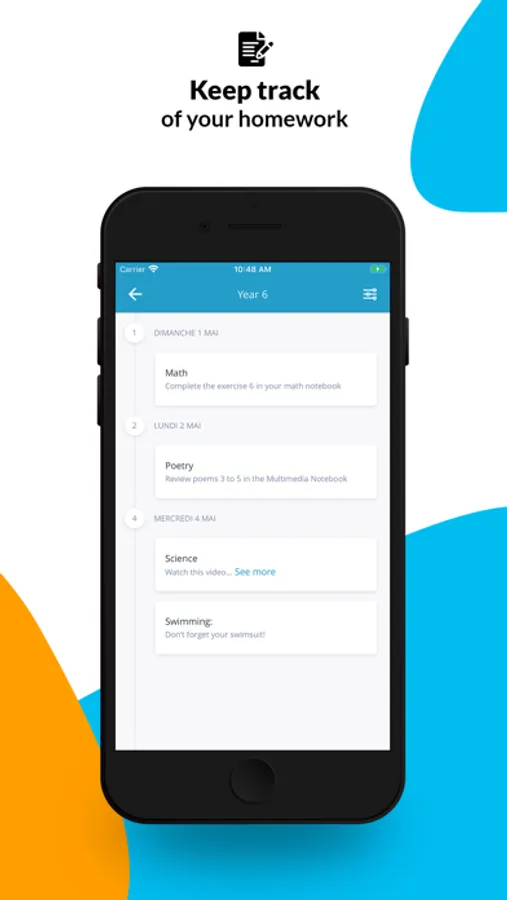
– Easily keep up with lessons and homework via the Text Notebook tab
– View your workspace
Teachers and parents can sign in with the same username and password they use for their educational network and get access to all of ONE's main features.
The ONE Pocket mobile app lets you:
– Receive real-time notifications on your smartphone about the latest publications from your network
– Browse your Newsfeed so you can keep up to date with your Blog, School Journal, and News apps
– Browse an overview of the content on your Newsfeed and see content in greater detail with a simple tap on the screen
– Access your Mailbox simply so you don’t miss out on any messages
– Draft emails on your phone and select recipients in your network
– Easily keep up with lessons and homework via the Text Notebook tab
– View your workspace
ONE Pocket Screenshots


Tap to Rate:
Reviews for ONE Pocket
Mkharebava
The most terrible app!!!!
It's a terrible app. The message box disappeared, I deleted and downloaded it many times, but it didn't fix the error.
liofrom
So slow and useless
This app is so slow…. Cannot post photos… takes 5 h to load one photo and then the viewer cannot download them…an app from 1994…. Better off setting of a whatsapp group. 😒