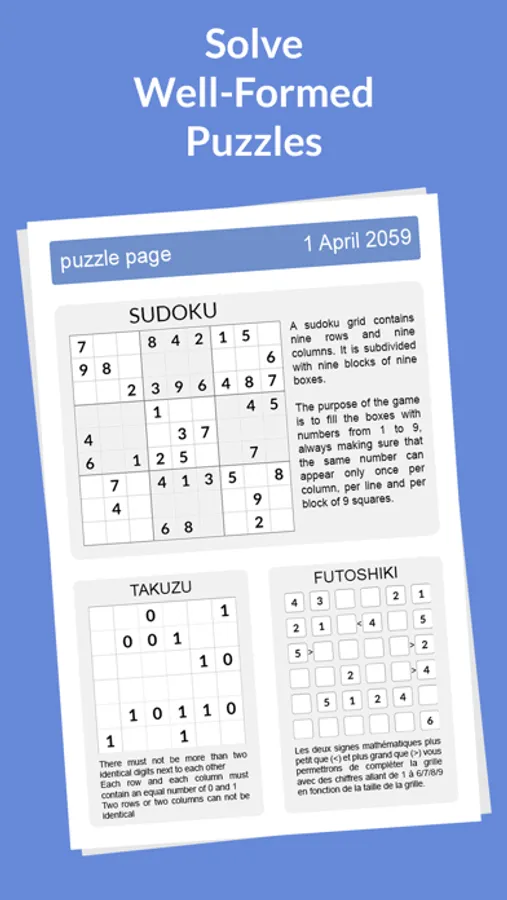
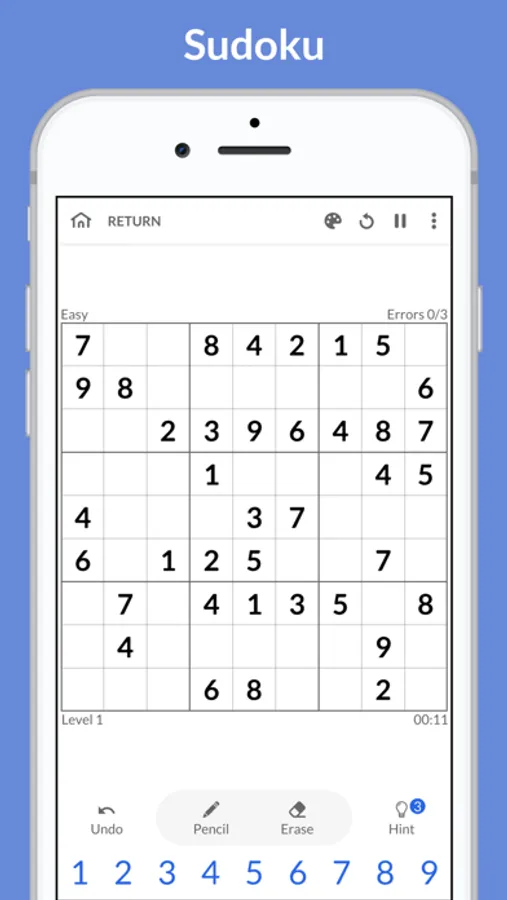
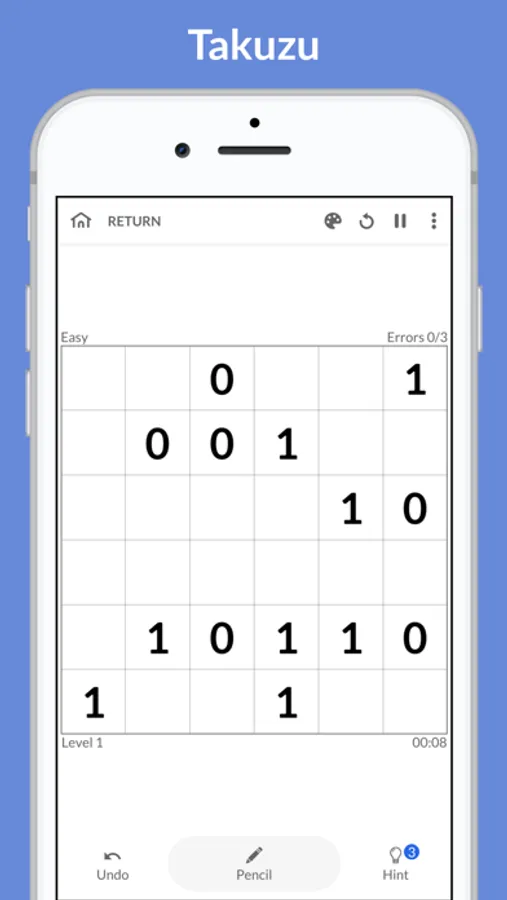
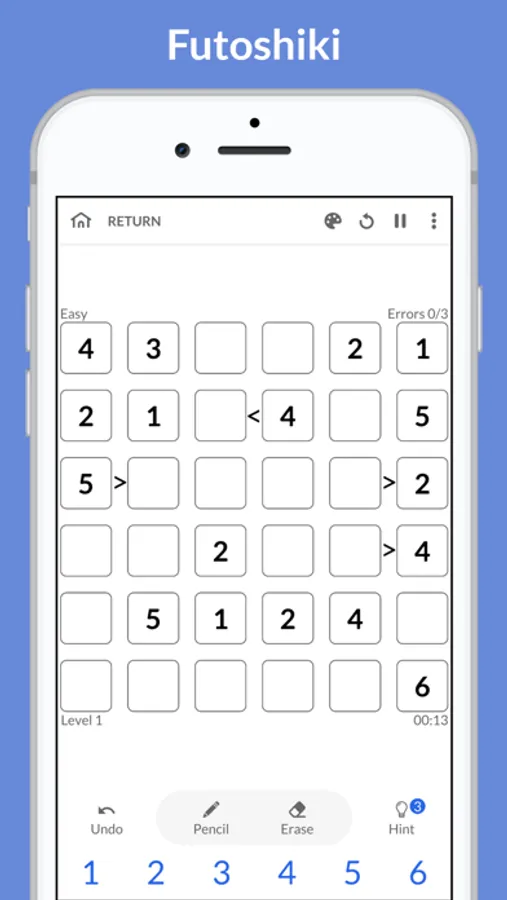
In this puzzle app, you can solve Sudoku, Takuzu, and Futoshiki puzzles with features like hints and auto-check. Includes unlimited undos, puzzle generation, and adjustable difficulty levels.
AppRecs review analysis
AppRecs rating 4.6. Trustworthiness 65 out of 100. Review manipulation risk 22 out of 100. Based on a review sample analyzed.
★★★★☆
4.6
AppRecs Rating
Ratings breakdown
5 star
73%
4 star
19%
3 star
5%
2 star
3%
1 star
0%
What to know
✓
Low review manipulation risk
22% review manipulation risk
✓
High user satisfaction
73% of sampled ratings are 5 stars
✓
Authentic reviews
Natural distribution, no red flags
About Paper Brain - Sudoku, puzzles
Choose any level you like. Play easier levels to exercise your brain, logical thinking and memory, or try the hardest to give your mind a real workout.
Our classic puzzle game has some features that make game easier for you: hints, auto-check,.. You can use them or complete the challenge without help - it' up to you! What's more, every puzzle has just one correct solution.
Main features
• Unlimited undos. Made a mistake? Just put it back quickly!
• Pencil mode allows you to make assumptions
• The eraser allows you to correct an error
• Hints guide you throughout the game
Main parameters
• Limitation (or not) of the number of errors
• Error display in real time or at the end of the game only
• Highlighting a row and a column related to the selected cell
• Highlighting impossible combinations
Highlights
• An infinity of well-formed puzzles
• Auto-save. If you leave a sudoku unfinished it will be saved.
• Four levels of difficulty perfectly balanced: easy, average, difficult and insane
• Support both phones and tablets
• Portrait and landscape mode for tablets
• Simple and intuitive design with several themes. Choose one of four appearances for a better playing comfort, even in the dark
• Ability to generate other puzzles on the fly
Paper Brain - Sudoku, puzzles Screenshots


Tap to Rate:
Reviews for Paper Brain - Sudoku, puzzles
Sychoo
ONE change needed.
While it would be nice to make the pencil marks go away when redundant (i.e. when I put in a 2 correctly, all “2” pencil marks in the row and column are automatically removed); there’s one thing this app desperately needs to fix. PLEASE move the “hint” button row further away from the number selection row. Put it on top even. It’s so frustrating going to enter an 8 or 9 and accidentally getting another number solved for me. Please.