AppRecs review analysis
AppRecs rating 1.0. Trustworthiness 58 out of 100. Review manipulation risk 30 out of 100. Based on a review sample analyzed.
★☆☆☆☆
1.0
AppRecs Rating
Ratings breakdown
5 star
0%
4 star
0%
3 star
0%
2 star
0%
1 star
100%
What to know
⚠
Mixed user feedback
Average 1.0★ rating suggests room for improvement
About Cropper for PDF
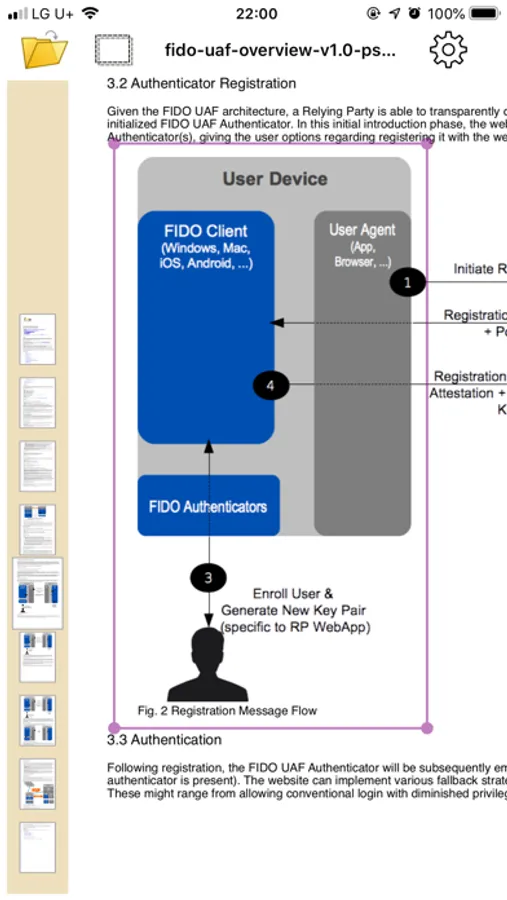
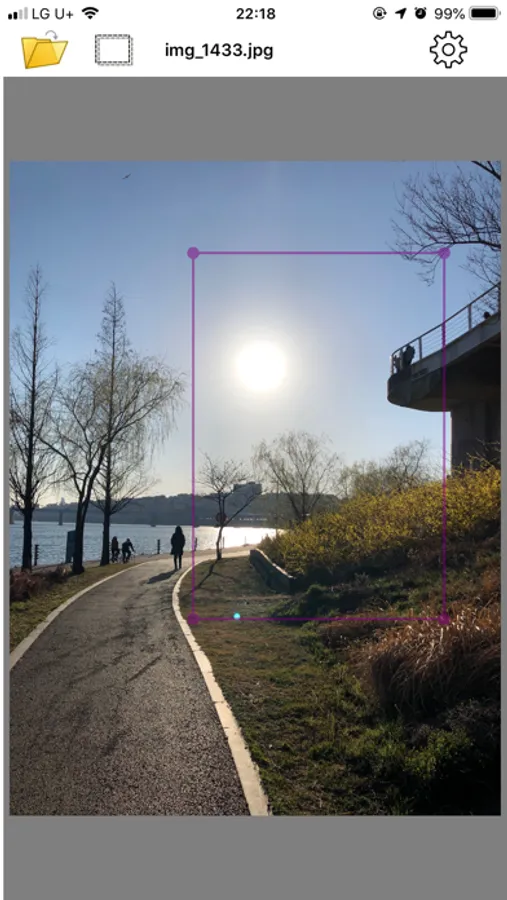
Usage is incredibly simple. Open the document, navigate to the desired page, click the Crop button, and select a box to copy.
(Or double-tap the screen to enter Crop mode; simply tap inside the box to exit.)
(Scroll around the lines of the rectangular area to expand or shrink it)
* Very convenient when copying only specific screen areas of PDF documents.
* Copies exactly what you see on screen, even when zoomed in.
* Scrolling is disabled while the box is visible.
* Text copying from PDF box areas is available (enable in options)
Options (access via gear icon):
Google Drive Login: You can disable auto-login option
Text Copy Enabled: When copying PDF areas, both image+text are possible. Text will be pasted when pasting in text-supporting apps.
Cropper for PDF Screenshots
Tap to Rate:
Reviews for Cropper for PDF
MrMeNowAgain
Useless
Doesn’t work- waste of time.
matrix_related
Wow
Goodness gracious chungkil Kim! You only had one job in this app and you screw it up! Let me ask you a simple question, if you crop a pdf why would you want to end up with a PNG file in the end?? People who crop pdf want to have a cropped pdf! It’s that simple. Also why not include function to rotate the cropped PDF (not png) and a function to be able to save the newly cropped pdf file! It’s simple stuff, man! And you want someone to pay for this after two weeks lol. I’ll pay for it to be taken off my phone. Good luck buddy!