AppRecs review analysis
AppRecs rating 4.2. Trustworthiness 65 out of 100. Review manipulation risk 22 out of 100. Based on a review sample analyzed.
★★★★☆
4.2
AppRecs Rating
Ratings breakdown
5 star
70%
4 star
12%
3 star
5%
2 star
0%
1 star
14%
What to know
✓
Low review manipulation risk
22% review manipulation risk
✓
High user satisfaction
81% of sampled ratings are 4+ stars (4.2★ average)
About Qlone 3D Scanner EDU
SCANNING
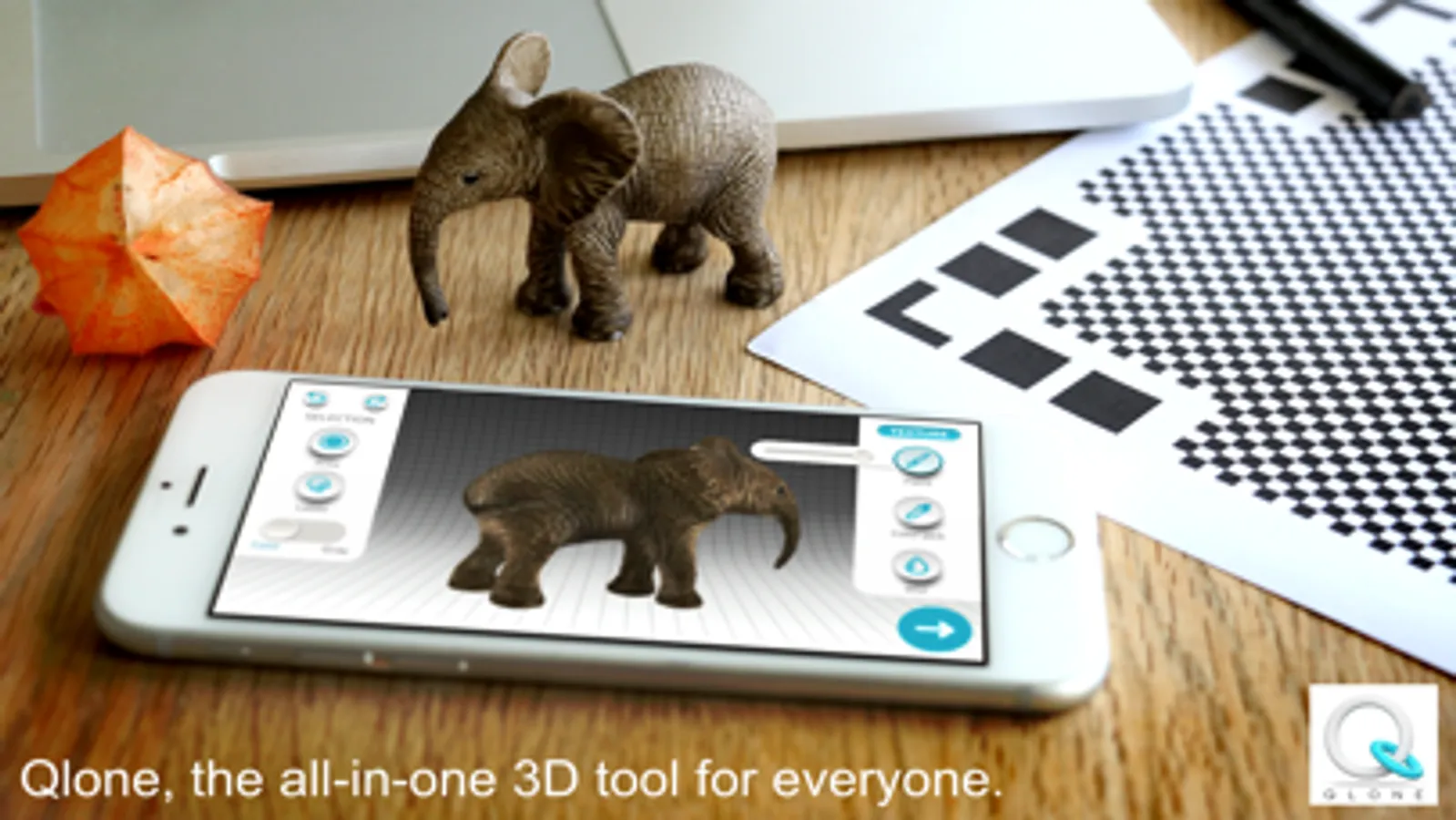
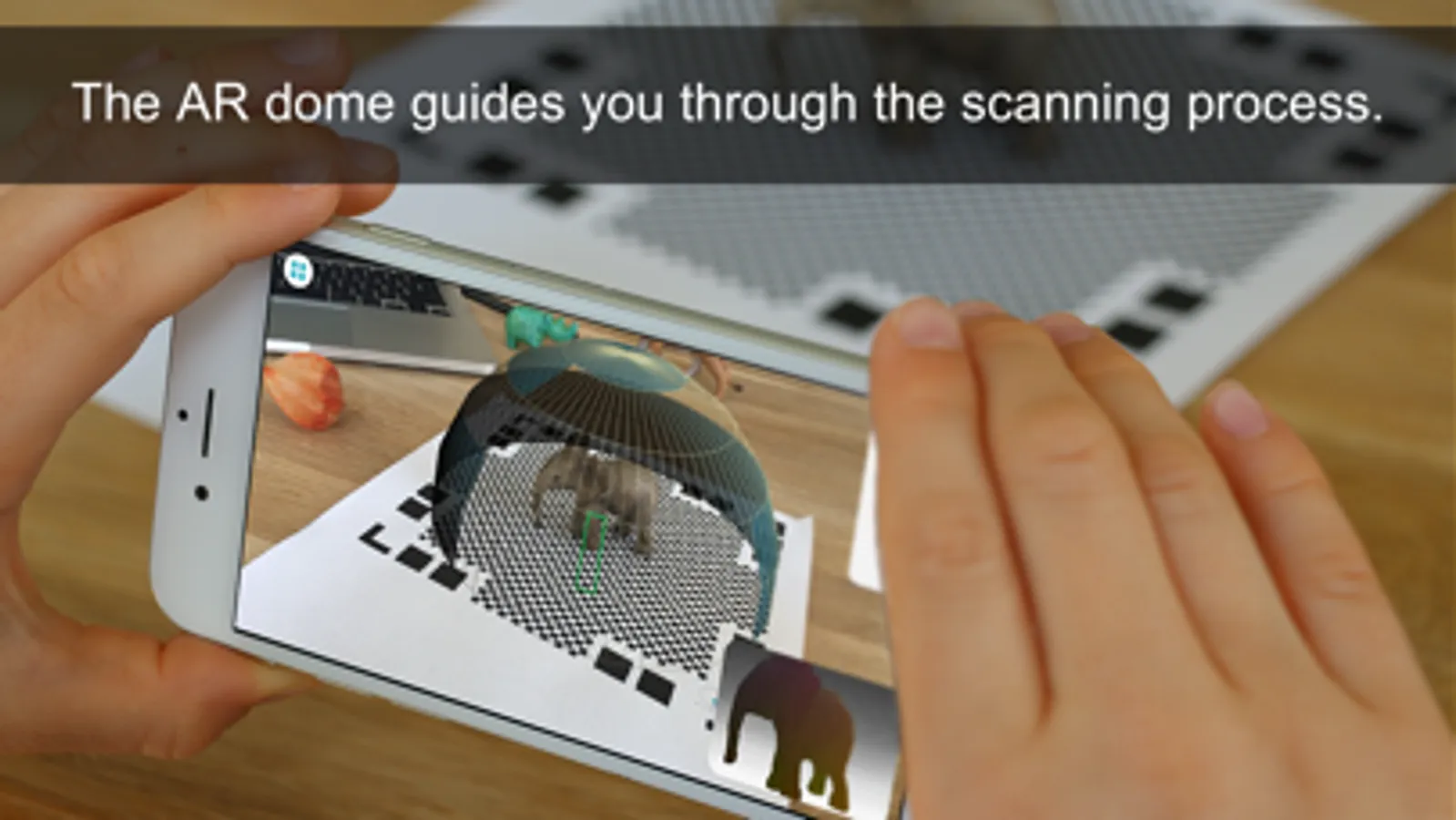
Scanning real objects has never been easier. Print the included AR mat, place your object in the middle of the mat and let the Augmented Reality dome guide you through the scanning process. Scan the object from two different angles and it will be auto merged for better and more complete 3D results.
With Qlone, there is no waiting time, all processing is done live on your phone in seconds.
Print the mat directly from the app with AirPrint or send it as a mail and print out.
MODIFYING
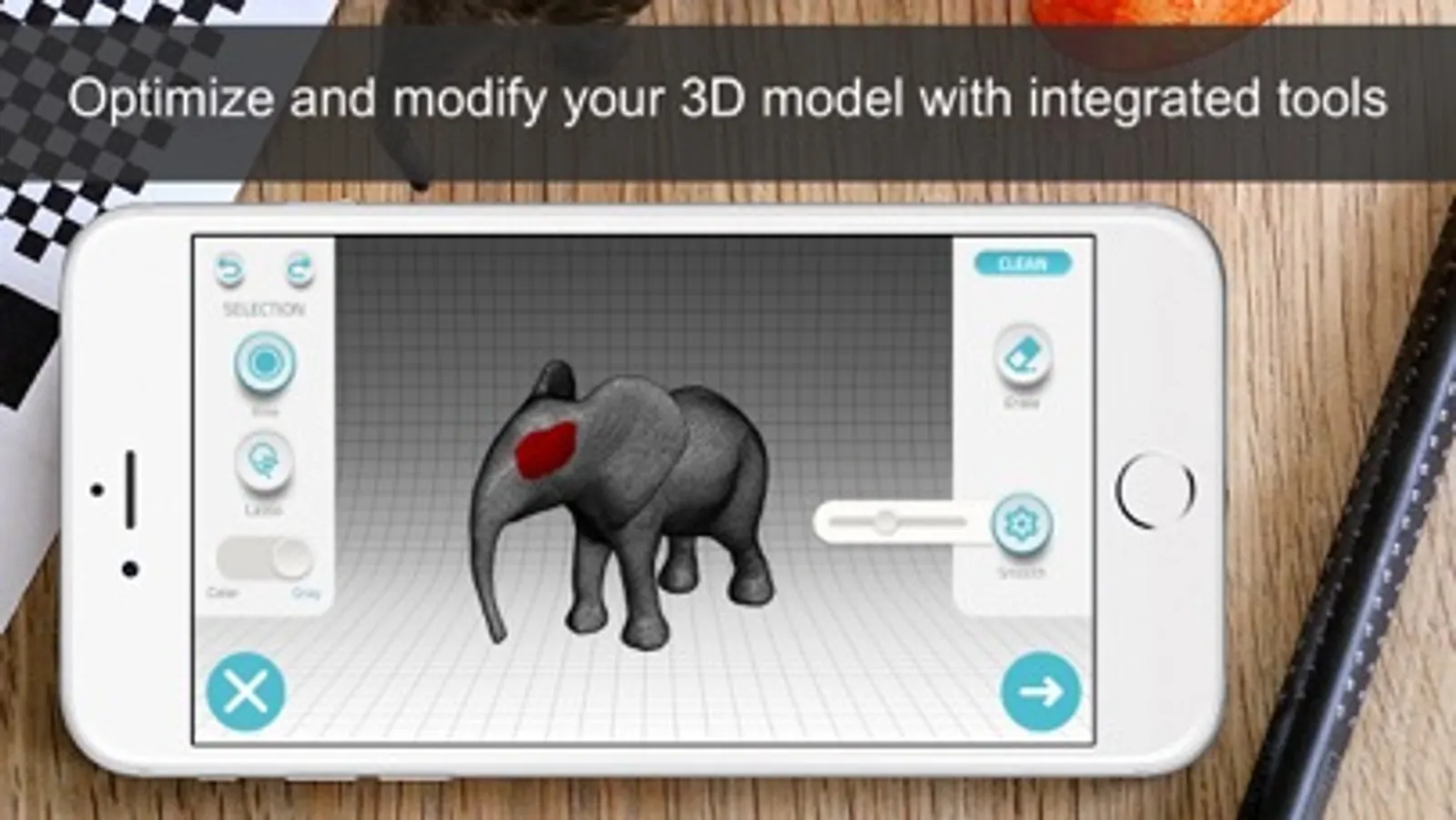
With the integrated tools in the app so you can optimize and modify your 3D model without needing to export them.
Texture - Change the Brightness, Saturation and Sharpness of the 3D model. Pick colors from the scanned object and apply them by painting directly on the 3D model. Blur areas or transitions for smoother results.
Clean - Improve the quality of the model by erasing unwanted areas or smoothing the surface.
Sculpt - Improve or alter the shape of your object by pressing or pulling a selected area and adjust the transition.
Shape - Enhance the mesh details or set the scale size of your model for 3D printing, simplify the mesh for lower file size export.
Art - Turn your object into scaled cubes or meshed objects of art, ready to be printed.
AR View + Animation:
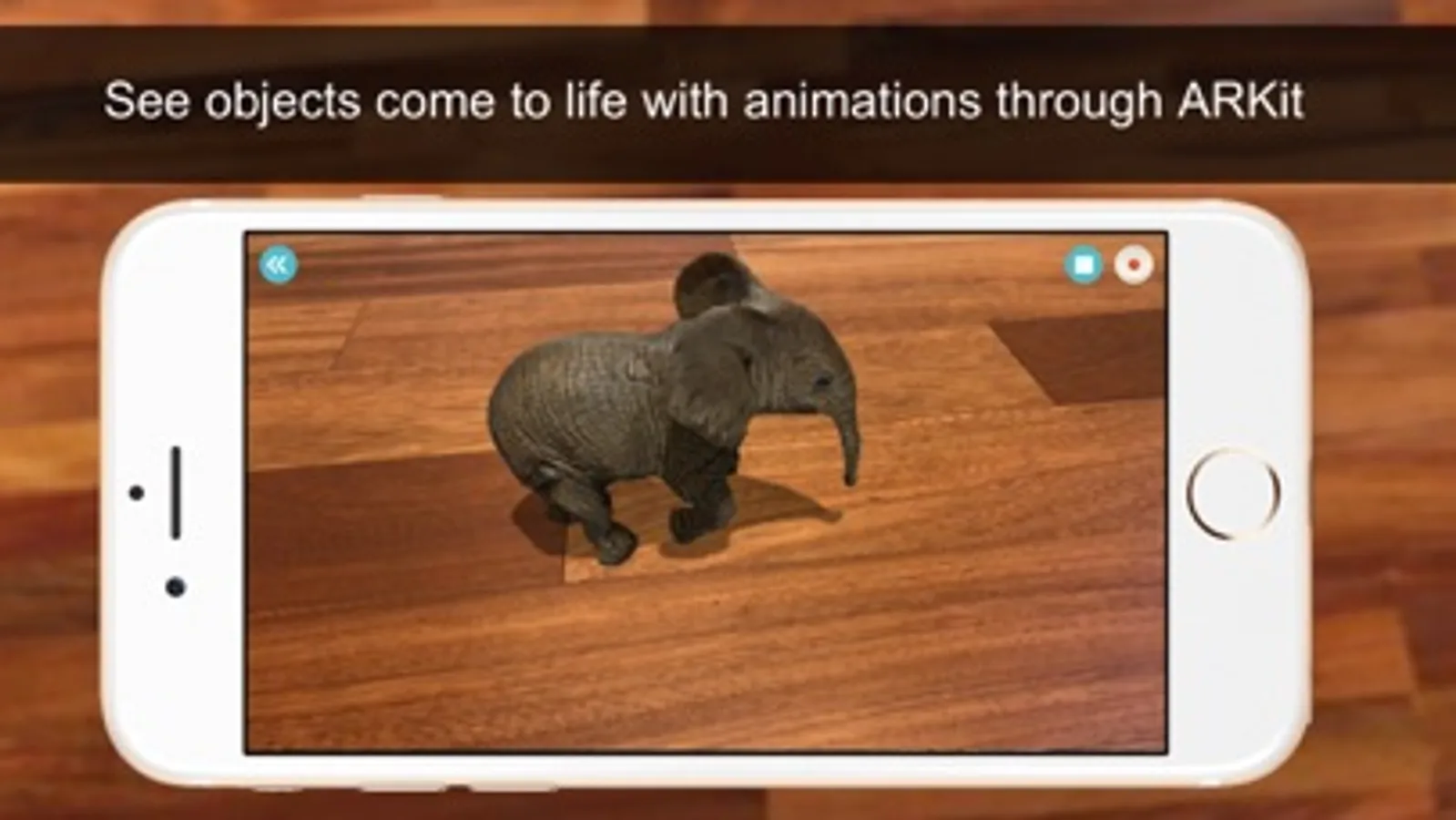
You can beam your 3D models back to reality and bring them to life with automatic rigging and animation.
EXPORTING and IMPORTING:
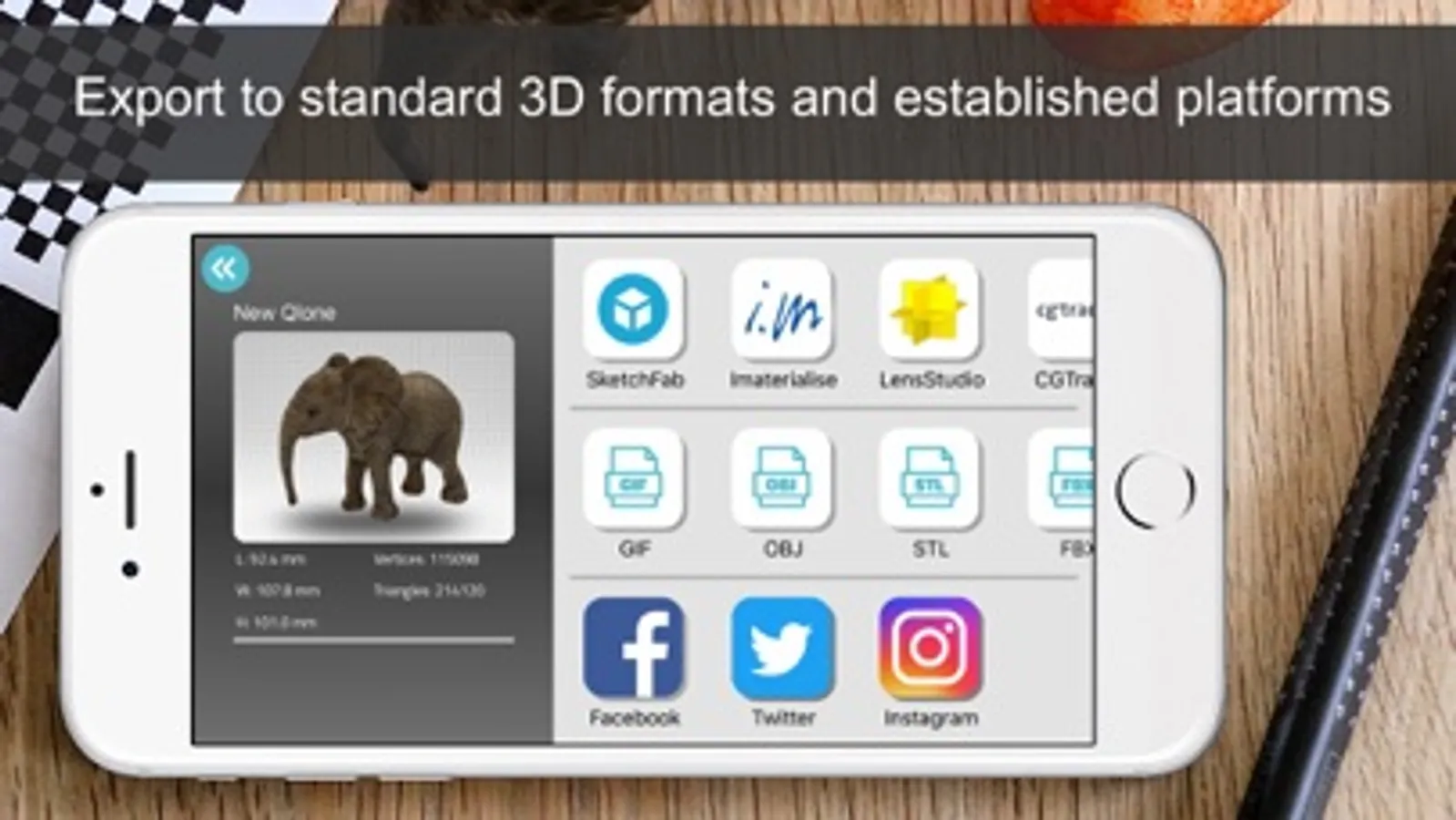
Export your model directly to platforms like SketchFab, i.materialise, Lens Studio, Shapeways and CGTrader. Models can be exported in a variety of formats for use in other 3D tools – OBJ, STL, FBX, USDZ, GLB (Binary glTF) which includes animation, PLY, X3D.
Share your models with friends as an image, video or GIF through Facebook, Twitter, Instagram, WhatsApp, Email and iMessage.
You can import any 3D model into Qlone. Import in any 3D format (40+ formats) to view, modify or bring it to life in AR with our automatic animation!
PRIVACY POLICY:
http://eyecue-tech.com/index.php?option=com_content&view=article&id=143
TERMS OF USE:
http://eyecue-tech.com/index.php?option=com_content&view=article&id=142
Qlone 3D Scanner EDU Screenshots

Tap to Rate:
Reviews for Qlone 3D Scanner EDU
Huge SW Fan!
Not good for small item scans
The app is intuitive to use and make work well for scanning big things like a car or a room, however,it does a poor job scanning small items. I am have been scanning objects are 6” to 8” long that have a about 0.5” in diameter and some items that are 0.75” and 0.33” in diameter. The scans come out odd and are unusable. I have tried using changing the sizeof the checked background sheets, but it did not make a difference. If you are scanning small mechanical items, you will be disappointed. I am out $20 buying the EDU version of the app, and disappointed in my purchase.