With this app, you can create, edit, and run Jupyter notebooks directly on your device, utilizing embedded Python and pre-installed packages. Includes support for Markdown, package management with %pip, and notebook sharing features.
AppRecs review analysis
AppRecs rating 4.6. Trustworthiness 77 out of 100. Review manipulation risk 21 out of 100. Based on a review sample analyzed.
★★★★☆
4.6
AppRecs Rating
Ratings breakdown
5 star
80%
4 star
9%
3 star
4%
2 star
2%
1 star
5%
What to know
✓
Low review manipulation risk
21% review manipulation risk
✓
Credible reviews
77% trustworthiness score from analyzed reviews
✓
High user satisfaction
80% of sampled ratings are 5 stars
About Carnets - Jupyter
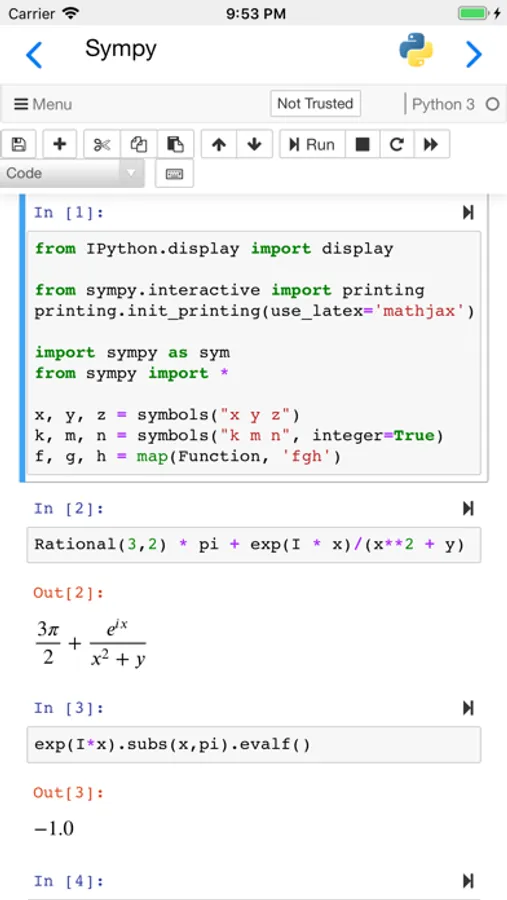
Carnets provides a complete, stand-alone, implementation of Jupyter notebooks. Everything runs on your device, using the embedded Python interpreter; you do not need an internet connection. You can chose between Jupyter notebooks and the more advance Jupyterlab using Settings.
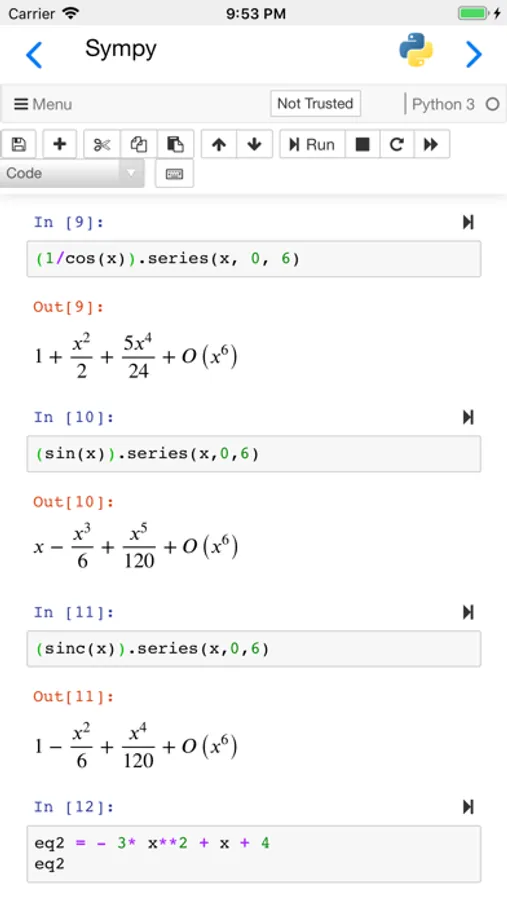
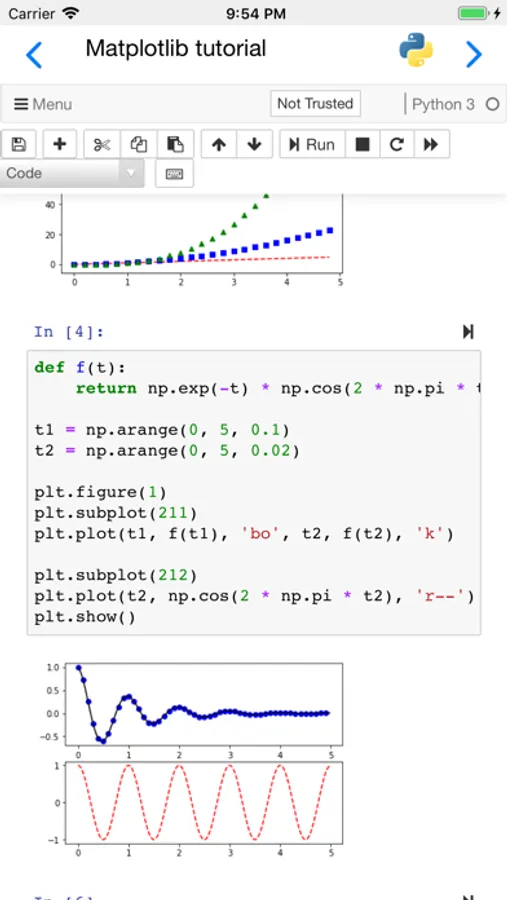
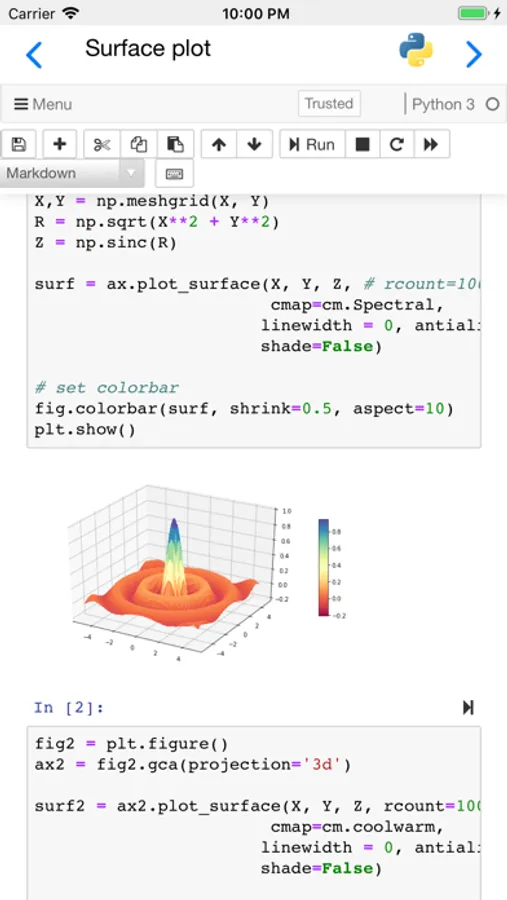
Numpy, Sympy, Matplotlib, Pandas, lxml, bokeh, nbextensions (including ipywidgets) and many other packages are pre-installed. To see the full list of installed packages, type "%pip list" in a code window. You can add more packages using "%pip install packageName", but only if they are pure Python.
If you need scipy, seaborn or scikit-learn, please use our other App, "Carnets - Jupyter (with scipy)".
You can share your notebooks with other apps and also open notebooks or directories managed by other apps.
Partial list of installed packages: astropy, babel, bokeh, cryptography, cvxopt, Fiona, geopandas, geopy, lxml, matplotlib, numpy, openCV, pandas, pillow, pyFFTW, pyproj, rasterio, regex, shapely, sympy, wordcloud.
Carnets - Jupyter Screenshots
Tap to Rate:
Reviews for Carnets - Jupyter
tenshikn
Bug with latest Carnets update
Love the app but same issue as JorgeC on iOS 18.7
JorgeC.
Error starting Kernel after iOS 26.1 iPad upgrade
I love this app; unfortunately, after yesterday’s iPadOS 26.1 upgrade (from 26.0.1), now, when opening a Jupyter notebook (or even, creating a fresh new one), it gives the error “Error starting Kernel” followed by a “‘module’ object is not callable” window error. Nothing works after this; did not have any issues before it.