In this health and fitness app, you can set customizable interval timers to remind you about meals and track related data. Includes food label scanning, notifications, and widget support.
AppRecs review analysis
AppRecs rating 4.3. Trustworthiness 79 out of 100. Review manipulation risk 20 out of 100. Based on a review sample analyzed.
★★★★☆
4.3
AppRecs Rating
Ratings breakdown
5 star
78%
4 star
9%
3 star
5%
2 star
3%
1 star
5%
What to know
✓
Low review manipulation risk
20% review manipulation risk
✓
Credible reviews
79% trustworthiness score from analyzed reviews
✓
High user satisfaction
78% of sampled ratings are 5 stars
About Fueling Timer
If you are doing a diet that requires intervals between meals, such as Optavia or Medifast. This app can help you out!
Features:
- Interval Timers
- Customizable Notifications
- Trackers
- Food Label Scanning
- Widget
- WatchOS App
== Interval Timers ==
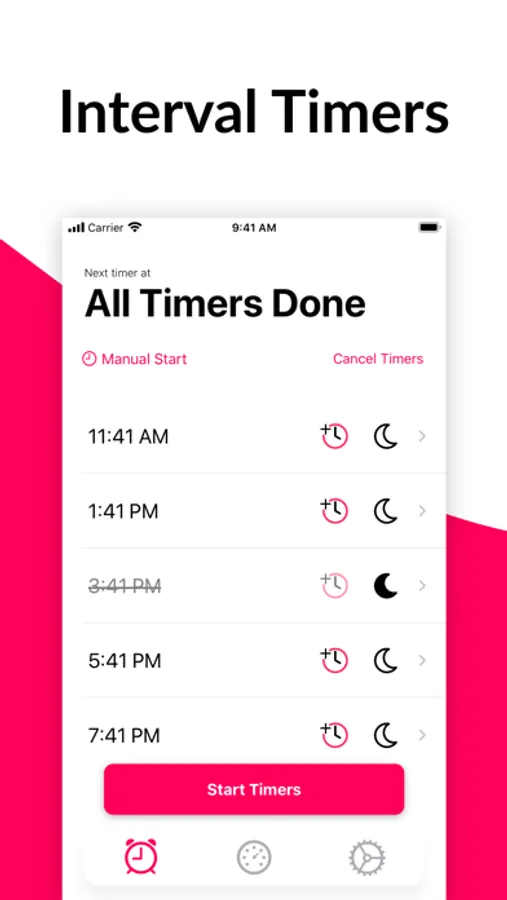
Use interval timers to help remind you of things spaced throughout the day, such as fuelings. Timers will by default be spaced apart every 2 hours. You can snooze and modify each timer individually, or set default settings for all your timers.
== Customizations ==
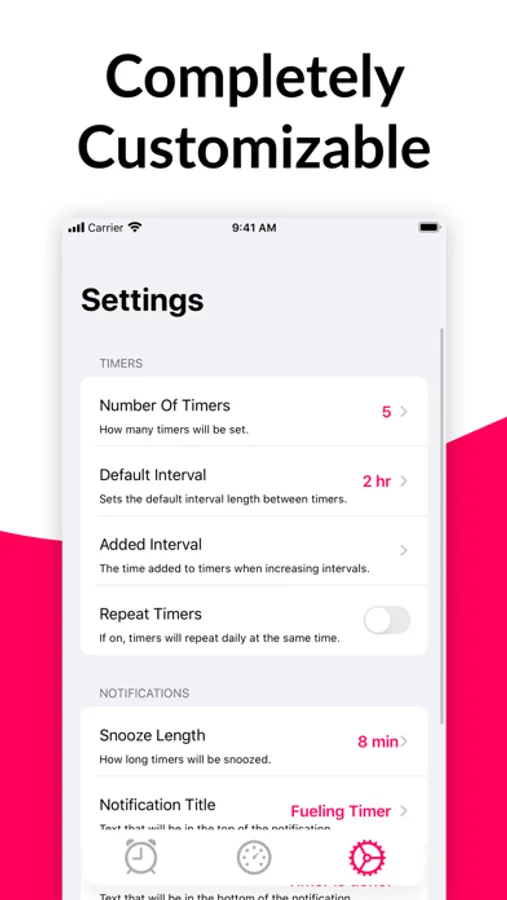
Fueling timers are customizable. You can now change the number of timers, the interval between timers, how much time is added when adding intervals, timer sound, repeating timers, snooze length and notification text.
== Trackers ==
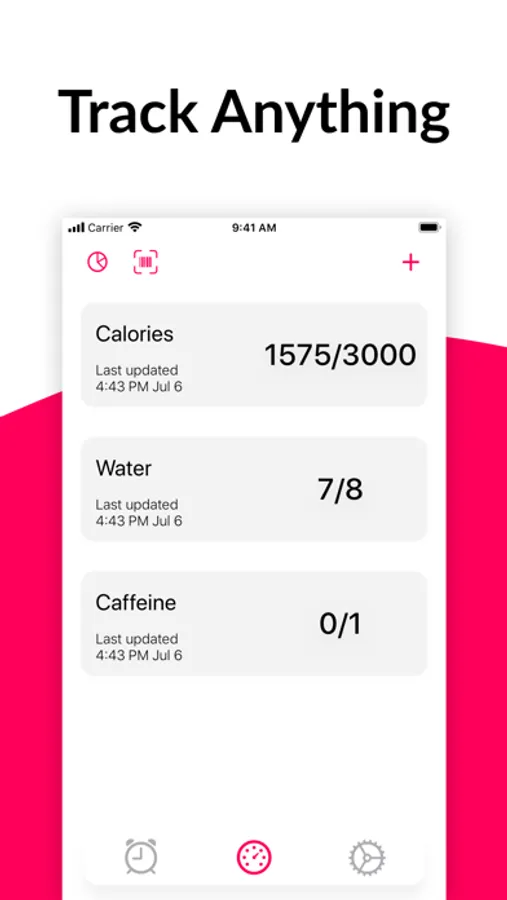
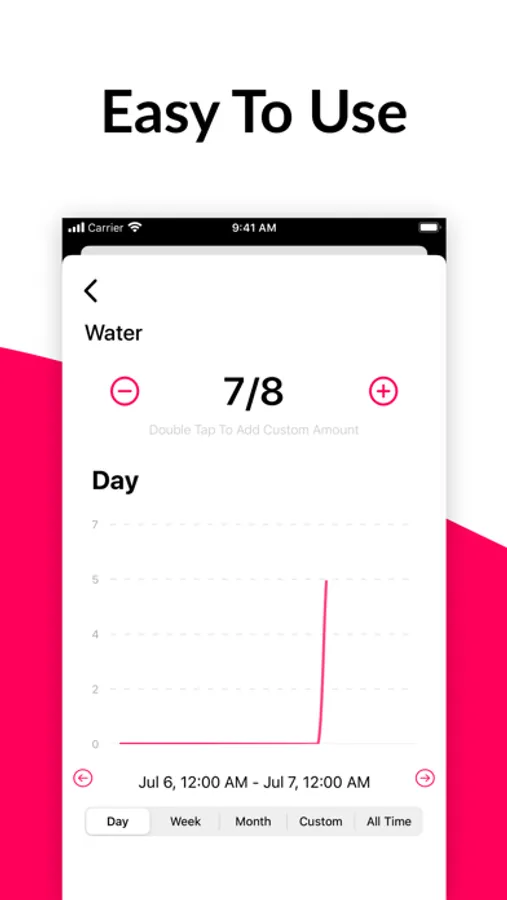
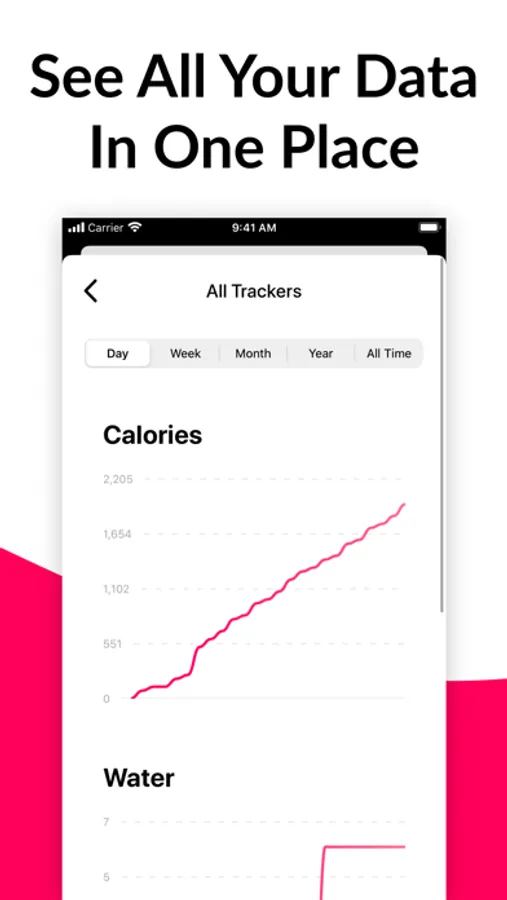
Trackers are here to help track anything you need. Calories, water, exercise you name it, FuelingTimer can track it.
== Food Label Scanning ==
FuelingTimer can scan food labels for your trackers. If you're using the trackers for tracking any food-related item, FuelingTimer's scanning feature can automate it for you. Just go to the scanning screen under trackers, point your camera at any label, and it's done.
== Widget ==
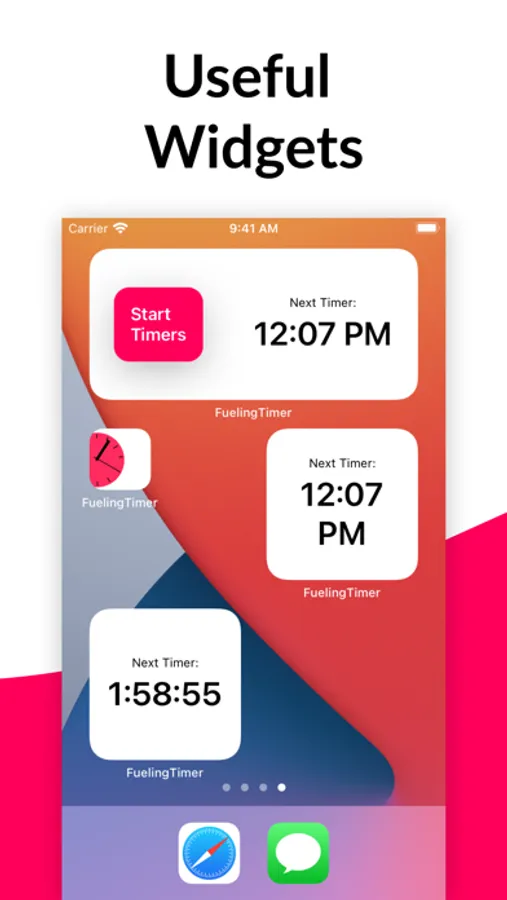
Use FuelingTimer straight from iOS's Notification Center. See when your next timer is, or start new timers for the day without ever opening the app.
== WatchOS App ==
Use FuelingTimer on your watch! The watch app can start your timers and you can view your next timer from your watch.
Privacy Policy: www.fuelingtimer.app/privacy-policy
For support, email fueltimer@gmail.com.
Features:
- Interval Timers
- Customizable Notifications
- Trackers
- Food Label Scanning
- Widget
- WatchOS App
== Interval Timers ==
Use interval timers to help remind you of things spaced throughout the day, such as fuelings. Timers will by default be spaced apart every 2 hours. You can snooze and modify each timer individually, or set default settings for all your timers.
== Customizations ==
Fueling timers are customizable. You can now change the number of timers, the interval between timers, how much time is added when adding intervals, timer sound, repeating timers, snooze length and notification text.
== Trackers ==
Trackers are here to help track anything you need. Calories, water, exercise you name it, FuelingTimer can track it.
== Food Label Scanning ==
FuelingTimer can scan food labels for your trackers. If you're using the trackers for tracking any food-related item, FuelingTimer's scanning feature can automate it for you. Just go to the scanning screen under trackers, point your camera at any label, and it's done.
== Widget ==
Use FuelingTimer straight from iOS's Notification Center. See when your next timer is, or start new timers for the day without ever opening the app.
== WatchOS App ==
Use FuelingTimer on your watch! The watch app can start your timers and you can view your next timer from your watch.
Privacy Policy: www.fuelingtimer.app/privacy-policy
For support, email fueltimer@gmail.com.
Fueling Timer Screenshots
Tap to Rate:
Reviews for Fueling Timer
SAyasse
Not a watch app
This is not a watch app.
1234bstimer
Sound doesn’t work
Useless if you are not notified. Waste of money.