AppRecs review analysis
AppRecs rating 4.6. Trustworthiness 73 out of 100. Review manipulation risk 23 out of 100. Based on a review sample analyzed.
★★★★☆
4.6
AppRecs Rating
Ratings breakdown
5 star
80%
4 star
13%
3 star
0%
2 star
5%
1 star
3%
What to know
✓
Low review manipulation risk
23% review manipulation risk
✓
Credible reviews
73% trustworthiness score from analyzed reviews
✓
High user satisfaction
80% of sampled ratings are 5 stars
About Like A Frame
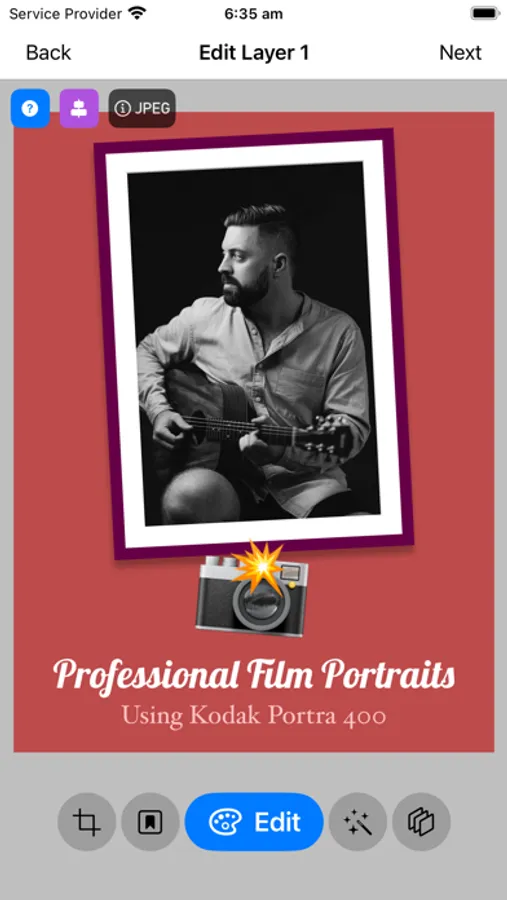
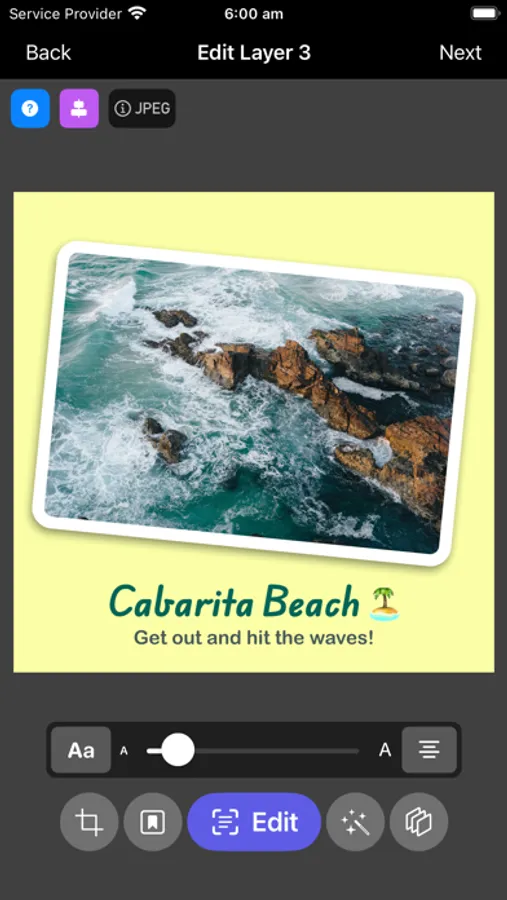
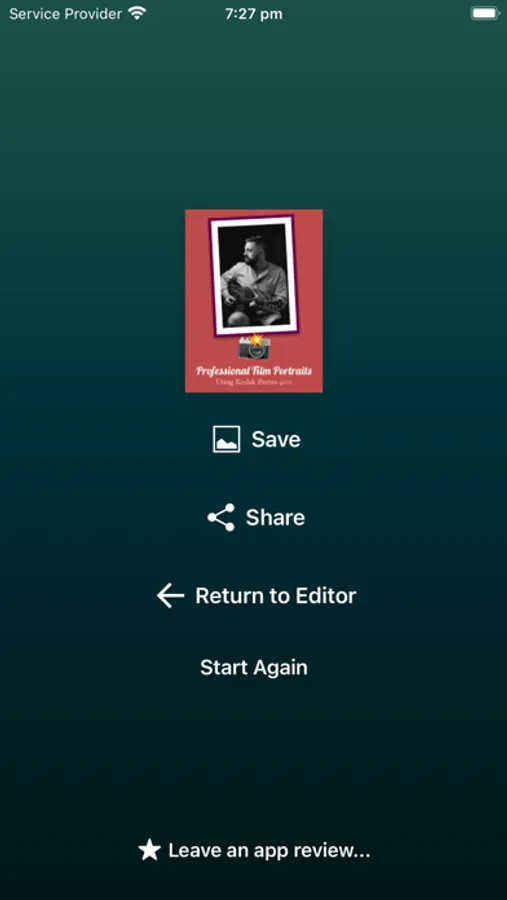
Edit your photographs into lifelike frames with text layers and share them on social media effortlessly. Like A Frame is crafted by a photographer for photographers and digital artists. Try Like A Frame FREE for 7 days before deciding to purchase a lifetime license. This is required to continue using the app after the trial periods ends.
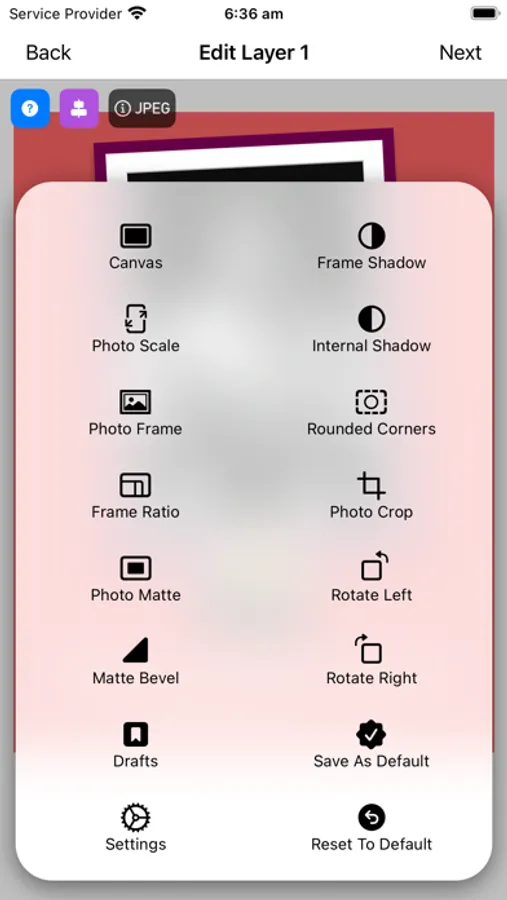
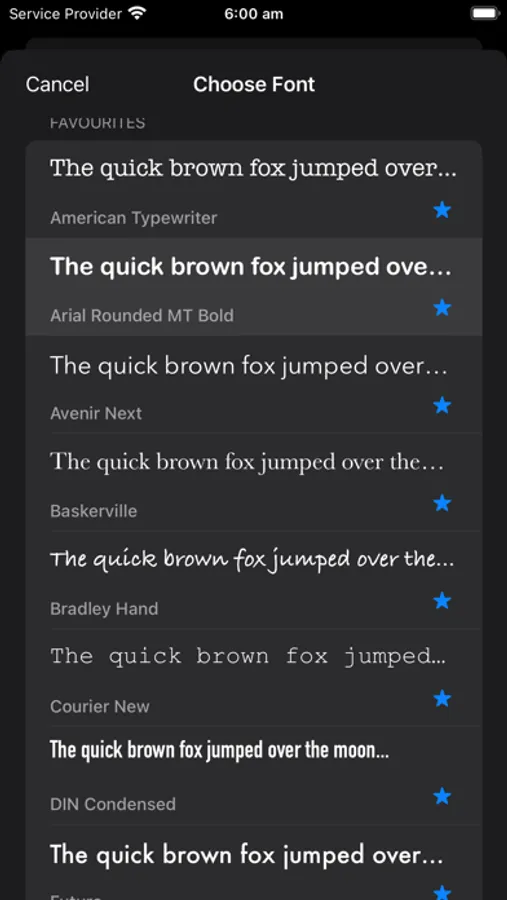
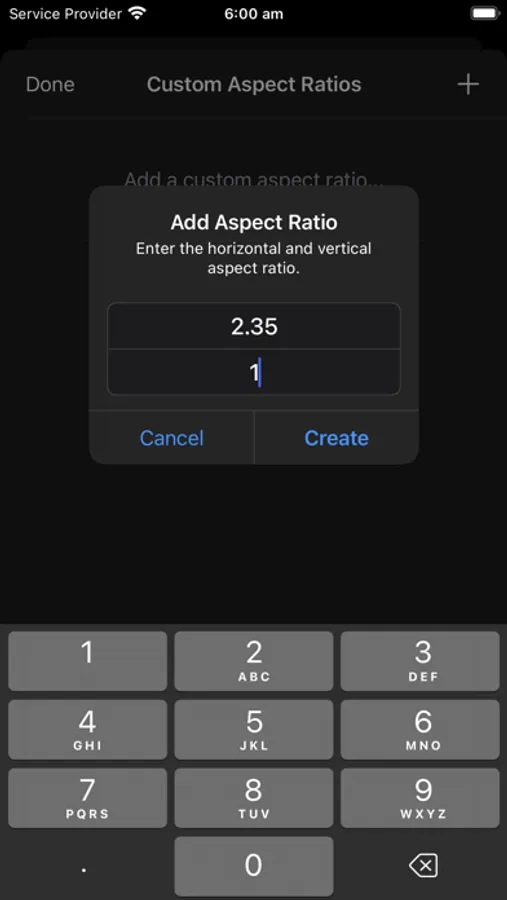
Whether you're adding a photo frame border, matte, rounded corners, 3D bevel, internal and external shadows, or adjusting cropping ratios, with layers and color choices, Like A Frame 4 makes it simple to present your work professionally online without needing additional editing.
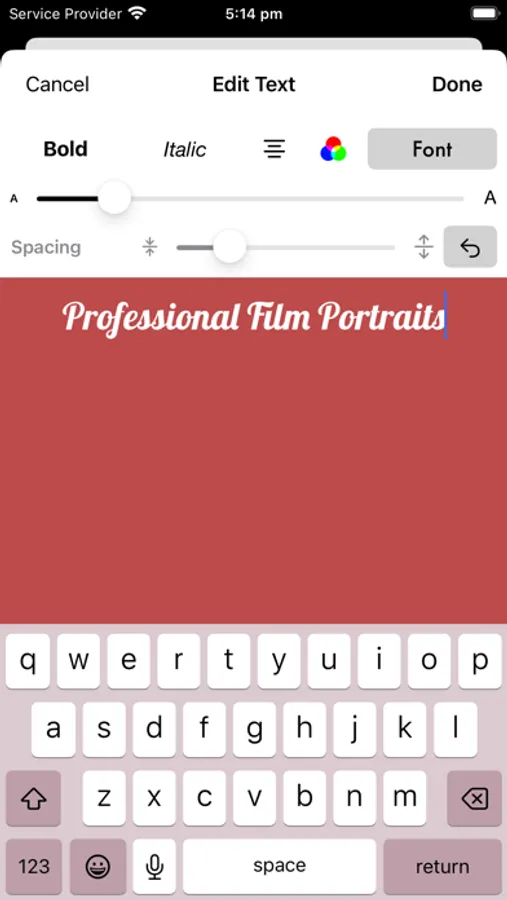
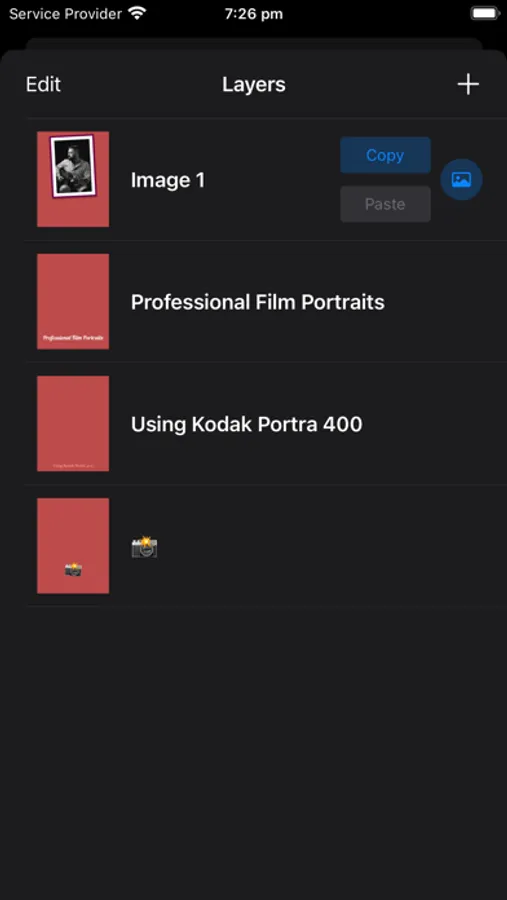
Incorporate text layers and emojis to design marketing or promotional materials. Transform your photographs into a stunning photo gallery, generate images for multimedia projects, or unleash your creativity. Save your presets and export your compositions at up to 8K resolution for print.
Other Features:
• Split Panorama: Easily divide your panoramic photos into multiple images to post to social media platforms as scrolling carousels.
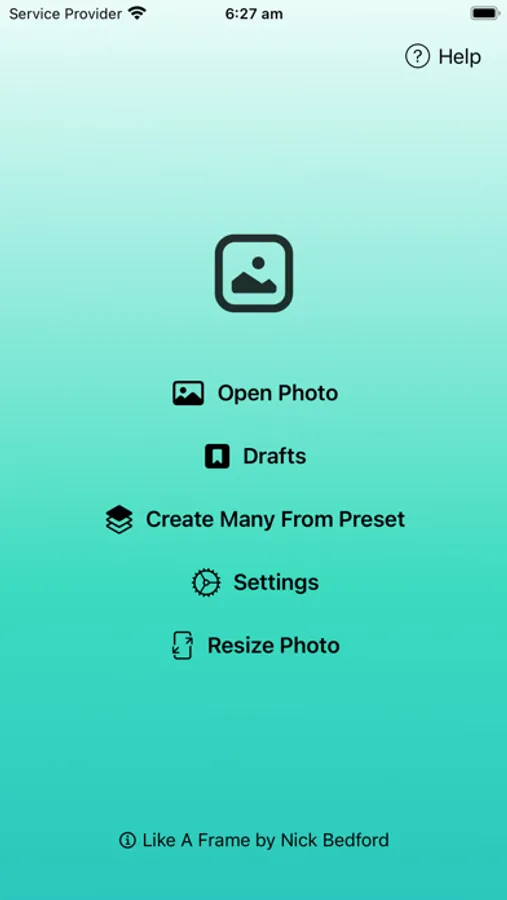
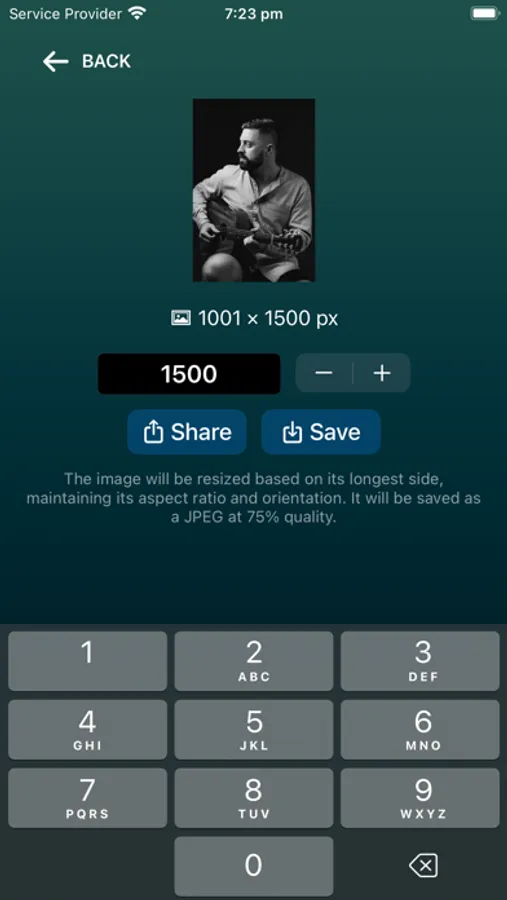
• Resize Photo: Quickly resize photos for sharing at lower resolutions or to save bandwidth.
Whether you're adding a photo frame border, matte, rounded corners, 3D bevel, internal and external shadows, or adjusting cropping ratios, with layers and color choices, Like A Frame 4 makes it simple to present your work professionally online without needing additional editing.
Incorporate text layers and emojis to design marketing or promotional materials. Transform your photographs into a stunning photo gallery, generate images for multimedia projects, or unleash your creativity. Save your presets and export your compositions at up to 8K resolution for print.
Other Features:
• Split Panorama: Easily divide your panoramic photos into multiple images to post to social media platforms as scrolling carousels.
• Resize Photo: Quickly resize photos for sharing at lower resolutions or to save bandwidth.
Like A Frame Screenshots
Tap to Rate:
Reviews for Like A Frame
Trevor Christensen
Great App
Been using it for years. My only complaint is it’s missing HDR support. Still deserves 5 stars though.
Hsm8647
Exactly what I was looking for
Add a frame without losing resolution. Perfect .