AppRecs review analysis
AppRecs rating 4.1. Trustworthiness 69 out of 100. Review manipulation risk 34 out of 100. Based on a review sample analyzed.
★★★★☆
4.1
AppRecs Rating
Ratings breakdown
5 star
88%
4 star
0%
3 star
0%
2 star
0%
1 star
13%
What to know
✓
High user satisfaction
88% of sampled ratings are 5 stars
About AR Spark It
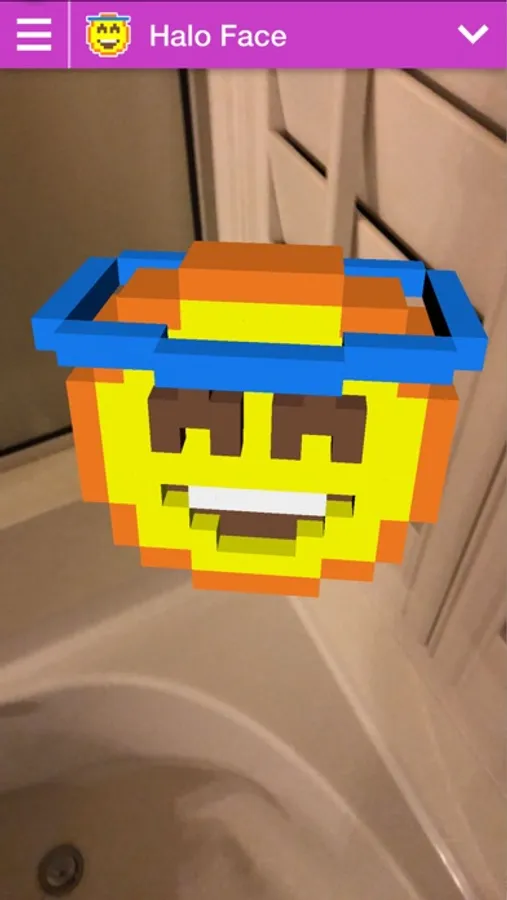
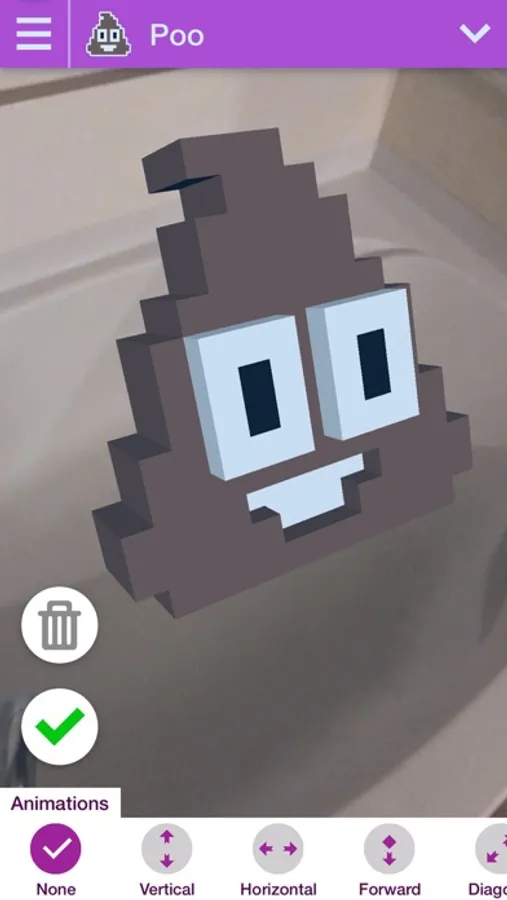
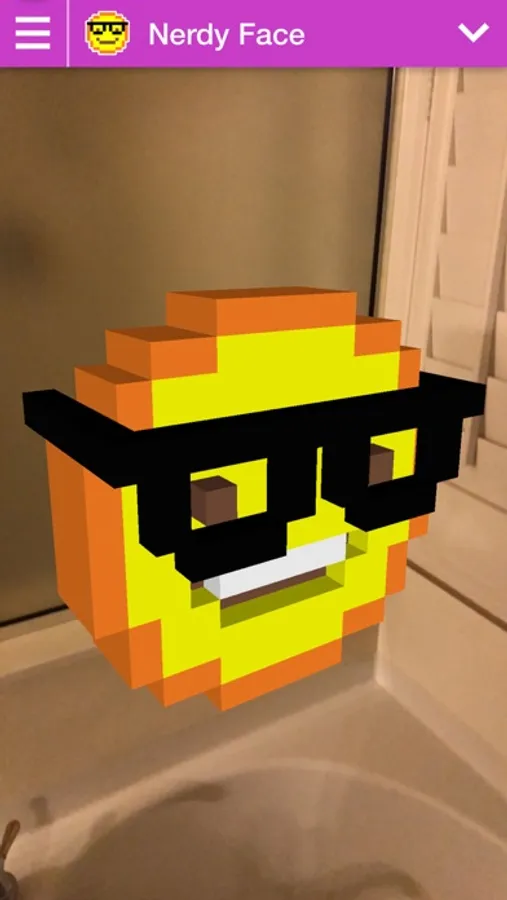
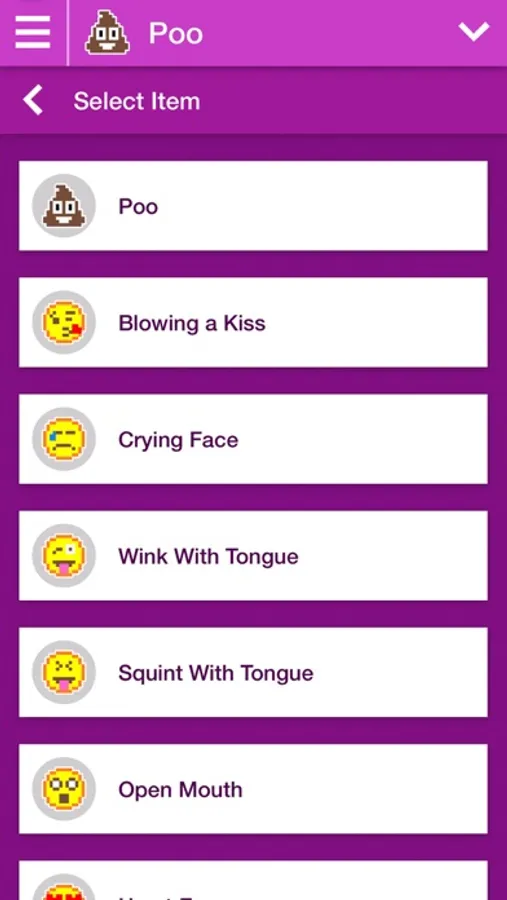
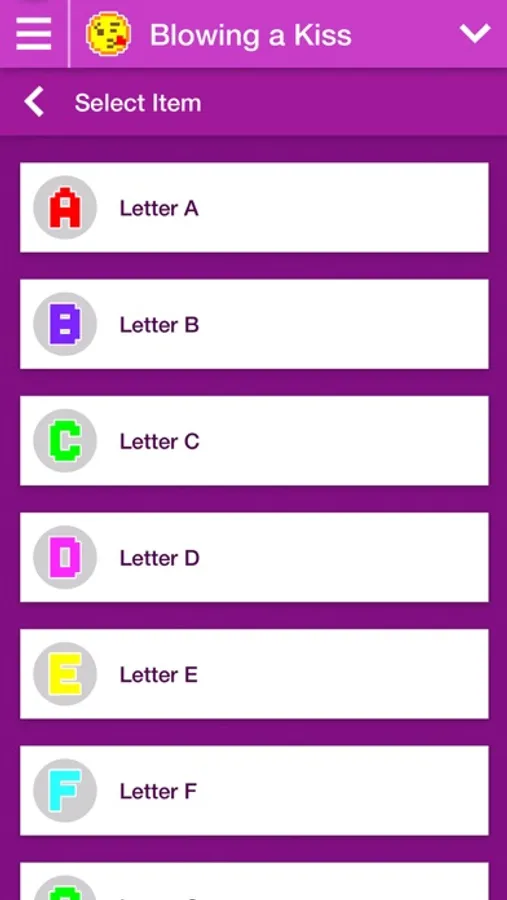
Create fun videos with AR by adding animated 3D pixelated emojis to share to your friends. Your imagination is your only limits.
To add objects into the camera view:
------------------------------------
1) Tap on the "+" button on the bottom of the screen.
2) Select the desired (if any) animation that appears on the bottom.
3) Tap on the "pencil" button to change to a different object.
4) Tap the "check mark" button to accept adding the object once ready.
To record a video:
------------------------------------
1) Tap on the "recorder" button in upper right hand.
2) That will start the recording process.
3) Once completed, tap the "stop" red button on the upper left hand side.
To edit object:
------------------------------------
1) Tap & Hold to pan object to move it to different position
2) Pinch on object to scale
3) Tap on object to edit or delete it.
All logos shown or represented in this app are copyright and/or trademark of their respective corporations. The use of low-resolution images in app for use of identification is an informational context qualifies as fair use under copyright law.
To add objects into the camera view:
------------------------------------
1) Tap on the "+" button on the bottom of the screen.
2) Select the desired (if any) animation that appears on the bottom.
3) Tap on the "pencil" button to change to a different object.
4) Tap the "check mark" button to accept adding the object once ready.
To record a video:
------------------------------------
1) Tap on the "recorder" button in upper right hand.
2) That will start the recording process.
3) Once completed, tap the "stop" red button on the upper left hand side.
To edit object:
------------------------------------
1) Tap & Hold to pan object to move it to different position
2) Pinch on object to scale
3) Tap on object to edit or delete it.
All logos shown or represented in this app are copyright and/or trademark of their respective corporations. The use of low-resolution images in app for use of identification is an informational context qualifies as fair use under copyright law.
AR Spark It Screenshots
Tap to Rate:
Reviews for AR Spark It
vanessaabraham12345
NO
This is terrible it’s so laggy/glitches a lot and they aren’t even clear pics ugh don’t get this it’s awful
rwallen
Apple’s AR Glasses Would be savage with this app!
This app is so much fun to play with. I’m excited for the future of AR