
Screen Mirroring - TV Cast
LQL Studio One Member Company Limited
4.3 ★
59K ratings
Free
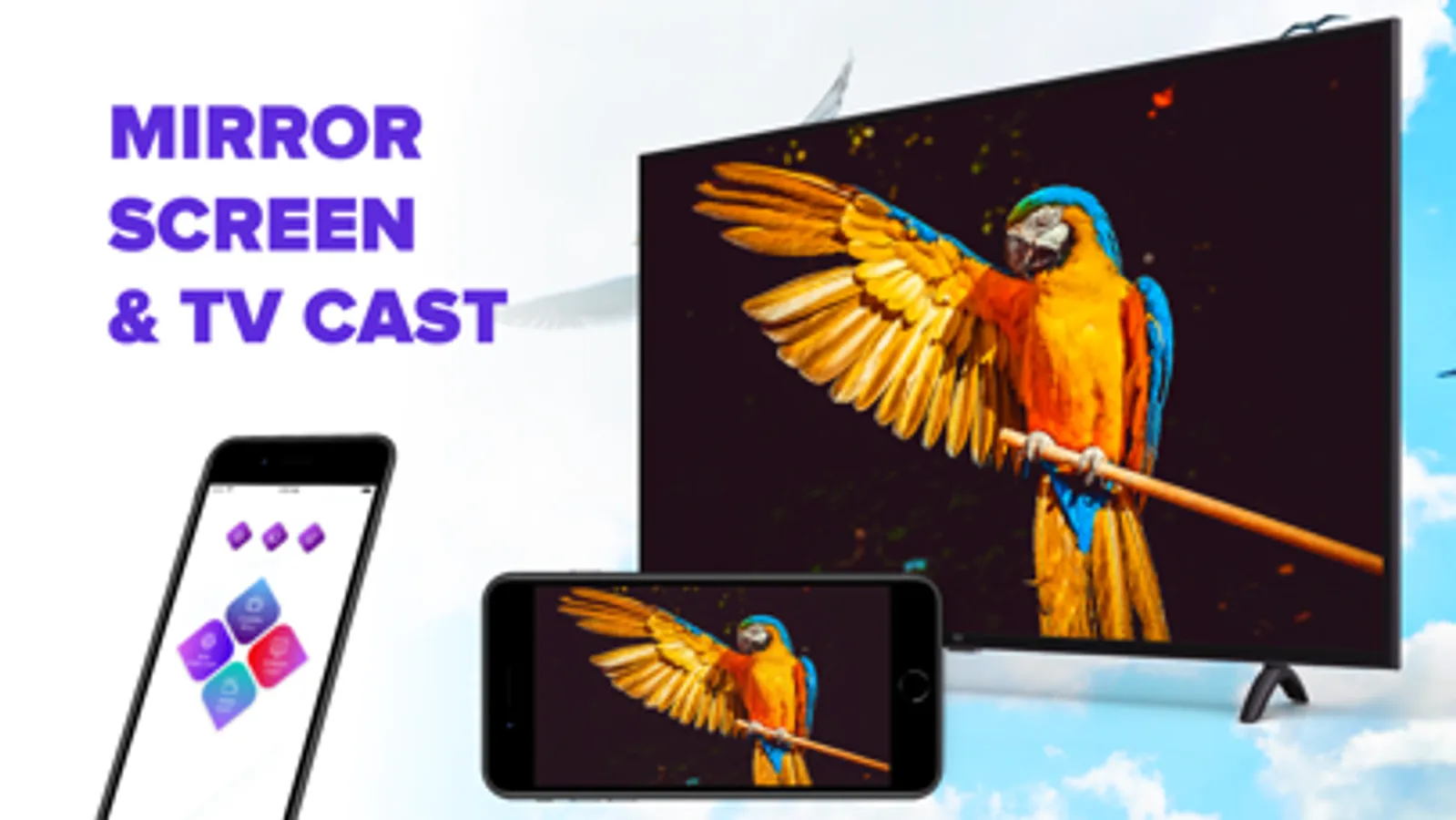
With this screen casting app, you can mirror your iPhone or iPad screen to your TV wirelessly and stream videos, photos, and web content in real time. Includes high-quality streaming, device connection management, and no additional hardware required.
AppRecs review analysis
AppRecs rating 4.0. Trustworthiness 70 out of 100. Review manipulation risk 32 out of 100. Based on a review sample analyzed.
★★★★☆
4.0
AppRecs Rating
Ratings breakdown
5 star
76%
4 star
6%
3 star
4%
2 star
2%
1 star
12%
What to know
✓
Credible reviews
70% trustworthiness score from analyzed reviews
✓
High user satisfaction
82% of sampled ratings are 4+ stars (4.3★ average)
⚠
Pricing complaints
Many low ratings mention paywalls or pricing
About Screen Mirroring - TV Cast
The application is perfect for
- Making presentation in a business meeting
- Cast photos & videos to your TVs
- Stream your favorite movies and apps on big TVs
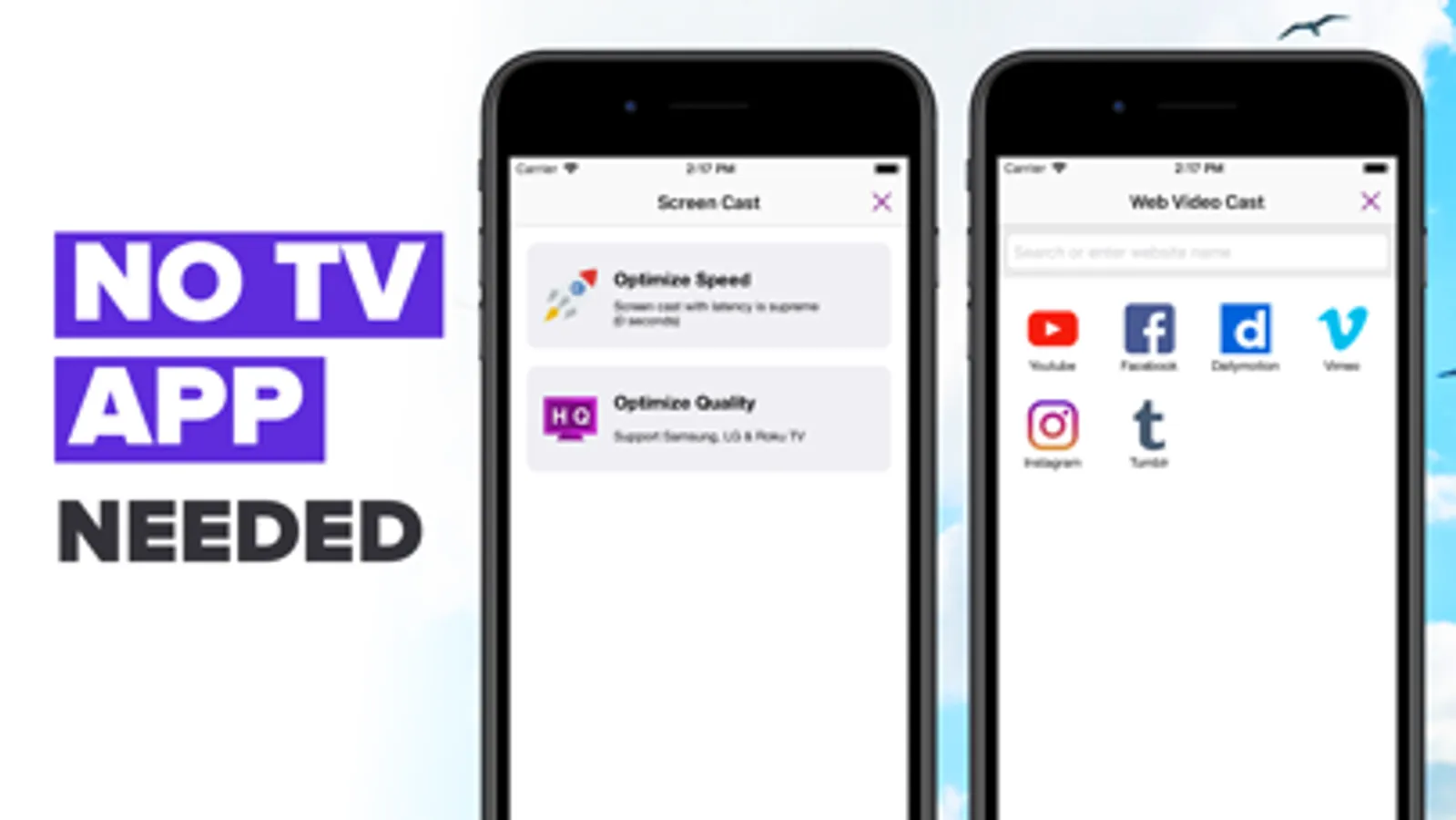
- Cast youtube, Vimeo, facebook, dailymotion, ... & any web videos to TVs
Please notice that our screen mirroring app is not suitable for playing games on TV, because the normal delay time is from 5s to 6s. We are working hard to make it come true for gamers. We have Optimize Speed mode with 0s latency for TVs.
Features
- No need to install any app on TVs
- Mirror any application or games (for watching) wirelessly on your iPhone/iPad screen to TVs over your wifi network
- Streaming or casting photos, videos, music from your iPhone&iPad to TVs
- Cast youtube, Vimeo, facebook, dailymotion, ... & any web videos to TVs
- No cables, no additional hardware, nothing else needed
How to start mirroring?
- Connect your iPhone/iPad and your TV to the same wifi network
- Open the app and connect the app to your TV
- Allow your TV connect to your iPhone/iPad
- Open the app and click on Start Mirroring to start mirroring on your TV
- To stop mirroring click on top red bar of your iPhone
The app works best for iPhone 7 & above, iPad 3 & above, iOS 12 +.
Information about the auto-renewal of subscription
- The pricing are from $3.99 weekly with 3 days free trial, $11.99 monthly and $19.99 onetime lifetime
- Payment will be charged to iTunes Account at confirmation of purchase
- Subscription automatically renews unless auto-renew is turned off at least 24-hours before the end of the current period
- Account will be charged for renewal within 24-hours prior to the end of the current period. The cost depends on the selected plan
- Subscriptions may be managed by the user and auto-renewal may be turned off by going to the user's Account Settings after purchase
- Any unused portion of the free trial will be forfeited when the user purchases a subscription
Privacy Policy: http://lqlstudio.com/index.php/privacy/
Terms of Use: http://lqlstudio.com/index.php/terms/
Screen Mirroring - TV Cast Screenshots
Tap to Rate:
Reviews for Screen Mirroring - TV Cast
A.J. Furnace Control
Doesn’t work on iPad
Have newest iPad and it doesn’t work
Teresia Virgil
Perfect for Sharing Memories!
Sharing photos during family gatherings is a breeze with this app. I can cast my camera roll directly to the TV, making it easy to reminisce together. It brings everyone closer, and I can't recọmmend it enough!