AppRecs review analysis
AppRecs rating 3.0. Trustworthiness 90 out of 100. Review manipulation risk 24 out of 100. Based on a review sample analyzed.
★★★☆☆
3.0
AppRecs Rating
Ratings breakdown
5 star
50%
4 star
0%
3 star
0%
2 star
0%
1 star
50%
What to know
✓
Low review manipulation risk
24% review manipulation risk
✓
Credible reviews
90% trustworthiness score from analyzed reviews
About Writing Board
The Writing Board application is an application that you can write immediately as soon as you think. Also, you can delete in a moment.
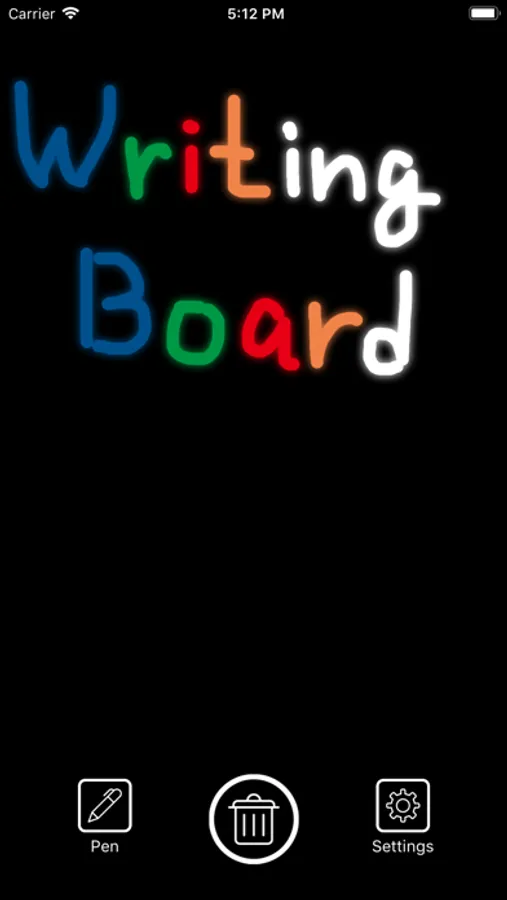
Since there is no extra menu, you can start writing as soon as you launch the application.
You can delete the screen immediately by pressing the trash can button in the center.
If you delete the screen, the contents you wrote will not remain. Because this app has no storage function.
It is best for phone memo writing, ToDo list, communication in writing, drawing etc.
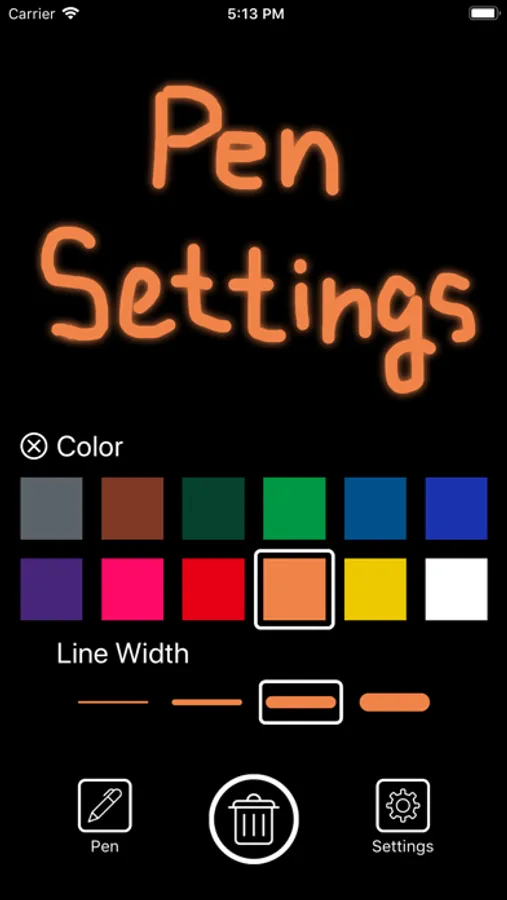
Tap the pen icon to choose pen color and pen weight.
There are 12 colors of pen. Also, there are four types of pen weight.
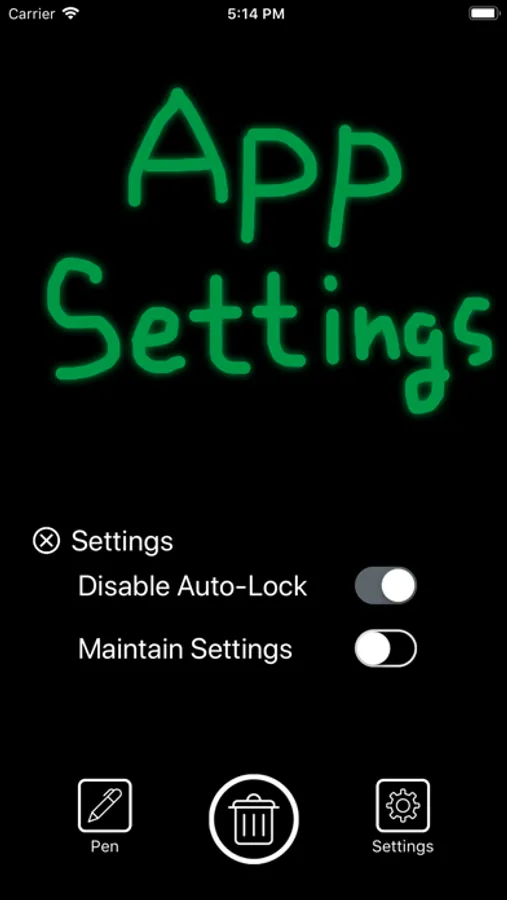
Tap the setting icon to display the settings of the application.
If you turn on "Disable Auto-Lock", you can continue to display the screen. You can disable Auto-Lock of iPhone or iPad only when launching the application.
When "Maintain Settings" is checked, settings of pen color, pen weight, Auto-Lock disable setting are saved. When you restart the application, you can start writing with the saved settings.
Since there is no extra menu, you can start writing as soon as you launch the application.
You can delete the screen immediately by pressing the trash can button in the center.
If you delete the screen, the contents you wrote will not remain. Because this app has no storage function.
It is best for phone memo writing, ToDo list, communication in writing, drawing etc.
Tap the pen icon to choose pen color and pen weight.
There are 12 colors of pen. Also, there are four types of pen weight.
Tap the setting icon to display the settings of the application.
If you turn on "Disable Auto-Lock", you can continue to display the screen. You can disable Auto-Lock of iPhone or iPad only when launching the application.
When "Maintain Settings" is checked, settings of pen color, pen weight, Auto-Lock disable setting are saved. When you restart the application, you can start writing with the saved settings.
Writing Board Screenshots
Tap to Rate:
Reviews for Writing Board
Swandotter
Great memo pad
Exactly what I needed for writing a quick note so I don’t forget a phone number or appt until I can get it in my contacts or calendar. If I want to save something I can take a picture of it. Very useful.
Rjl9181
Only provides one page.
I thought I would have multiple pages to work with. This app is useless to me. It’s like an etch-a-sketch.