With this work hours log app, you can record entries by tapping "Enter" and "Exit," and track breaks automatically. Includes customizable workweek settings, export options, and a home widget for quicker access.
AppRecs review analysis
AppRecs rating 4.3. Trustworthiness 75 out of 100. Review manipulation risk 23 out of 100. Based on a review sample analyzed.
★★★★☆
4.3
AppRecs Rating
Ratings breakdown
5 star
72%
4 star
11%
3 star
4%
2 star
3%
1 star
11%
What to know
✓
Low review manipulation risk
23% review manipulation risk
✓
Credible reviews
75% trustworthiness score from analyzed reviews
✓
High user satisfaction
82% of sampled ratings are 4+ stars (4.3★ average)
About Shift Tracker: Work Hours Log
Minimal design to easily keep track of your entries.
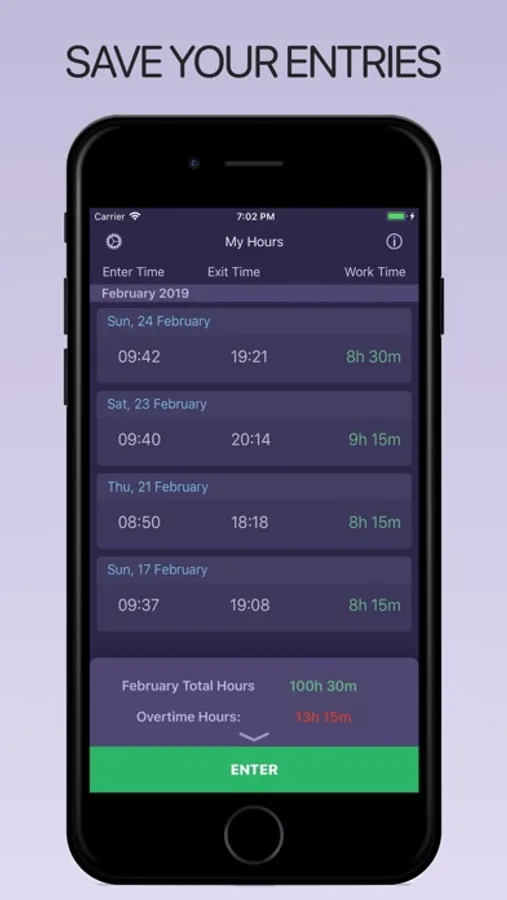
Simply tap "Enter" and go to work, the app will automatically calculate your breaks, and finally "Exit".
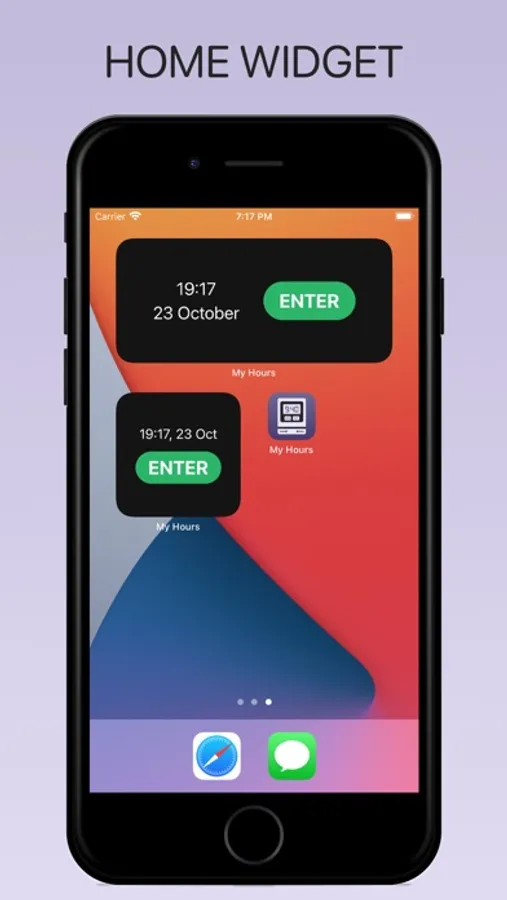
Even faster with the Home Widget
The app will calculate your workhour overtime and monthly income automatically.
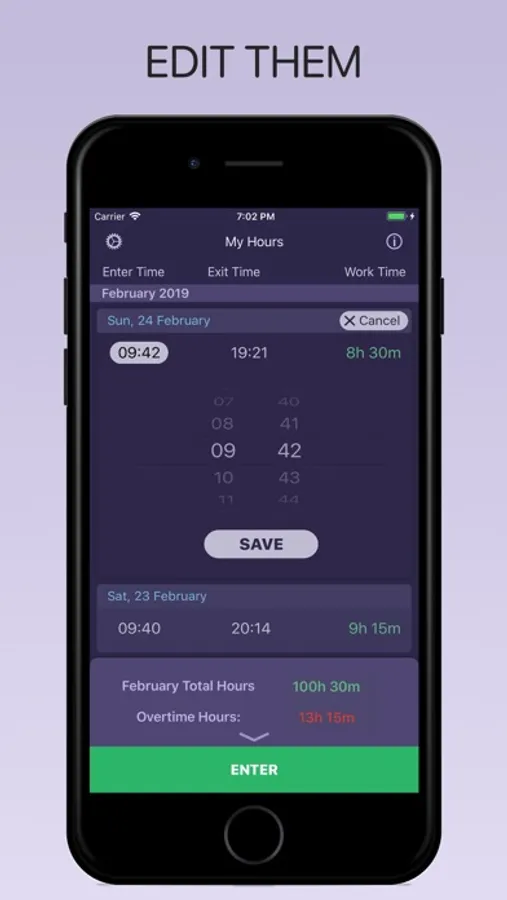
Keep your entries organized and accessible.
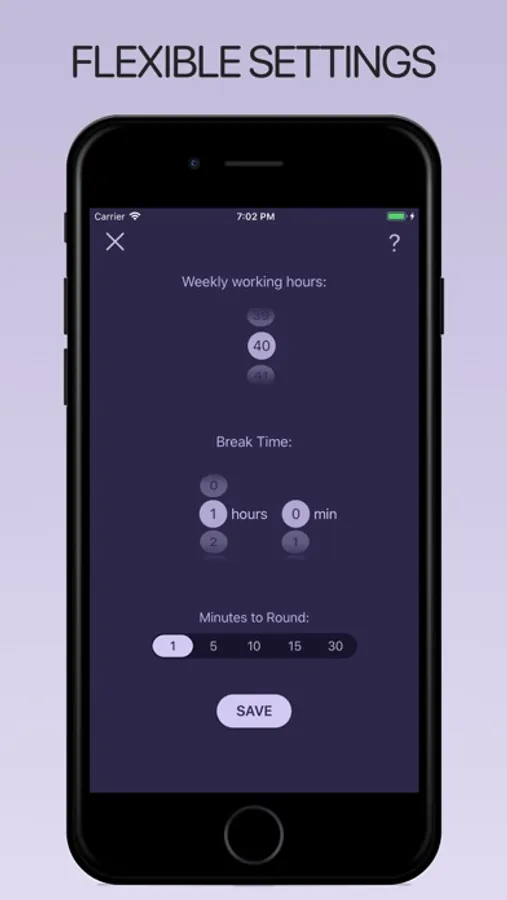
Flexible settings:
- Choose how many hours you work every week
- Choose how long is your break
- Choose how you want to round your entries (it will round up your entries and round down your exits)
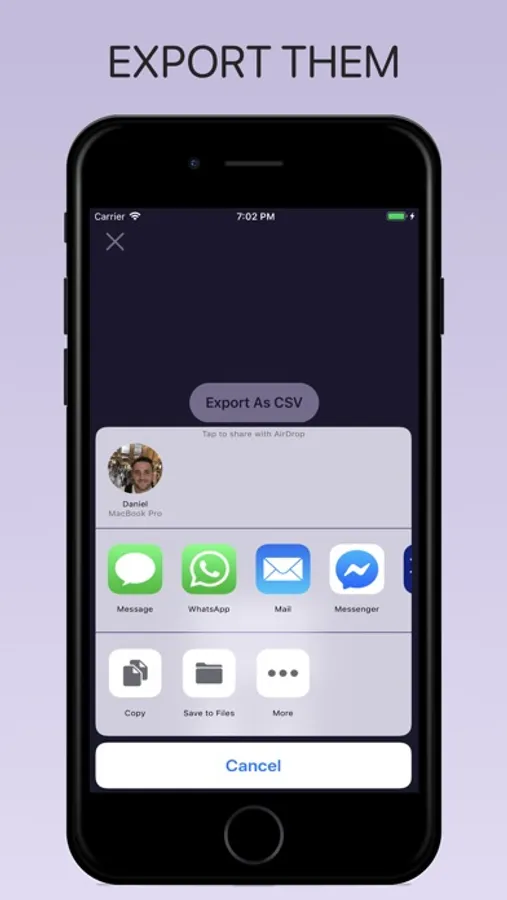
Export your entries and share them with clients, employers or yourself.
Subscribe to access to premium app features; subscription details are the following:
• Length: weekly, yearly
• Your payment will be charged to your iTunes Account as soon as you confirm your purchase
• You can manage your subscriptions and turn off auto-renewal from your Account Settings after the purchase
• Your subscription will renew automatically, unless you turn off auto-renew at least 24 hours before the end of the current period
• The cost of renewal will be charged to your account in the 24 hours prior to the end of the current period
• When canceling a subscription, your subscription will stay active until the end of the period. Auto-renewal will be disabled, but the current subscription will not be refunded
• Any unused portion of a free trial period, if offered, will be forfeited when purchasing a subscription
Terms of Use: https://www.apple.com/legal/internet-services/itunes/dev/stdeula/
Shift Tracker: Work Hours Log Screenshots
Tap to Rate:
Reviews for Shift Tracker: Work Hours Log
notworthit0000000000000
Lacking in features
No option to add missed hours whatsoever. Only able to clock in & out in the moment. MANY free apps are better
Biyxtren
🤔
So my first complaint I'm honestly not sure if it's the app or Apple that's the issue.. It just randomly redownloaded itself onto my phone. No, I didn't download it and forget (my apps are all organized in folders and this one was just chilling on the home screen by itself). Yes, I'm the only one that uses this phone. So that's a bit weird. But beyond that, the app itself is seriously lacking. It's the reason I deleted it in the first place. There are many other better free apps that do the same thing with more features. Response to dev: As I stated in my review, I was unsure if it was an app issue or a phone issue but either way, it makes me trust the app less and it's something I feel other users should know. Also, the rating is based only on the app itself so it will not be changed.