
In this study app, you can create and manage digital flash card decks using voice input and share them with friends. Includes voice entry, deck organization, and sharing options.
AppRecs review analysis
AppRecs rating 4.2. Trustworthiness 78 out of 100. Review manipulation risk 29 out of 100. Based on a review sample analyzed.
★★★★☆
4.2
AppRecs Rating
Ratings breakdown
5 star
70%
4 star
10%
3 star
5%
2 star
0%
1 star
15%
What to know
✓
Low review manipulation risk
29% review manipulation risk
✓
Credible reviews
78% trustworthiness score from analyzed reviews
⚠
Ad complaints
Many low ratings mention excessive ads
About Flash Cards +
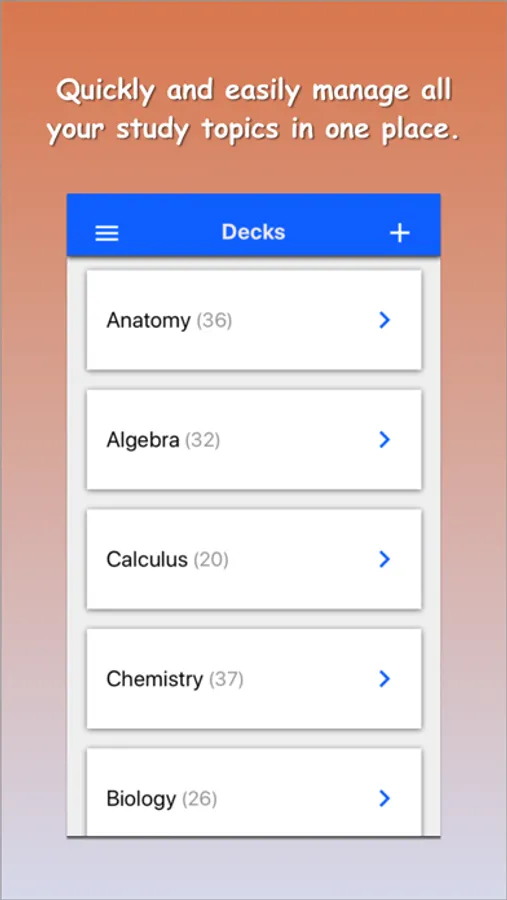
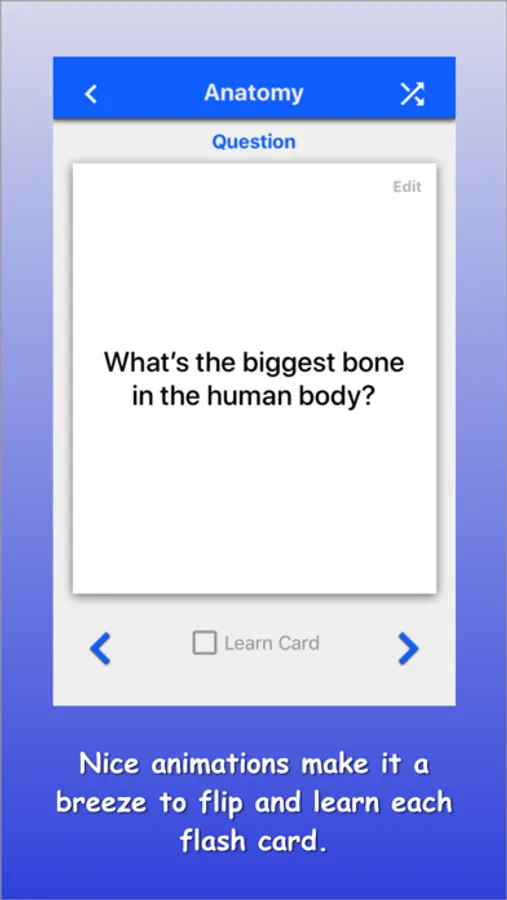
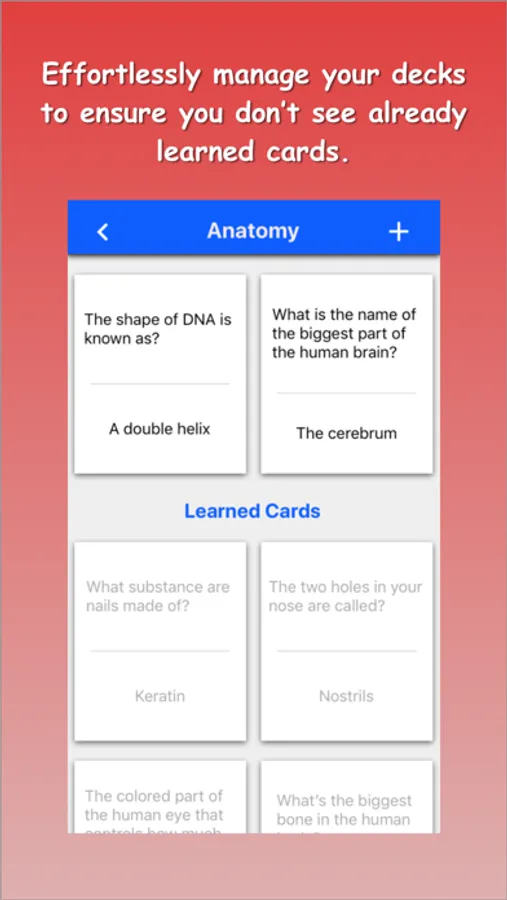
Tests worth of information stored conveniently in your phone. Quickly create and manage decks of flash cards to ensure you receive the grades you deserve. Easily send your flash cards to friends to spread the studying around.
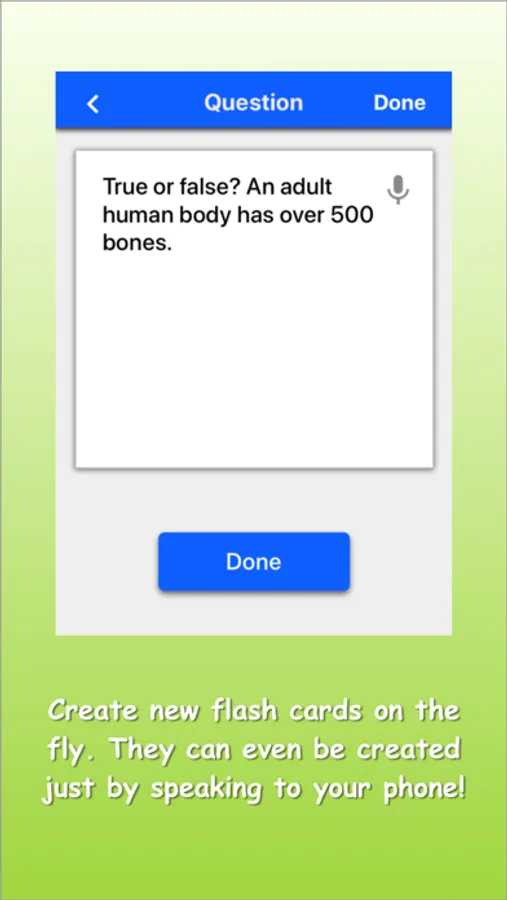
Flash Cards Plus allows you to enter card questions and answers just by speaking to your phone! It's not magic we promise, but it will sure help you study.
Get rid of all your messy notecards and study with Flash Cards Plus!
Flash Cards Plus allows you to enter card questions and answers just by speaking to your phone! It's not magic we promise, but it will sure help you study.
Get rid of all your messy notecards and study with Flash Cards Plus!
Flash Cards + Screenshots
Tap to Rate:
Reviews for Flash Cards +
18ㄴㄴ
18
18
Maxedwell
Am I missing something?
It isn’t helpful if I click on a deck and shows all of the cars in that deck with the question and answer on the same side!!! How can I go directly to learning mode where only the questions are shown until I choose to flip the car?