AppRecs review analysis
AppRecs rating 4.5. Trustworthiness 71 out of 100. Review manipulation risk 25 out of 100. Based on a review sample analyzed.
★★★★☆
4.5
AppRecs Rating
Ratings breakdown
5 star
77%
4 star
8%
3 star
10%
2 star
3%
1 star
3%
What to know
✓
Low review manipulation risk
25% review manipulation risk
✓
Credible reviews
71% trustworthiness score from analyzed reviews
✓
High user satisfaction
77% of sampled ratings are 5 stars
About Pie Chart Time Management
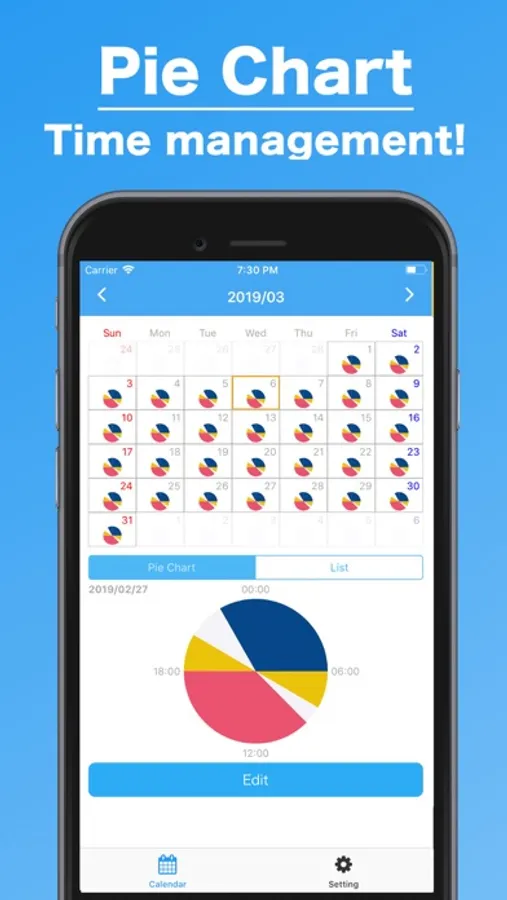
■■■■ Calendar ■■■■
This is a beautiful and colorful calendar which let you easily know everyday's records. As you record your schedule or what you did, the calendar gradually fill the records!
Also, you can see the old records!
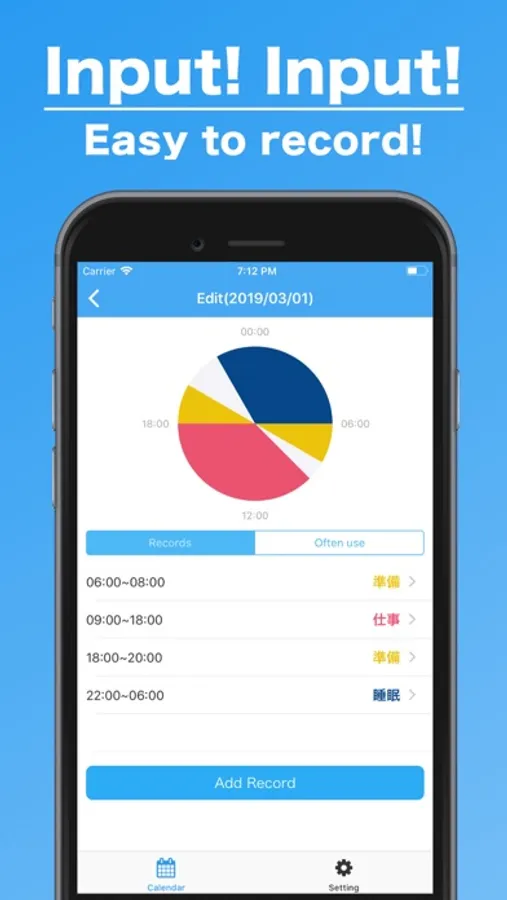
■■■■ Day Record Detail ■■■■
Once you tap "Edit" button after you tap the calendar's day or double-tap the day, you will move to day record detail screen.
In this screen, it's easier to understand the detail. Of course, you can input the record for the day from this screen. Let's input a lot!
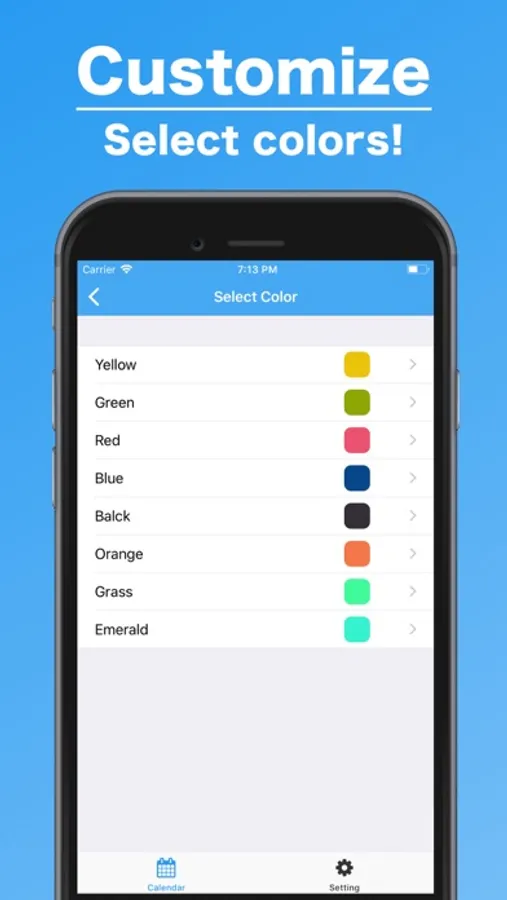
■■■■ Customize Colors ■■■■
You can customize and select the colors for each records to create the beautiful and colorful calendar. You can select the color from your input screen. Please use it!
Pie Chart Time Management Screenshots
Tap to Rate:
Reviews for Pie Chart Time Management
Roski1
Easy to use!
I downloaded the app and started making a time management chart in the first few minutes. It’s very user friendly and simple. If simplicity is what you’re looking for then this app is for you.
XbackEmily
Simple and easy to use
This is the only app I know so far that do time pie chart without tracking tasks. It’s easy to use, and the screen looks neat too. I would really love it if it has more functions. Such as: 1. The name of each time period will show in the chart. 2. More color choices 3. Able to save the picture of the time pie chart of that day. 4. Able to set alarm of the time period. One question about the app is, what is the list for? It does not show anything nor I cannot add any list. Looking forward for getting better!