
My PSUT
Princess Sumaya University for Technology
4.0 ★
20 ratings
Free
AppRecs review analysis
AppRecs rating 4.1. Trustworthiness 68 out of 100. Review manipulation risk 17 out of 100. Based on a review sample analyzed.
★★★★☆
4.1
AppRecs Rating
Ratings breakdown
5 star
65%
4 star
5%
3 star
10%
2 star
0%
1 star
20%
What to know
✓
Low review manipulation risk
17% review manipulation risk
✓
Good user ratings
70% positive sampled reviews
About My PSUT
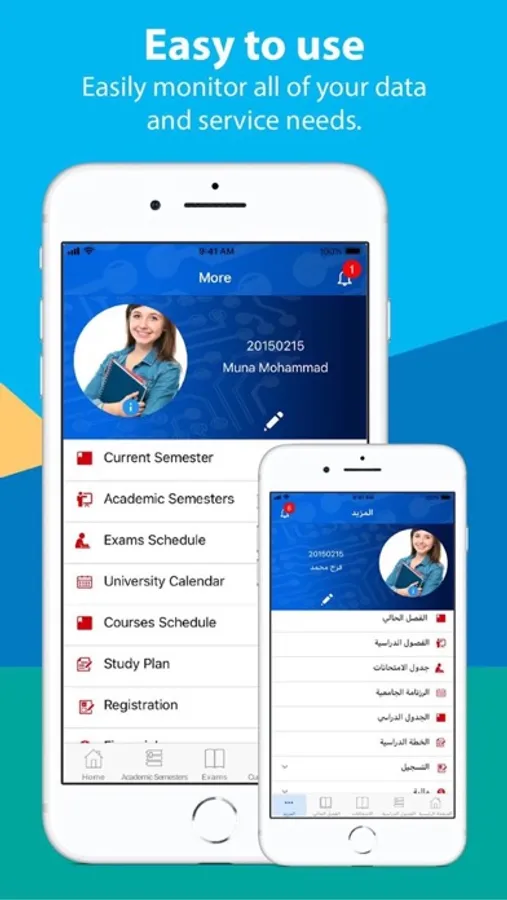
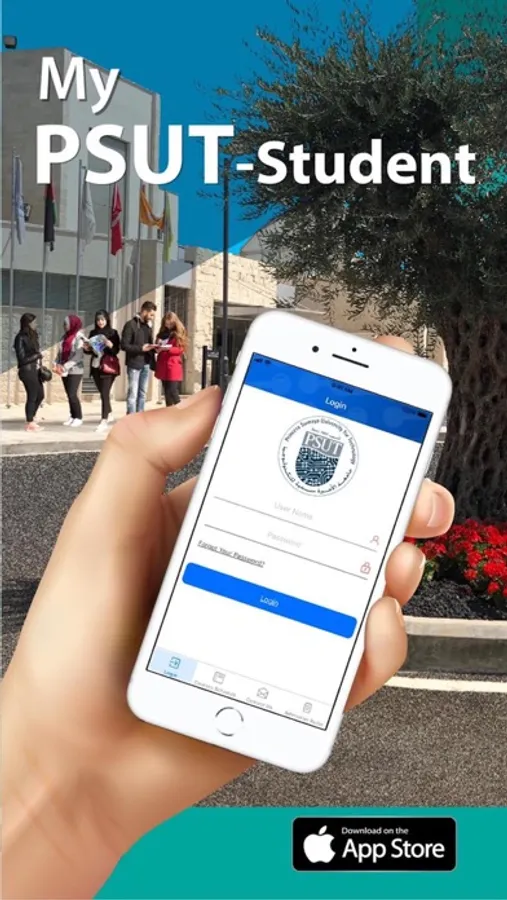
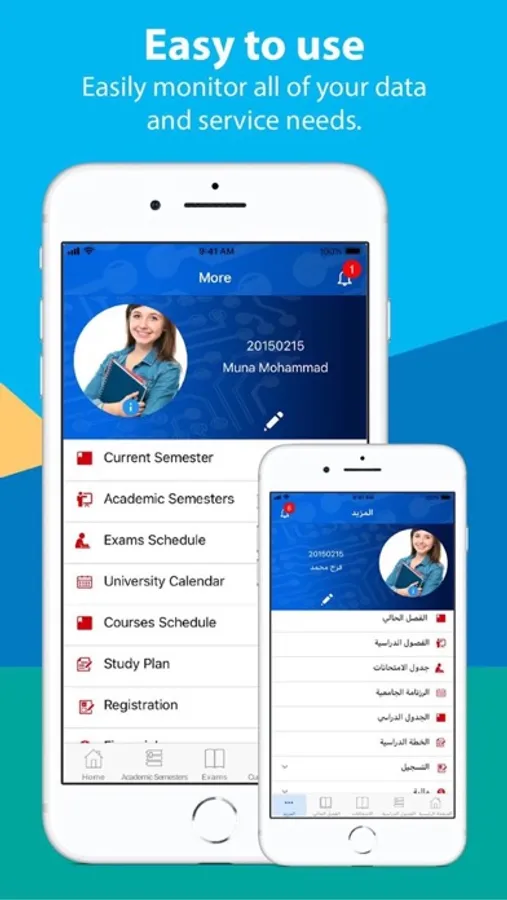
• You can access a wide range of academic services via the application. Most notably, you can:
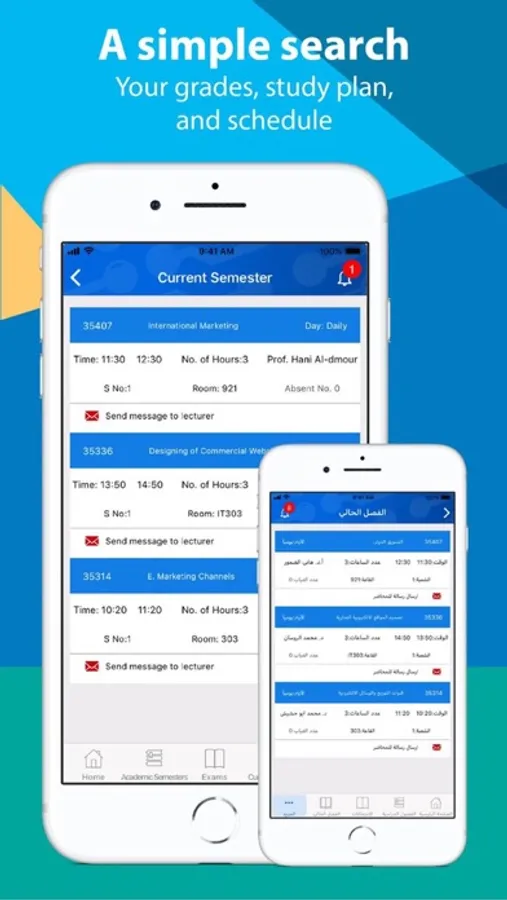
• Check the details of your academic record, including the courses taken and marks achieved.
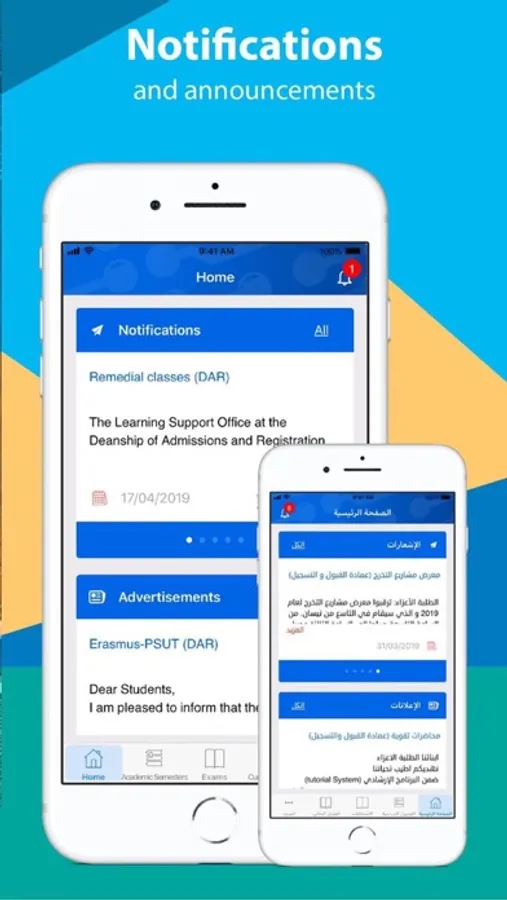
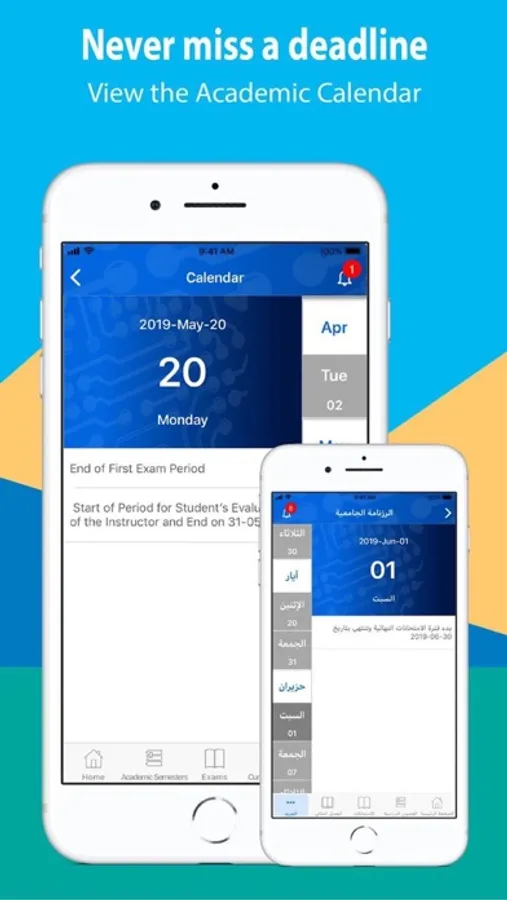
• View the University's notice board portal, keeping you constantly up to date with University news and events.
• Check your weekly course schedule, and monitor attendance records.
• Find out your periodic as well as final exam schedulesView your personal file and edit your data.
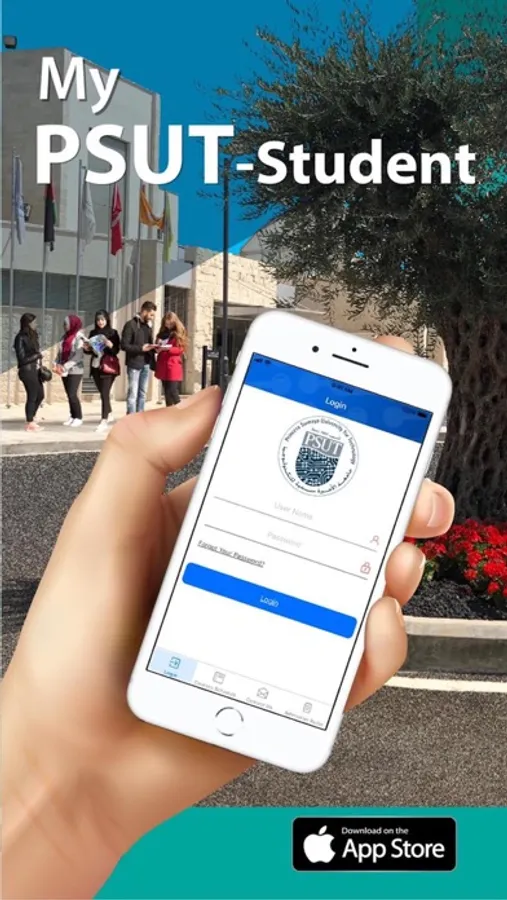
• Ease access to the student portal and E-learning portal.
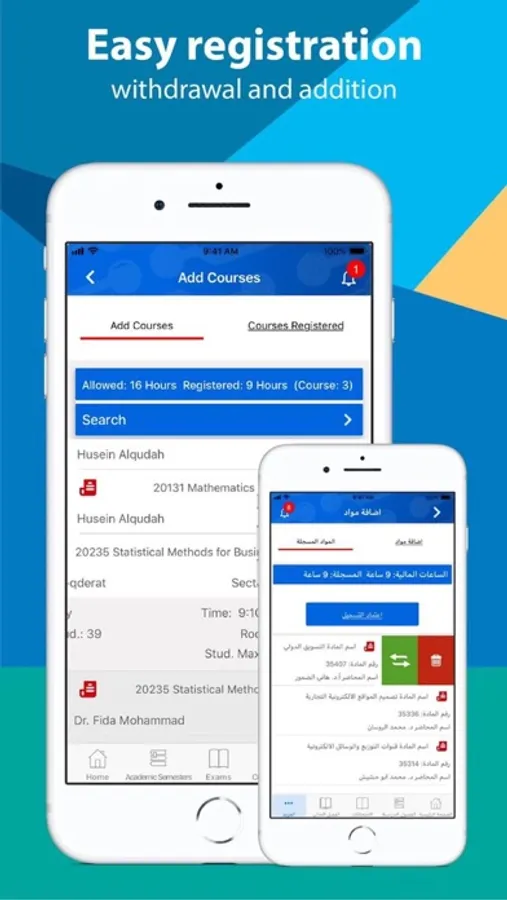
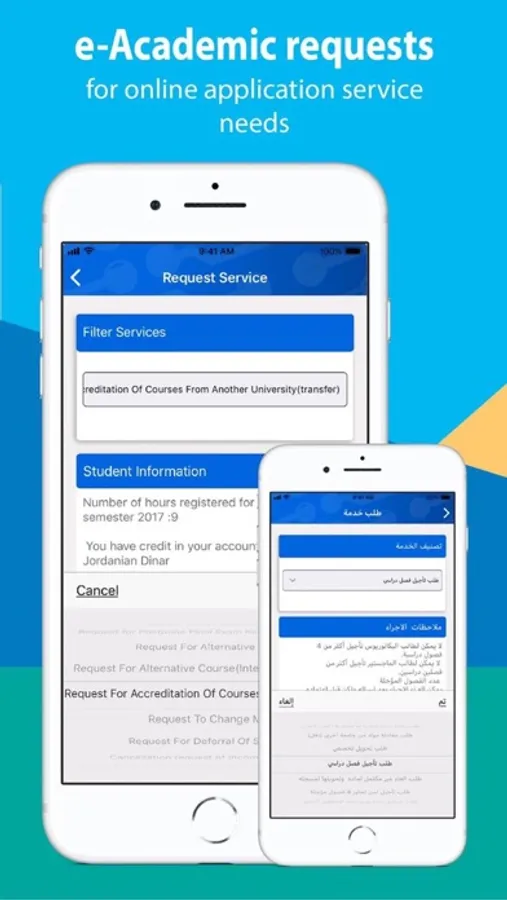
• Submit online academic applications, and monitor the progress of transactions Communicate with your course instructors via text message.
• View your financial status and monitor transactions.
• Check the curriculum and syllabus of every specialization.
• Use the application in either Arabic or English.
• All this, in addition to many other services that make it easy for student to monitor the study progress.
• Check the details of lecturer schedule by academic sta ,capability to view the most significant KPIs for his class
• Sending important notices to students in class.
• Elective tool for tracking student attendance.
• SSO for all integrated systems.
• Any time Easy to view information about a student's academic progress subscription.
My PSUT Screenshots
Tap to Rate:
Reviews for My PSUT
Leenloon
Not allowing access.
It won’t allow me to access it. I put my ID number as the username and my password as the one I use to access regnew but it says incorrect. Then when i clicked on “forgot password” it says not allowed to forget password twice, even though this is the first time I use the app. Hope this issue can be fixed.
Faisal Al-Nasser
Problem with the button
The app on 4 inch screens is not working properly, please fix it.