In this app, users can view and edit drill coordinates, import music, and manage rehearsal schedules. Includes features for live attendance tracking, tap ID performer labels, and offline access.
AppRecs review analysis
AppRecs rating 4.7. Trustworthiness 76 out of 100. Review manipulation risk 26 out of 100. Based on a review sample analyzed.
★★★★☆
4.7
AppRecs Rating
Ratings breakdown
5 star
91%
4 star
4%
3 star
1%
2 star
0%
1 star
4%
What to know
✓
Low review manipulation risk
26% review manipulation risk
✓
Credible reviews
76% trustworthiness score from analyzed reviews
✓
High user satisfaction
91% of sampled ratings are 5 stars
About UDBapp Pro
Features for Students
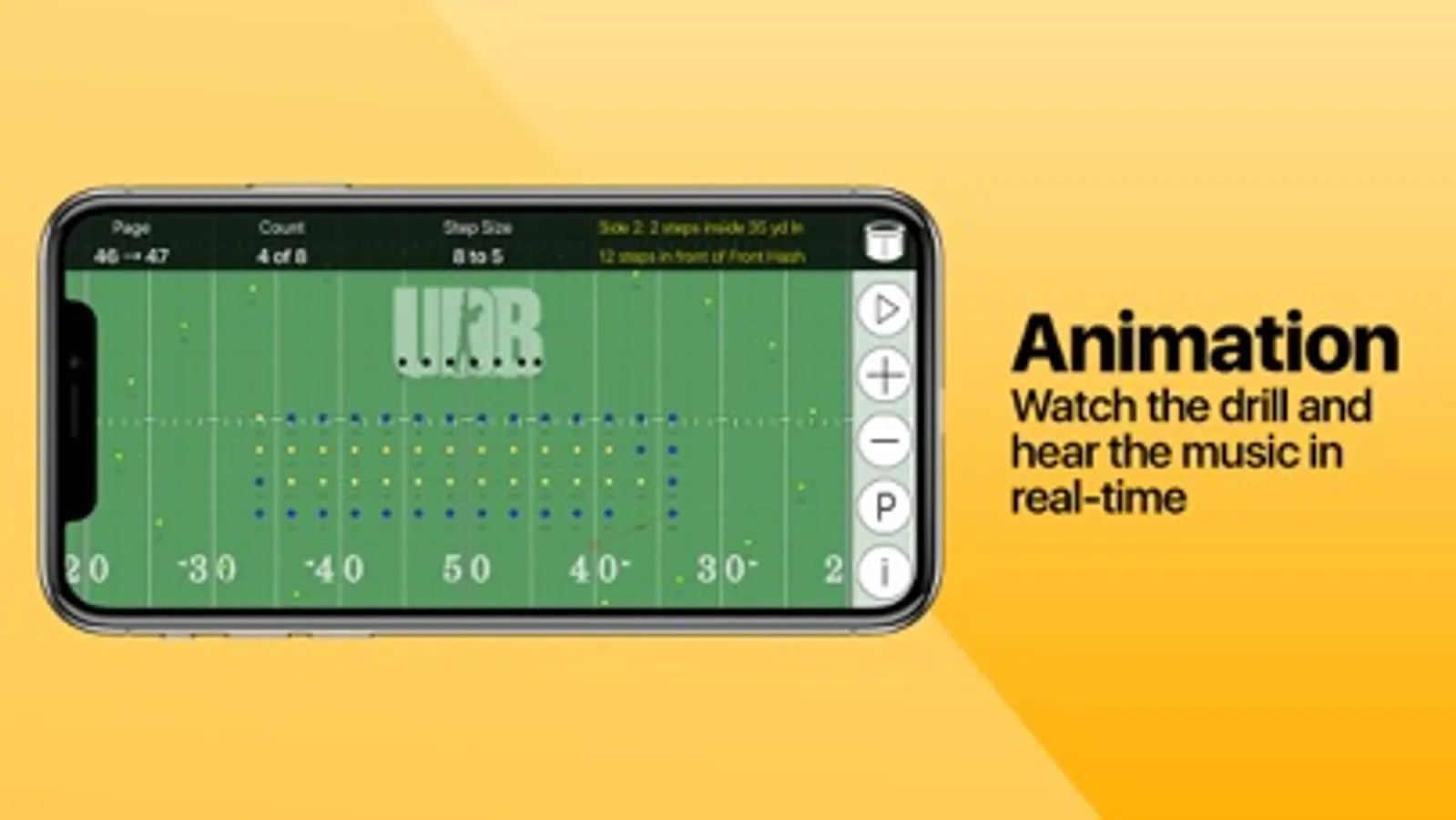
• Watch the drill animation while listening to the music from any perspective (performer or director).
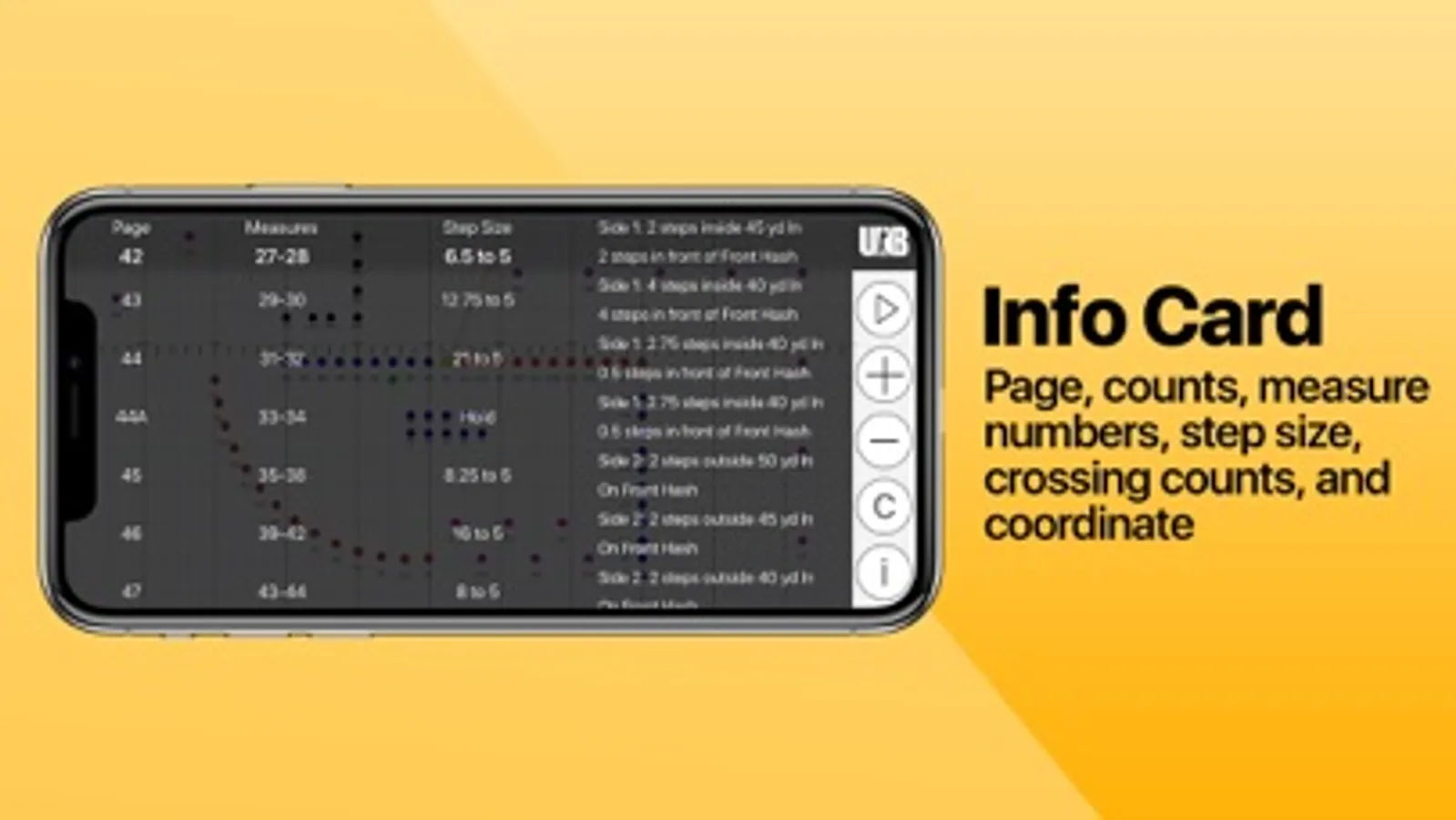
• View your individual coordinate sheet for sets in a song or counts in a set.
• Follow your drill count by count with live updating coordinates.
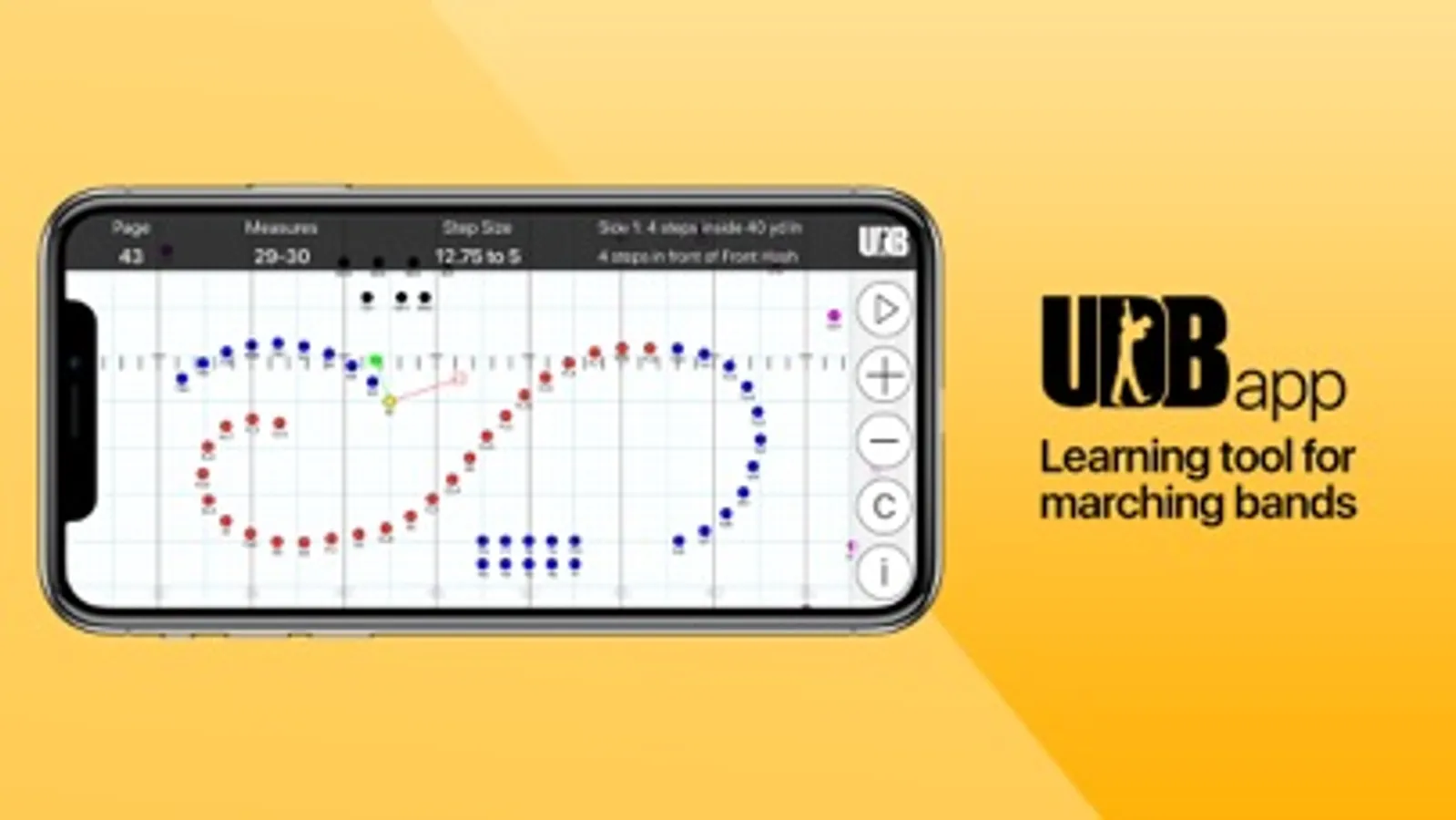
• UDB view shows curved and straight-line path information for previous and next sets.
• Student leadership can access everyone’s drill information.
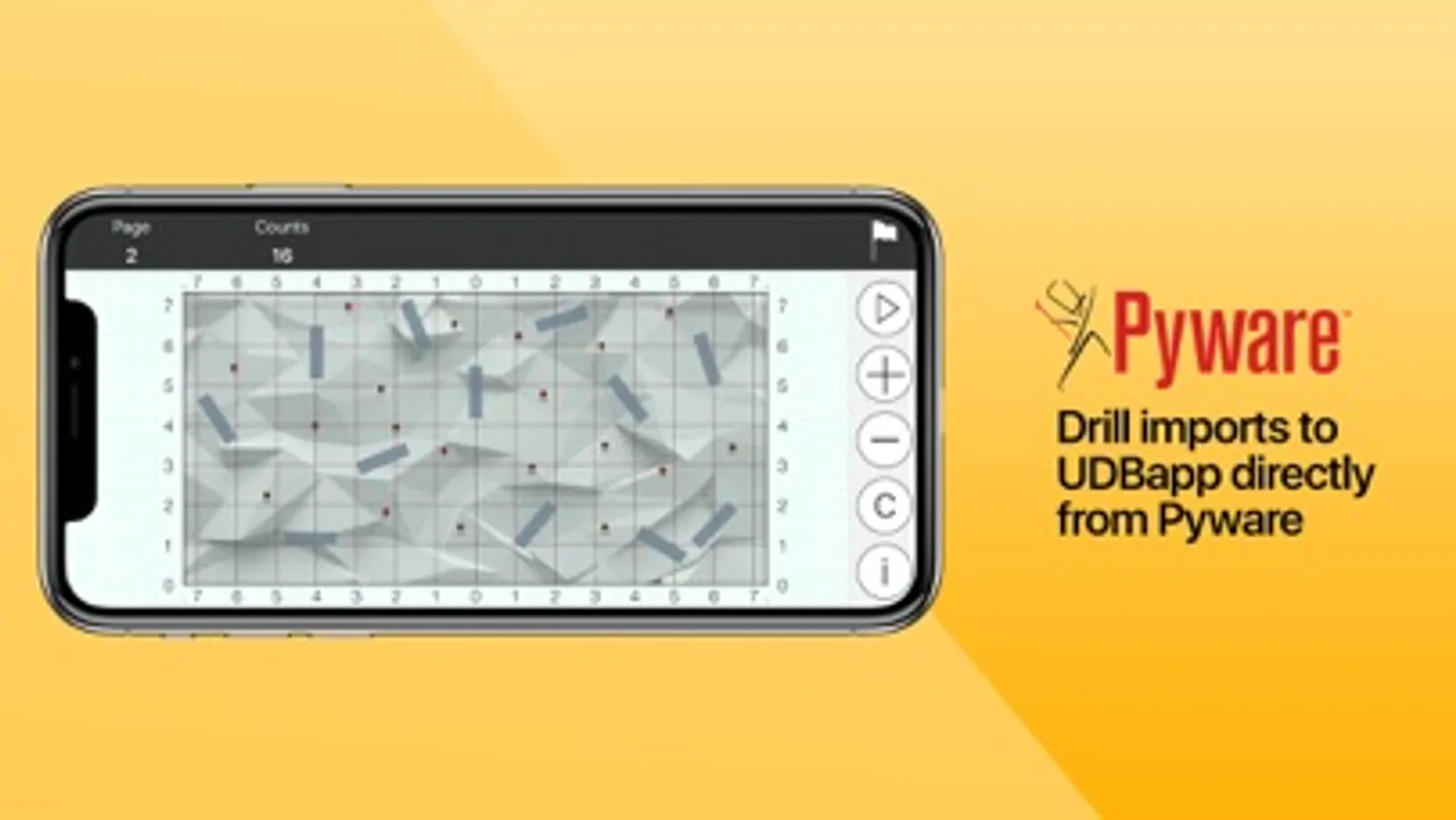
• Learn and clean drill in seconds after it's been exported from Pyware by the designer.
Features for Directors and Staff
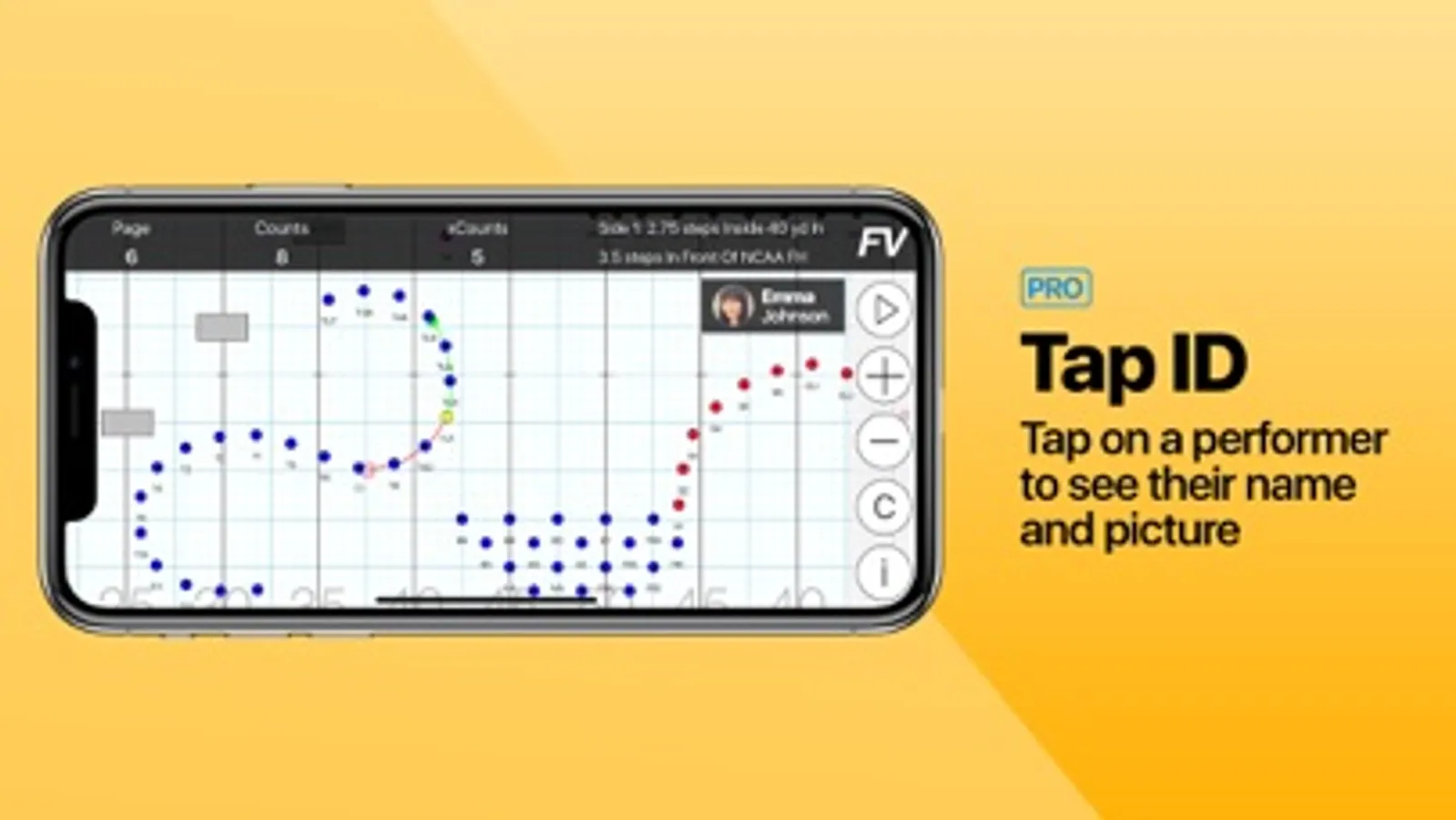
• Tap any performer to view coordinate and UDB view information.
• Change field perspective (performer/director).
• Easily add/delete/edit drill files in your ensemble's account directly from your app.
• Learn and clean drill in seconds after it's been exported from Pyware by the designer.
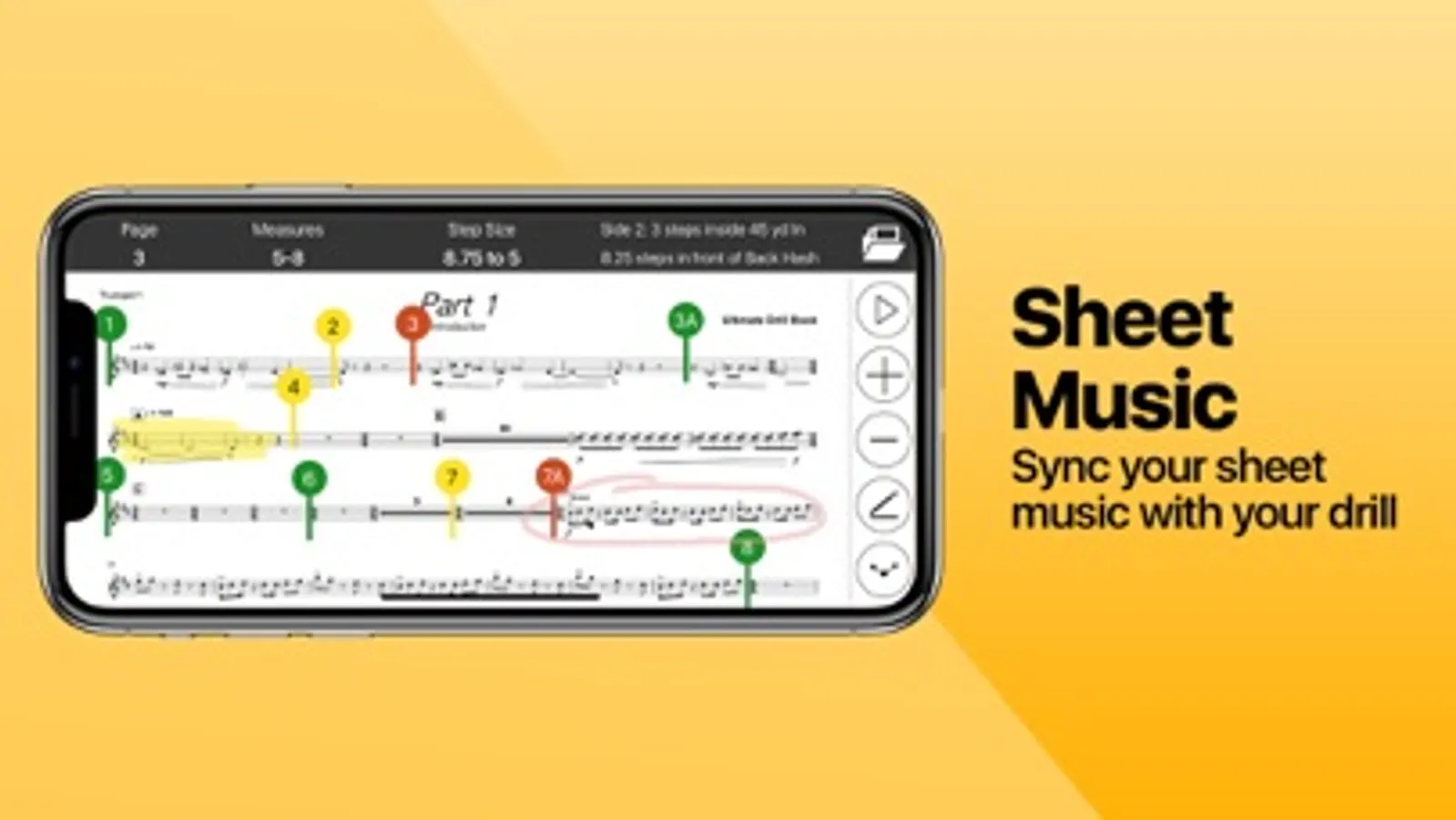
Sheet Music Integration
• One tap access to Beam
• Import music and scores from cloud services like Dropbox and Google Drive or take a picture.
• Sync the drill and music with drill tabs. • Annotate music with integrated icons and helpful tools.
Differentiators
• Phone layout designed for one handed use
• Easily find your midway points and yard line crossing counts
• Easily switch between custom views
Tap ID
• Tap ID allows directors to see the performer labels that your students have selected. Simply tap on a performer's dot while viewing the drill to see their name and photo. Multiple students can select a single performer label so directors can easily see and manage alternates, shadows, and primary performers.
Calendar + Attendance
• See your full rehearsal and performance schedule, check-in to events, and track attendance throughout the season.
• Use Live Attendance to get a real-time view of who is at rehearsal and who is not.
Offline Mode
• Offline mode allows a director to restrict access to Ultimate Drill Book if selected users are connected to the internet. If not activated, all users will be able to access Ultimate Drill Book even if connected to a WiFi or cellular connection.
UDBapp Pro Screenshots
Tap to Rate:
Reviews for UDBapp Pro
IndyPOW
PLEASE add this, ittl be perfect
This app is amazing and completely changes the marching band game, but PLEASE PLEASE PLEASE add Apple Watch functionality. Marching with your phone in your pocket can be awkward sometimes, and being able to look at your watch to see your dot would make this app perfect.
worm932
Apple Pencil support😔
It would be nice if I could make rehearsal notes on my iPad. Draw arrows. Circle students in certain sets and have that info stay on the page especially with the possibility of sending those notes to students.