
AppRecs review analysis
AppRecs rating . Trustworthiness 65 out of 100. Review manipulation risk 22 out of 100. Based on a review sample analyzed.
★
AppRecs Rating
Ratings breakdown
5 star
0%
4 star
0%
3 star
0%
2 star
0%
1 star
100%
What to know
✓
Low review manipulation risk
22% review manipulation risk
⚠
Mixed user feedback
Average 1.0★ rating suggests room for improvement
About ComBTAS
Manage your corporate expenses for large and small organizations.
This app is a companion to ComBTAS solutions for existing users.
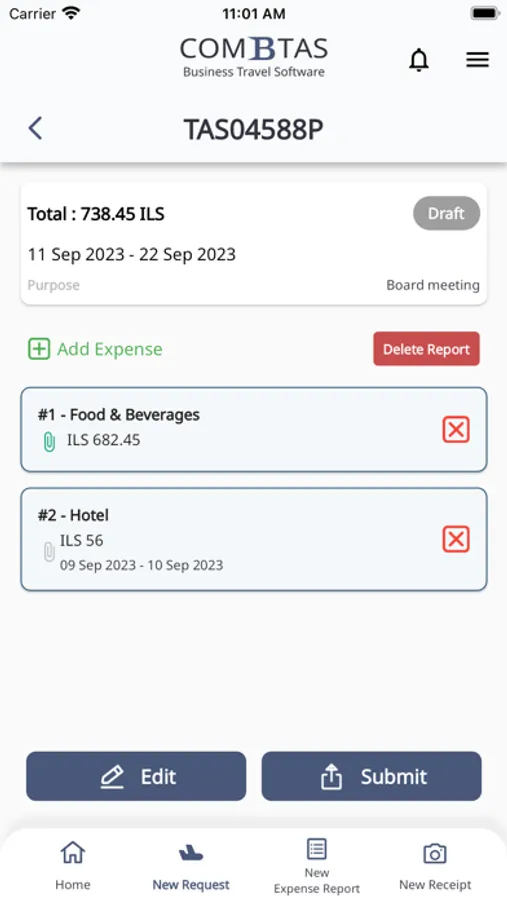
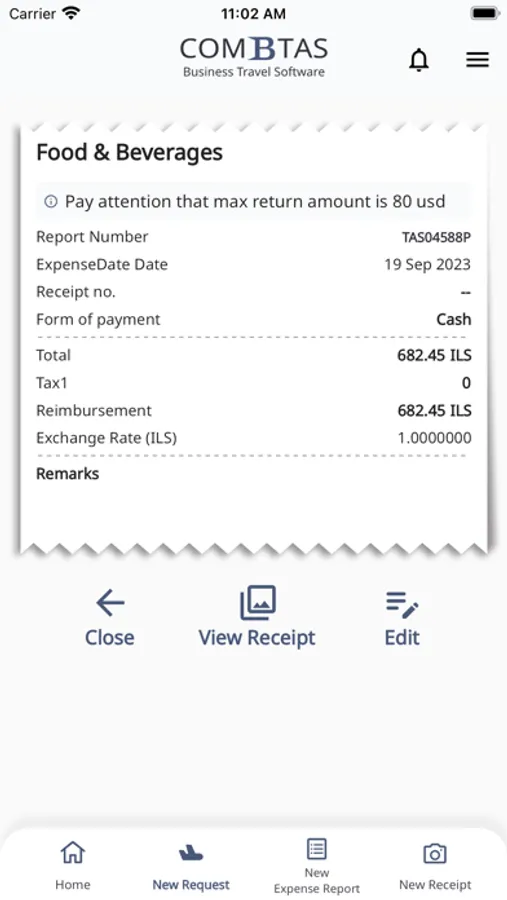
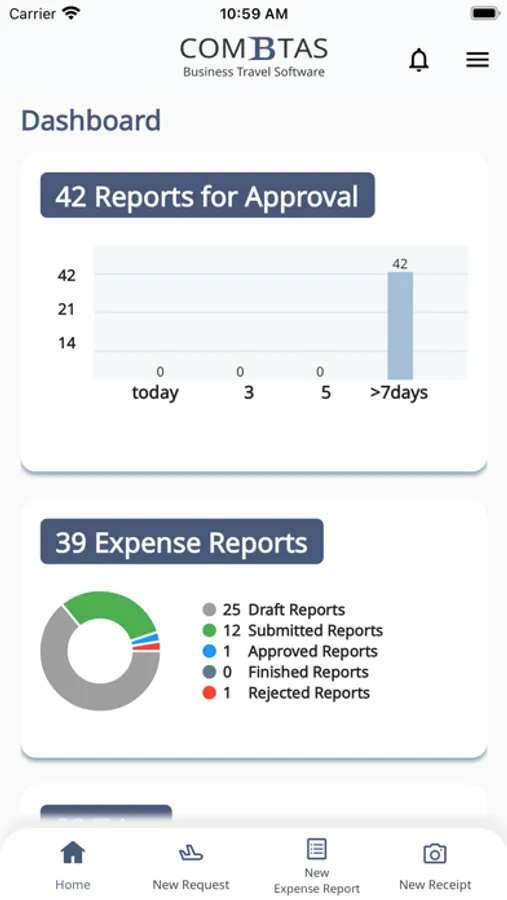
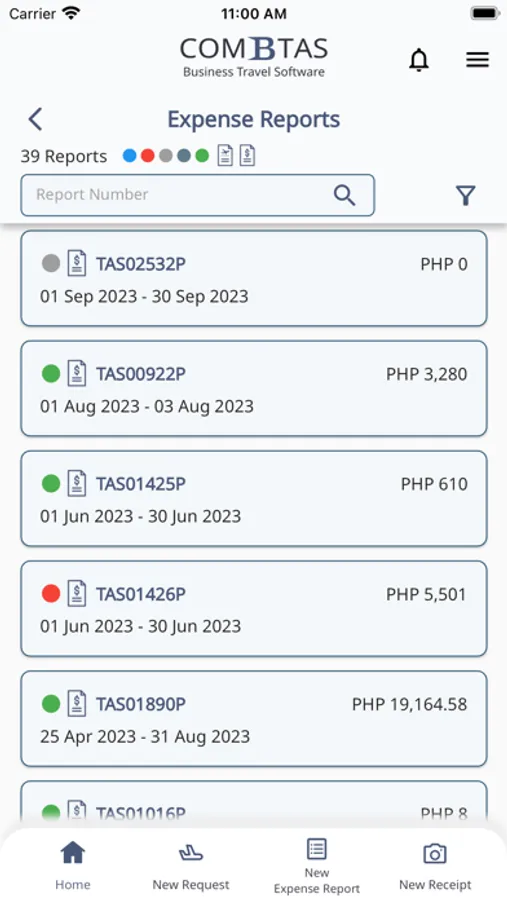
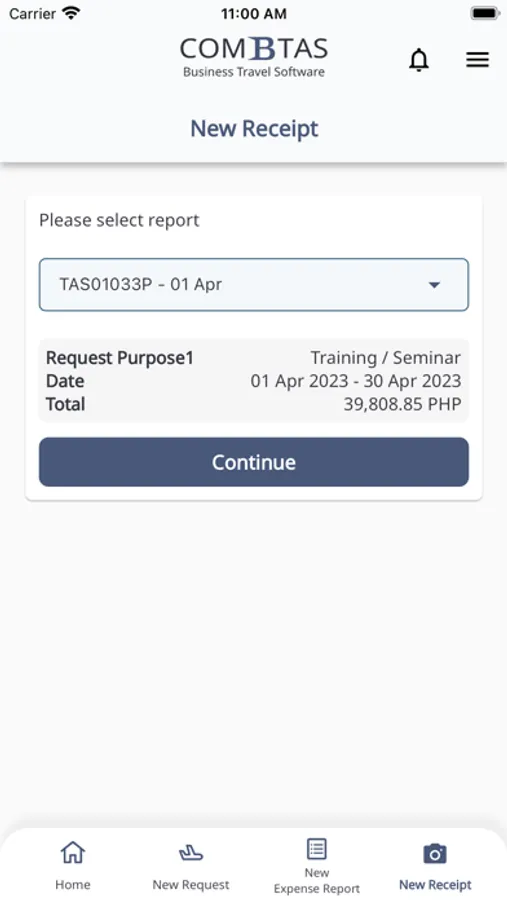
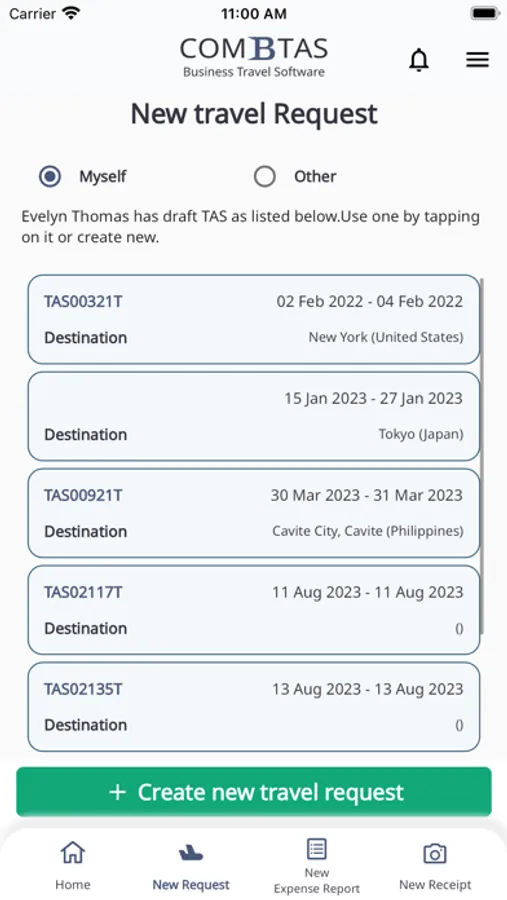
With ComBTAS APP you can easily update the expenses for travel and non travel expense reports.
While returning from your business trip, this APP will automatically open and remind you to fill in and submit the expense report.
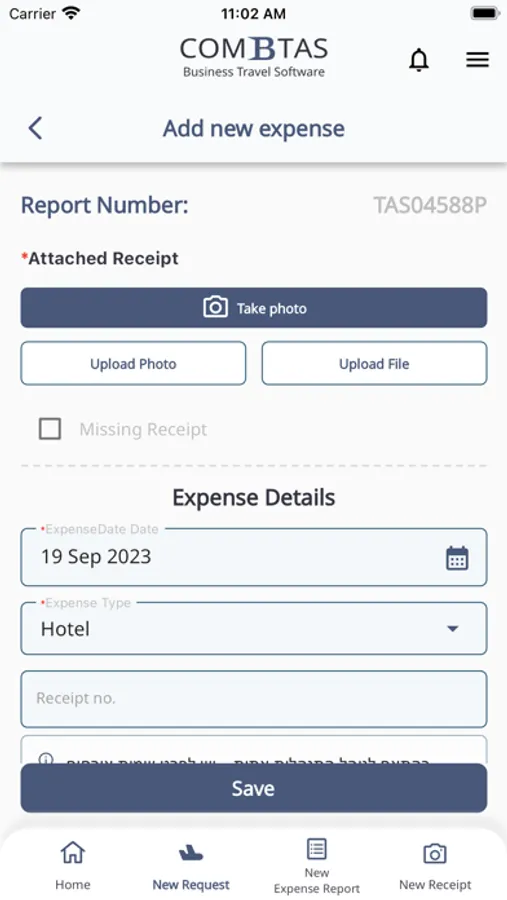
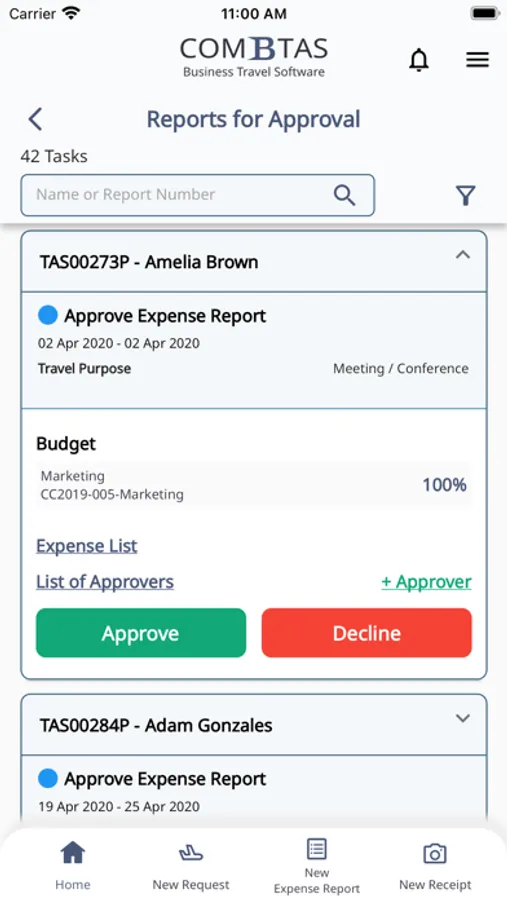
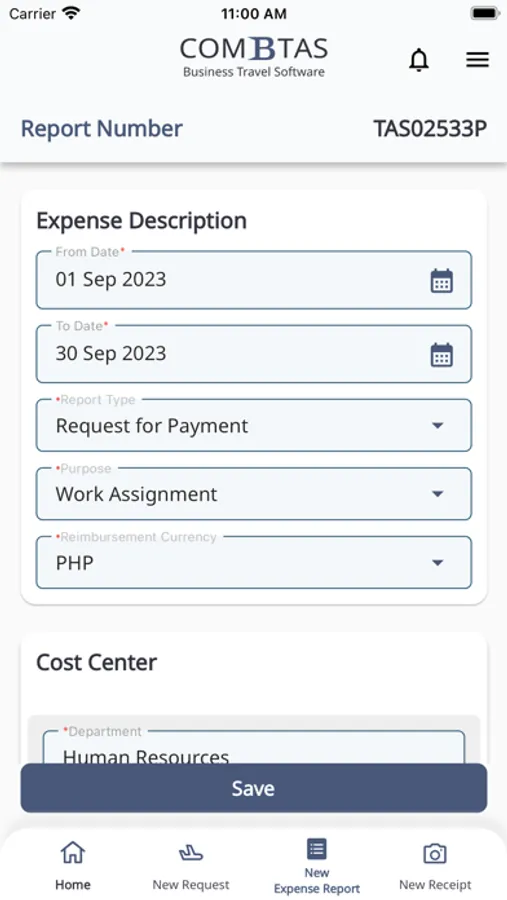
All you need to do is simply type in the expense type, amount, exchange rate and take a photo of the actual receipt. After submitting the report, it will go through TAS automatic approval flow based on your company policy.
Say goodbye to papers, mails and manual work and long time waiting for your reimbursements.
This app is a companion to ComBTAS solutions for existing users.
With ComBTAS APP you can easily update the expenses for travel and non travel expense reports.
While returning from your business trip, this APP will automatically open and remind you to fill in and submit the expense report.
All you need to do is simply type in the expense type, amount, exchange rate and take a photo of the actual receipt. After submitting the report, it will go through TAS automatic approval flow based on your company policy.
Say goodbye to papers, mails and manual work and long time waiting for your reimbursements.
ComBTAS Screenshots
Tap to Rate:
Reviews for ComBTAS
hslxjflwba
The save button is invisible on the expense edit view
In addition to the app not being intuitive, the save button was completely invisible when editing an expense. I had to randomly tap in white space at the bottom of the page to save the edits. It took me over half an hour to find the invisible save button. Please fix this