AppRecs review analysis
AppRecs rating 3.0. Trustworthiness 75 out of 100. Review manipulation risk 27 out of 100. Based on a review sample analyzed.
★★★☆☆
3.0
AppRecs Rating
Ratings breakdown
5 star
67%
4 star
0%
3 star
0%
2 star
0%
1 star
33%
What to know
✓
Low review manipulation risk
27% review manipulation risk
✓
Credible reviews
75% trustworthiness score from analyzed reviews
About Gliss
Gliss turns your iOS device into an expressive, motion-based controller for music, while connected to MiMU’s desktop application Glover.
Gliss wirelessly sends your device’s motion sensor data to your computer so that you can use your iPhone or iPad to control music software.
For example, you can:
- Tilt your device to add effects to your voice
- Make sharp movements for air drums
- Control synth parameters using gestures
- Trigger samples without touching your computer
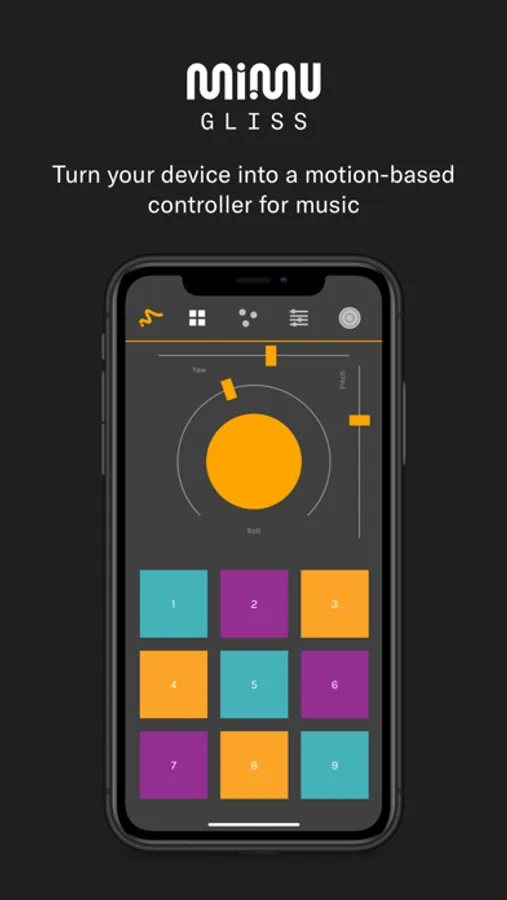
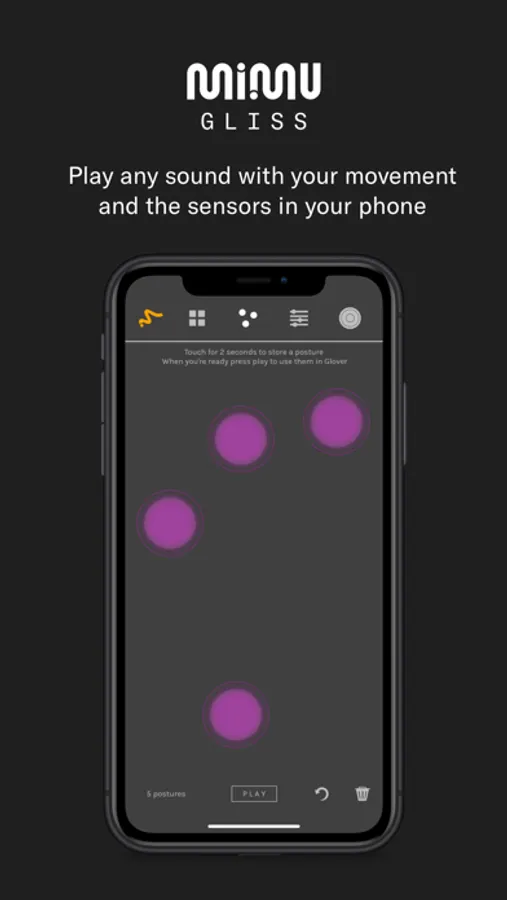
Not only does Gliss automatically detect and send your device’s gyroscope/accelerometer data (as pitch, yaw and roll), you can also teach it to recognise the manner in which you move your fingers over the screen and start using the touch-responsive surface of your iOS device for making music.
Connect Gliss with MiMU’s desktop app Glover over Wi-Fi and map your movement signals to control any live music / video software or hardware that supports MIDI or OSC. Some examples include Ableton Live, Logic Pro X, Mainstage, Max/MSP, Unity, FL Studio and many more.
Music is a way to express ourselves and so the way we control music should be expressive too.
Features include...
MOTION-DETECTION
Detection of movements using the built-in accelerometer and gyroscope in your device
GESTURE-RECOGNITION
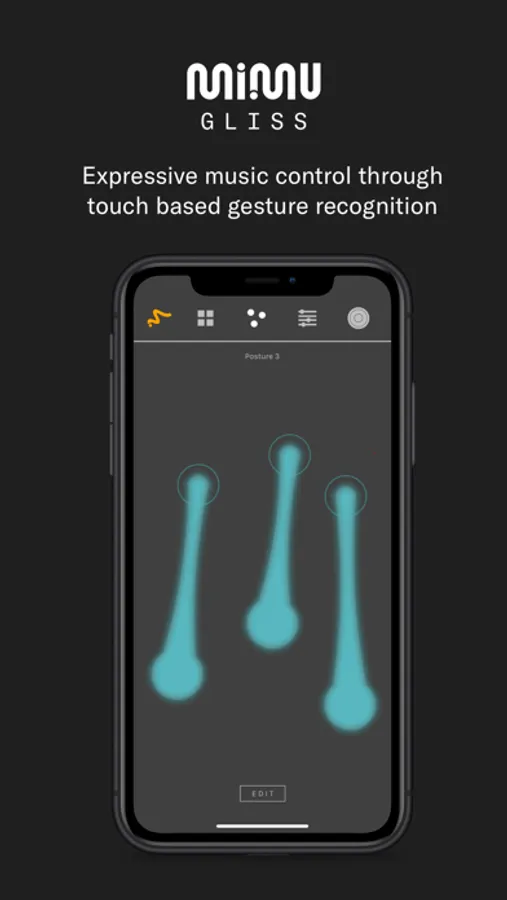
On screen detection of multi-touch gestures
BUTTONS AND SLIDERS
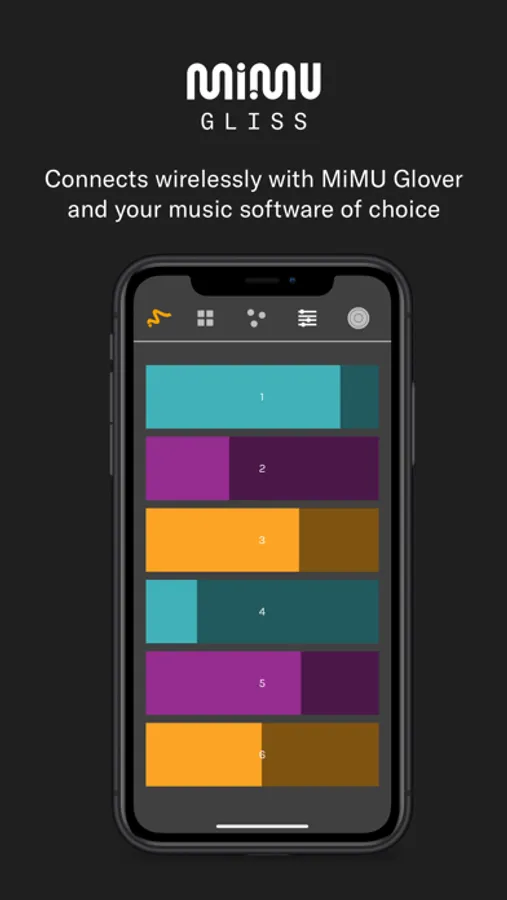
Send triggers and control faders
WIRELESS FEEDBACK
Get feedback from your computer via colours and the vibration modes on the device
Gliss wirelessly sends your device’s motion sensor data to your computer so that you can use your iPhone or iPad to control music software.
For example, you can:
- Tilt your device to add effects to your voice
- Make sharp movements for air drums
- Control synth parameters using gestures
- Trigger samples without touching your computer
Not only does Gliss automatically detect and send your device’s gyroscope/accelerometer data (as pitch, yaw and roll), you can also teach it to recognise the manner in which you move your fingers over the screen and start using the touch-responsive surface of your iOS device for making music.
Connect Gliss with MiMU’s desktop app Glover over Wi-Fi and map your movement signals to control any live music / video software or hardware that supports MIDI or OSC. Some examples include Ableton Live, Logic Pro X, Mainstage, Max/MSP, Unity, FL Studio and many more.
Music is a way to express ourselves and so the way we control music should be expressive too.
Features include...
MOTION-DETECTION
Detection of movements using the built-in accelerometer and gyroscope in your device
GESTURE-RECOGNITION
On screen detection of multi-touch gestures
BUTTONS AND SLIDERS
Send triggers and control faders
WIRELESS FEEDBACK
Get feedback from your computer via colours and the vibration modes on the device
Gliss Screenshots
Tap to Rate:
Reviews for Gliss
Amazing 2729
No sound
My movements are being tracked but no sound is produced
AmethystWow
Good idea?
I would love to get a pair of mimu gloves, but I can’t so I wanted to try this out but it’s making no sound in the glover software I can see my motions being tracked and everything but no sounds comes out.