With this drawing app, you can create sketches, send drawings to your walls, and share your artwork with the community. Includes profile management, device setup, and access to global artist work.
AppRecs review analysis
AppRecs rating 2.8. Trustworthiness 79 out of 100. Review manipulation risk 25 out of 100. Based on a review sample analyzed.
★★☆☆☆
2.8
AppRecs Rating
Ratings breakdown
5 star
15%
4 star
8%
3 star
8%
2 star
31%
1 star
38%
What to know
✓
Low review manipulation risk
25% review manipulation risk
✓
Credible reviews
79% trustworthiness score from analyzed reviews
⚠
Mixed user feedback
Average 2.3★ rating suggests room for improvement
About Joto
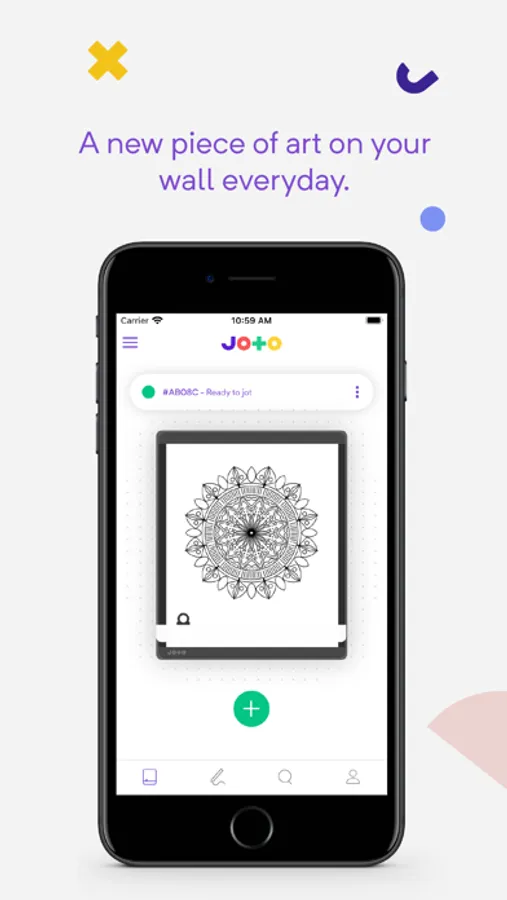
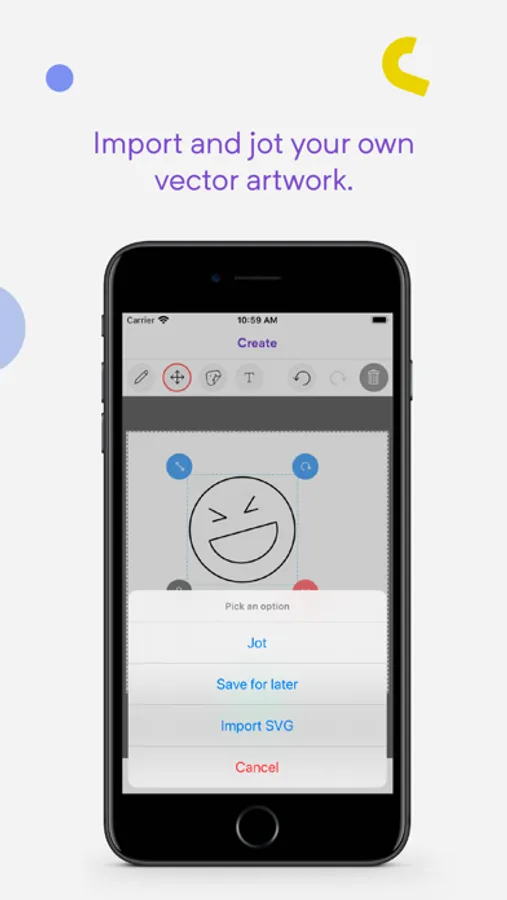
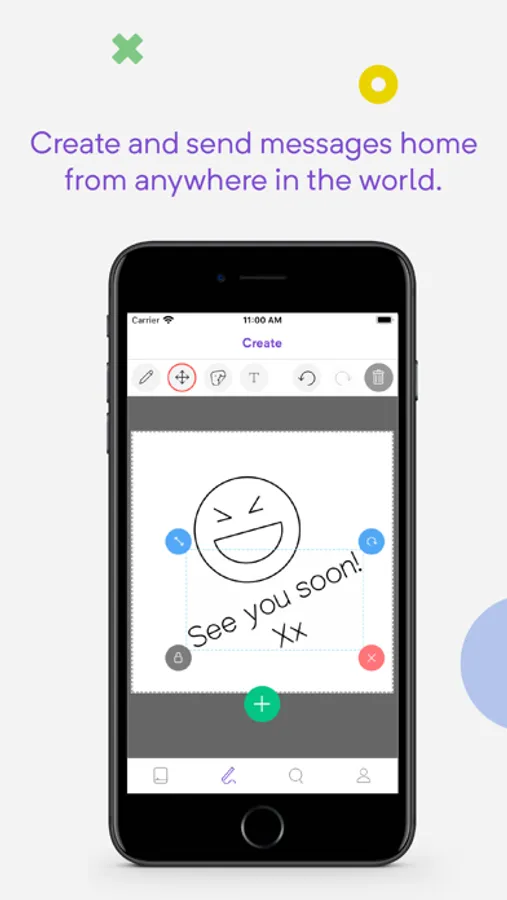
You can draw, write and sketch, using your finger, Apple Pencil or stylus.
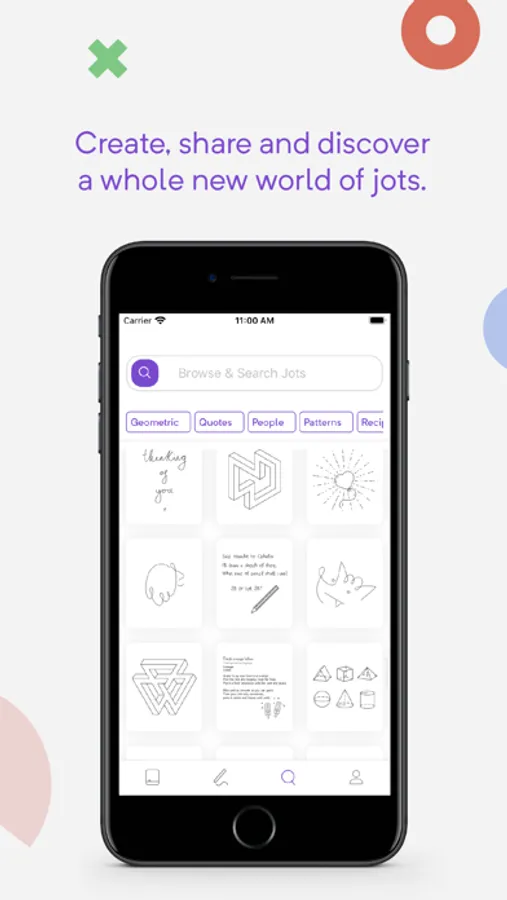
Create your profile ready to share with the rest of the Joto community.
Discover work by top artists and illustrators around the world and send them to your Joto.
Use the app to setup and pair with your Joto device, and configure settings for you device.
Joto Screenshots
Tap to Rate:
Reviews for Joto
The MBC Kid
1.1 does not open on 11 Pro
The app does not currently open on the iPhone 11 Pro
TKiper
SLOW start, and poor interface/product
This is slightly a product and slightly an APP review. Understandably this was a very slow product to come to market, delivery to the backers. But you would think that in all that time they could have perfected the app. Even since I’ve had this and started using there has not been a single update to the app. They need to include: -custom fonts to write messages on the display. I could simply write on a whiteboard with better ability than through an app, and it would be way cheaper and faster. The “cool” aspect of this was that it would draw something that was better looking than a simple rough sketch. -library of illustrations that are not just other users. -ways to import drawings. On a product side the ink drys out way to fast. I might just start using this as a traditional whiteboard with a cool eraser...