AppRecs review analysis
AppRecs rating 3.3. Trustworthiness 73 out of 100. Review manipulation risk 16 out of 100. Based on a review sample analyzed.
★★★☆☆
3.3
AppRecs Rating
Ratings breakdown
5 star
33%
4 star
0%
3 star
0%
2 star
33%
1 star
33%
What to know
✓
Low review manipulation risk
16% review manipulation risk
✓
Credible reviews
73% trustworthiness score from analyzed reviews
About Code Review - Pull Requests
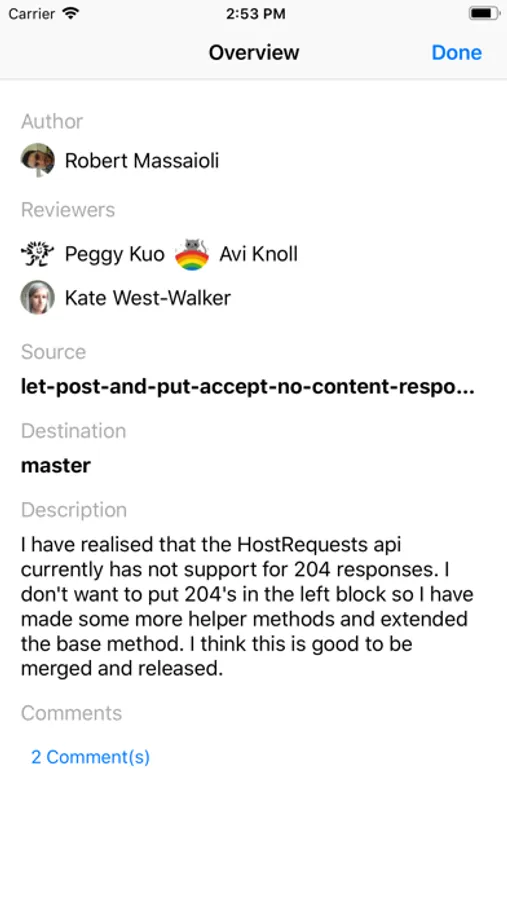
Code Review is a simple yet powerful mobile app for reviewing pull requests.
Following features are supported:
• Connect one or more Bitbucket or GitHub accounts.
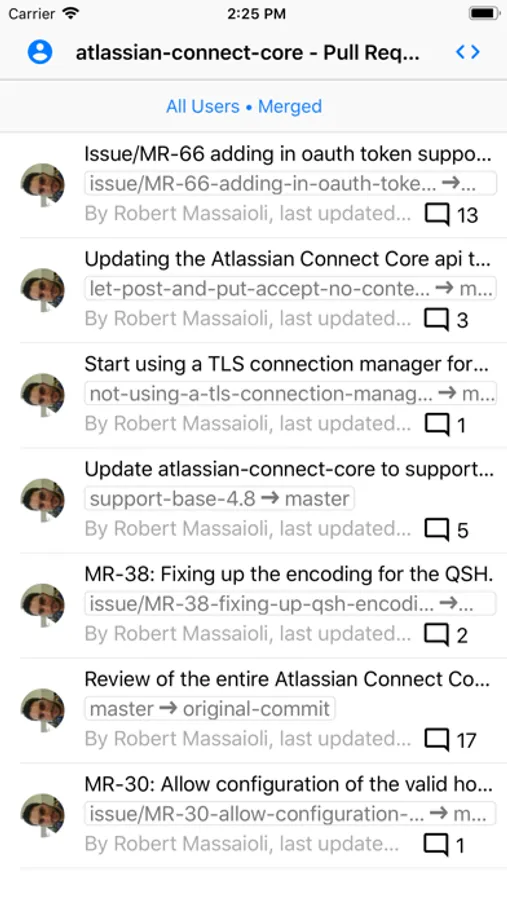
• View and filter list of pull requests for a selected repository.
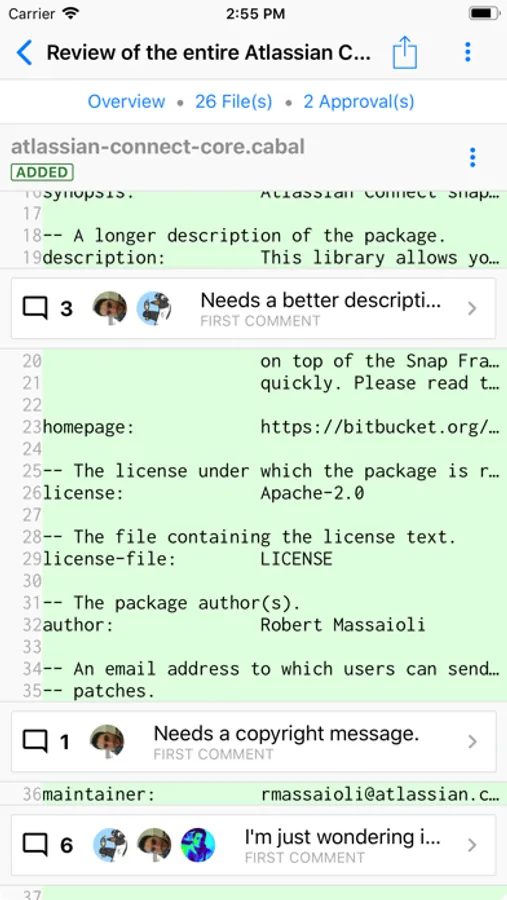
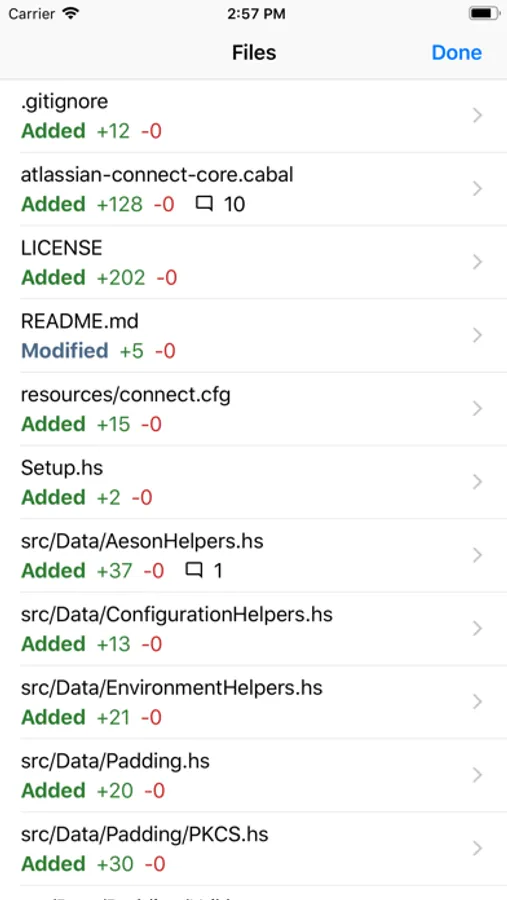
• Review pull request diff, side-by-side diff, file source and branch source files.
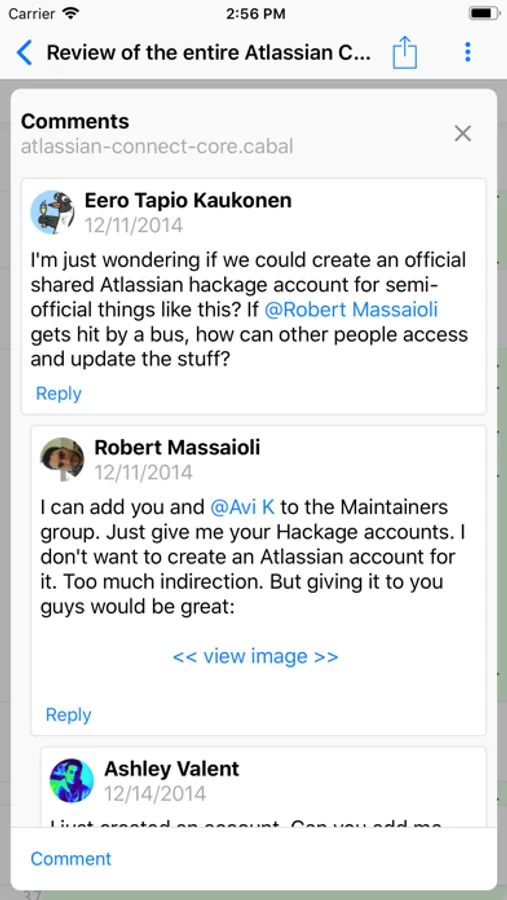
• Add, edit and delete comments; respond to comments.
• Approve, un-approve or merge pull requests.
• Navigate the pull request diff quicker using the Files screen.
The app is fully compatible with external keyboards:
• Use arrow keys to move the focus in a list screen, from one row to another.
• Use Tab and Shift+Tab to move focus between elements on the screen.
• Press Enter to tap on a selected element such as a button or a list row.
• Shift + Enter to send the current draft comment.
• Press and hold the Command key to view all available keyboard shortcuts.
Following features are supported:
• Connect one or more Bitbucket or GitHub accounts.
• View and filter list of pull requests for a selected repository.
• Review pull request diff, side-by-side diff, file source and branch source files.
• Add, edit and delete comments; respond to comments.
• Approve, un-approve or merge pull requests.
• Navigate the pull request diff quicker using the Files screen.
The app is fully compatible with external keyboards:
• Use arrow keys to move the focus in a list screen, from one row to another.
• Use Tab and Shift+Tab to move focus between elements on the screen.
• Press Enter to tap on a selected element such as a button or a list row.
• Shift + Enter to send the current draft comment.
• Press and hold the Command key to view all available keyboard shortcuts.
Code Review - Pull Requests Screenshots
Tap to Rate:
Reviews for Code Review - Pull Requests
Ed Proffer
Simply doesn’t work
Why is this in the App Store? Shows no repos after logged in.
Jay Dee Arr
Only works for repos you own
Can’t use in a team environment unless you own the repo.