In this speech-to-text app, you can dictate speech and convert it into text using AI technology. Includes multi-language support and text-to-speech features.
AppRecs review analysis
AppRecs rating 3.9. Trustworthiness 77 out of 100. Review manipulation risk 22 out of 100. Based on a review sample analyzed.
★★★☆☆
3.9
AppRecs Rating
Ratings breakdown
5 star
62%
4 star
7%
3 star
7%
2 star
5%
1 star
20%
What to know
✓
Low review manipulation risk
22% review manipulation risk
✓
Credible reviews
77% trustworthiness score from analyzed reviews
✓
Good user ratings
69% positive sampled reviews
About Speech to Text - Voice Notes
Key Features:
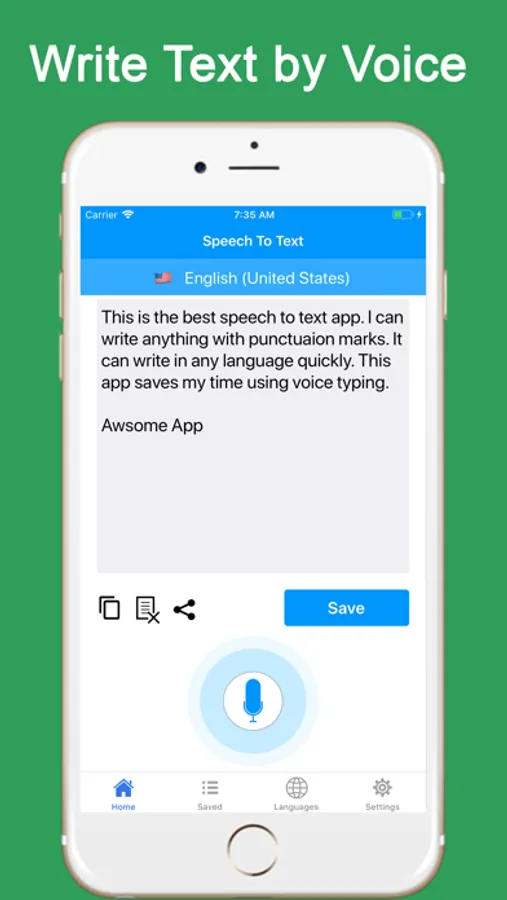
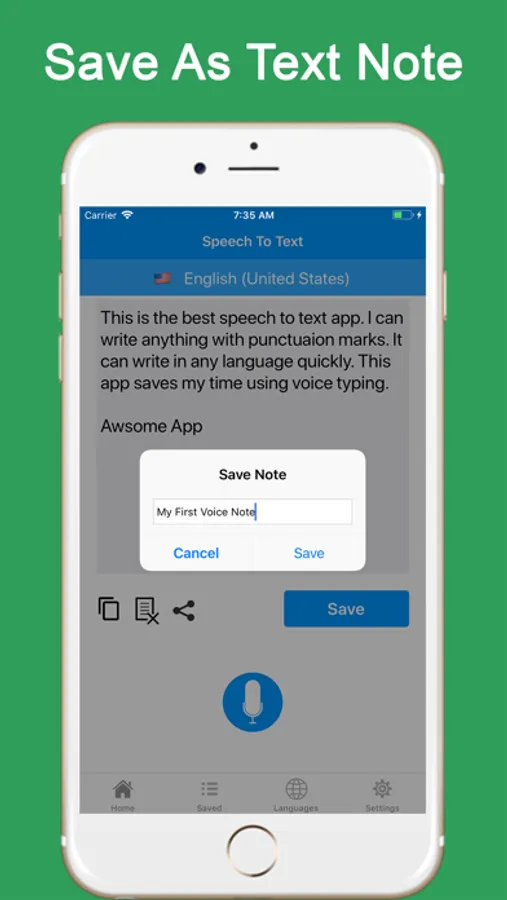
Speech to Text: Dictate seamlessly—just speak and write! Instantly convert your speech into text, perfect for note-taking or writing by voice.
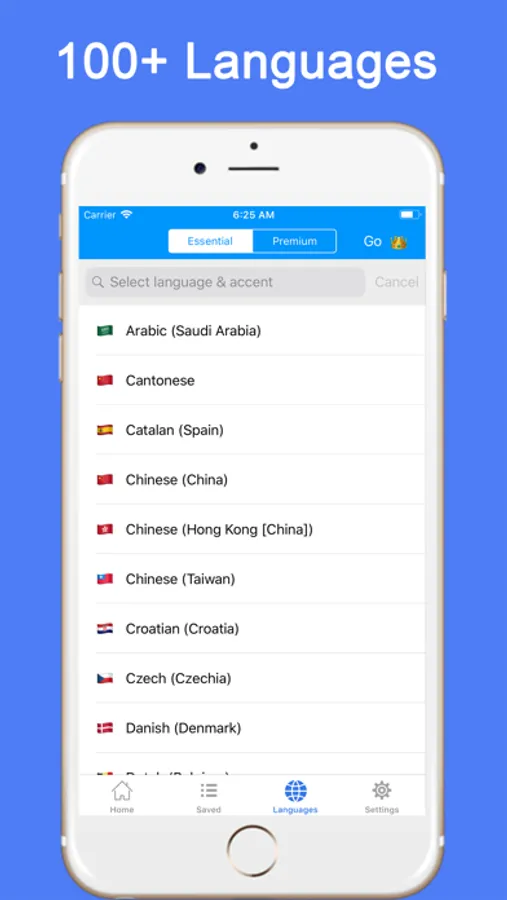
Multi-Language Support: Speak any language, and the app will convert your speech to text accurately.
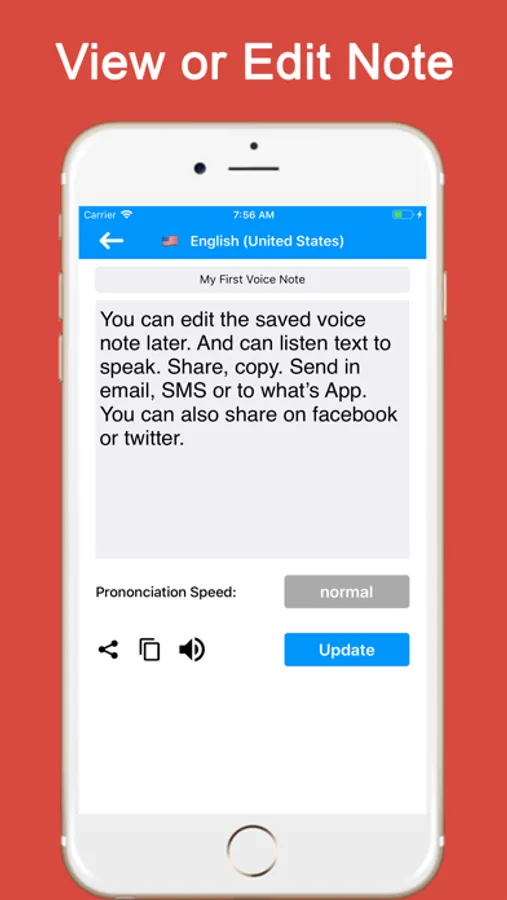
Text to Speech: Need to listen to your notes? Convert your text back to audio using text to speech with AI voices.
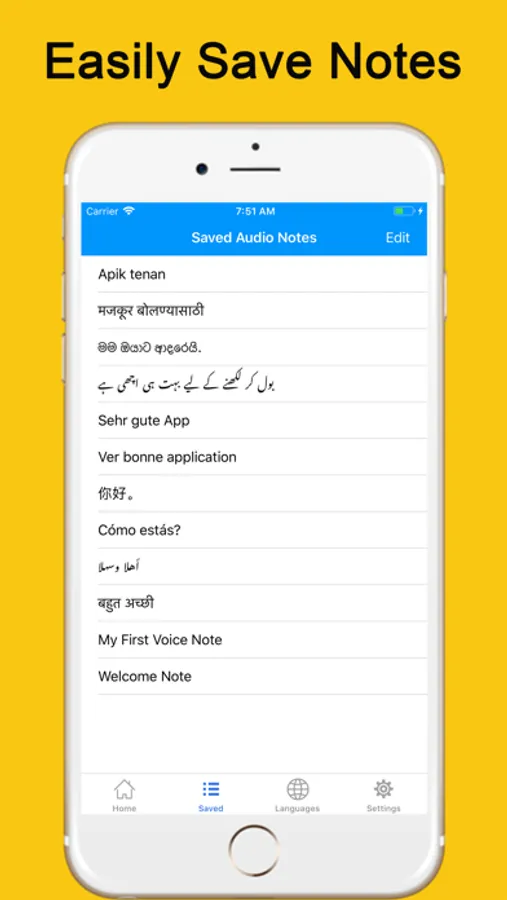
Share Your Notes: Send your voice-dictated notes via WhatsApp, Facebook, Twitter, and more.
Fast and Easy: A user-friendly voice dictate tool that saves time for professionals, students, and anyone wanting to speak and write efficiently.
Download Speech to Text - Voice Notes today and experience the convenience of speech to text, voice to text, and voice note to text—all in one powerful app!
Speech to Text - Voice Notes Screenshots
Tap to Rate:
Reviews for Speech to Text - Voice Notes
Anthesis Antithesis
Needs work and a faster more confident AI
So I'm gonna dictate my review and let the voice transcriber enter that text. So let's see how it does the first thing I noticed is that the AI will second-guess itself and erase some of the things that it already wrote which were correct but I did see racing stuff it's not listening to what's going on and just blinks out huge blocks of text . If it's me dictating then I could pause when I see that it's needed to catch up but if it's a recorded conversation there's no way it's going to stop to let the AI catch up and as I'm writing as it as I'm speaking as I see it rewriting stuff that's already captured as text over and over again like three lines prior to this. Conversation that I had with the other person that I recorded was not even picked up. Granted it was a little more soft book and then my words but it should've been able to pick up some sound. In real time conversation transcribing I had said I'm doing this with you She's a little slow right now. The AI recorded I'm doing this with you so bye right now. As you can see it a little different. I have to give the app low stars for its accuracy and the speed of the AI In keeping up with a normal conversation. It's a good start though.
idpntwanttosharemyname
Can’t get it to transcribe video playing on same device
I wanted this to transcribe videos I’m playing on the same device. I turn on the microphone and nothing! I don’t understand. It picks up my voice, but it doesn’t pick up audio from the speaker. I’m frustrated. It should pick up the speaker audio too. Help!