
AppRecs review analysis
AppRecs rating 3.2. Trustworthiness 45 out of 100. Review manipulation risk 28 out of 100. Based on a review sample analyzed.
★★★☆☆
3.2
AppRecs Rating
Ratings breakdown
5 star
100%
4 star
0%
3 star
0%
2 star
0%
1 star
0%
About Text Editor - LiquidLogic
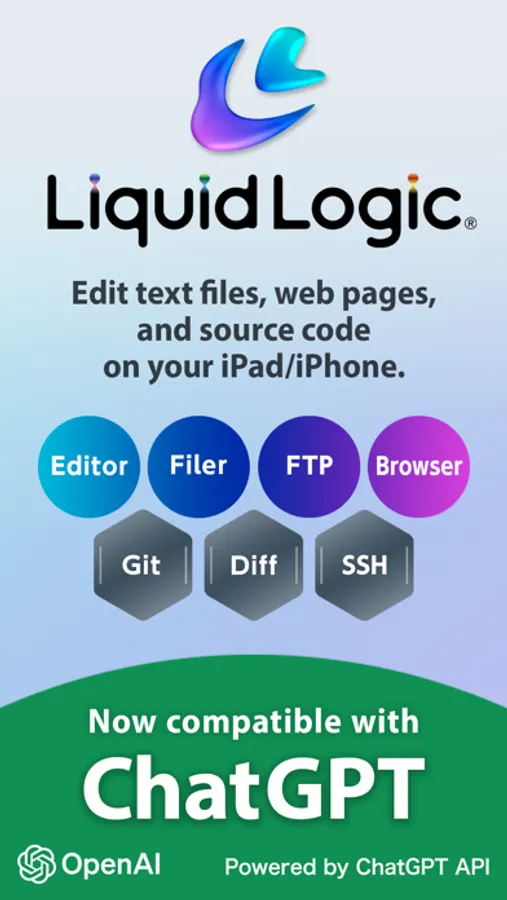
LiquidLogic is a text editor that allows you to edit text files, web pages, and source code on your iPad/iPhone.
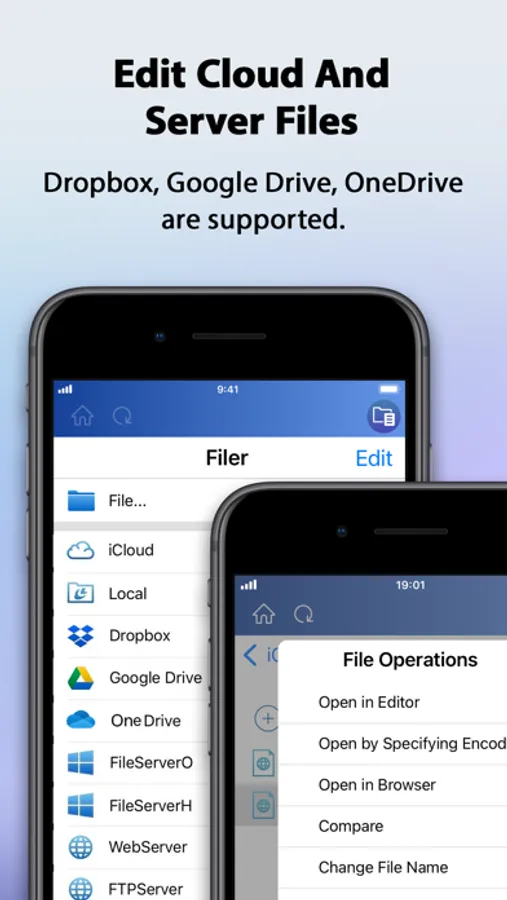
The highly functional editor is equipped with a filer and FTP to edit files in the cloud and on servers.
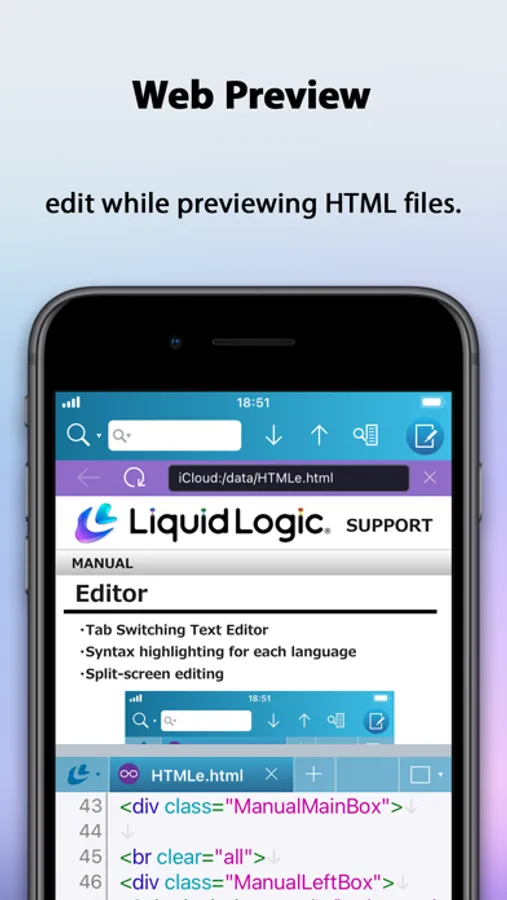
The dedicated browser can also be used to check web pages and preview HTML.
SSH terminal and Git version management functions are also included.
All-in-one text editing is possible.
MAIN FEATURES
• Multiple files can be displayed and edited by switching tabs.
• Supports multitasking, allowing you to launch multiple LiquidLogic applications.
• Split screen to view and edit two files at the same time.
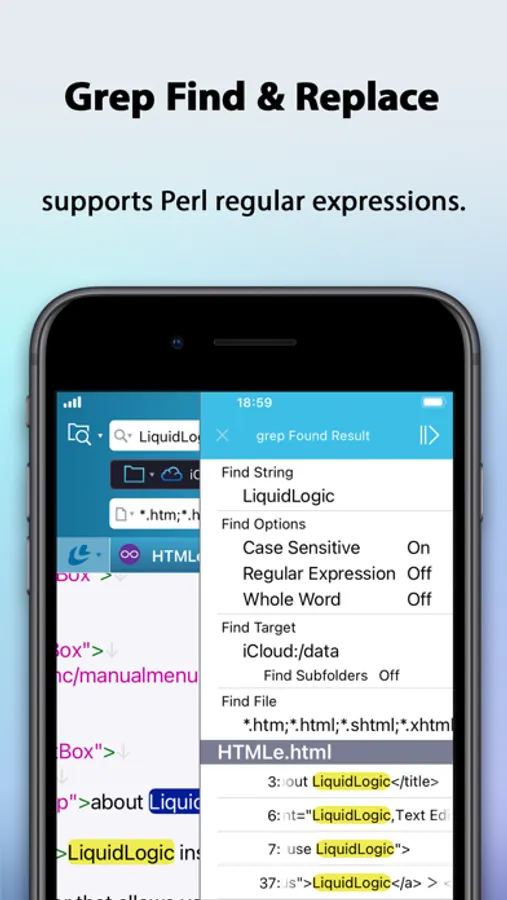
• Real-time search with support for Perl regular expressions.
• Equipped with grep find and replace function.
• Supports 14 languages including HTML, XML, CSS, JavaScript, PHP, Perl, Ruby, and C++.
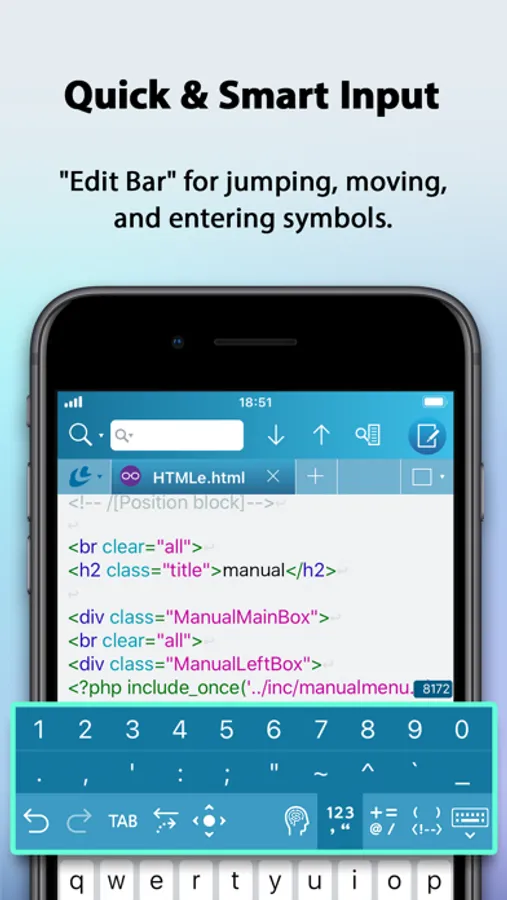
• Syntax highlighting according to language.
• Edit Bar for cursor movement and input of symbols, parentheses, numbers, etc.
• Supports 34 character codes including Unicode, Shift JIS, EUC, etc., and can change character codes and line feed codes.
• Equipped with a filer. Multiple openings and various file operations are possible.
• Files in iCloud, iCloud Drive, Dropbox, Google Drive, and OneDrive can be edited.
• Supports SMB connection. Directly edit files on servers and NAS devices.
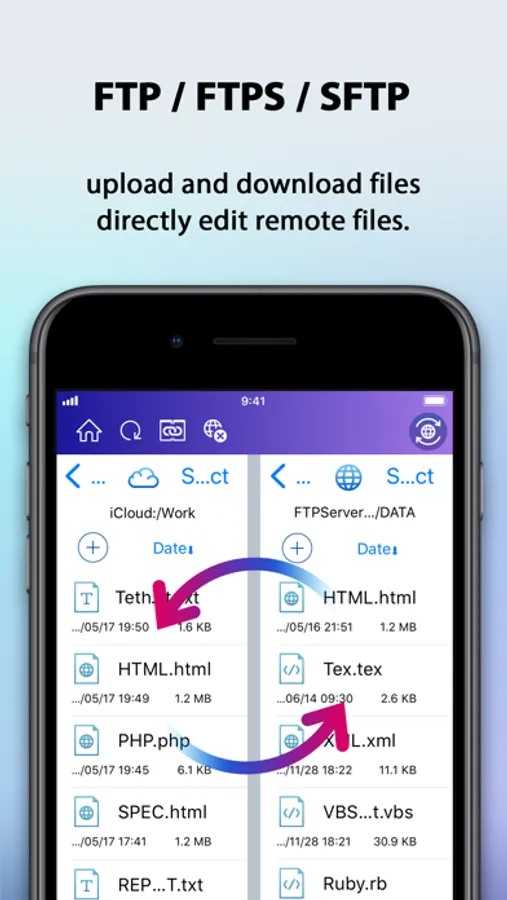
• FTP/FTPS/SFTP included. Supports download/upload and direct file editing.
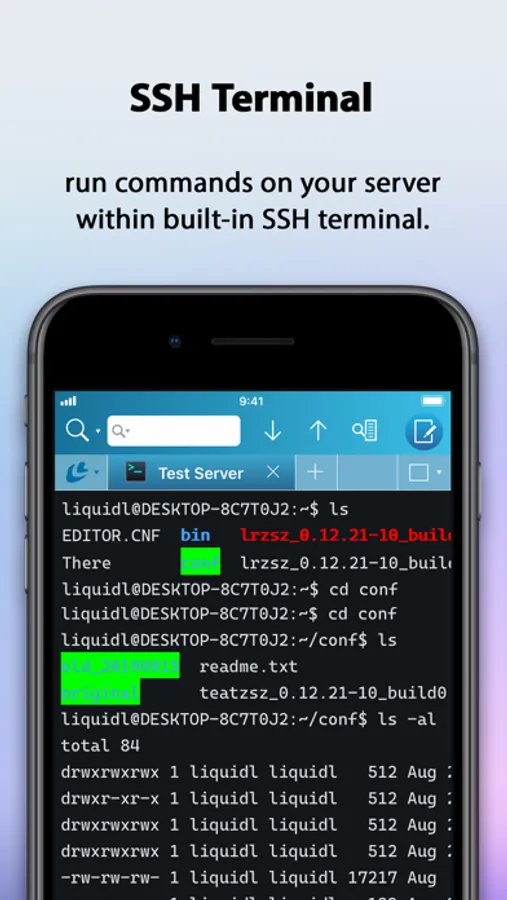
• Equipped with SSH terminal. Files can be downloaded and edited from there.
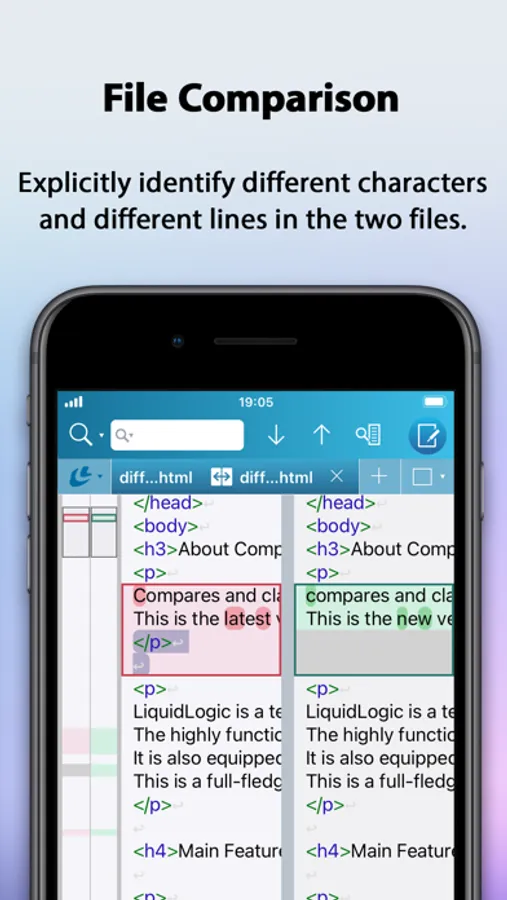
• File comparison functionality that allows you to compare two files side by side and clearly show the differences between them.
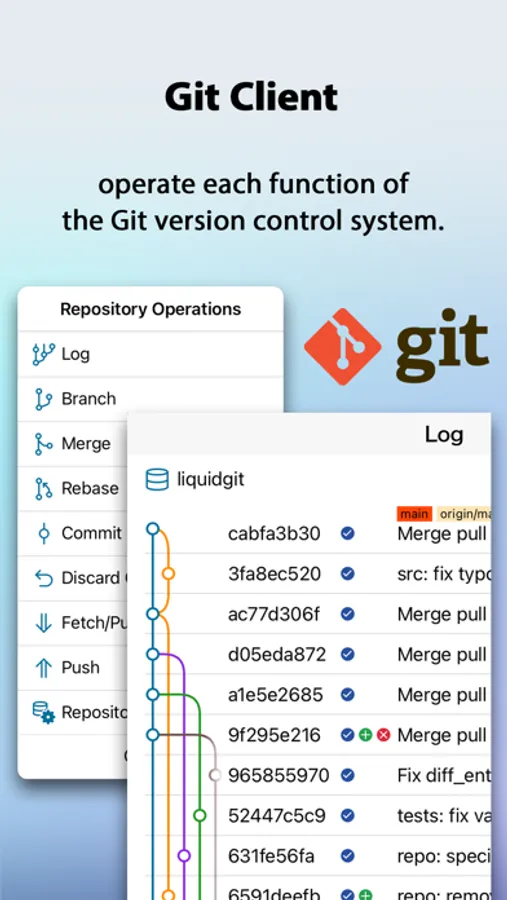
• Git version control functionality.
• Built-in ChatGPT functionality.
• Built-in browser, allowing editing while checking the web page display.
• Download the HTML source from the browser and edit it in the editor.
• Supports keyboard shortcuts.
• Available for Apple Silicon-equipped Mac.
ONLINE MANUAL
https://www.megasoft.co.jp/support/liquidlogic/manual/index_en.php
The highly functional editor is equipped with a filer and FTP to edit files in the cloud and on servers.
The dedicated browser can also be used to check web pages and preview HTML.
SSH terminal and Git version management functions are also included.
All-in-one text editing is possible.
MAIN FEATURES
• Multiple files can be displayed and edited by switching tabs.
• Supports multitasking, allowing you to launch multiple LiquidLogic applications.
• Split screen to view and edit two files at the same time.
• Real-time search with support for Perl regular expressions.
• Equipped with grep find and replace function.
• Supports 14 languages including HTML, XML, CSS, JavaScript, PHP, Perl, Ruby, and C++.
• Syntax highlighting according to language.
• Edit Bar for cursor movement and input of symbols, parentheses, numbers, etc.
• Supports 34 character codes including Unicode, Shift JIS, EUC, etc., and can change character codes and line feed codes.
• Equipped with a filer. Multiple openings and various file operations are possible.
• Files in iCloud, iCloud Drive, Dropbox, Google Drive, and OneDrive can be edited.
• Supports SMB connection. Directly edit files on servers and NAS devices.
• FTP/FTPS/SFTP included. Supports download/upload and direct file editing.
• Equipped with SSH terminal. Files can be downloaded and edited from there.
• File comparison functionality that allows you to compare two files side by side and clearly show the differences between them.
• Git version control functionality.
• Built-in ChatGPT functionality.
• Built-in browser, allowing editing while checking the web page display.
• Download the HTML source from the browser and edit it in the editor.
• Supports keyboard shortcuts.
• Available for Apple Silicon-equipped Mac.
ONLINE MANUAL
https://www.megasoft.co.jp/support/liquidlogic/manual/index_en.php
Text Editor - LiquidLogic Screenshots
Tap to Rate:
Reviews for Text Editor - LiquidLogic
CaliforniaBVO
Works great for me
I’m used to have notes in dropbox. Very clean and reliable editor