
AppRecs review analysis
AppRecs rating 2.3. Trustworthiness 75 out of 100. Review manipulation risk 25 out of 100. Based on a review sample analyzed.
★★☆☆☆
2.3
AppRecs Rating
Ratings breakdown
5 star
23%
4 star
8%
3 star
8%
2 star
0%
1 star
62%
What to know
✓
Low review manipulation risk
25% review manipulation risk
✓
Credible reviews
75% trustworthiness score from analyzed reviews
⚠
Mixed user feedback
Average 2.3★ rating suggests room for improvement
About Jamf Parent
Key features:
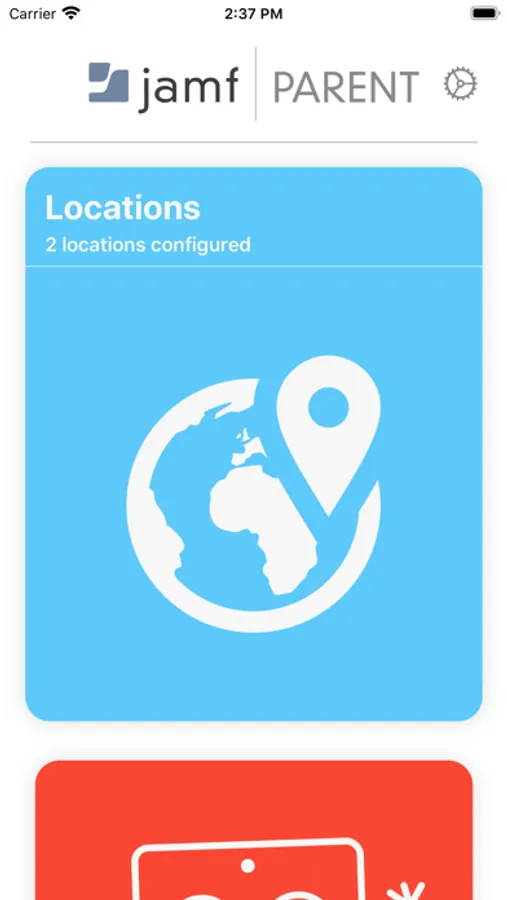
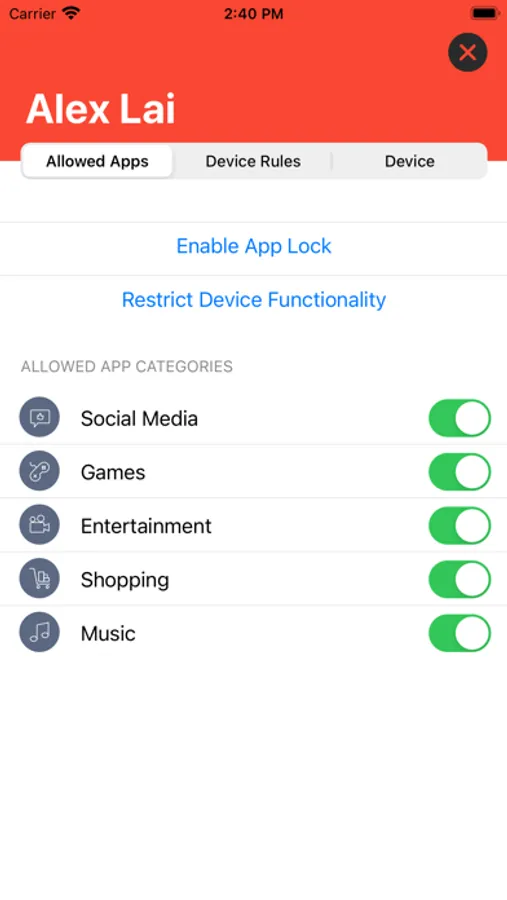
- Restrict and allow apps in real time (including games and social media)
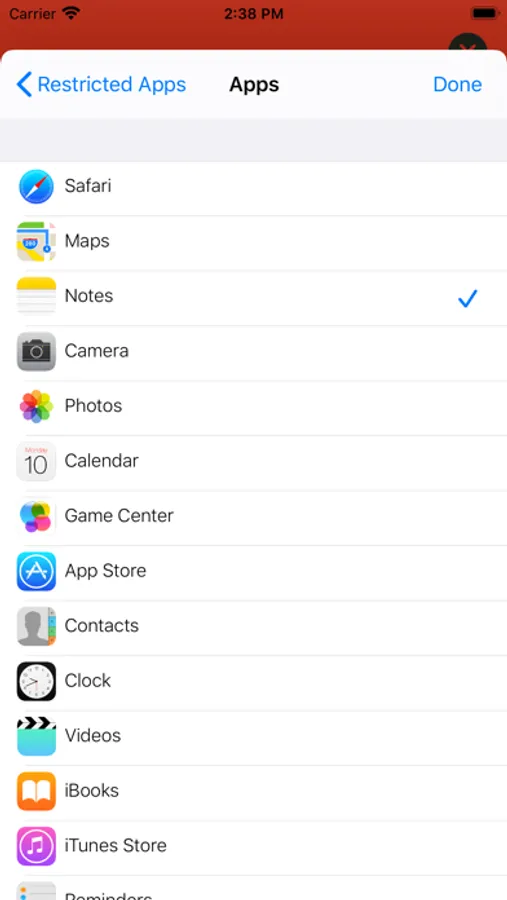
- Restrict and allow device features (including the camera)
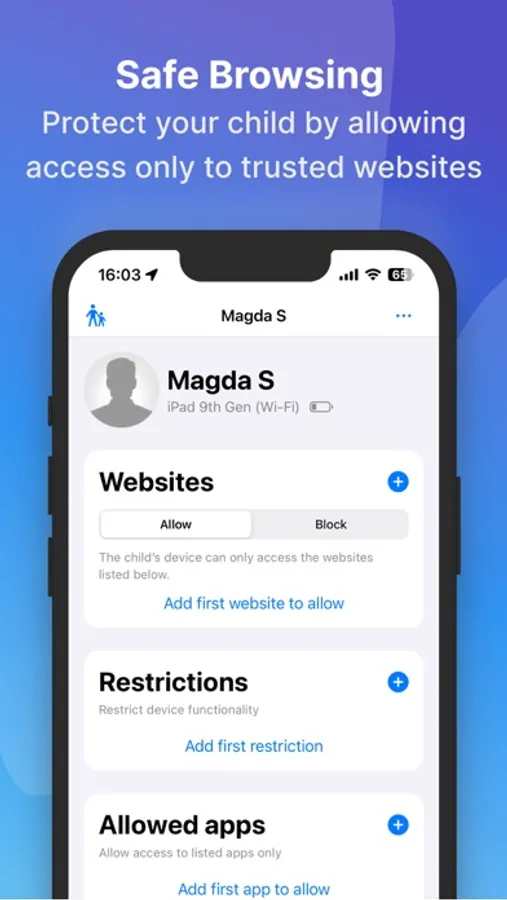
- Restrict and allow websites
- Create scheduled app restrictions for homework time, bedtime, and timeout
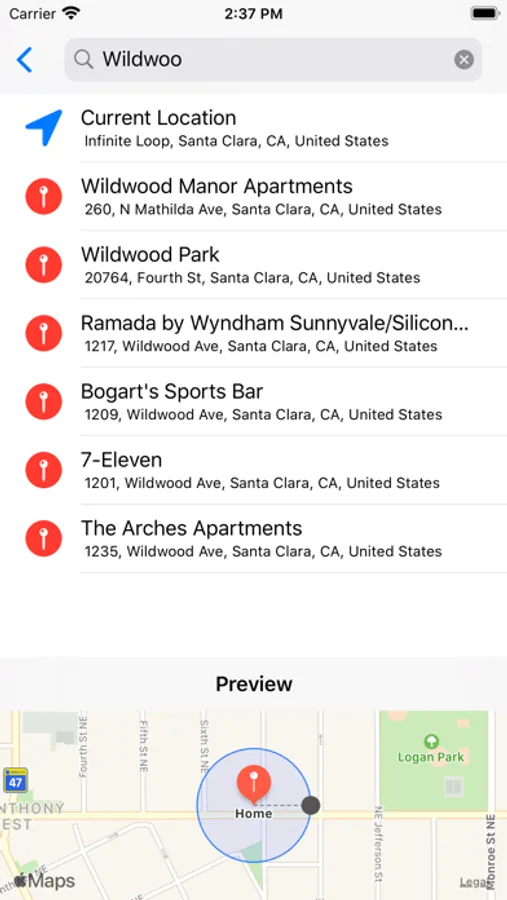
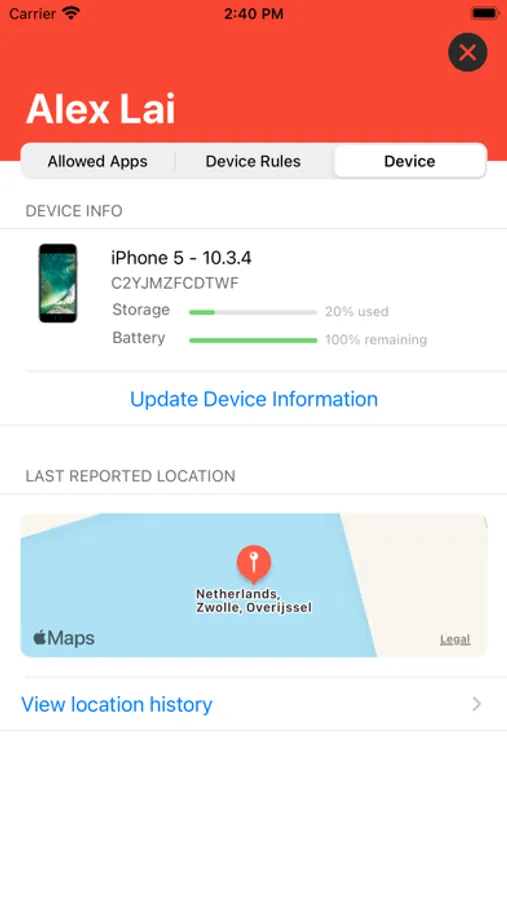
Jamf Parent Screenshots
Tap to Rate:
Reviews for Jamf Parent
Alicia Zzzz
Doesn’t work
I’ll re-rate this if I can figure out how to make anything work. I downloaded this yesterday as per the school’s instructions. I first went to try to restrict YouTube by URL, but the app doesn’t save the URLs I put in the restricted column, even though I hit the button… and then retry and retry. So I can’t block individual websites… Next, there’s a section where you can enable restricting certain categories of apps. I clicked to restrict Safari, in total. But, nope, my kid was screwing around on it when he should have been doing t homework. Since those didn’t work, I went to the spot where I can restrict apps based on time of day. I found Safari and told it to always be blocked. This seemed to work momentarily; until another app had a link that opened Safari for me anyway. Also, I wanted to block Sandboxels and a few other games the Games category didn’t seem to block these, but the apps weren’t even available to select in the app list. So, so far seems like garbage. But I’ll bother the school IT guy and maybe he will help solve the issues… maybe… As noted, I’ll update if anything improves and try to give some pointers.
MargotSkye
Severely Lacking in quality
In essence, there is no functionality to restrict access to websites for a predetermined duration. For instance, if the intention is to limit access to websites during school hours, this functionality is not available.