Shutter - Sony Camera Remote
Camera Control Apps sp. z o.o.
4.3 ★
836 ratings
Free
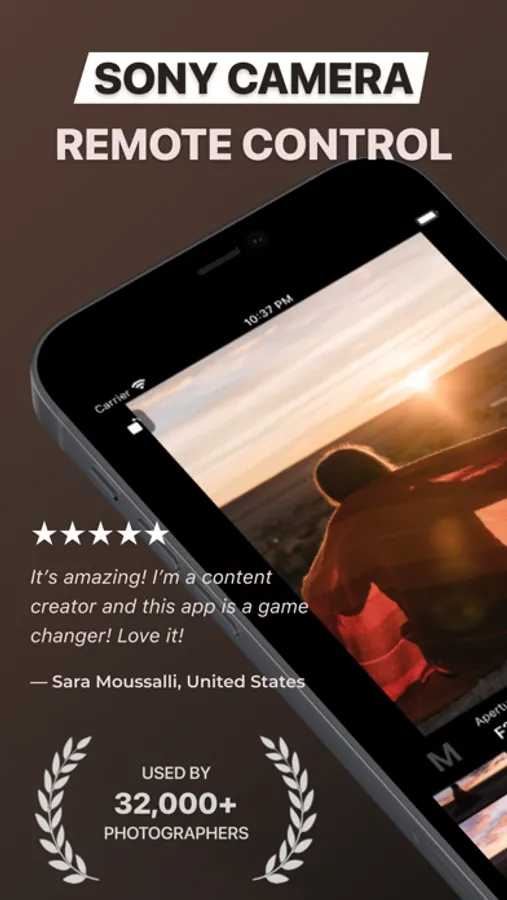
In this app, you can remotely control Sony cameras wirelessly or via USB to capture photos and videos. Includes camera connection setup, image browsing, filtering, and download features.
AppRecs review analysis
AppRecs rating 3.8. Trustworthiness 79 out of 100. Review manipulation risk 22 out of 100. Based on a review sample analyzed.
★★★☆☆
3.8
AppRecs Rating
Ratings breakdown
5 star
72%
4 star
9%
3 star
4%
2 star
3%
1 star
11%
What to know
✓
Low review manipulation risk
22% review manipulation risk
✓
Credible reviews
79% trustworthiness score from analyzed reviews
⚠
Pricing complaints
Many low ratings mention paywalls or pricing
About Shutter - Sony Camera Remote
WHY YOU’LL LOVE SHUTTER
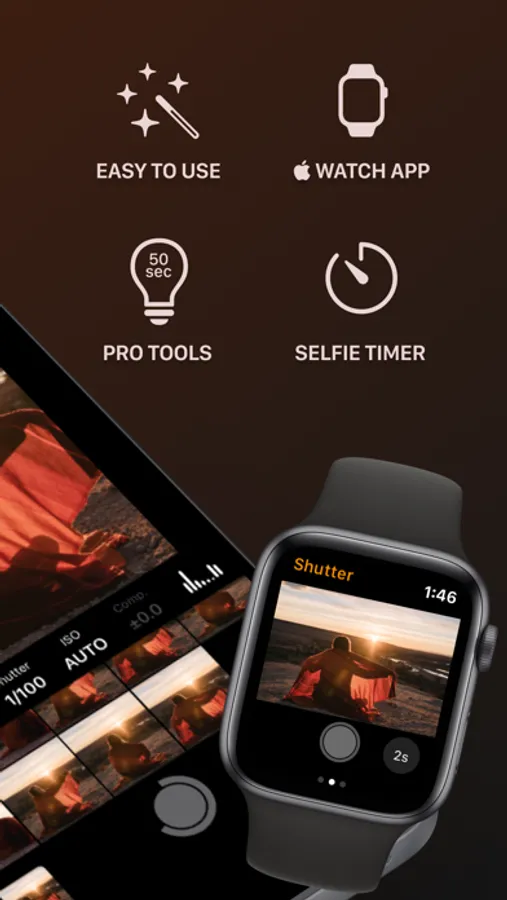
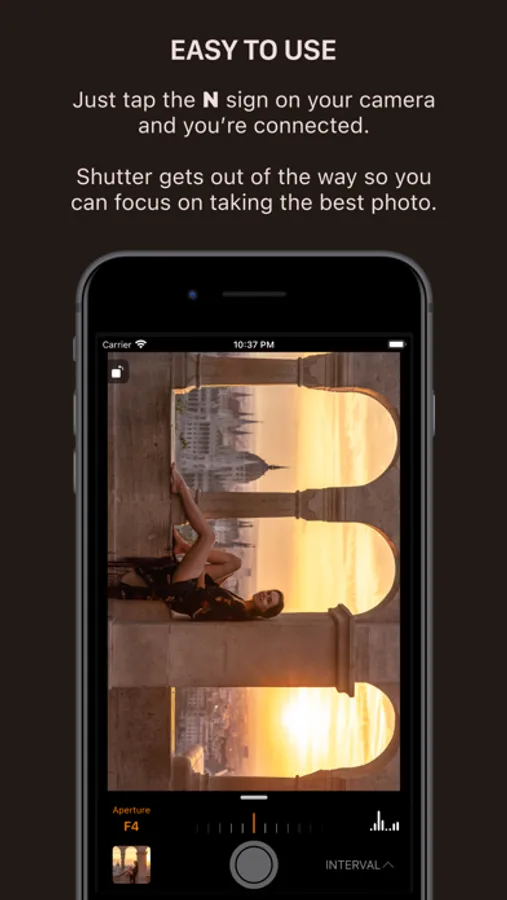
• Connect wirelessly or use a USB cable.
• Easily browse, filter and download photos from the camera.
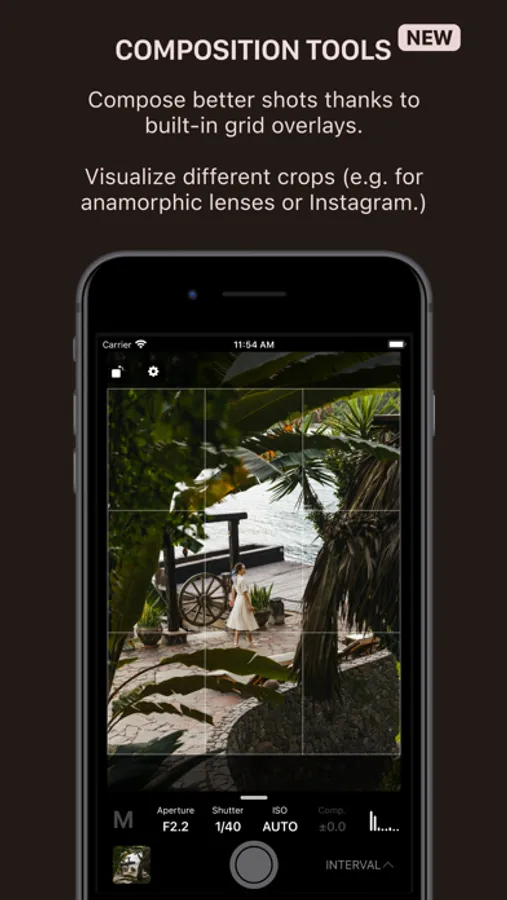
• Compose perfect shots with aspect ratios and grid overlays.
• Nail down exposure with tools like RGB, histogram, zebras and false color.
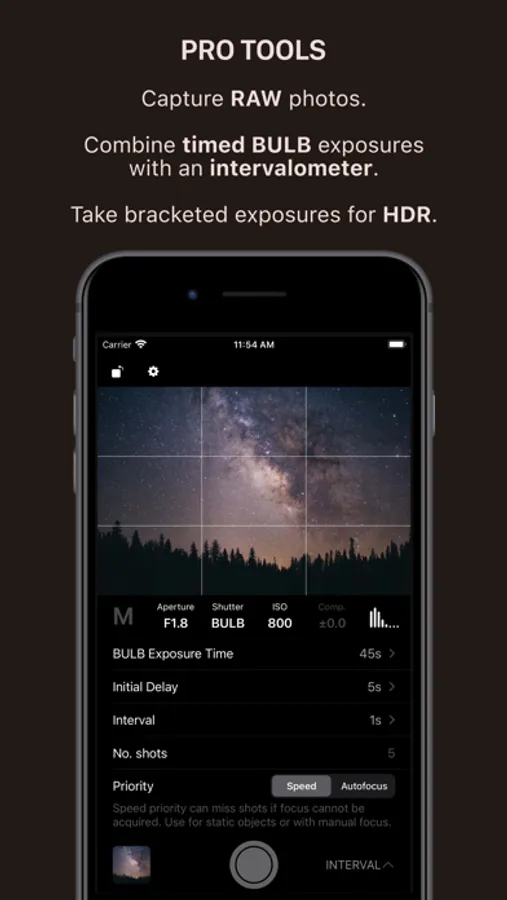
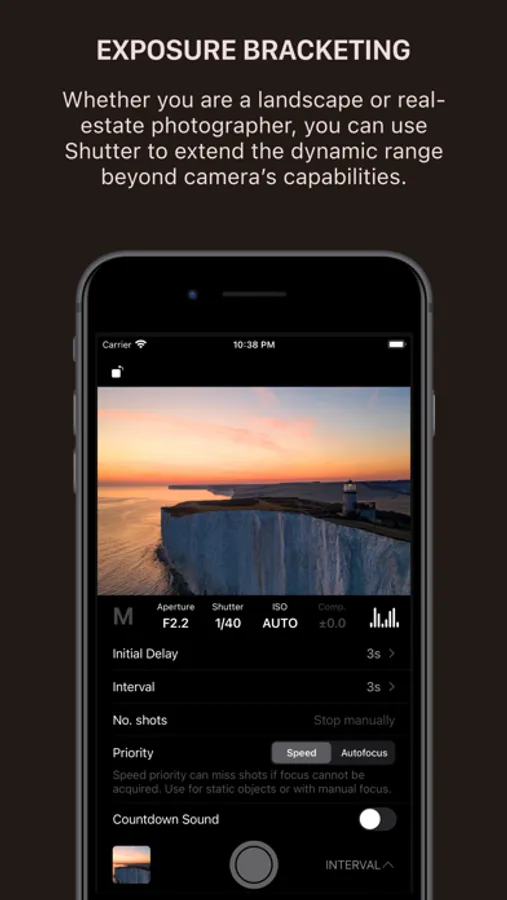
• Exposure bracketing & BULB support.
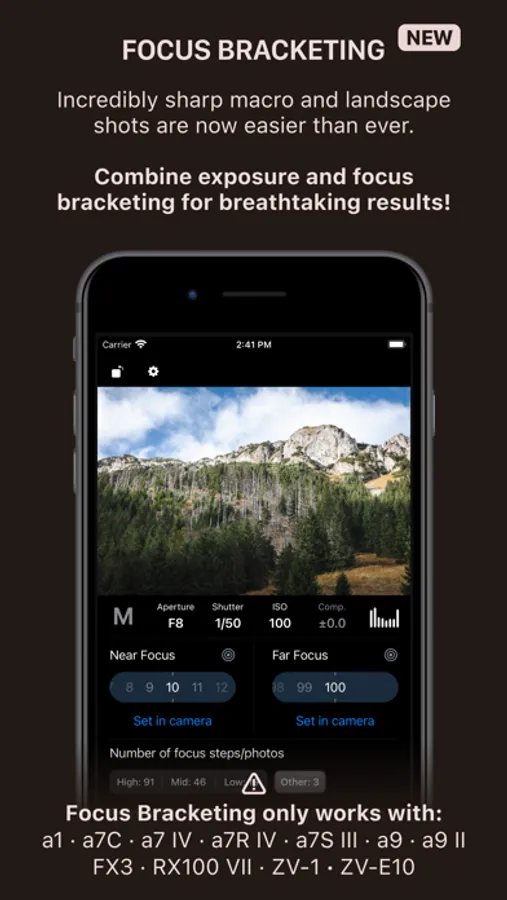
• Focus bracketing (see compatibility below!)
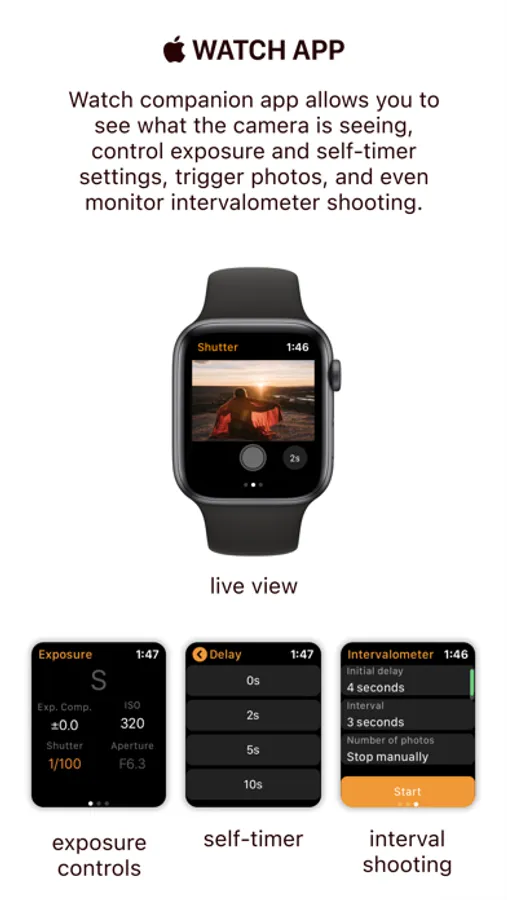
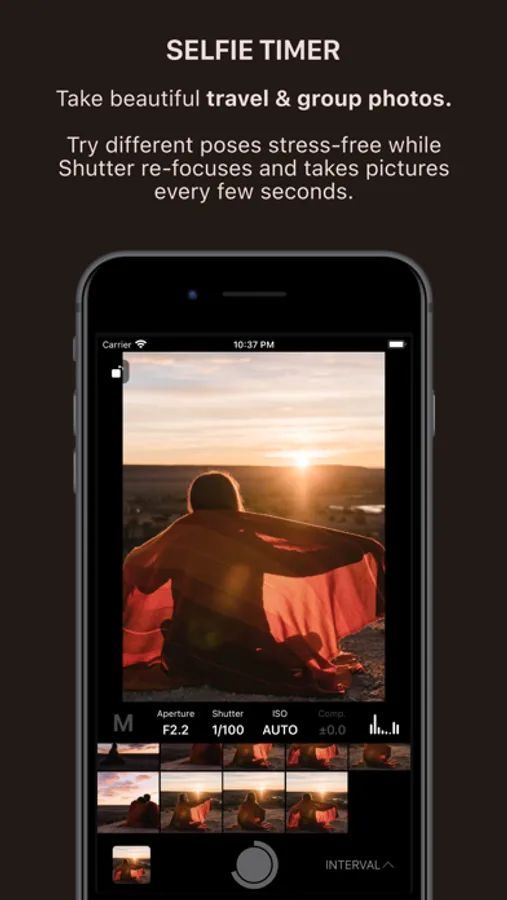
• Include yourself in the photo - configurable delay and interval for repeated capture (intervalometer).
• Audio cues for countdown and shutter.
• Optimized for low battery usage.
PERFECT FOR EVERY PHOTOGRAPHER
Self-portraits & group shots
Set the timer, join the scene, and let Shutter take multiple frames so everyone looks their best.
Travel photography
Capture sunrises, sunsets, and landmark shots — no strangers, no cut-off limbs.
Real-estate & interiors
Use composition tools to line up the shot, and exposure bracketing to preserve detail in bright and dark areas.
Astrophotography
Stack multiple exposures for sharp, noise-free images of the Milky Way and Northern Lights.
Social media & lifestyle
Compose, pose, and shoot as many takes as you want — without relying on anyone else.
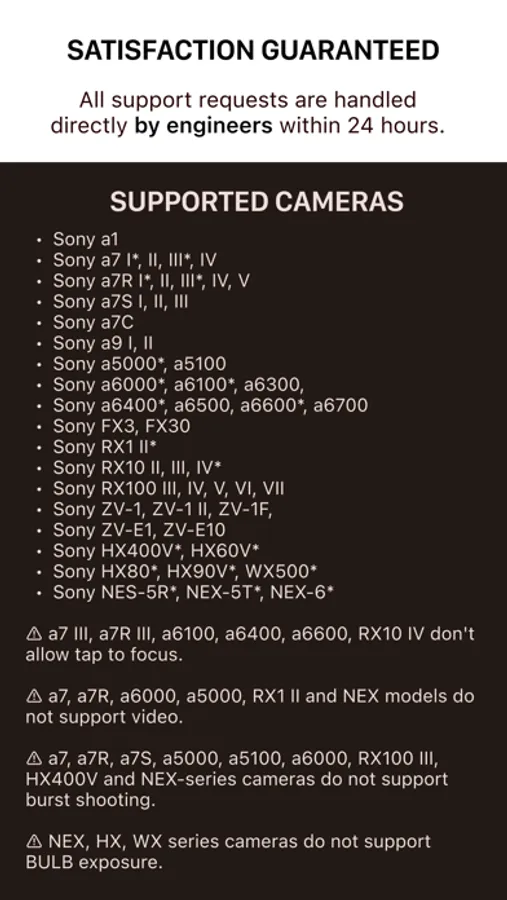
SUPPORTED CAMERAS
* Sony a1 I, II
* Sony a7 I*, II, III*, IV, V
* Sony a7R I*, II, III*, IV, V
* Sony a7S I, II, III
* Sony a7C I, II
* Sony a7C R
* Sony a9 I, II, III
* Sony a5000*, a5100
* Sony a6000*, a6100*, a6300,
* Sony a6400*, a6500, a6600*, a6700
* Sony FX2, FX3, FX30
* Sony RX1 II*, RX1R III
* Sony RX10 II, III, IV*
* Sony RX100 III, IV, V, VI, VII
* Sony ZV-1, ZV-1 II, ZV-1F,
* Sony ZV-E1, ZV-E10, ZV-E10 II
* Sony HX400V*, HX60V*
* Sony HX80*, HX90V*, HX99
* Sony WX500*
* Sony NES-5R*, NEX-5T*, NEX-6*
FOCUS BRACKETING SUPPORT
Cameras: a1 (I, II), a7C (I, II), a7CR, a7 IV, a7R (IV, V), a7S III, a9 (I, II, III), a6700, FX2, FX3, FX30, RX100 VII, RX1R III, ZV-1 (I, II), ZV-1F, ZV-E1, ZV-E10 (I, II)
Only Sony AF lenses are supported!
WARNING: a7, a7R, a6000, a5000, RX1 II and NEX models do not support video.
WARNING: a7, a7R, a7S, a5000, a5100, a6000, RX100 III, HX400V and NEX-series cameras do not support burst shooting.
WARNING: a7 III, a7R III, a6100, a6400, a6600, RX10 IV don't allow tap to focus.
LEGAL
Terms of Use: https://www.apple.com/legal/internet-services/itunes/dev/stdeula/
Sony, α, Alpha, Cyber-shot, NEX, RX are trademarks of Sony Corporation.
Shutter - Sony Camera Remote Screenshots
Tap to Rate:
Reviews for Shutter - Sony Camera Remote
Aprit2021
I do really love this app.
It does have a bit of a lag, however it’s really easy to connect my camera to it. I can do it manually or by tapping the end of the phone to my camera. I have used this many times over the last couple of years. I’ve never had any issues with it.
K.Sky3
Didn’t save ANY of the photos I took over the course of 3 hours!!!!
This app showed that my photos were being saved and then didn’t save a single one after I closed the program to go and edit them!!! I wasted over 6 hours between getting ready, setup and filming for nothing thanks to this garbage app. Buyer BEWARE