
Keystone Bank Mobile Banking
Keystone Bank, National Association
4.8 ★
415 ratings
Free
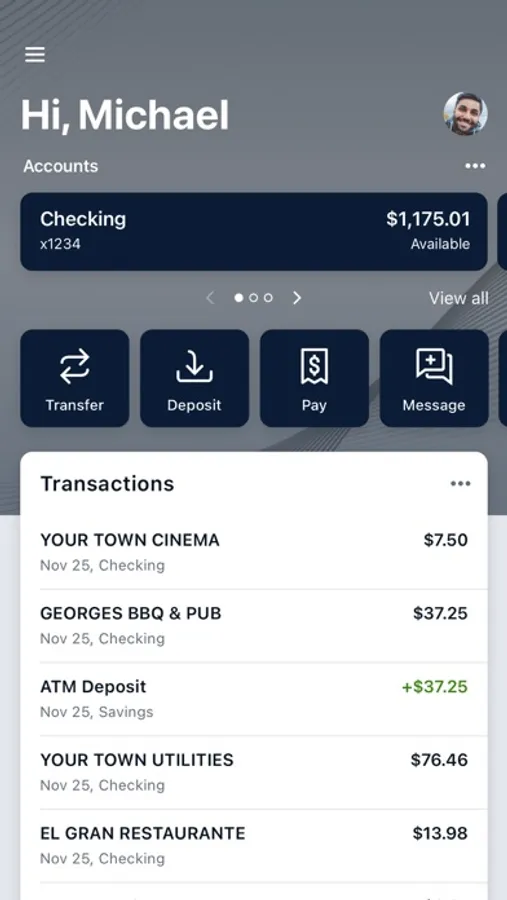
With this mobile banking app, you can manage accounts, make payments, transfer funds, and deposit checks using your device. Includes transaction organization tools, alerts, and security features such as biometric login.
AppRecs review analysis
AppRecs rating 4.5. Trustworthiness 0 out of 100. Review manipulation risk 0 out of 100. Based on a review sample analyzed.
★★★★☆
4.5
AppRecs Rating
Ratings breakdown
5 star
89%
4 star
7%
3 star
2%
2 star
1%
1 star
2%
What to know
✓
High user satisfaction
89% of sampled ratings are 5 stars
✓
Authentic reviews
No red flags detected
About Keystone Bank Mobile Banking
Keystone Bank is your personal financial advocate that gives you the ability to aggregate all of your financial accounts, including accounts from other banks and credit unions, into a single view. It’s fast, secure and makes life easier by empowering you with the tools you need to manage your finances.
Here’s what else you can do with Keystone Bank:
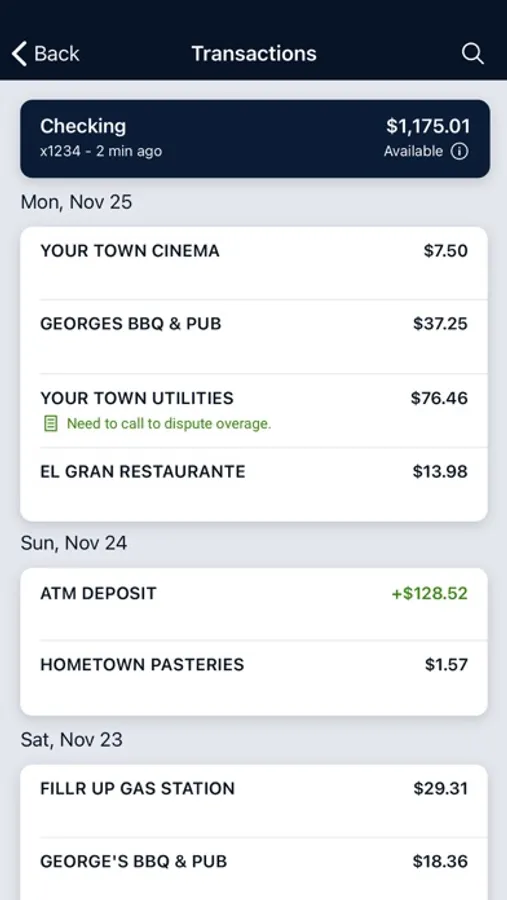
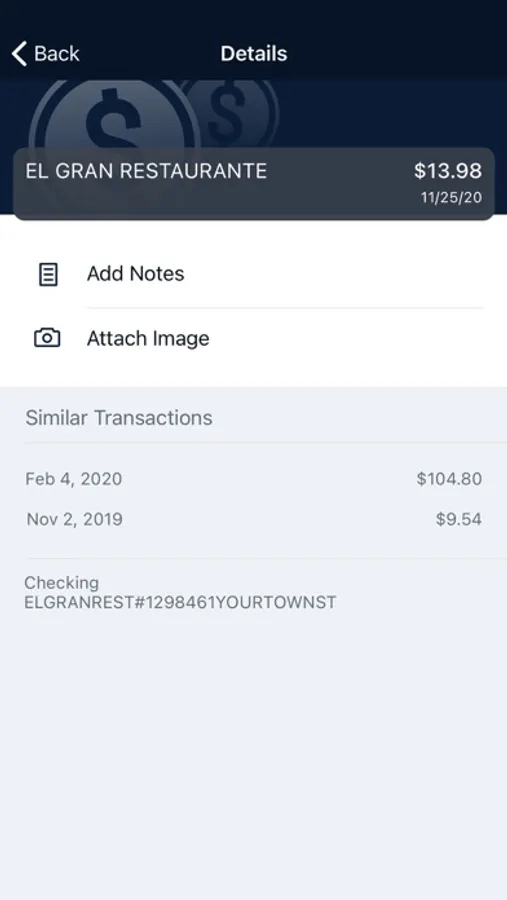
Keep your transactions organized by allowing you to add tags, notes, and photos of receipts and checks.
Set up alerts so you know when your balance drops below a certain amount
Make payments, whether you’re paying a company or a friend
Transfer money between your accounts
Deposit checks in a snap by taking a picture of the front and back
Reorder your debit card or turn it off if you’ve misplaced it
View and save your monthly statements
Find branches and ATMs near you
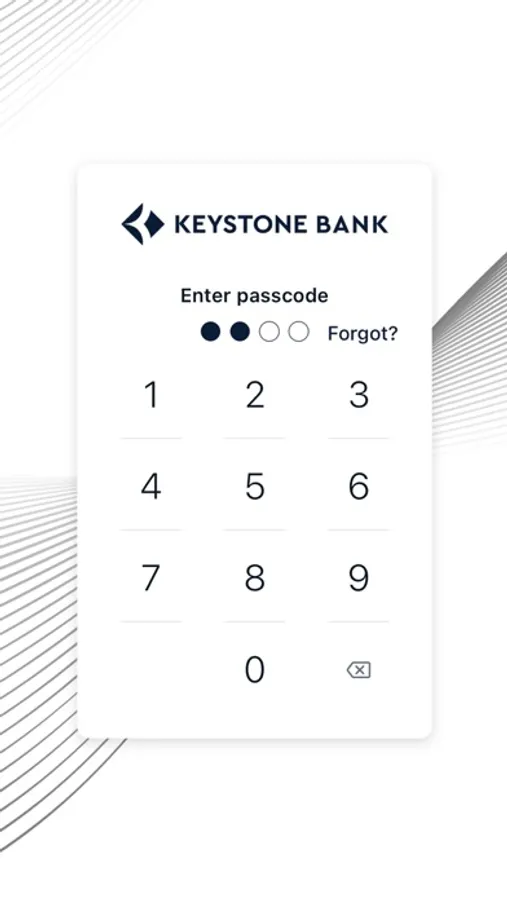
Secure your account with a 4-digit passcode and fingerprint or face reader on supported devices.
To use the Keystone Bank app, you must be enrolled as a Keystone Bank Internet Banking user. If you currently use our Internet Banking, simply download the app, launch it, and login with the same Internet Banking credentials.
Here’s what else you can do with Keystone Bank:
Keep your transactions organized by allowing you to add tags, notes, and photos of receipts and checks.
Set up alerts so you know when your balance drops below a certain amount
Make payments, whether you’re paying a company or a friend
Transfer money between your accounts
Deposit checks in a snap by taking a picture of the front and back
Reorder your debit card or turn it off if you’ve misplaced it
View and save your monthly statements
Find branches and ATMs near you
Secure your account with a 4-digit passcode and fingerprint or face reader on supported devices.
To use the Keystone Bank app, you must be enrolled as a Keystone Bank Internet Banking user. If you currently use our Internet Banking, simply download the app, launch it, and login with the same Internet Banking credentials.
Keystone Bank Mobile Banking Screenshots
Tap to Rate:
Reviews for Keystone Bank Mobile Banking
jma0502
Glitchy app
I don’t use my app often, but it seems like the times I do it is always glitchy. This week I signed in and I can no longer send invoices from the app for current customers.
Gray11191715
Love Keystone Bank
Love Keystone Bank