With this photo editing app, you can blur backgrounds, faces, or unwanted details using over 25 effects and precise tools. Includes AI background blurring, face censorship, and customizable filter options.
AppRecs review analysis
AppRecs rating 3.9. Trustworthiness 79 out of 100. Review manipulation risk 25 out of 100. Based on a review sample analyzed.
★★★☆☆
3.9
AppRecs Rating
Ratings breakdown
5 star
85%
4 star
8%
3 star
3%
2 star
1%
1 star
3%
What to know
✓
Low review manipulation risk
25% review manipulation risk
✓
Credible reviews
79% trustworthiness score from analyzed reviews
⚠
Pricing complaints
Many low ratings mention paywalls or pricing
About Blur Photo ◎
Features highlights:
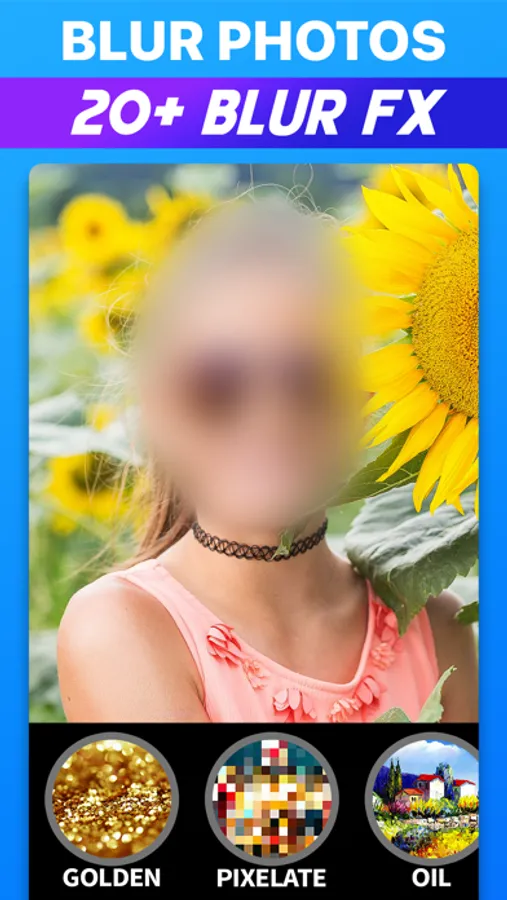
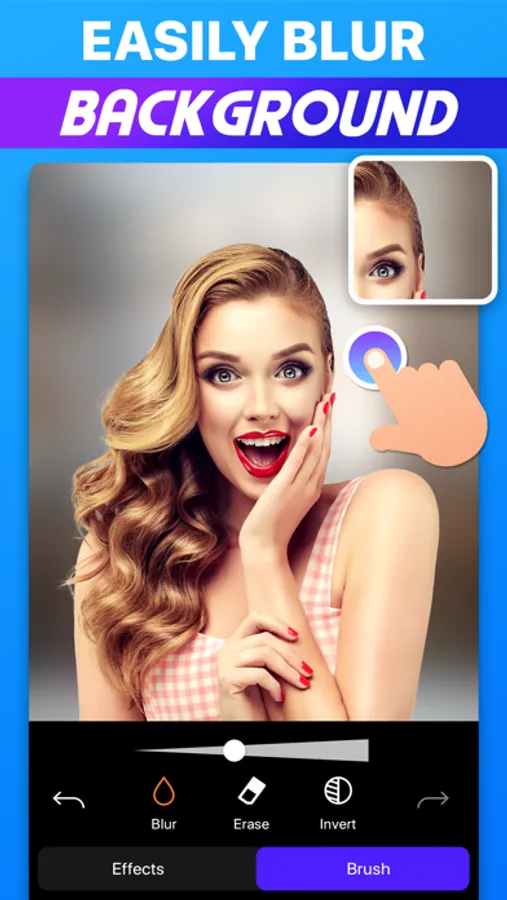
● Blur backgrounds instantly with the power of AI!
● Hide faces & censor your photos
● Exclusive Blur Effects:
- Gaussian Blur, Motion Blur, Zoom Blur, Pixelate Effect, Chroma Effect, Neon Effect & more!
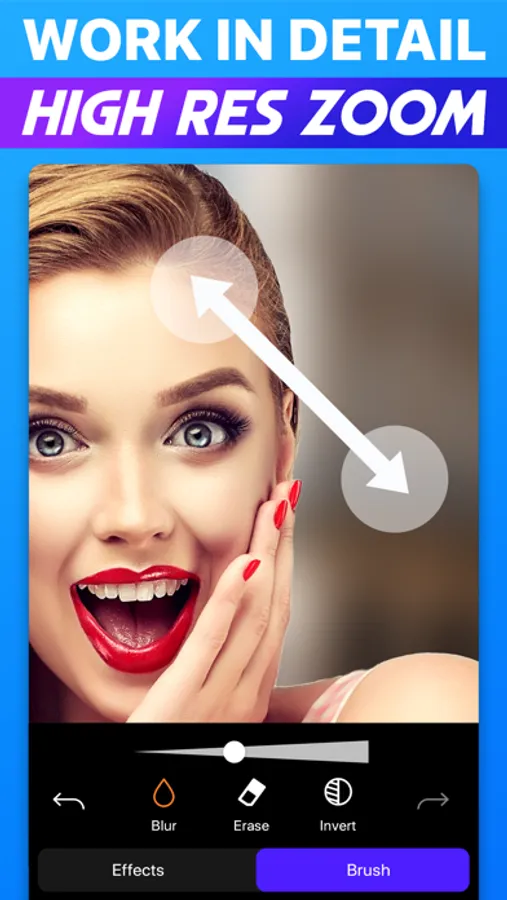
● Magnifier for precise editing
● High-res zoom for pixel-perfect edits
● Adjust the brush size
● Adjust effect intensity
● 100+ premium filters
Blurr is free to use, but you can unlock even more with the Blurr Pro subscription!
The Blurr Pro subscription allows you to get the following:
• Access to all blur effects
• Access to all filters
• Get regular updates
Payment will be charged to your Apple ID account at the time of purchase confirmation. Subscription renews automatically unless it is canceled at least 24 hours before the end of the current period. Your account will be charged for renewal within 24 hours prior to the end of the current period. You can manage and cancel your subscriptions by going to your account settings on the App Store after purchase.
Terms of use: https://bit.ly/3fWPZ3B
Privacy policy: https://bit.ly/3fWPZ3B
Subscription terms: https://bit.ly/3g04bJ4
Blur Photo ◎ Screenshots
Tap to Rate:
Reviews for Blur Photo ◎
imipanda
What’s up with the sub
I couldn’t demo the auto - blur that was advertised with the subscription, so I went ahead and subscribed because I was desperate and it said I could have a 3 day trial. However, after subscribing nothing changed. Still not able to auto blur, no type of tutorial, nothing. No new buttons no new features absolutely nothing changed. Weird, I canceled. I’m willing to pay for something that makes things convenient but make it work though.
pennyln
Blur photo App
App is pretty self learning with lots of interesting filters to explore. My only hesitation to 5 starts would be , I was unaware of some sloppy blotting I had missed and while working with filters, saw my error but not the easy link back to blur to correct the area. Just a Suggestion. Cool app.