
With this employee management app, you can view pay history, access paystubs, and manage personal information. Includes time tracking, clock-in and clock-out, facial recognition, and messaging features.
AppRecs review analysis
AppRecs rating 2.6. Trustworthiness 74 out of 100. Review manipulation risk 22 out of 100. Based on a review sample analyzed.
★★☆☆☆
2.6
AppRecs Rating
Ratings breakdown
5 star
35%
4 star
5%
3 star
5%
2 star
13%
1 star
42%
What to know
✓
Low review manipulation risk
22% review manipulation risk
⚠
Mixed user feedback
Average 2.8★ rating suggests room for improvement
⚠
High negative review ratio
55% of sampled ratings are 1–2 stars
About Payentry
The Payentry mobile app offers individuals access to their employee information, and provides employers with a cutting edge time and attendance solution for employees to clock in and out on a tablet in their workplace on the kiosk clock.
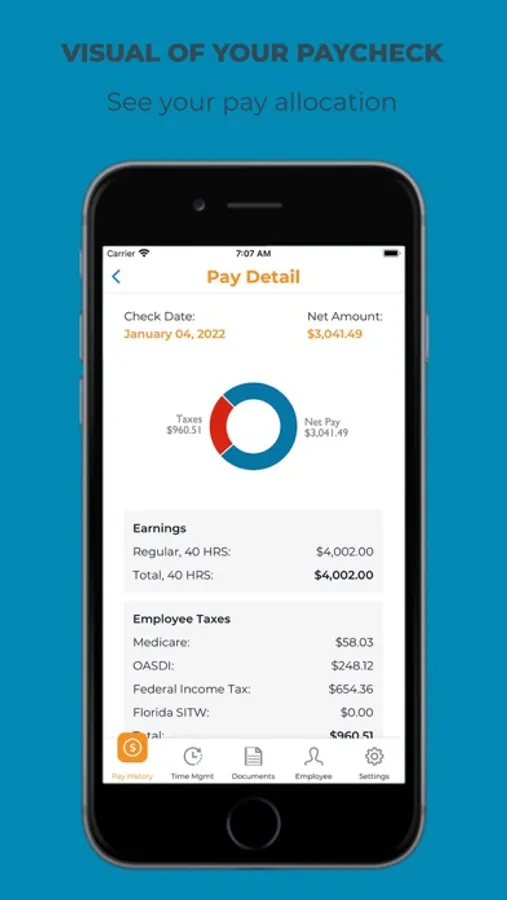
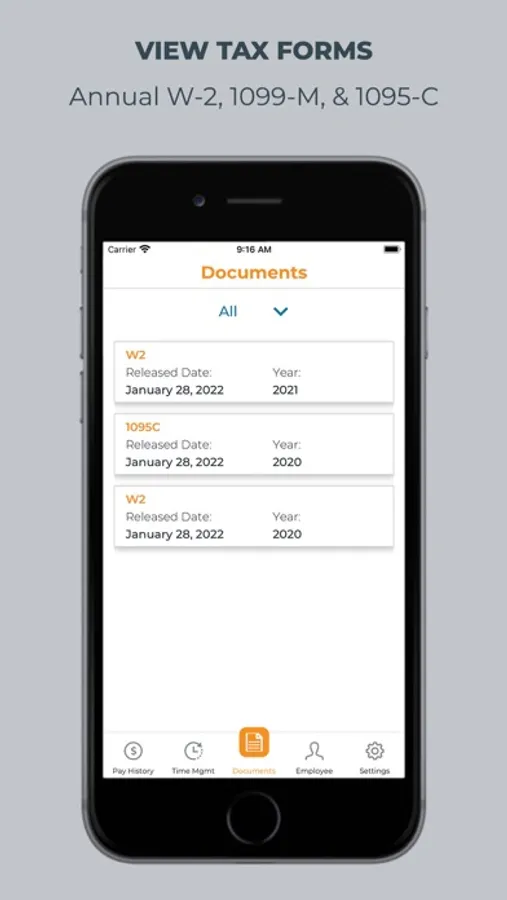
Individuals can view all of their employee information in one place. Pay history is available by year, and paystub details are displayed in a graph so individuals can see the allocation of their pay check. When enabled by their employer, individuals can clock in and out using the Time Mgmt capabilities and view their tax forms, such as 1099-M, W-2, and 1095-C. Individuals can view their contact, status & position, accruals, direct deposits, and deductions.
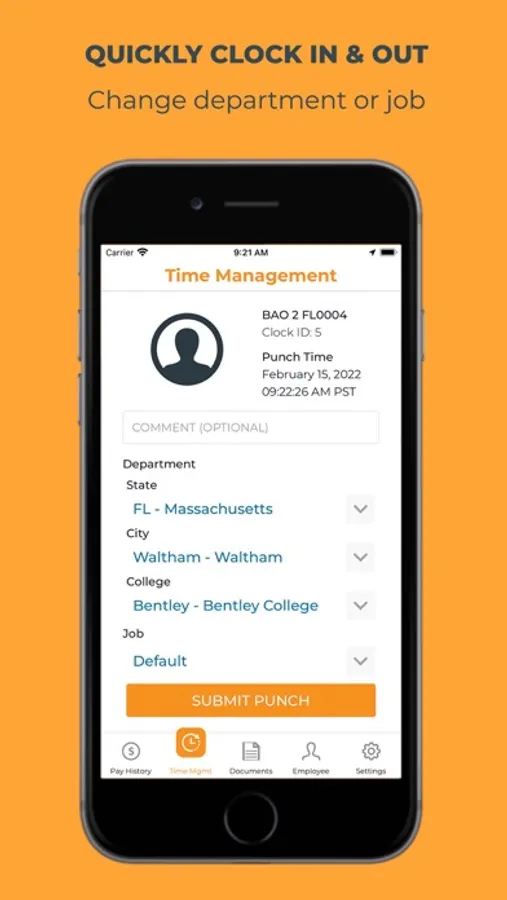
When using the kiosk clock at a business location, individuals can clock in and out for their work shifts. Using a clock ID and facial recognition, the Payentry kiosk clock helps businesses reduce wage and hour fraud. Individuals are able to send a note to their manager and clock in and out of different departments and jobs when applicable. Once an individual has saved a time punch, they’ll immediately see a large message indicating success.
Individuals can view all of their employee information in one place. Pay history is available by year, and paystub details are displayed in a graph so individuals can see the allocation of their pay check. When enabled by their employer, individuals can clock in and out using the Time Mgmt capabilities and view their tax forms, such as 1099-M, W-2, and 1095-C. Individuals can view their contact, status & position, accruals, direct deposits, and deductions.
When using the kiosk clock at a business location, individuals can clock in and out for their work shifts. Using a clock ID and facial recognition, the Payentry kiosk clock helps businesses reduce wage and hour fraud. Individuals are able to send a note to their manager and clock in and out of different departments and jobs when applicable. Once an individual has saved a time punch, they’ll immediately see a large message indicating success.
Payentry Screenshots
Tap to Rate:
Reviews for Payentry
Sanguine916
Bogus
Every time the app makes you reenter your password it takes forever to load. Now there is a warning message to get past but however coded it made it a dead link. Just wanted to see if my tax stuff is ready. But no that would be to helpful.
OliviaLorainneL
Good
Good