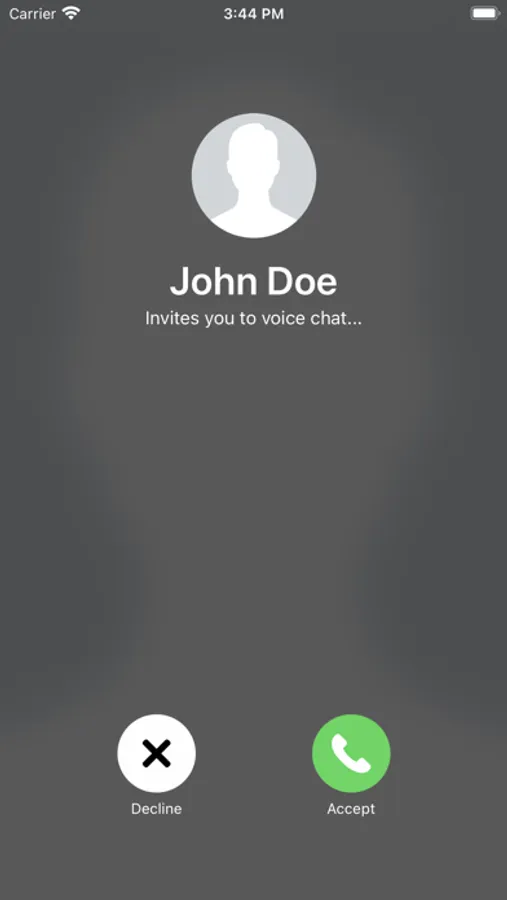
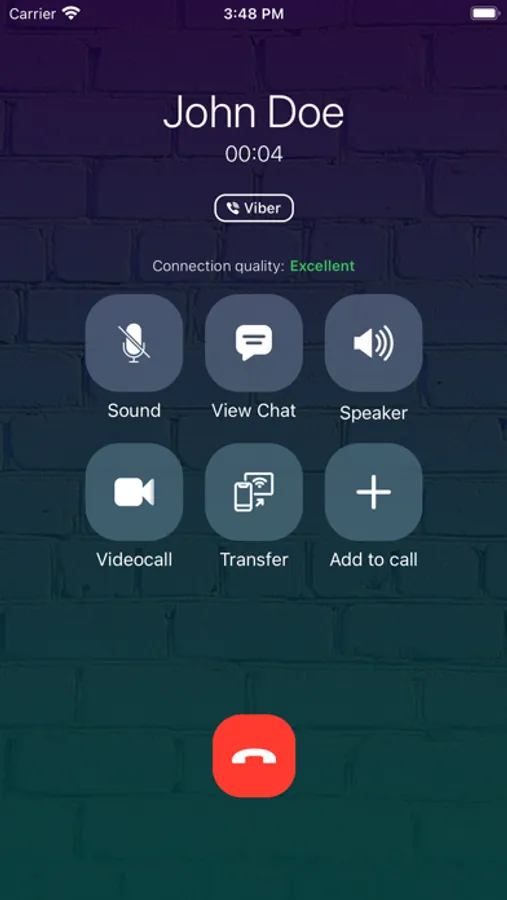
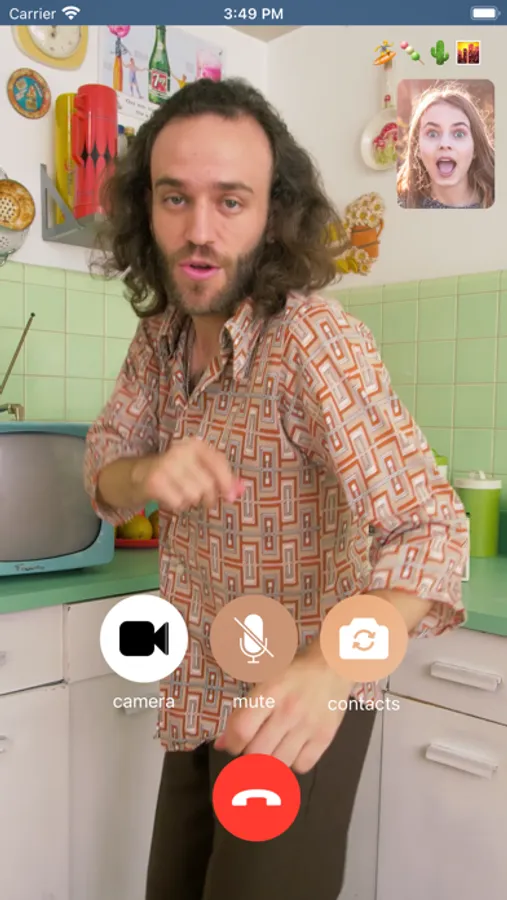
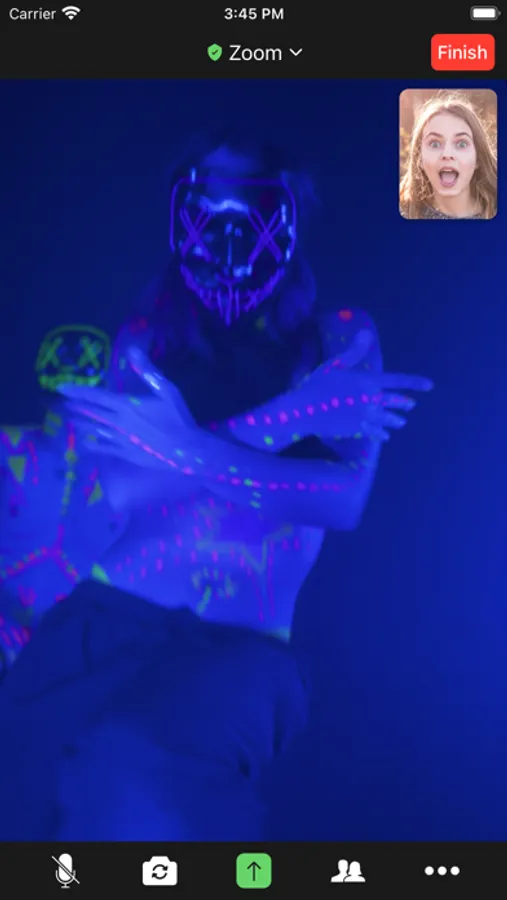
In this call simulator app, you can create and customize simulated voice and video calls for testing or entertainment purposes. Includes call scenario previews, customizable caller details, and visual themes.
AppRecs review analysis
AppRecs rating 4.5. Trustworthiness 74 out of 100. Review manipulation risk 25 out of 100. Based on a review sample analyzed.
★★★★☆
4.5
AppRecs Rating
Ratings breakdown
5 star
77%
4 star
9%
3 star
4%
2 star
3%
1 star
7%
What to know
✓
Low review manipulation risk
25% review manipulation risk
✓
Credible reviews
74% trustworthiness score from analyzed reviews
✓
High user satisfaction
86% of sampled ratings are 4+ stars (4.5★ average)
About Faker 3 - Call Simulator
Simulate incoming voice and video calls in a controlled and safe environment.
This app allows you to create and preview simulated call scenarios for entertainment, testing, and demonstration purposes. All calls generated by the app do NOT connect to real phone services or messaging platforms.
How it works:
1. Open the app
2. Choose a call scenario
3. Schedule and preview the simulated call
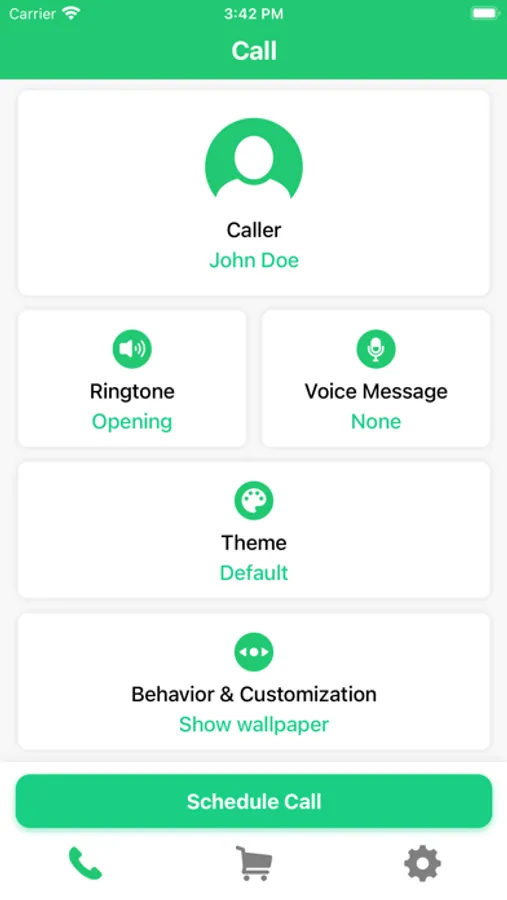
You can customize:
• Caller name and avatar
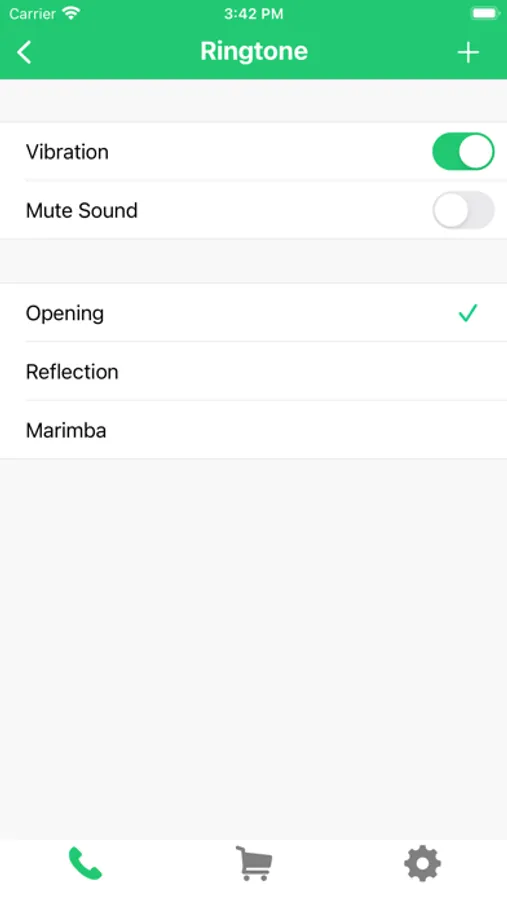
• Ringtone selection or import
• Vibration and sound behavior
• Pre-recorded or imported voice messages
• Video call previews
• Visual appearance of the call screen
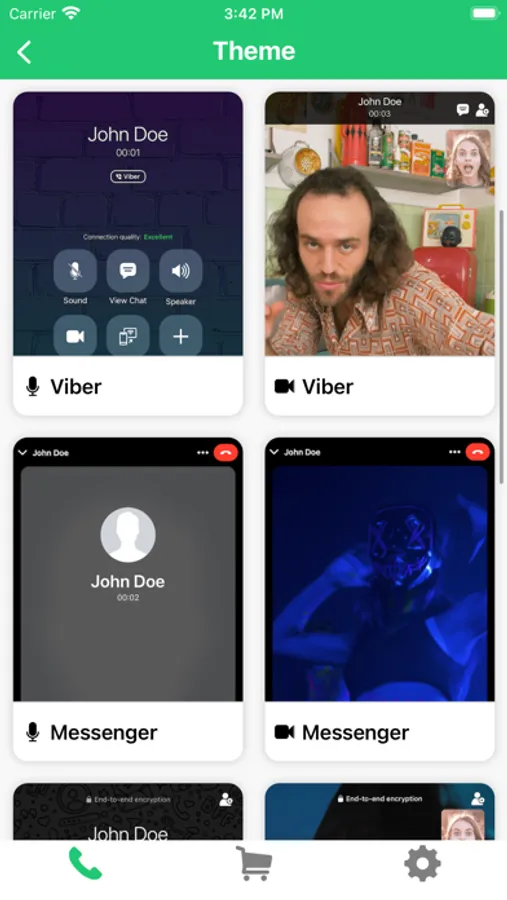
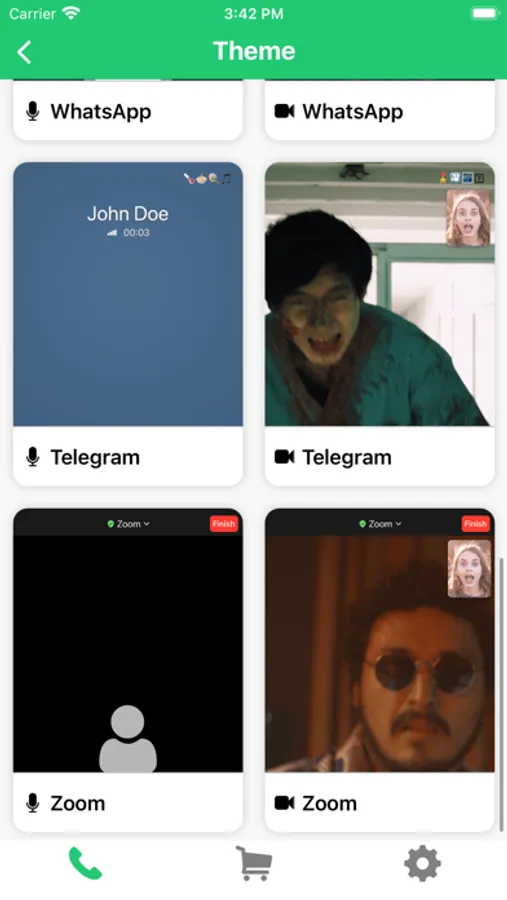
Themes & visual styles:
Enjoy a variety of visual call themes inspired by modern communication interfaces:
• Audio & Video call styles
• Multiple visual layouts
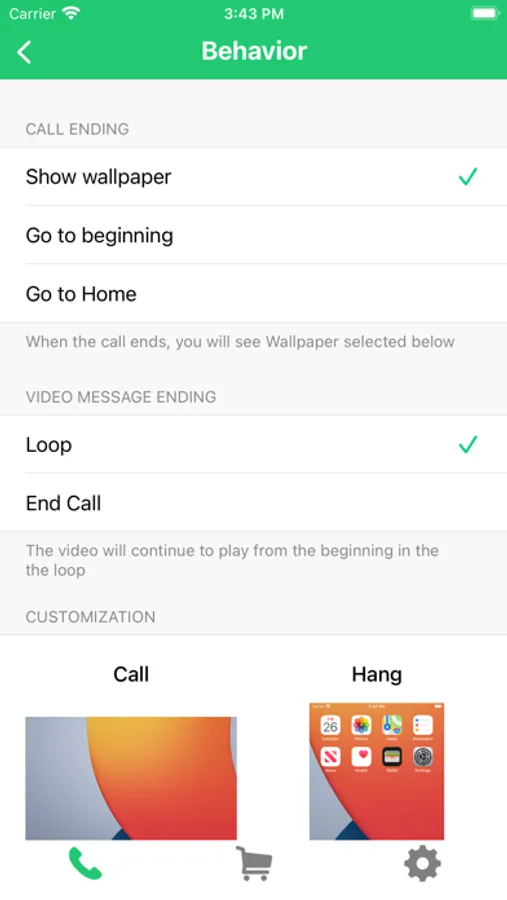
• Customizable UI behavior
Premium Features
Upgrade to unlock advanced tools:
• Unlimited simulated calls
• Contact-based caller profiles
• Voice and video message editor
• Full behavior customization
• Extended visual themes
Important Notice:
This app does NOT make real phone calls and does NOT connect to any real communication services. All call simulations are intended for role-play, demonstrations, UI previews, and entertainment in a clearly simulated environment. The app must NOT be used to mislead, impersonate, or deceive other people.
This app allows you to create and preview simulated call scenarios for entertainment, testing, and demonstration purposes. All calls generated by the app do NOT connect to real phone services or messaging platforms.
How it works:
1. Open the app
2. Choose a call scenario
3. Schedule and preview the simulated call
You can customize:
• Caller name and avatar
• Ringtone selection or import
• Vibration and sound behavior
• Pre-recorded or imported voice messages
• Video call previews
• Visual appearance of the call screen
Themes & visual styles:
Enjoy a variety of visual call themes inspired by modern communication interfaces:
• Audio & Video call styles
• Multiple visual layouts
• Customizable UI behavior
Premium Features
Upgrade to unlock advanced tools:
• Unlimited simulated calls
• Contact-based caller profiles
• Voice and video message editor
• Full behavior customization
• Extended visual themes
Important Notice:
This app does NOT make real phone calls and does NOT connect to any real communication services. All call simulations are intended for role-play, demonstrations, UI previews, and entertainment in a clearly simulated environment. The app must NOT be used to mislead, impersonate, or deceive other people.
Faker 3 - Call Simulator Screenshots
Tap to Rate:
Reviews for Faker 3 - Call Simulator
djvhubuyugydgyguygugu
I HATE FREE TRIALS
I HATE FREE TRIALS
ColDawg019
Its pretty good
One of the few apps where the key features like importing ringtones and calls can be accessed without paying money. Still a ton of ads but its really not that bad.