
With this photo editing app, you can create personalized birthday cards by applying various frames and effects. Includes tools for photo adjustments, adding stickers, and sharing created images.
AppRecs review analysis
AppRecs rating 4.5. Trustworthiness 69 out of 100. Review manipulation risk 27 out of 100. Based on a review sample analyzed.
★★★★☆
4.5
AppRecs Rating
Ratings breakdown
5 star
89%
4 star
5%
3 star
3%
2 star
1%
1 star
2%
What to know
✓
Low review manipulation risk
27% review manipulation risk
✓
High user satisfaction
89% of sampled ratings are 5 stars
About Birthday Photo Frames - Editor
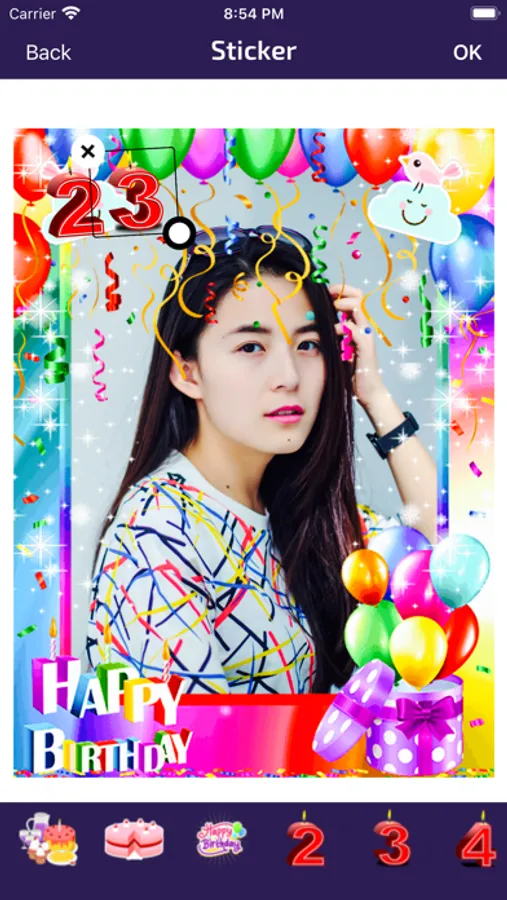
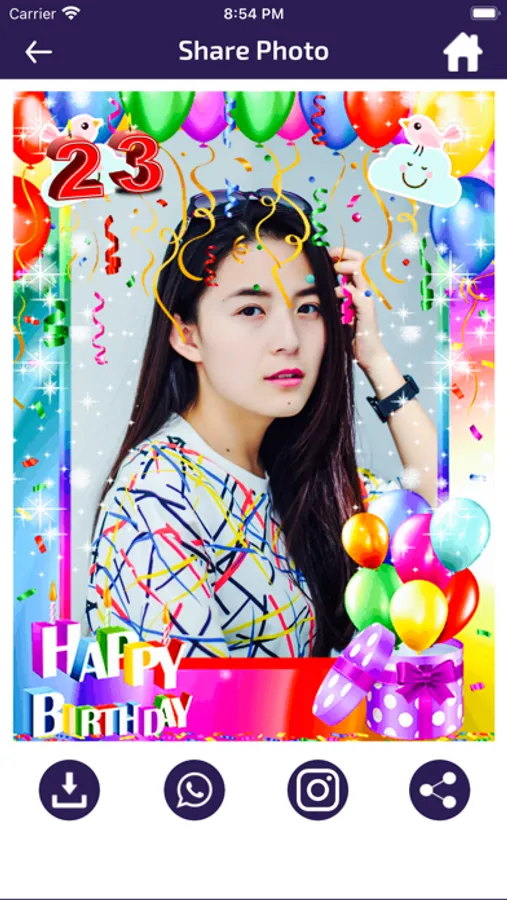
The Birthday Photo Frames & Editor app is perfect for creating beautiful birthday cards by placing photos in birthday frames. This app adds a lovely and creative touch, similar to traditional greeting cards, to your photos using our photo editor tools. You can easily send the created birthday pictures to your friends or family members.
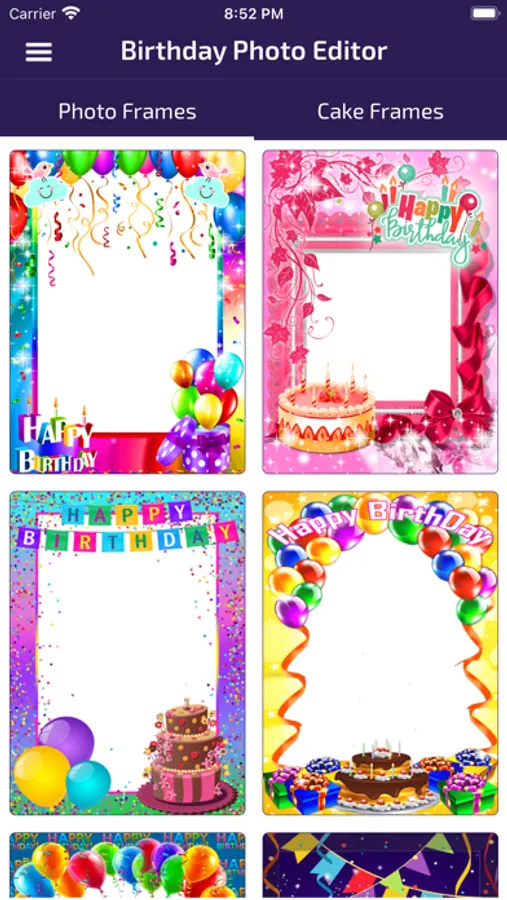
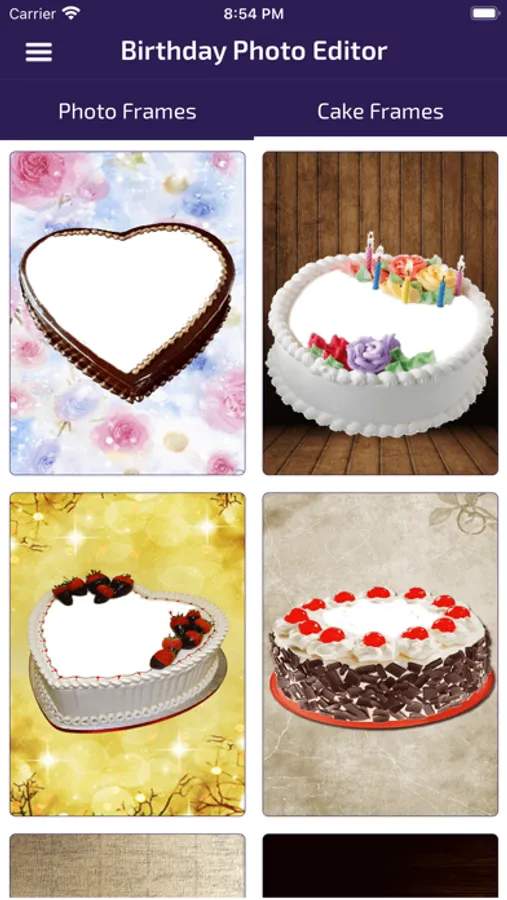
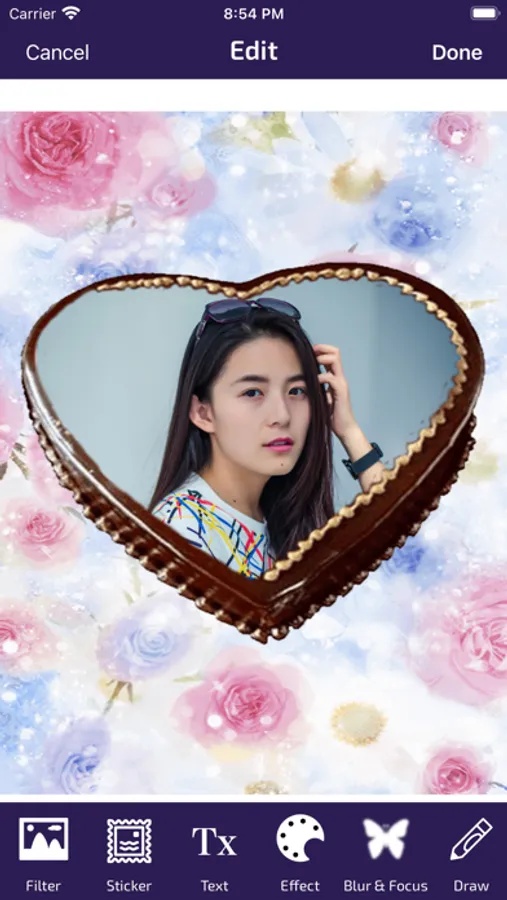
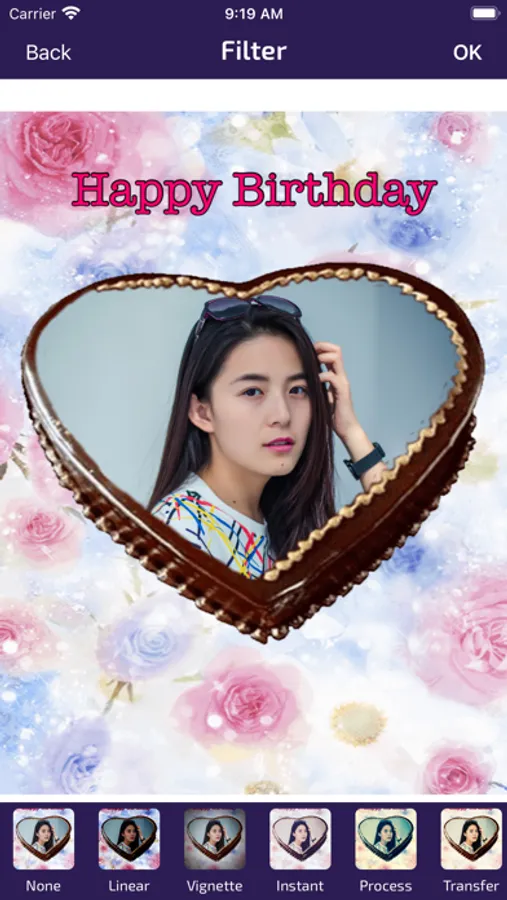
The Birthday Photo Frames & Editor app features exclusive collections of photo frames and cake frames for birthdays. The app also offers many tools for editing photos. Using a photo editing tool, you can create amazing photos.
How to Use Birthday Photo Frames:
1. Select a Photo Frame from the list.
2. Choose a background image from the camera or gallery.
3. Adjust your photo to fit frames by zooming in, zooming out, and moving it with your fingers.
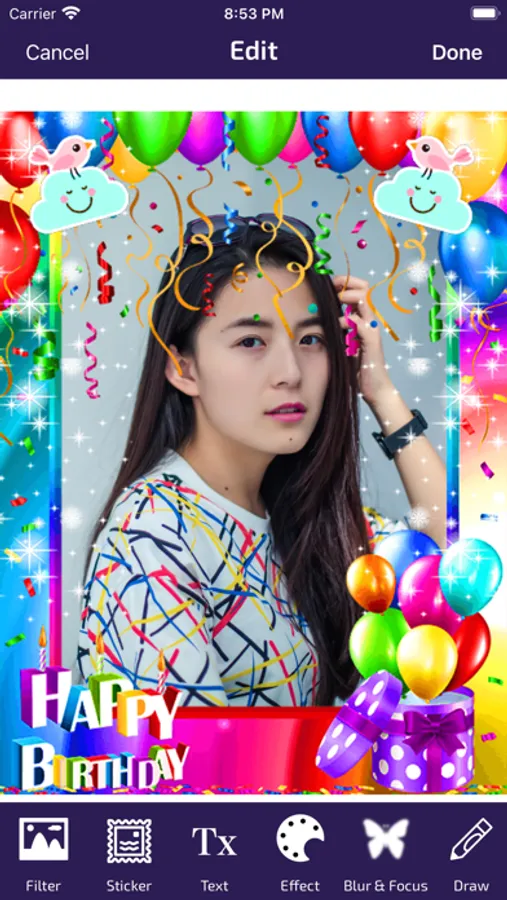
4. Edit your photo with multiple effects.
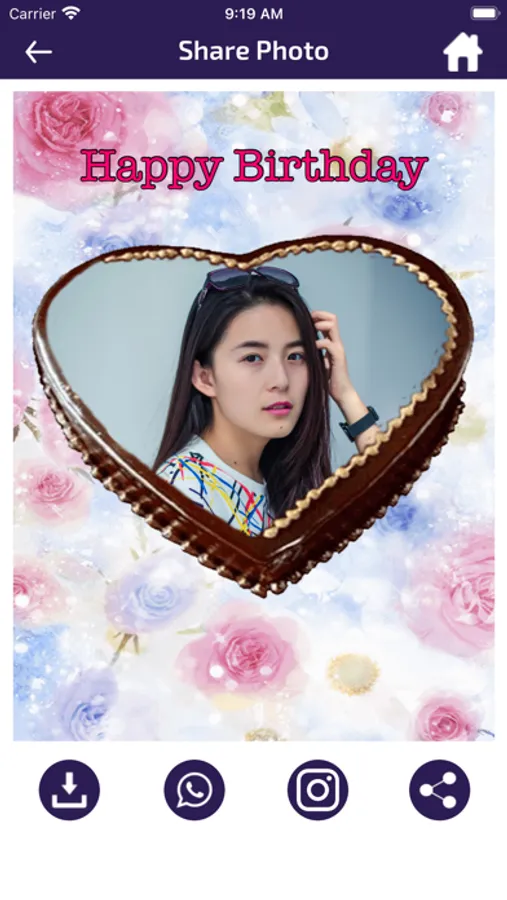
5. Save or share created photos on social media.
Features of Birthday Photo Frames app:
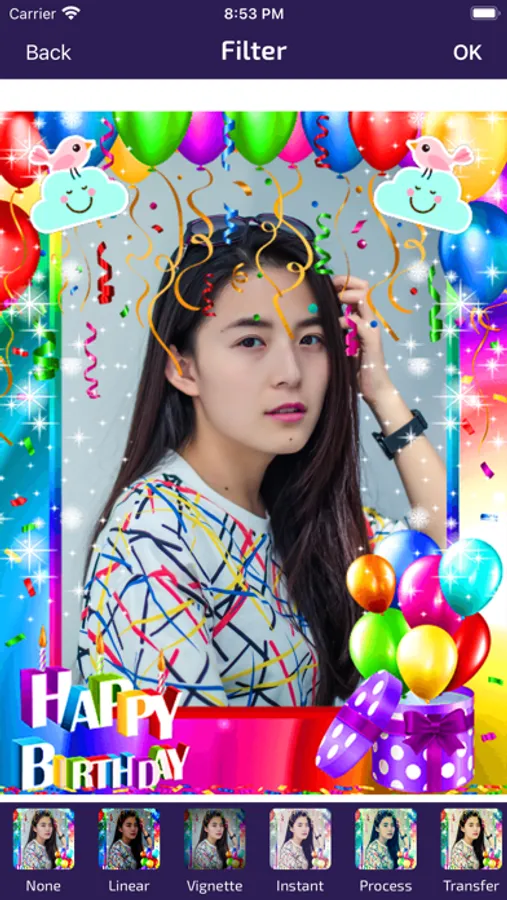
- Photo Filters
- Photo Adjustments
- Photo Effects
- Photo Blur and Focus options
- Drawing on photos
- Rotating photos to a perfect angle
- Resizing photos
- Adding stickers on photos
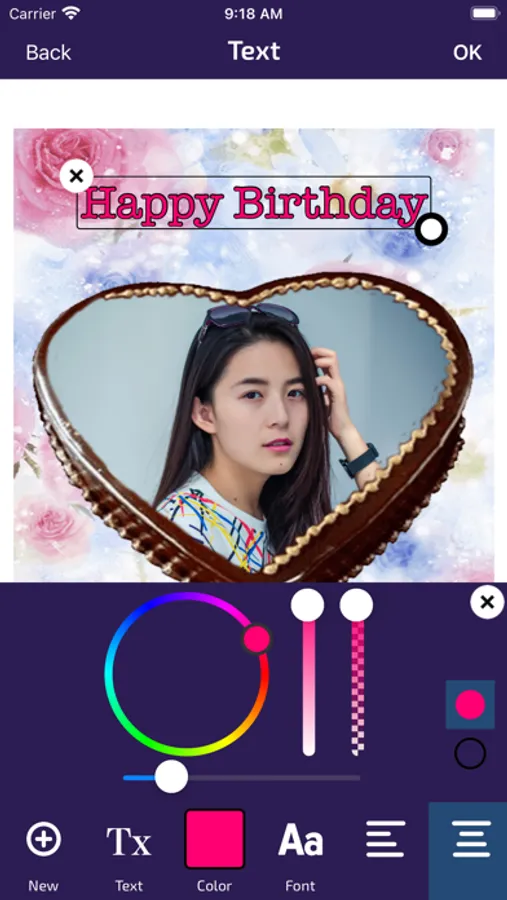
- Adding text on photos
- And many more.
Birthday Photo Frames can be used as:
1. Birthday Photo Maker
2. Birthday Photo Frames
3. Birthday Photo Editor
4. Photo on Birthday Cake
5. Name on Birthday Cake
6. Birthday Photo Frame & Editor
Download this Free Birthday Photo Frames & Editor App and enjoy it!
The Birthday Photo Frames & Editor app features exclusive collections of photo frames and cake frames for birthdays. The app also offers many tools for editing photos. Using a photo editing tool, you can create amazing photos.
How to Use Birthday Photo Frames:
1. Select a Photo Frame from the list.
2. Choose a background image from the camera or gallery.
3. Adjust your photo to fit frames by zooming in, zooming out, and moving it with your fingers.
4. Edit your photo with multiple effects.
5. Save or share created photos on social media.
Features of Birthday Photo Frames app:
- Photo Filters
- Photo Adjustments
- Photo Effects
- Photo Blur and Focus options
- Drawing on photos
- Rotating photos to a perfect angle
- Resizing photos
- Adding stickers on photos
- Adding text on photos
- And many more.
Birthday Photo Frames can be used as:
1. Birthday Photo Maker
2. Birthday Photo Frames
3. Birthday Photo Editor
4. Photo on Birthday Cake
5. Name on Birthday Cake
6. Birthday Photo Frame & Editor
Download this Free Birthday Photo Frames & Editor App and enjoy it!
Birthday Photo Frames - Editor Screenshots
Tap to Rate:
Reviews for Birthday Photo Frames - Editor
QueenReida
Cake photo frames
The ease of using this app is Great! I loved the variety of frames offered and the ease of using them.
阿哥8888
Ads
To many ads