AppRecs review analysis
AppRecs rating 4.0. Trustworthiness 45 out of 100. Review manipulation risk 28 out of 100. Based on a review sample analyzed.
★★★★☆
4.0
AppRecs Rating
Ratings breakdown
5 star
0%
4 star
0%
3 star
0%
2 star
0%
1 star
100%
About Chord Calculus Lite
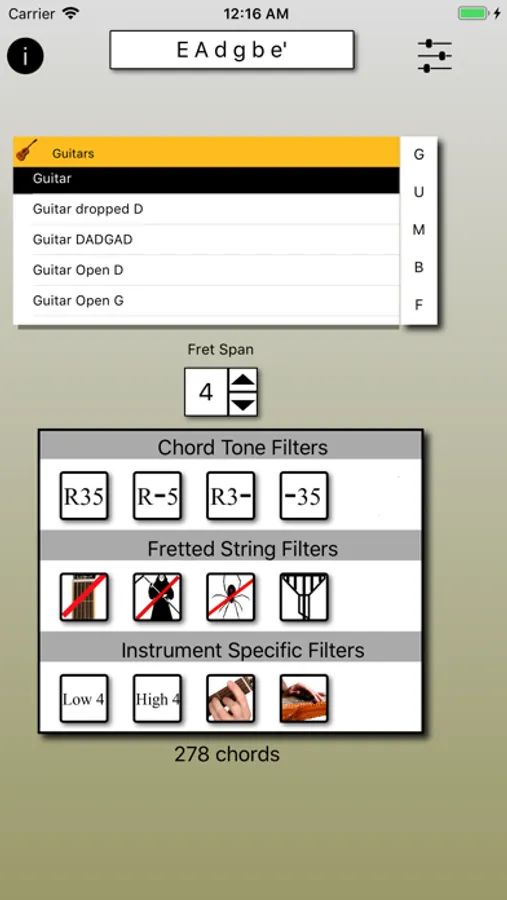
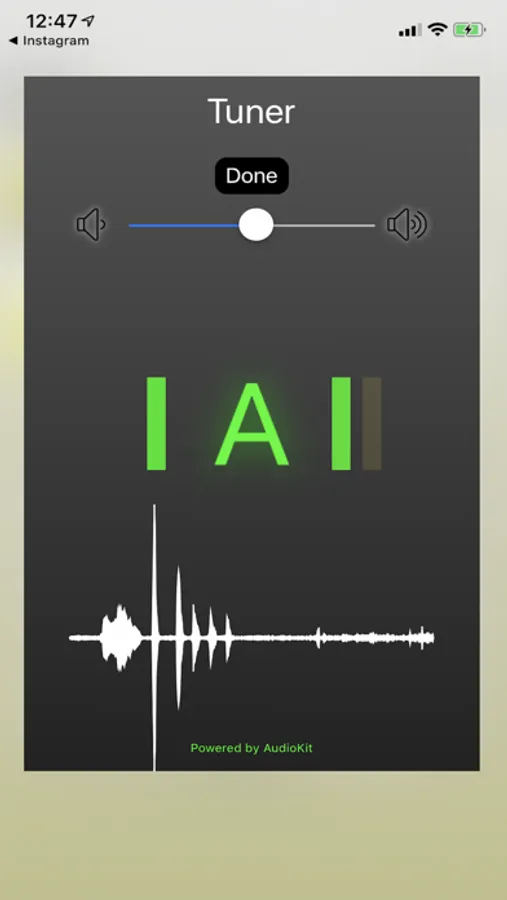
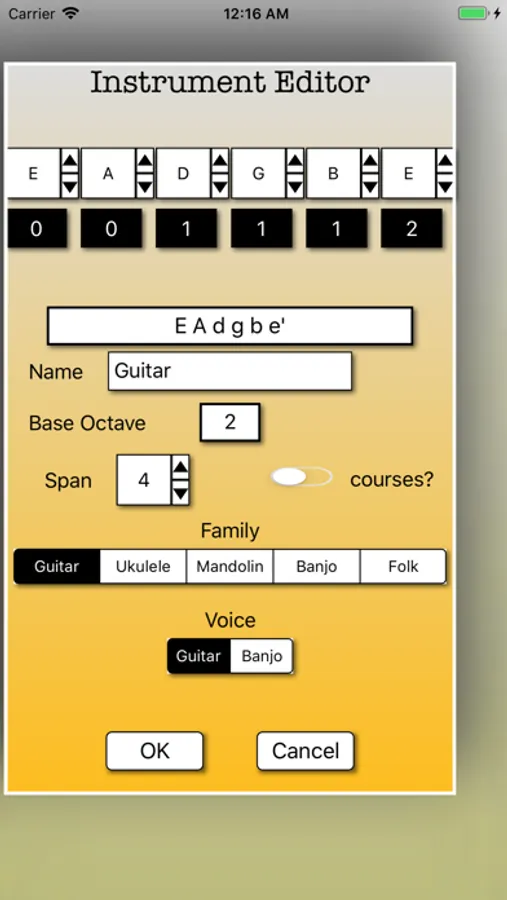
Chord Calculus Lite is a limited version of Chord Calculus, a tool for players of fretted instruments. ChordCalculus will allow the user to choose from a large number of pre-defined fretted instruments in a variety of tunings. Additionally, the user can define new instruments and/or tunings. Single or multiple capos can be added.
The Lite version has a limited variety of instruments, and lacks the ability to save new instruments, progressions and configurations. Also, iCloud syncing between devices is disabled.
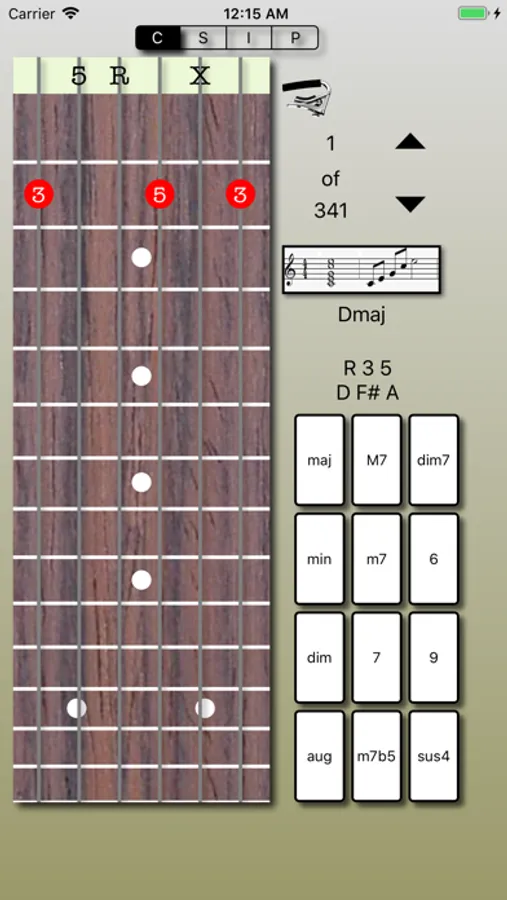
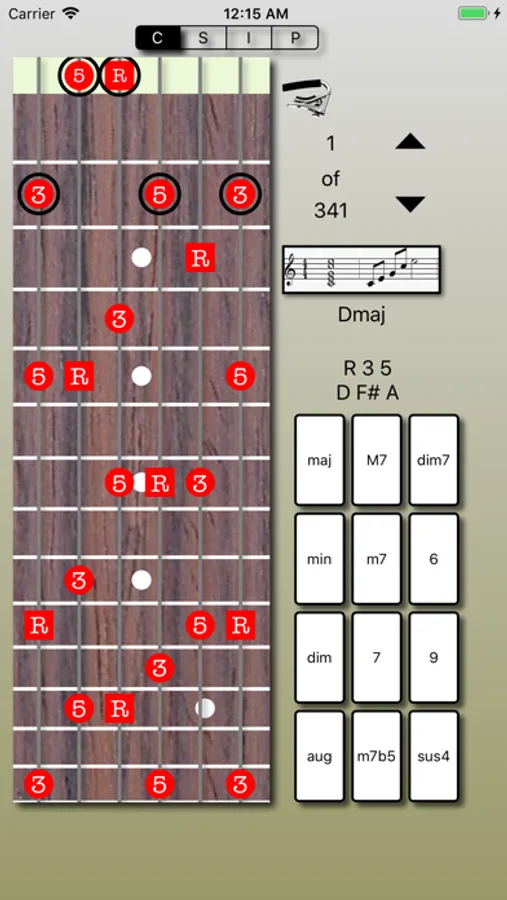
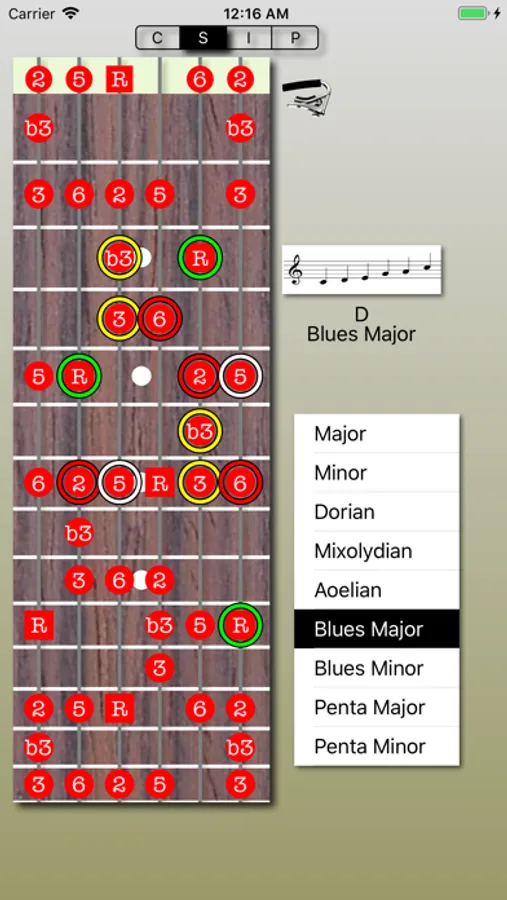
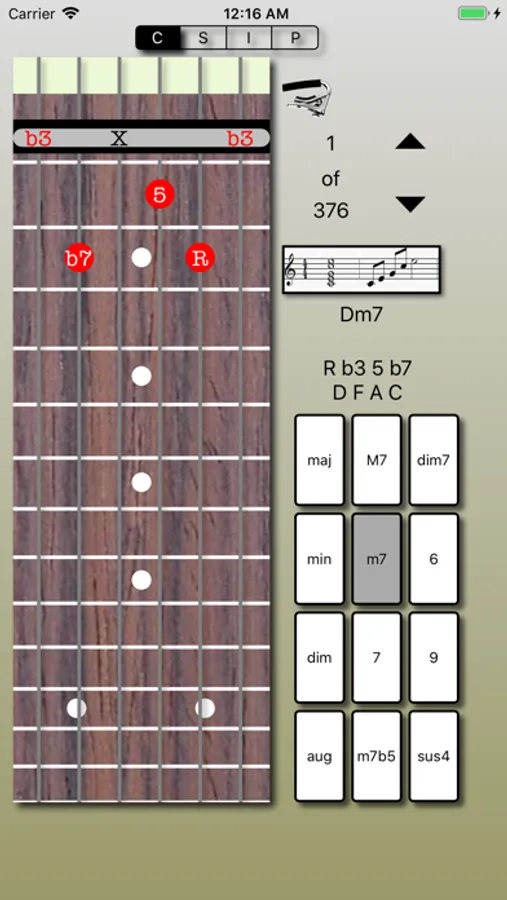
The user picks from one of four operating modes using the segmented selectors at the center top of the display:
* (C)hord Calculator:
Show all fingerings for chords for a given instrument/tuning, filters, capos, and fret span.
* Chord (I)dentifer:
For a given instrument/tuning and fingering, display all possible names for a chord
* (S)cale Display:
For an instrument/tuning, key and scale type, display the scale, and play a two-octave scale
* (P)rogression Player:
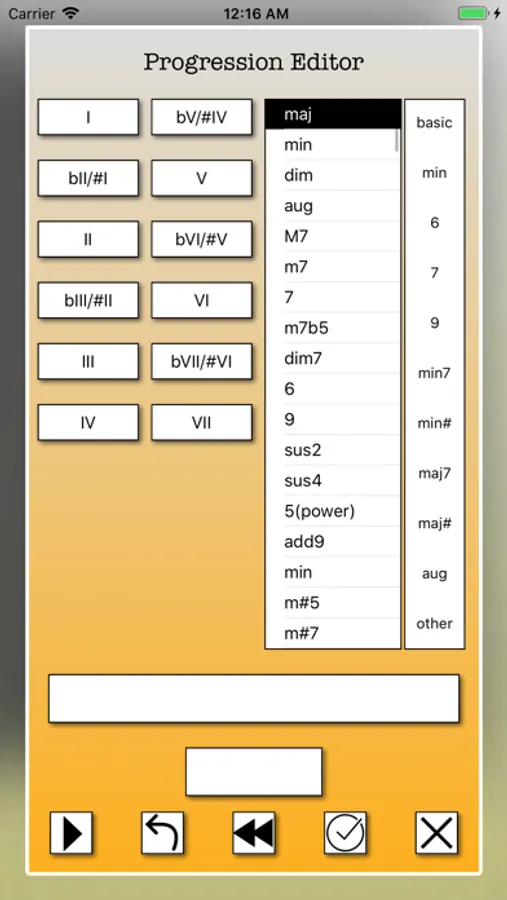
Derived from chord mode, display fingerings for a chord progression. Also plays chords in sequence.
In all cases, the chords can be played as a chord or arpeggio and the scale played back.
See https://www.youtube.com/watch?v=Ty5eI_DiXhk&t=20s for all the features
The Lite version has a limited variety of instruments, and lacks the ability to save new instruments, progressions and configurations. Also, iCloud syncing between devices is disabled.
The user picks from one of four operating modes using the segmented selectors at the center top of the display:
* (C)hord Calculator:
Show all fingerings for chords for a given instrument/tuning, filters, capos, and fret span.
* Chord (I)dentifer:
For a given instrument/tuning and fingering, display all possible names for a chord
* (S)cale Display:
For an instrument/tuning, key and scale type, display the scale, and play a two-octave scale
* (P)rogression Player:
Derived from chord mode, display fingerings for a chord progression. Also plays chords in sequence.
In all cases, the chords can be played as a chord or arpeggio and the scale played back.
See https://www.youtube.com/watch?v=Ty5eI_DiXhk&t=20s for all the features
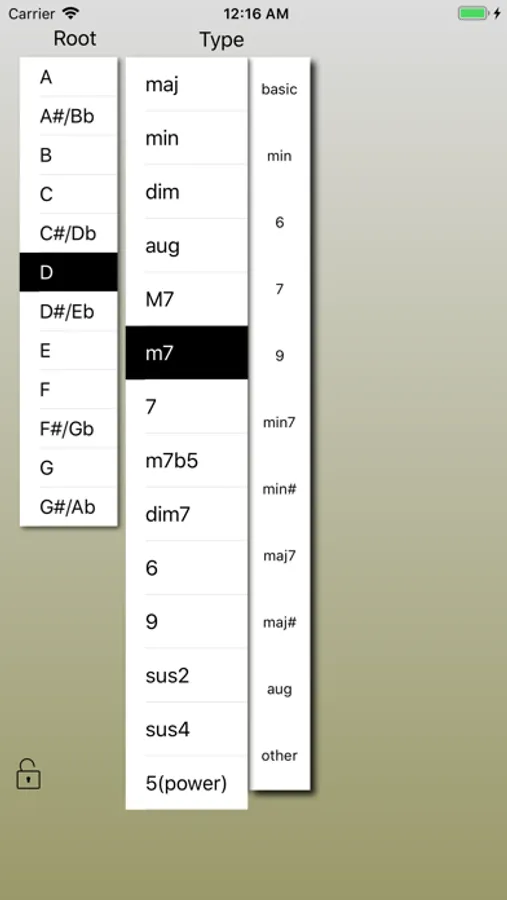
Chord Calculus Lite Screenshots
Tap to Rate:
Reviews for Chord Calculus Lite
KPPhoenix
Cripplingly unintuitive interface
I couldn’t figure out how to do anything with this- at all