In this audio converter app, you can extract, transcode, and edit audio files using various processing tools. Includes format conversion, editing features, and online extraction options.
AppRecs review analysis
AppRecs rating 4.6. Trustworthiness 63 out of 100. Review manipulation risk 35 out of 100. Based on a review sample analyzed.
★★★★☆
4.6
AppRecs Rating
Ratings breakdown
5 star
79%
4 star
13%
3 star
3%
2 star
3%
1 star
2%
What to know
✓
High user satisfaction
79% of sampled ratings are 5 stars
✓
Authentic reviews
Natural distribution, no red flags
About Mp3 Converter - mp4 to mp3
Mp3 Converter is not just a completely free batch audio extractor, it is also a powerful audio processing APP that can perform some commonly used audio processing tasks, export lossless MP3, and give you good sound.
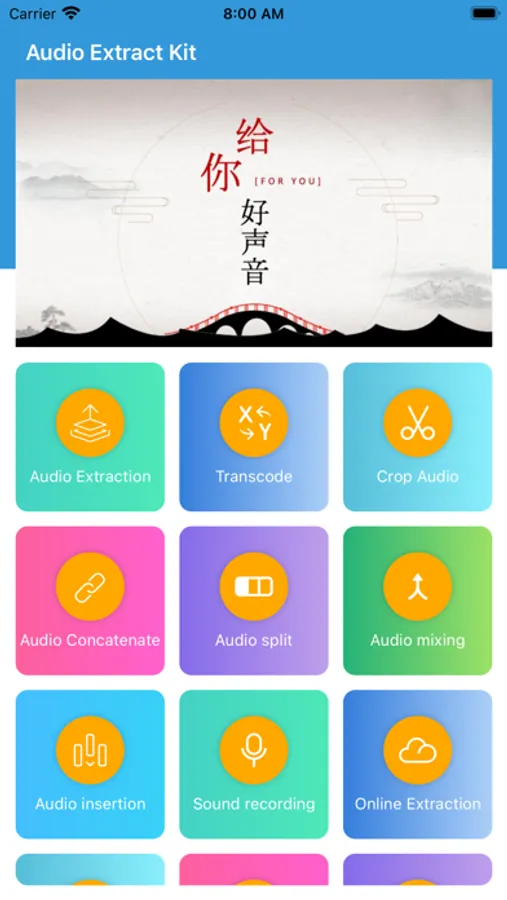
The app includes functions such as online extraction,audio extraction,transcode,format coversion,croping,concatenate,split,mixing,voice msg export,fade,volume adjustment,beeping,change tempo,noise reduction,vocal remove,change pitch,extract channels,merge channels,surround sound,audio tag and album cover,audio reverb, Lyrics editing,make ringtone.
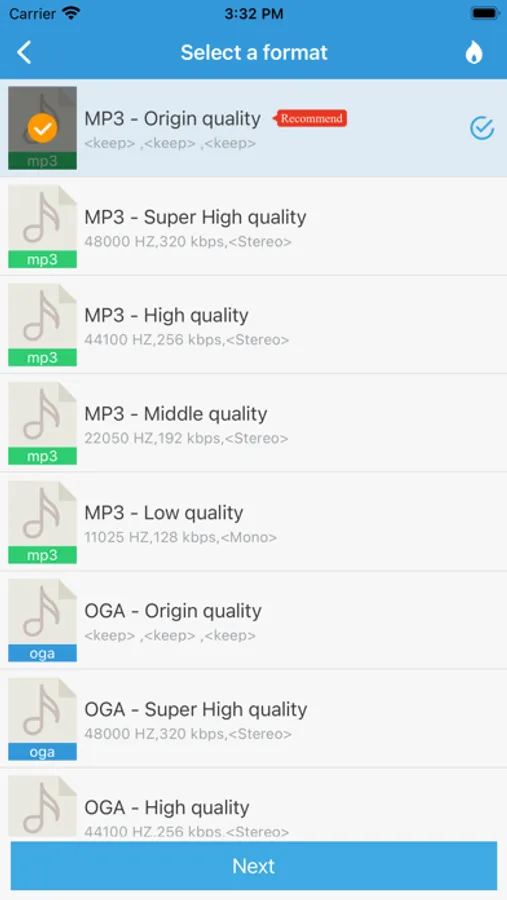
Supported formats: mp3,wav,ogg,m4a,aac,m4r,wma,flac,ac3,mmf,amr,wv,slk,silk,mp2,mpegh 3d audio,mhm1,mha1.
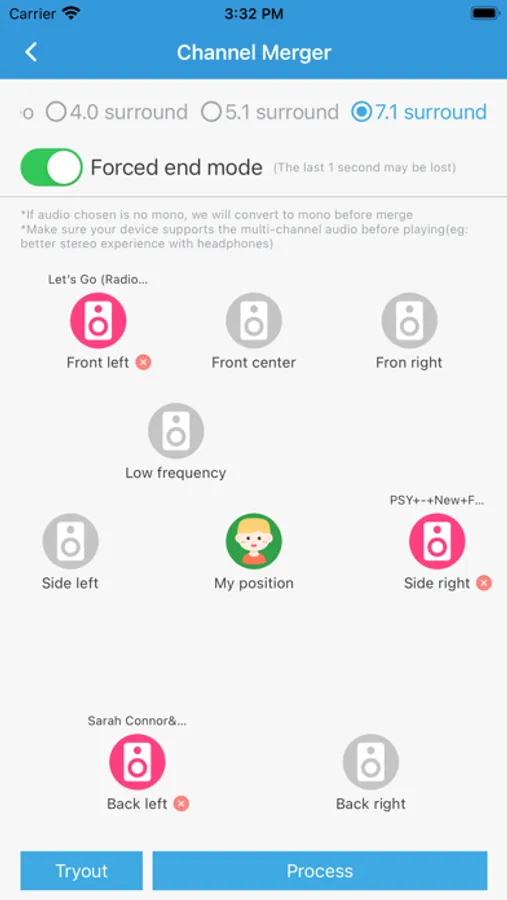
Supported channel type:mono, stereo, quad surround, 5.1 stereo, 7.1 stereo
Online extraction: Extract audio and video from web pages online
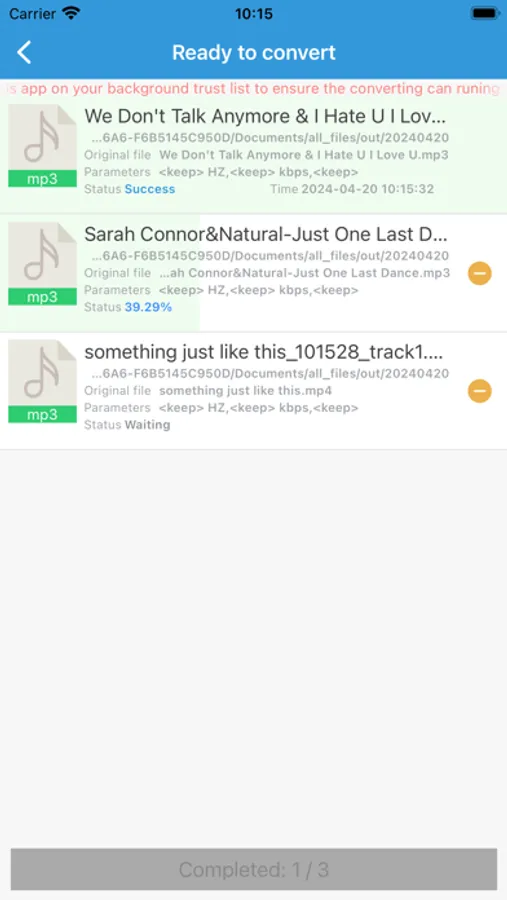
Audio extraction: Extract lossless mp3 or other format audio from the video ,supports batch mode. supports multi-audio track extraction.
Format conversion:Convert audio files to different music formats
Audio croping: Selected section from audio to generate a new audio or remove selected section, it can make ringtone for your phone.
Audio concatenate: Concat multiple audio into one mp3 or other format audio.
Audio split: Splite audio by duration or number of files.
Audio mixing: Mix multiple audios into one audio.
Voice export: Concat and export the voice message files of common social app.
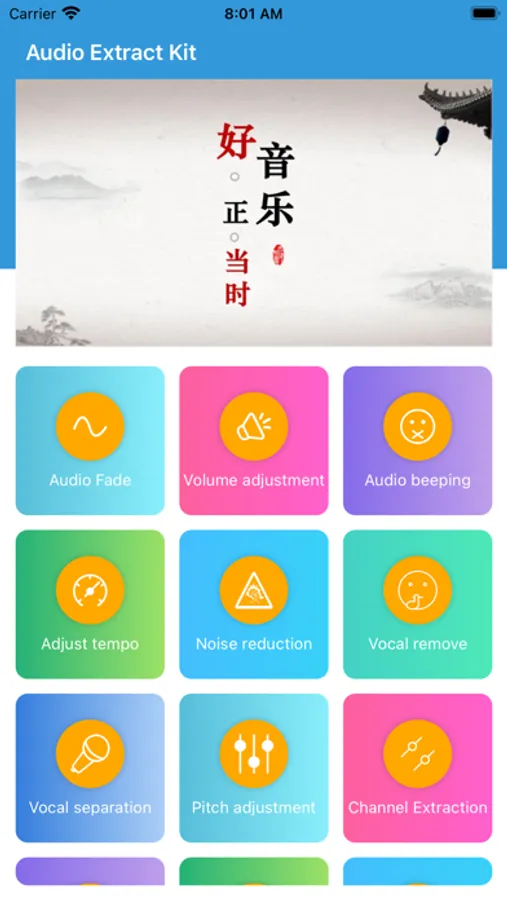
Fade: Fade the beginning and end of audio.
Volume adjustment: Increase and reduce the volume of audio files in mp3 or other formats.
Audio beeping: Repace the section of audio with 'beeping'.
Tempo adjustment: Adjust the audio playback speed.
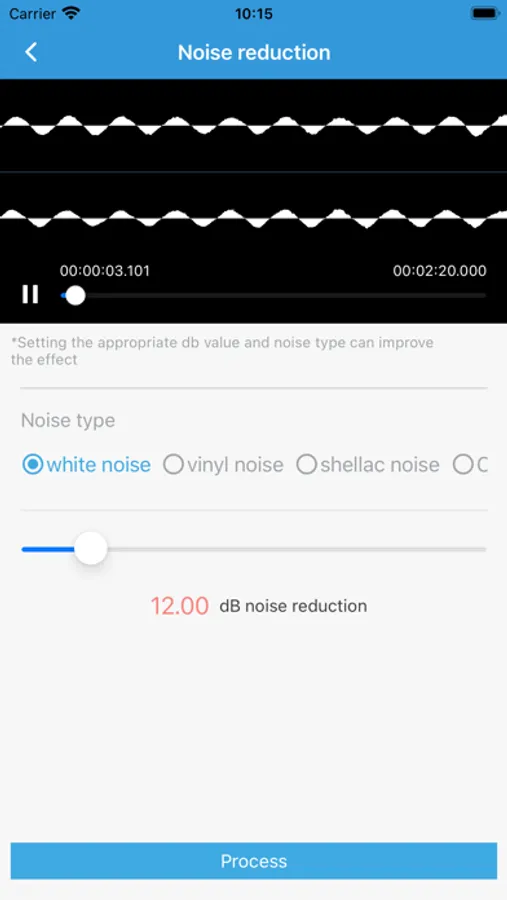
Noise reduction: reduce the noise in the audio.
Audio insertion:Insert a new audio at the specified position
Audio capture:Capture system sounds into mp3 files
Audio recording:Record the microphone sound into an audio file
Vocal remove: remove the vocal from the music, only keep the accompaniment.
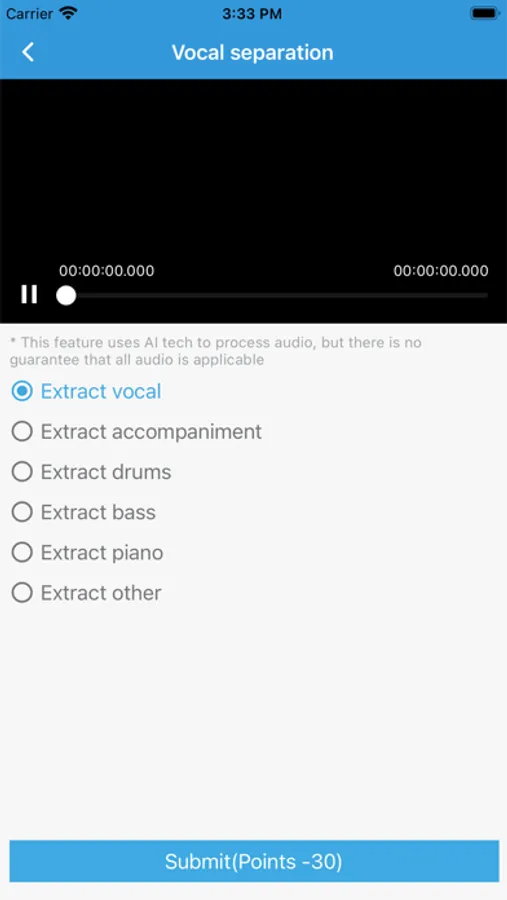
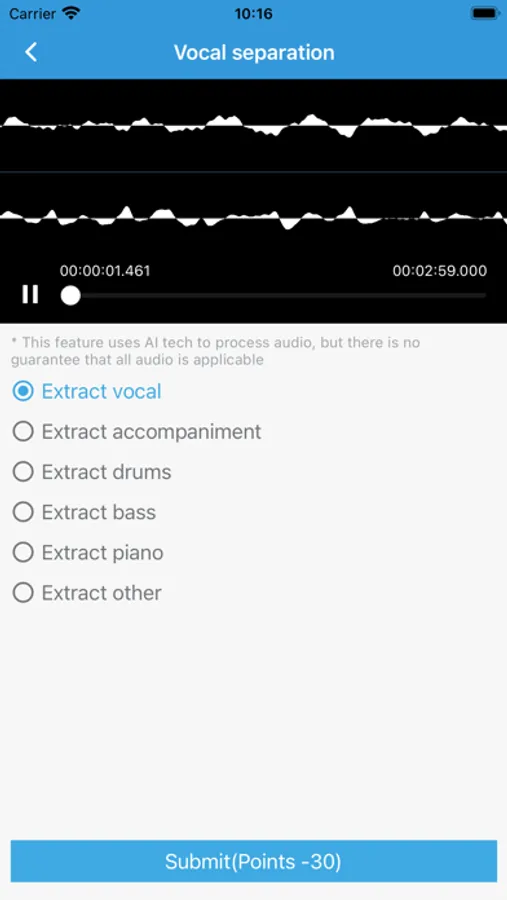
Vocal separation:Separate sound/vocal/accompaniment/drums/bass/piano sound effects from a audio.
Pitch adjustment: Change the pitch of the audio
Channel extraction: Separate multiple channels in audio.
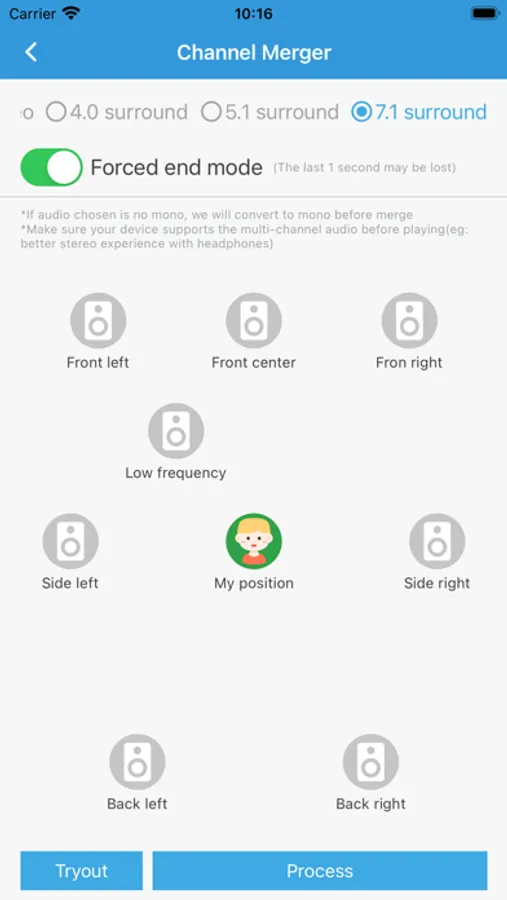
Channel merger: Merge multiple channels into one mp3 audio
Surround sound: make audio into 3D surround sound
Tags and cover: add album and cover information to audio
audio reverb: Reverberation of audio
Lyrics editing: making Lrc lyrics
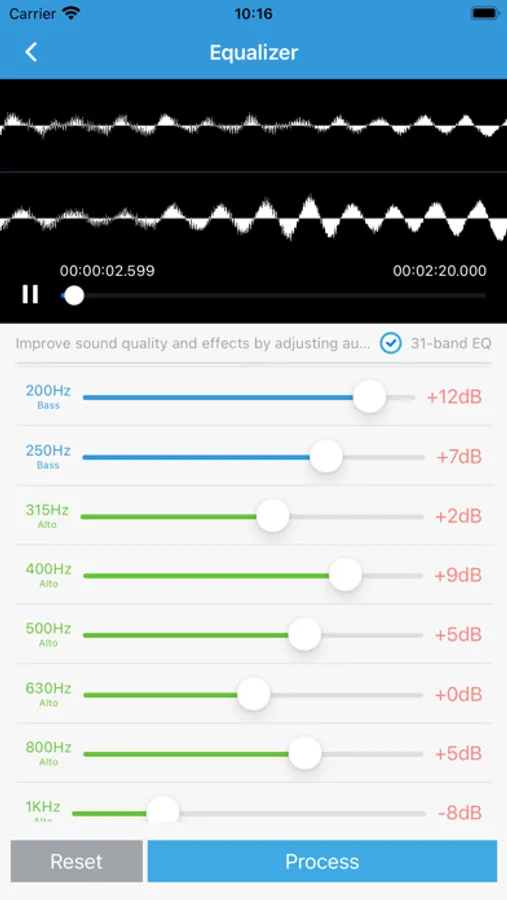
Equalizer: 31-band equalizer adjustment
Chorus effect: Produce chorus effects such as two/three/multiple people
Speech to text: Convert recording audio to text txt files
Text to speech: Convert text into audio speech, and provide a variety of timbres
MD5 modification: Change the MD5 information of the audio file
SLK to MP3: Convert SLK format to MP3 format
MP3 to SLK: Convert MP3 format to SLK format
More features are waiting for you to discover.
The app includes functions such as online extraction,audio extraction,transcode,format coversion,croping,concatenate,split,mixing,voice msg export,fade,volume adjustment,beeping,change tempo,noise reduction,vocal remove,change pitch,extract channels,merge channels,surround sound,audio tag and album cover,audio reverb, Lyrics editing,make ringtone.
Supported formats: mp3,wav,ogg,m4a,aac,m4r,wma,flac,ac3,mmf,amr,wv,slk,silk,mp2,mpegh 3d audio,mhm1,mha1.
Supported channel type:mono, stereo, quad surround, 5.1 stereo, 7.1 stereo
Online extraction: Extract audio and video from web pages online
Audio extraction: Extract lossless mp3 or other format audio from the video ,supports batch mode. supports multi-audio track extraction.
Format conversion:Convert audio files to different music formats
Audio croping: Selected section from audio to generate a new audio or remove selected section, it can make ringtone for your phone.
Audio concatenate: Concat multiple audio into one mp3 or other format audio.
Audio split: Splite audio by duration or number of files.
Audio mixing: Mix multiple audios into one audio.
Voice export: Concat and export the voice message files of common social app.
Fade: Fade the beginning and end of audio.
Volume adjustment: Increase and reduce the volume of audio files in mp3 or other formats.
Audio beeping: Repace the section of audio with 'beeping'.
Tempo adjustment: Adjust the audio playback speed.
Noise reduction: reduce the noise in the audio.
Audio insertion:Insert a new audio at the specified position
Audio capture:Capture system sounds into mp3 files
Audio recording:Record the microphone sound into an audio file
Vocal remove: remove the vocal from the music, only keep the accompaniment.
Vocal separation:Separate sound/vocal/accompaniment/drums/bass/piano sound effects from a audio.
Pitch adjustment: Change the pitch of the audio
Channel extraction: Separate multiple channels in audio.
Channel merger: Merge multiple channels into one mp3 audio
Surround sound: make audio into 3D surround sound
Tags and cover: add album and cover information to audio
audio reverb: Reverberation of audio
Lyrics editing: making Lrc lyrics
Equalizer: 31-band equalizer adjustment
Chorus effect: Produce chorus effects such as two/three/multiple people
Speech to text: Convert recording audio to text txt files
Text to speech: Convert text into audio speech, and provide a variety of timbres
MD5 modification: Change the MD5 information of the audio file
SLK to MP3: Convert SLK format to MP3 format
MP3 to SLK: Convert MP3 format to SLK format
More features are waiting for you to discover.
Mp3 Converter - mp4 to mp3 Screenshots
Tap to Rate:
Reviews for Mp3 Converter - mp4 to mp3
MsjudieK
Audio extractor
So far so good. Free? Shame what that means sometimes but ads not too overpowering, and after a few tries, pretty easy to navigate and extractions and conversions made- on the money. Thanks
宗威83
A good app!
Very easy to use!!