In this app, you can create videos from photos by customizing crop, direction, and aspect ratio. Includes options for previewing, adjusting loop and boomerang effects, and saving in high resolution.
AppRecs review analysis
AppRecs rating 4.4. Trustworthiness 64 out of 100. Review manipulation risk 23 out of 100. Based on a review sample analyzed.
★★★★☆
4.4
AppRecs Rating
Ratings breakdown
5 star
86%
4 star
4%
3 star
5%
2 star
1%
1 star
4%
What to know
✓
Low review manipulation risk
23% review manipulation risk
✓
High user satisfaction
86% of sampled ratings are 5 stars
✓
Authentic reviews
No red flags detected
About PanoraVideo for Instagram
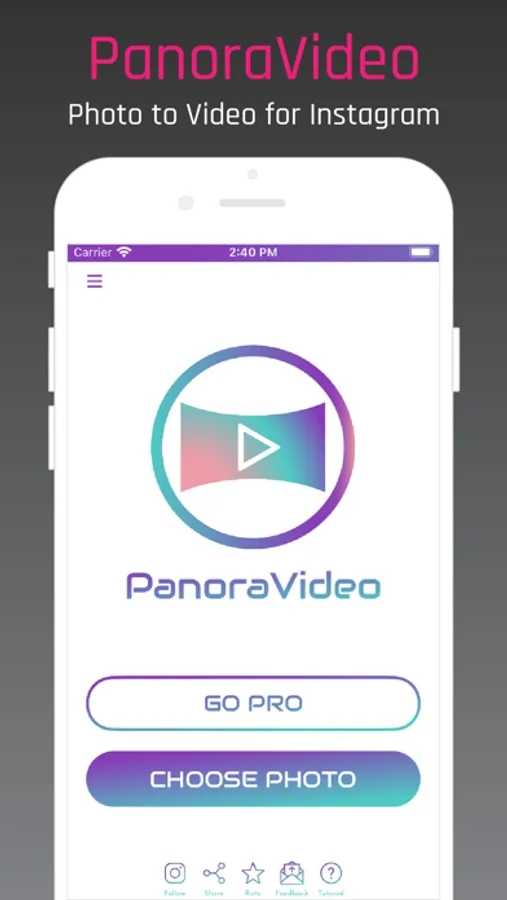
PanoraVideo makes it super easy to create videos from photos for your Instagram.
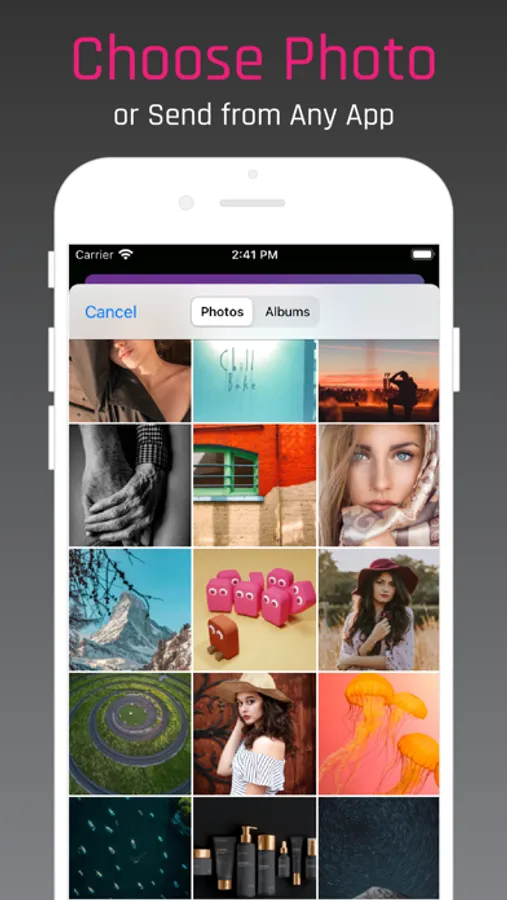
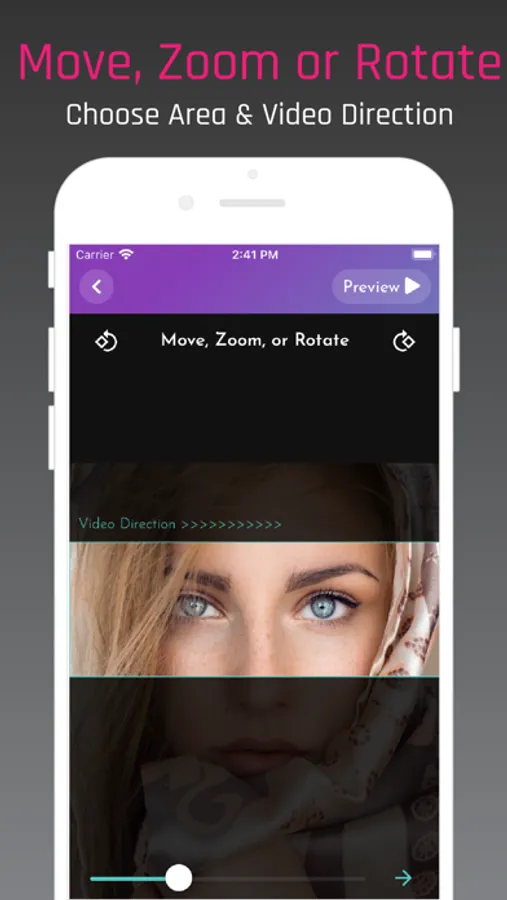
With PanoraVideo, you simply choose a photo from your Photos; choose the crop and video direction; and customize the video aspect.
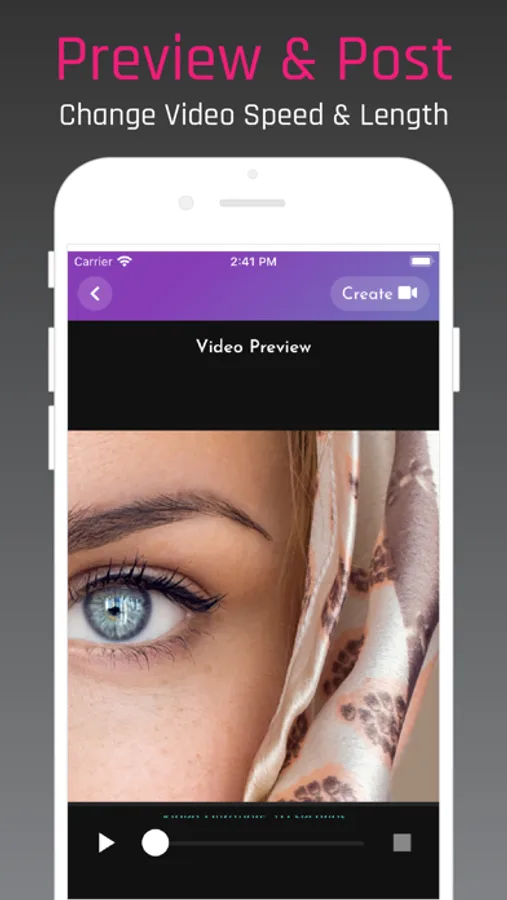
See the preview of your video. Change the repeat, loop and boomerang options.
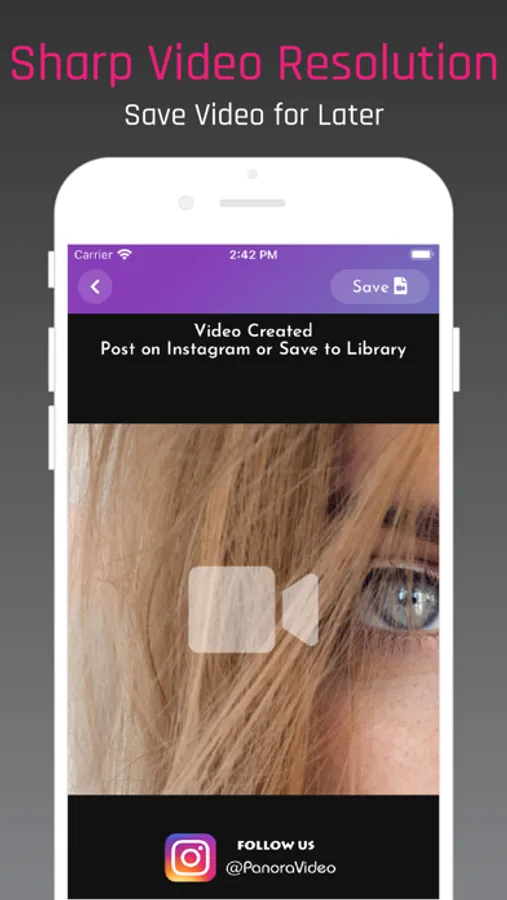
Once happy, create the video and directly post it on Instagram or save it in your Photos.
PanoraVideo works without losing high-resolution quality and the resulting videos are super-smooth.
Why PanoraVideo?
• Control over video length/speed
• Move, zoom, and rotate your photo for perfection
• Customize the aspect ratio and part of the photo you want to convert to video
• Keeps resulting video in high resolution. No loss in quality.
• Preview your video before posting
• Saves video to your Photos for easy posting on Instagram later.
With PanoraVideo, you simply choose a photo from your Photos; choose the crop and video direction; and customize the video aspect.
See the preview of your video. Change the repeat, loop and boomerang options.
Once happy, create the video and directly post it on Instagram or save it in your Photos.
PanoraVideo works without losing high-resolution quality and the resulting videos are super-smooth.
Why PanoraVideo?
• Control over video length/speed
• Move, zoom, and rotate your photo for perfection
• Customize the aspect ratio and part of the photo you want to convert to video
• Keeps resulting video in high resolution. No loss in quality.
• Preview your video before posting
• Saves video to your Photos for easy posting on Instagram later.
PanoraVideo for Instagram Screenshots
Tap to Rate:
Reviews for PanoraVideo for Instagram
Joe Macon mac
Incomplete
It doesn’t allow you to scan a complete panorama. It crops, disappointing.
Kute1834
Dissatisfied
The app isn’t working