In this portrait editing app, you can retouch facial features and adjust skin parameters with one-tap tools. Includes skin smoothing, blemish removal, facial shaping, color filters, and lighting presets.
AppRecs review analysis
AppRecs rating 4.4. Trustworthiness 78 out of 100. Review manipulation risk 23 out of 100. Based on a review sample analyzed.
★★★★☆
4.4
AppRecs Rating
Ratings breakdown
5 star
86%
4 star
7%
3 star
2%
2 star
0%
1 star
5%
What to know
✓
Low review manipulation risk
23% review manipulation risk
✓
Credible reviews
78% trustworthiness score from analyzed reviews
✓
High user satisfaction
86% of sampled ratings are 5 stars
About MIX2 Portrait Master
The MIX2 Portrait editor is professional portrait retouching software for mobile photos.
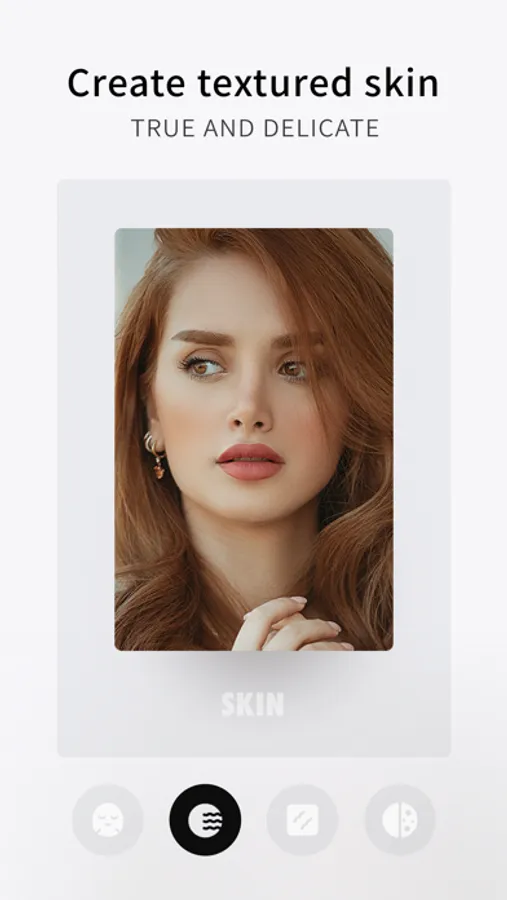
[Extreme Skin] - 13 skin parameters to create baby-like fair and glowing skins
- AI-based beauty algorithm exclusive for Asians
- 10-year skin algorithm research, dedicated to creating natural and fair skin effects
- One-tap removal of eye bags, crow's feet, and oils to get perfect skins
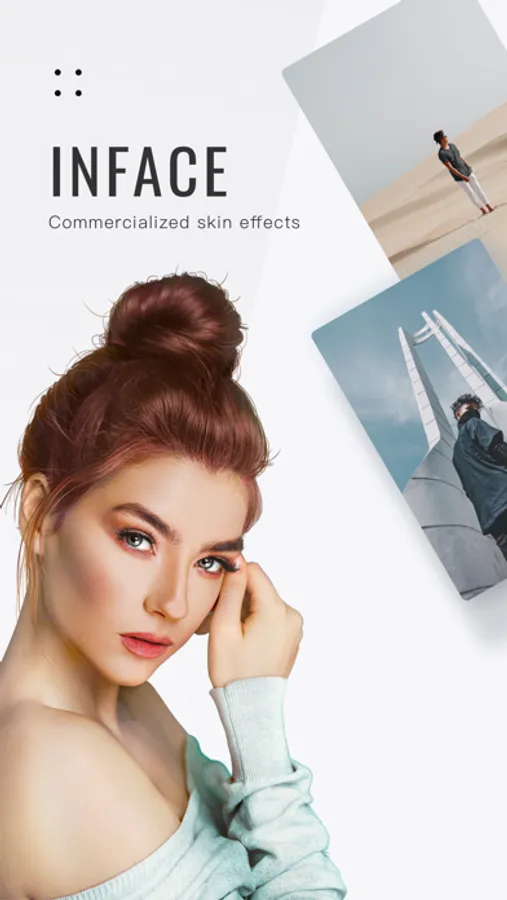
[Facial Refining] - One-tap removal of facial blemishes at the pixel level, such as freckles, acnes, and blackheads
- Personalized 3D shading to create perfect facial contours
- [Fair] Smudge to maintain perfect skins at any time
- Smudge to lower the color brightness and the color intensity of reddish skin, to correct skin color and create a naturally good complexion
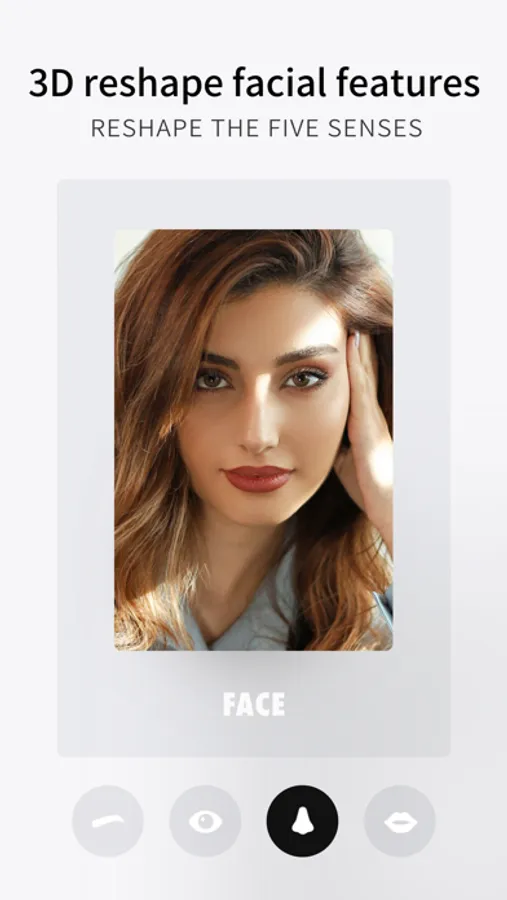
[Facial Feature Fine-Tuning] - 24 medical-grade detail adjustments, giving you a precise and natural shaping experience
- Preset [cute, sweet, mature, high-end, European-style, and American-style] face shapes, creating a variety of styles for your choice
- Face, eyes, nose, lips, eyebrows...Retouch whatever you want
- 3D face modeling for accurate identification of facial features and personalized fine-tuning, making your face more natural, three-dimensional, and photogenic
[Manual Shaping] - Create a perfect figure like a fairy!
- Adjust proportions and contours easily
- Grid assisted, easy to operate
- Liquefy filter protection to keep the background not deformed no matter how you drag it
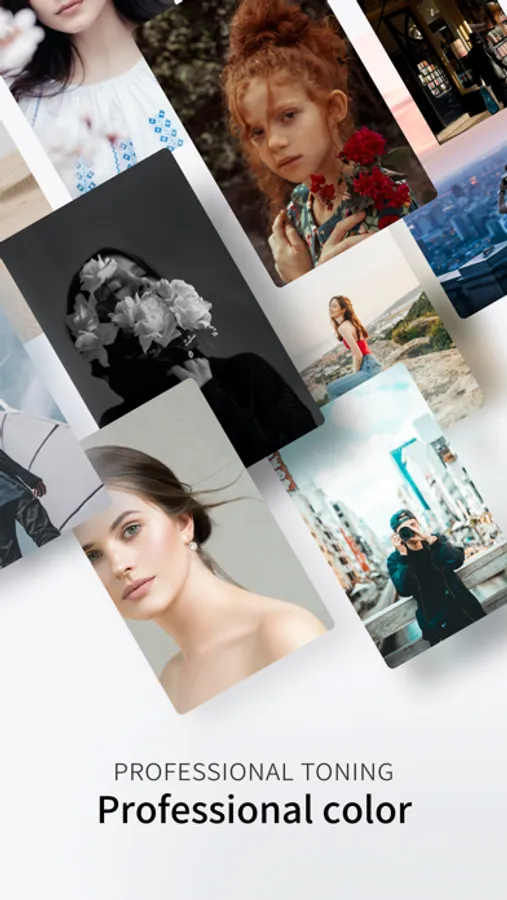
[Color Adjustment] - Over 20 details and more than 100 magical filters
- Shading, gradation, inversion, vignetting, grain... all styles available
- Rich filter styles, professional, trendy, artistic... suitable for different scenes, making your photos unique and distinctive
- Advanced color adjustment tools such as HSL, optional colors, and split toning to get your favorite hue
[Lighting] - Intelligent facial fill light with over 50 presets and more to be launched
- Simulate real lighting and shadows for face lighting, creating more realistic and natural effects
- Adjustable color warmth and hue for ambient light, turning your daily selfies into chic photos
- Multiple light rays to create unique lighting and shadows
[Batch Operation] - Batch photo editing and sharing, helping you do photo editing with no worries!
- Batch operation of multiple photos to increase retouching efficiency with one second
- One-tap photo sharing for fast delivery
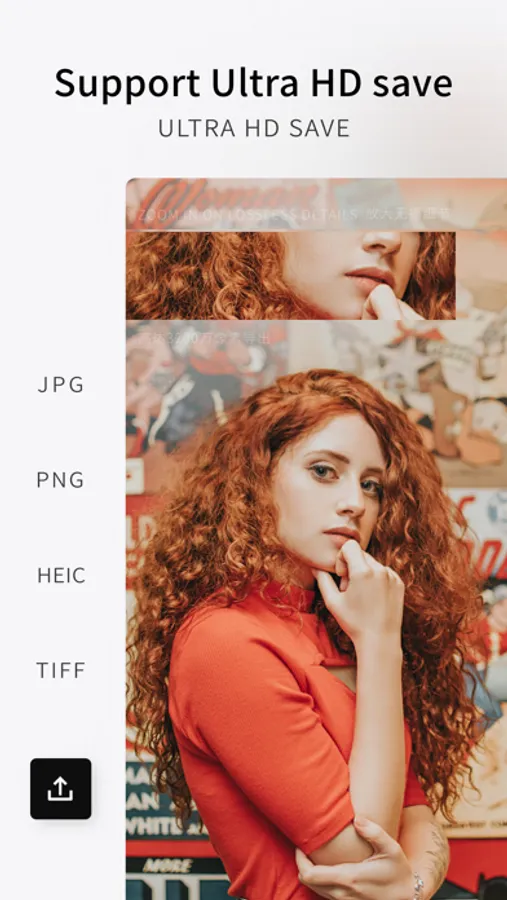
[Import and Export] - Import photos in raw formats and export HD images
- Export images of up to 10 million pixels, showing skin details even when zoomed in
- Export images in four formats: JPG, PNG, HEIC, and TIFF, without any data loss
[Blurring] - Ordinary photos can also have the effect of wide aperture
- Multiple blur effects and more depths of field
- Automatically highlight portraits, easier to use
Unlimited access to membership subscription
- -You can subscribe for unlimited access to all paid features and contents in the inFace app.
- -Subscription automatically renews at the selected package price unless it is canceled 24 hours in advance. Subscription fees are charged through your iTunes account when you confirm the purchase. After purchase, you can manage your subscription and turn off auto-renewal in Account Settings. Under Apple's policy, the current subscription cannot be canceled during the active subscription period. Refunds for any unused service are not acceptable after your purchase.
- -If you are eligible for a free trial and subscribe to the membership before the free trial period expires, the remaining free trial period will be canceled after you confirm your purchase. Subscription will begin immediately after the free trial ends unless it is canceled at least 24 hours before the end of the trial period.
- Terms of Use for VIPs: http://inface.camera360.com/vipUsePolicy_text_cn.htm
- Privacy Policy: http://inface.camera360.com/privacy_text_cn.htm
Email: inface@camera360.cn
[Extreme Skin] - 13 skin parameters to create baby-like fair and glowing skins
- AI-based beauty algorithm exclusive for Asians
- 10-year skin algorithm research, dedicated to creating natural and fair skin effects
- One-tap removal of eye bags, crow's feet, and oils to get perfect skins
[Facial Refining] - One-tap removal of facial blemishes at the pixel level, such as freckles, acnes, and blackheads
- Personalized 3D shading to create perfect facial contours
- [Fair] Smudge to maintain perfect skins at any time
- Smudge to lower the color brightness and the color intensity of reddish skin, to correct skin color and create a naturally good complexion
[Facial Feature Fine-Tuning] - 24 medical-grade detail adjustments, giving you a precise and natural shaping experience
- Preset [cute, sweet, mature, high-end, European-style, and American-style] face shapes, creating a variety of styles for your choice
- Face, eyes, nose, lips, eyebrows...Retouch whatever you want
- 3D face modeling for accurate identification of facial features and personalized fine-tuning, making your face more natural, three-dimensional, and photogenic
[Manual Shaping] - Create a perfect figure like a fairy!
- Adjust proportions and contours easily
- Grid assisted, easy to operate
- Liquefy filter protection to keep the background not deformed no matter how you drag it
[Color Adjustment] - Over 20 details and more than 100 magical filters
- Shading, gradation, inversion, vignetting, grain... all styles available
- Rich filter styles, professional, trendy, artistic... suitable for different scenes, making your photos unique and distinctive
- Advanced color adjustment tools such as HSL, optional colors, and split toning to get your favorite hue
[Lighting] - Intelligent facial fill light with over 50 presets and more to be launched
- Simulate real lighting and shadows for face lighting, creating more realistic and natural effects
- Adjustable color warmth and hue for ambient light, turning your daily selfies into chic photos
- Multiple light rays to create unique lighting and shadows
[Batch Operation] - Batch photo editing and sharing, helping you do photo editing with no worries!
- Batch operation of multiple photos to increase retouching efficiency with one second
- One-tap photo sharing for fast delivery
[Import and Export] - Import photos in raw formats and export HD images
- Export images of up to 10 million pixels, showing skin details even when zoomed in
- Export images in four formats: JPG, PNG, HEIC, and TIFF, without any data loss
[Blurring] - Ordinary photos can also have the effect of wide aperture
- Multiple blur effects and more depths of field
- Automatically highlight portraits, easier to use
Unlimited access to membership subscription
- -You can subscribe for unlimited access to all paid features and contents in the inFace app.
- -Subscription automatically renews at the selected package price unless it is canceled 24 hours in advance. Subscription fees are charged through your iTunes account when you confirm the purchase. After purchase, you can manage your subscription and turn off auto-renewal in Account Settings. Under Apple's policy, the current subscription cannot be canceled during the active subscription period. Refunds for any unused service are not acceptable after your purchase.
- -If you are eligible for a free trial and subscribe to the membership before the free trial period expires, the remaining free trial period will be canceled after you confirm your purchase. Subscription will begin immediately after the free trial ends unless it is canceled at least 24 hours before the end of the trial period.
- Terms of Use for VIPs: http://inface.camera360.com/vipUsePolicy_text_cn.htm
- Privacy Policy: http://inface.camera360.com/privacy_text_cn.htm
Email: inface@camera360.cn
MIX2 Portrait Master Screenshots
Tap to Rate:
Reviews for MIX2 Portrait Master
Nuenium
Keeps crashing
The app keeps crashing whenever I tried to use the "AI" mode. This only happens after I purchased the subscription. Please fix it!!!
勇恒的WINNER
美颜一级棒!就是像素太低了
坐等支持6100w像素