
AppRecs review analysis
AppRecs rating 4.4. Trustworthiness 76 out of 100. Review manipulation risk 34 out of 100. Based on a review sample analyzed.
★★★★☆
4.4
AppRecs Rating
Ratings breakdown
5 star
93%
4 star
0%
3 star
0%
2 star
7%
1 star
0%
What to know
✓
Credible reviews
76% trustworthiness score from analyzed reviews
✓
High user satisfaction
93% of sampled ratings are 5 stars
About MapHabit
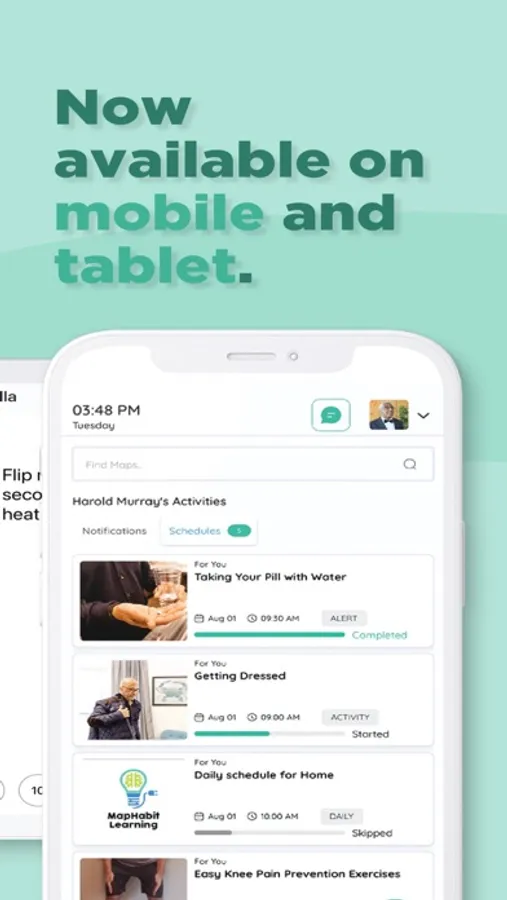
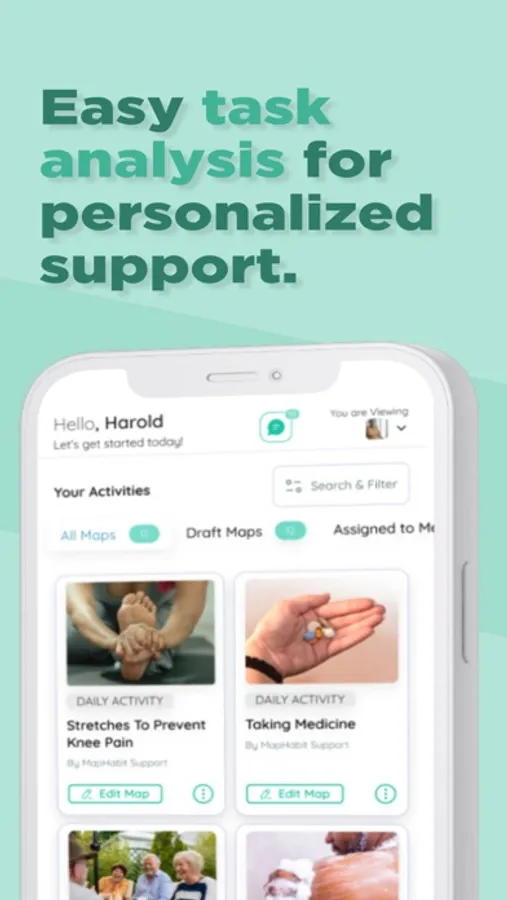
With our redesigned app, it’s easier than ever to get started and personalize your experience so you can focus on what matters most.
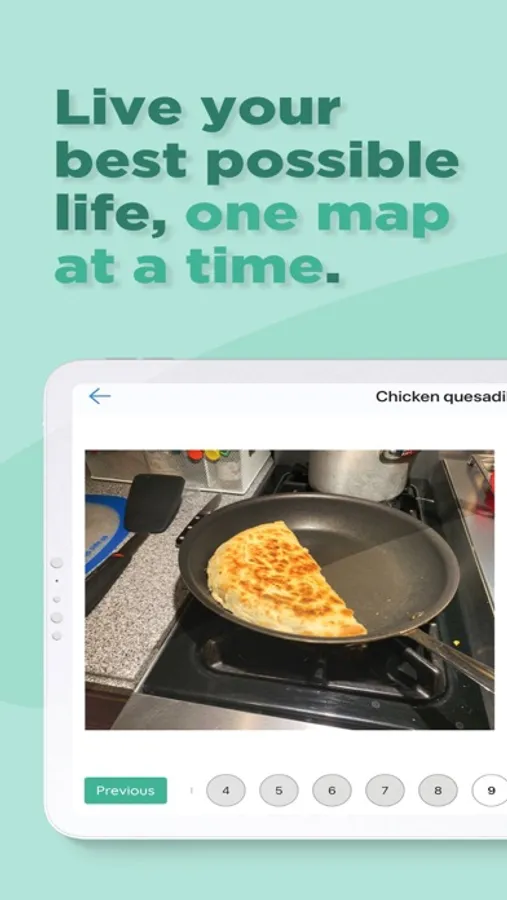
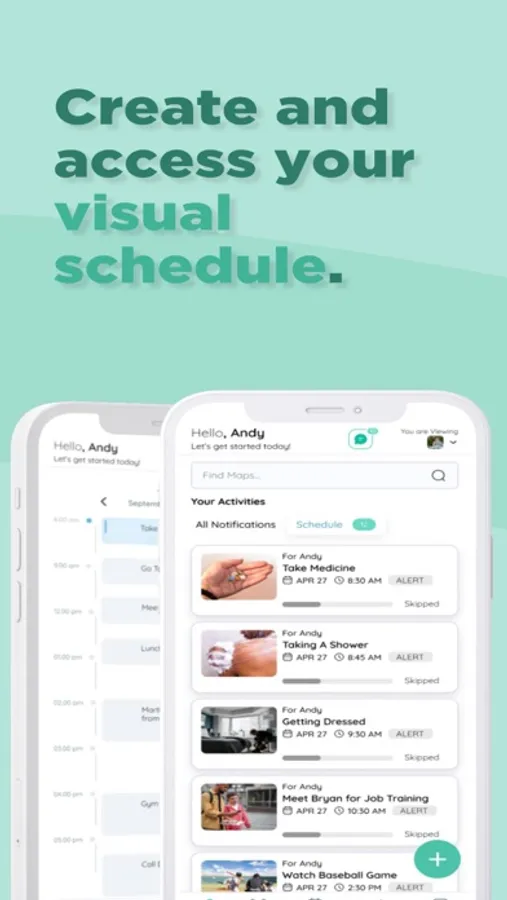
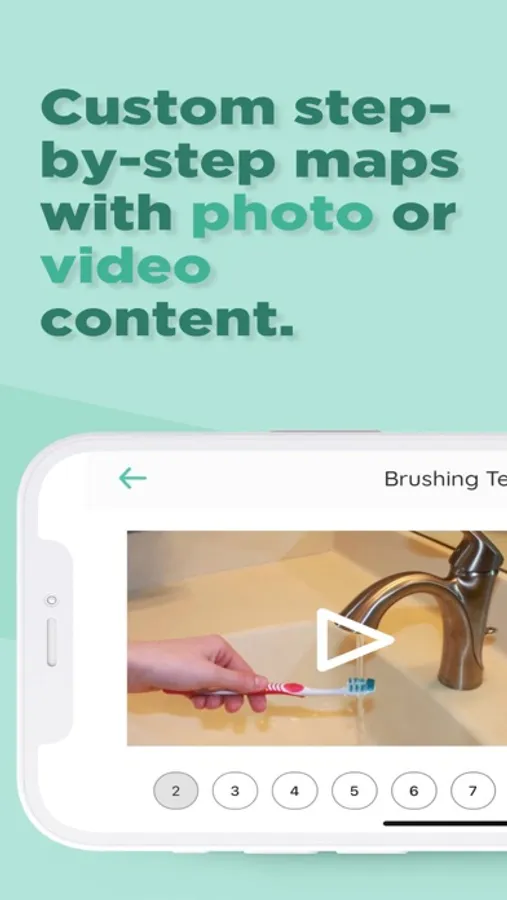
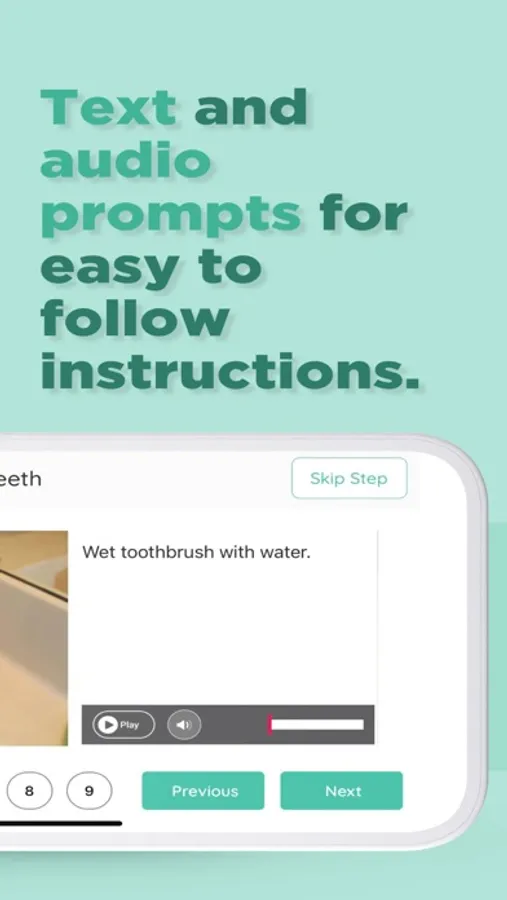
Whether you're working on hygiene, meals, medications, or daily goals, MapHabit’s step-by-step visual maps guide users through everyday activities in a way that’s clear, calming, and easy to follow.
What’s New in This Version:
A simpler, more intuitive design
A quick Welcome Survey to personalize your home screen
Customizable widgets that match your needs
A helpful Quick Start guide for easier onboarding
Cleaner map layouts with larger images and text
Who MapHabit Supports:
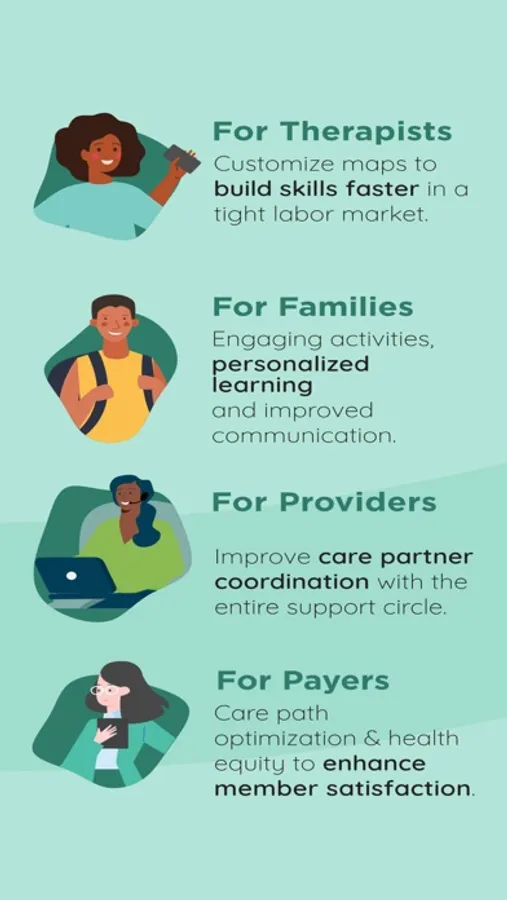
MapHabit is designed for individuals with cognitive differences, intellectual and developmental disabilities (IDD), autism, traumatic brain injury (TBI), and dementia. It’s also used by caregivers, support teams, families, and long-term care providers.
Availability:
The MapHabit app is available to individuals through Medicaid waiver programs, enterprise organizations, and self-pay options. To get started or find out if you’re eligible, please contact our team at Contact Us . The app requires account setup and support from MapHabit—downloading alone won’t provide full access.
Benefits for Individuals:
Build confidence and independence
Reduce stress and confusion
Strengthen routines and focus
Benefits for Caregivers and Families:
Simplify care planning and communication
Promote inclusion and connection
Provide peace of mind
MapHabit Screenshots
Tap to Rate:
Reviews for MapHabit
Holden Ludwig
Great app in theory, just needs some work on smoothness or ease.
As a Tbi survivor I think this is a great app for tracking your day and kind of marking off the things you do as you do them, I’m not entirely a fan of the interface and the way it adjustsand switches orientations after he use it. Every day is incorrect. Example - iPad or iPhone it works temporarily in the vertical orientation, but then switches to horizontal orientation, even if your phone or iPad remains vertically standing (in hand) I do love the practical examples of the usage of the app for activities or tasks to be done, although it could be a bit more focused on younger users. Being 23.
Plant-Based567
Super helpful
I genuinely enjoy using this app to create step-by-step guides for my favorite activities. The ability to customize every step really makes this software stand out.