AppRecs review analysis
AppRecs rating 3.0. Trustworthiness 45 out of 100. Review manipulation risk 18 out of 100. Based on a review sample analyzed.
★★★☆☆
3.0
AppRecs Rating
Ratings breakdown
5 star
67%
4 star
0%
3 star
0%
2 star
0%
1 star
33%
About App to sort the list - Relist
This App is a simple application of the only sort the list (it is replacement of the line).
Great for thinking about the order of things on the go.
I made it for that because app developers themselves often have to think about the order of the songs.
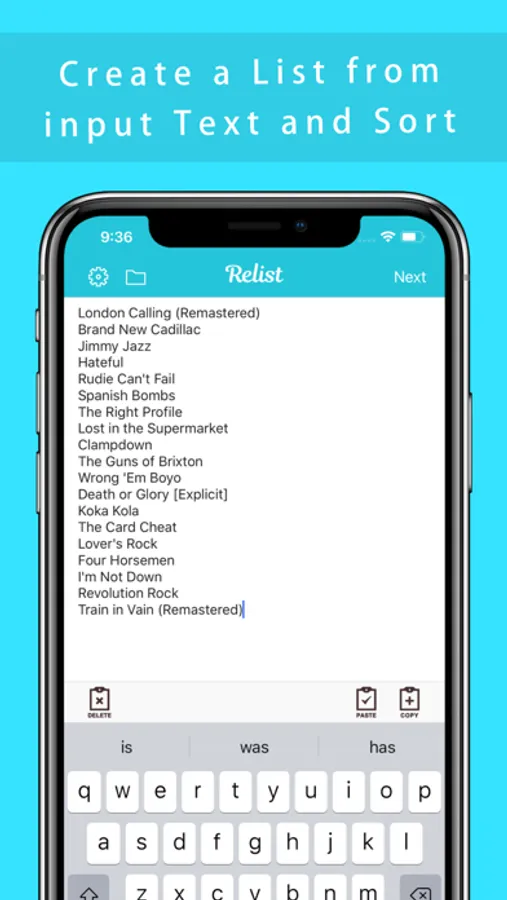
Copy, paste, delete button keyboard for easy input and output.
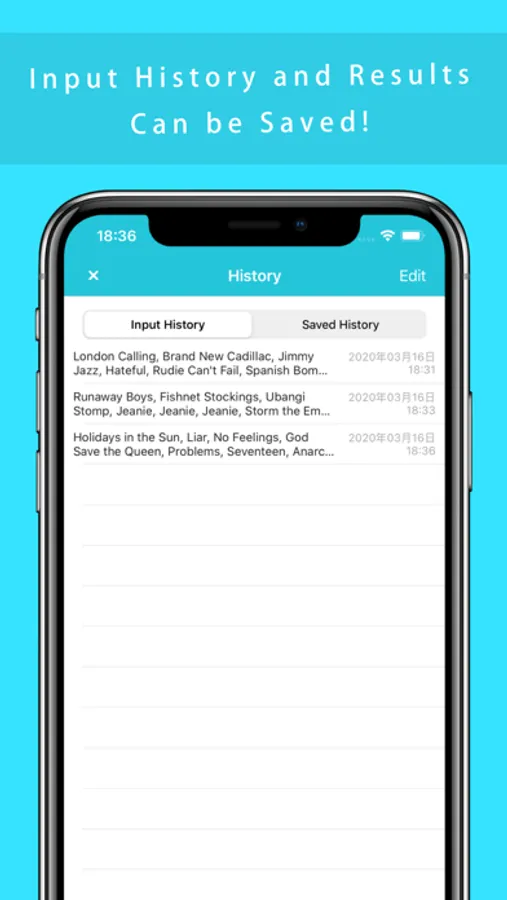
Input and output history can also be saved in the app.
【How to use】
1. Enter the items you want to rearrange.
Without forcibly input, it is useful to copy and paste.
When the new line, will be treated as a single list.
Line breaks on the last line are ignored.
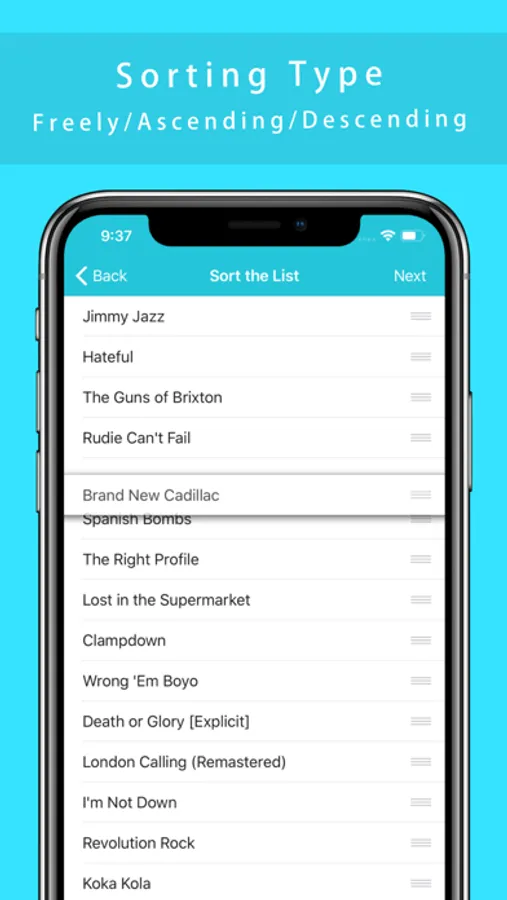
2. Press "Next" to choose how you want to sort the data.
3. Use the copy button to batch copy the sorted results.
If you want to try several times is, let's save the results of input and output.
You can change whether to save the input result every time from the setting screen.
and It is also possible to "number lines".
【Features】
- Sort input list.(Newline-delimited)
- Save the history of the input and output.
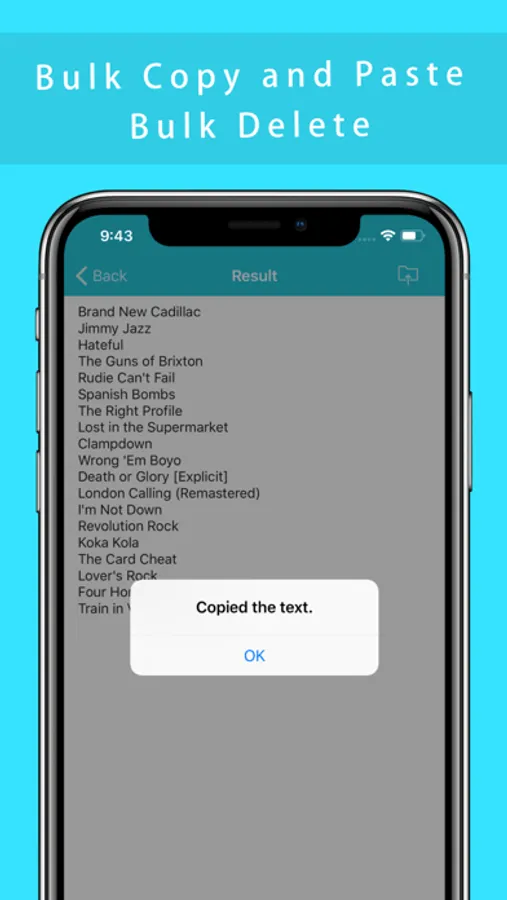
- Bulk copy / paste to clipboard.
- Bulk delete text views.
- "Sort by yourself" "Sort by ascending order" "Sort by descending order" "Sort by random"
- Inserting line numbers into the sorted results
I hope this app is useful for someone.
※ Ad will be displayed.
Great for thinking about the order of things on the go.
I made it for that because app developers themselves often have to think about the order of the songs.
Copy, paste, delete button keyboard for easy input and output.
Input and output history can also be saved in the app.
【How to use】
1. Enter the items you want to rearrange.
Without forcibly input, it is useful to copy and paste.
When the new line, will be treated as a single list.
Line breaks on the last line are ignored.
2. Press "Next" to choose how you want to sort the data.
3. Use the copy button to batch copy the sorted results.
If you want to try several times is, let's save the results of input and output.
You can change whether to save the input result every time from the setting screen.
and It is also possible to "number lines".
【Features】
- Sort input list.(Newline-delimited)
- Save the history of the input and output.
- Bulk copy / paste to clipboard.
- Bulk delete text views.
- "Sort by yourself" "Sort by ascending order" "Sort by descending order" "Sort by random"
- Inserting line numbers into the sorted results
I hope this app is useful for someone.
※ Ad will be displayed.
App to sort the list - Relist Screenshots
Tap to Rate:
Reviews for App to sort the list - Relist
Gam lovva
Waste of Time
Does NOT work…it sorted items ONCE and never worked again!
Liamgwen
Relist doesn't sort!!!!
I created a list but it won't sort. 3rd one I've tried.