AppRecs review analysis
AppRecs rating 3.8. Trustworthiness 80 out of 100. Review manipulation risk 23 out of 100. Based on a review sample analyzed.
★★★☆☆
3.8
AppRecs Rating
Ratings breakdown
5 star
64%
4 star
9%
3 star
0%
2 star
9%
1 star
18%
What to know
✓
Low review manipulation risk
23% review manipulation risk
✓
Credible reviews
80% trustworthiness score from analyzed reviews
✓
Good user ratings
73% positive sampled reviews
About Section K-7
Science Division has developed translation software, available for download to your PADD (Personal Access Display Device), which will allow you to communicate with your Star Trek™ Interactive Tribble, available at ScienceDiv.com!
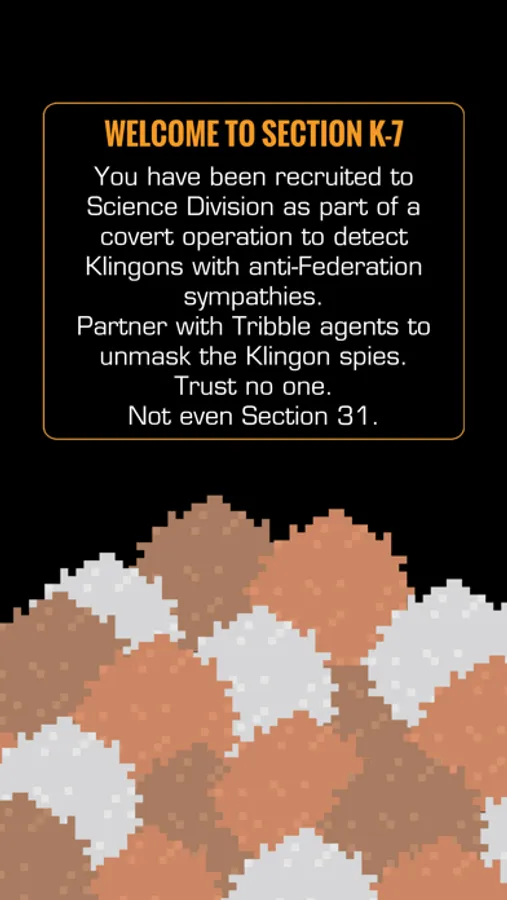
With the Section K-7 app, you can join the covert operation tasked with locating disguised Klingon agents with anti-Federation sympathies.
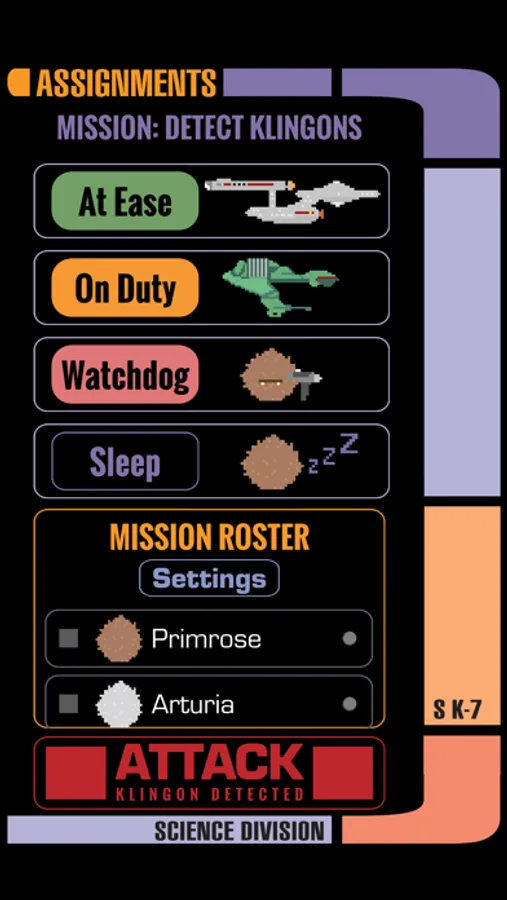
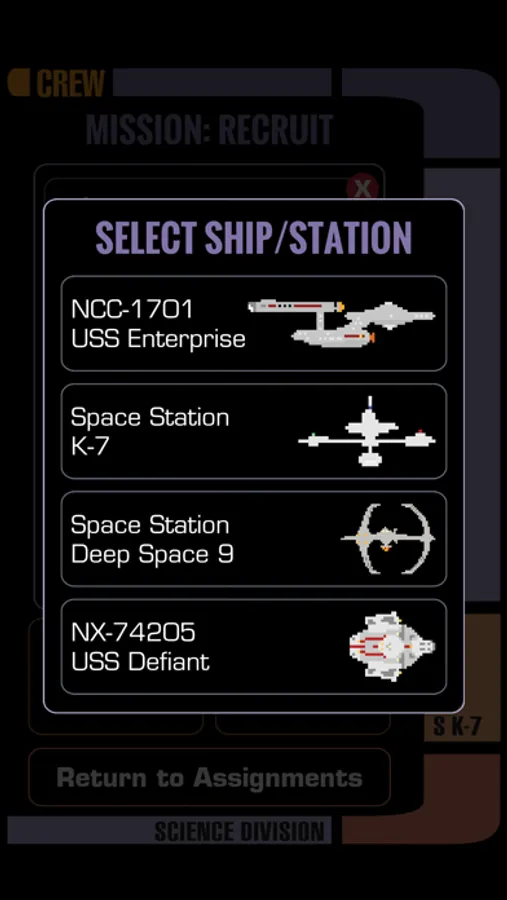
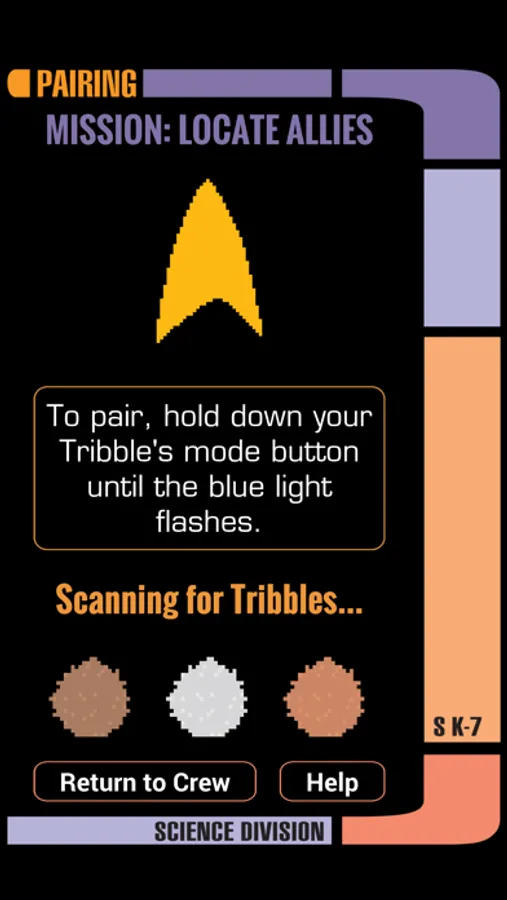
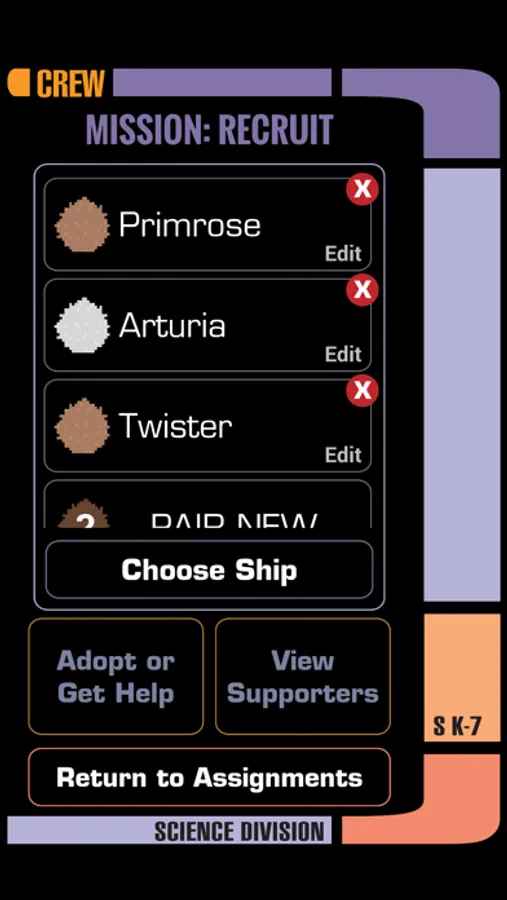
Pair with and name your Tribble, choose your ship, and assign your Tribble to different modes to carry out your mission:
At Ease: Your Tribble is not searching for Klingons. It will trill to acknowledge you when you interact with it. When left alone, your Tribble will continue to trill, but will do so less frequently to avoid irritating its human companion.
On Duty: Your Tribble will begin actively seeking Klingon agents. Pass it around to determine who is an ally, and who is an enemy among us.
Watchdog: Starfleet is entrusting you with sensitive Federation intelligence, which must be secured at all times. If you must leave data unattended, set your Tribble on top of the object that you wish to protect. If a Klingon agent attempts to retrieve that object, your Tribble will alert you!
Oh, and we’re not supposed to tell you this, but the practical jokers at Science Division programmed an auxiliary translation function into the software on your PADD. It triggers your Tribble to scream at anyone in close proximity. So, technically, you can set it off on your friends.
Do not abuse this.
Good luck, recruit! The fate of the Federation is in your hands!
© 2020 Science Division LLC. All rights reserved.
TM & © 2020 CBS Studios Inc. STAR TREK™ and related marks and logos are trademarks of CBS Studios Inc. All Rights Reserved.
With the Section K-7 app, you can join the covert operation tasked with locating disguised Klingon agents with anti-Federation sympathies.
Pair with and name your Tribble, choose your ship, and assign your Tribble to different modes to carry out your mission:
At Ease: Your Tribble is not searching for Klingons. It will trill to acknowledge you when you interact with it. When left alone, your Tribble will continue to trill, but will do so less frequently to avoid irritating its human companion.
On Duty: Your Tribble will begin actively seeking Klingon agents. Pass it around to determine who is an ally, and who is an enemy among us.
Watchdog: Starfleet is entrusting you with sensitive Federation intelligence, which must be secured at all times. If you must leave data unattended, set your Tribble on top of the object that you wish to protect. If a Klingon agent attempts to retrieve that object, your Tribble will alert you!
Oh, and we’re not supposed to tell you this, but the practical jokers at Science Division programmed an auxiliary translation function into the software on your PADD. It triggers your Tribble to scream at anyone in close proximity. So, technically, you can set it off on your friends.
Do not abuse this.
Good luck, recruit! The fate of the Federation is in your hands!
© 2020 Science Division LLC. All rights reserved.
TM & © 2020 CBS Studios Inc. STAR TREK™ and related marks and logos are trademarks of CBS Studios Inc. All Rights Reserved.
Section K-7 Screenshots

Tap to Rate:
Reviews for Section K-7
JoyfullyGrace
Won’t connect over Bluetooth
The tribble will pair initially, then suddenly disconnect. After it disconnects, if I open my Bluetooth settings, nothing shows up for the tribble, even while holding down the mode button for pairing. THE ONLINE TROUBLESHOOTING PAGE DOES NOT HELP. I need someone to call me.
Redmaid 6
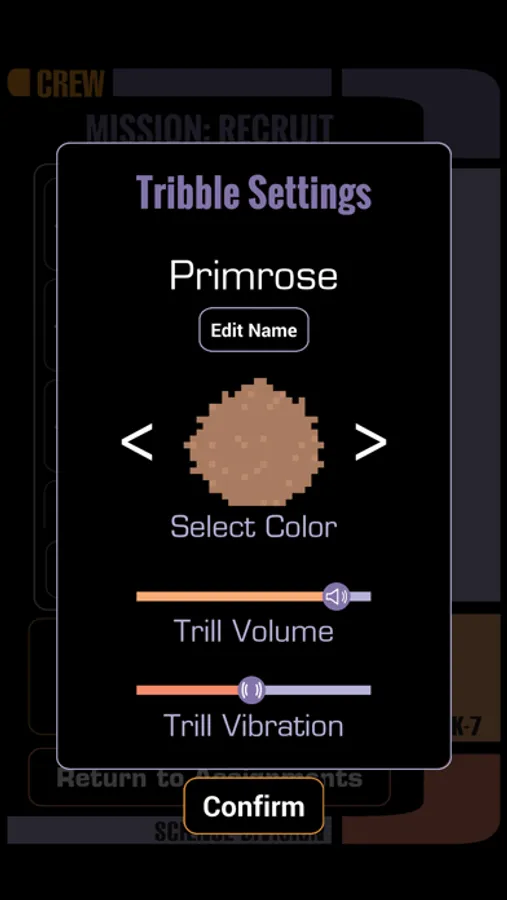
Can’t adjust volume
Sliders don’t work, can’t set volume.